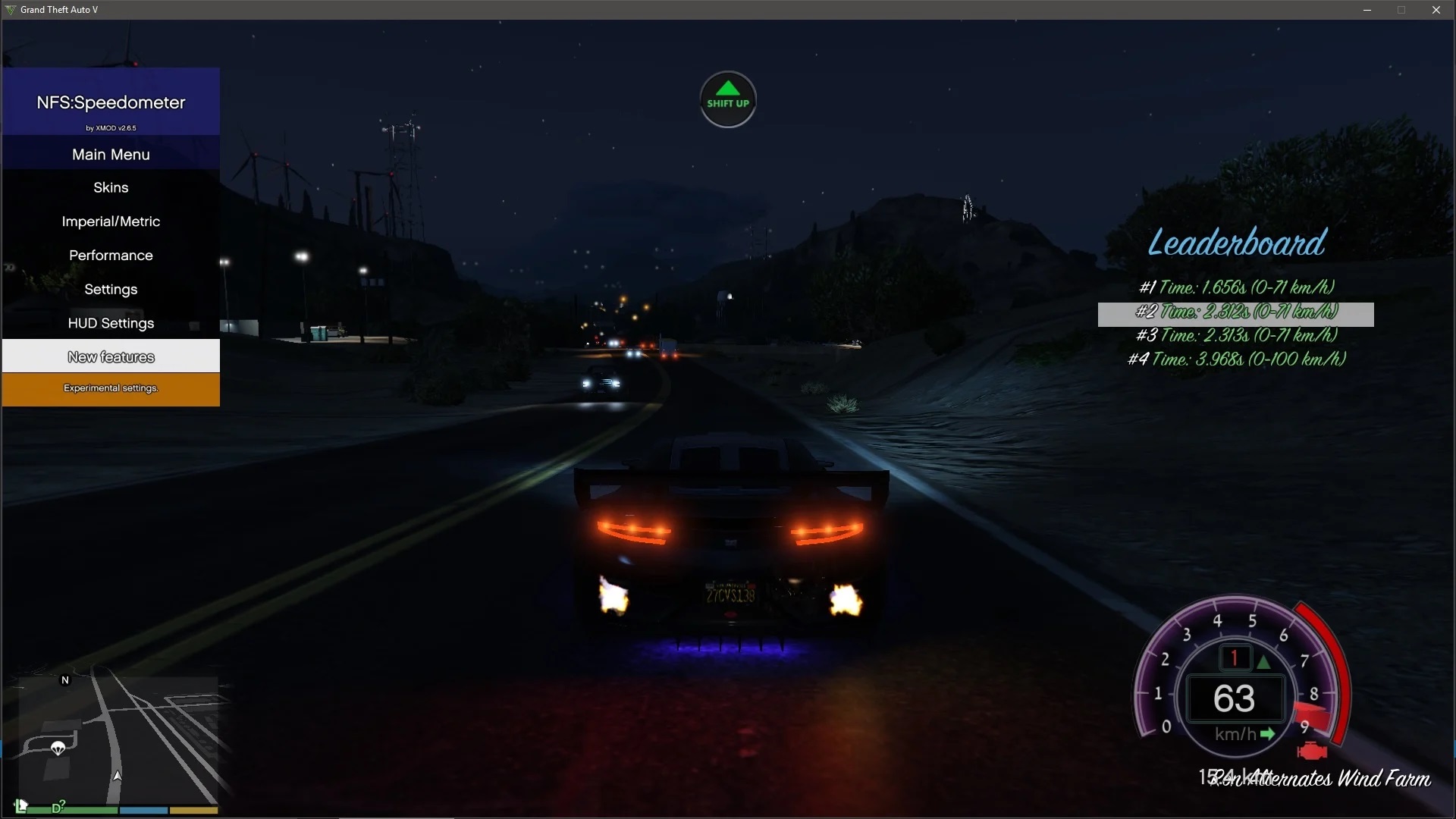

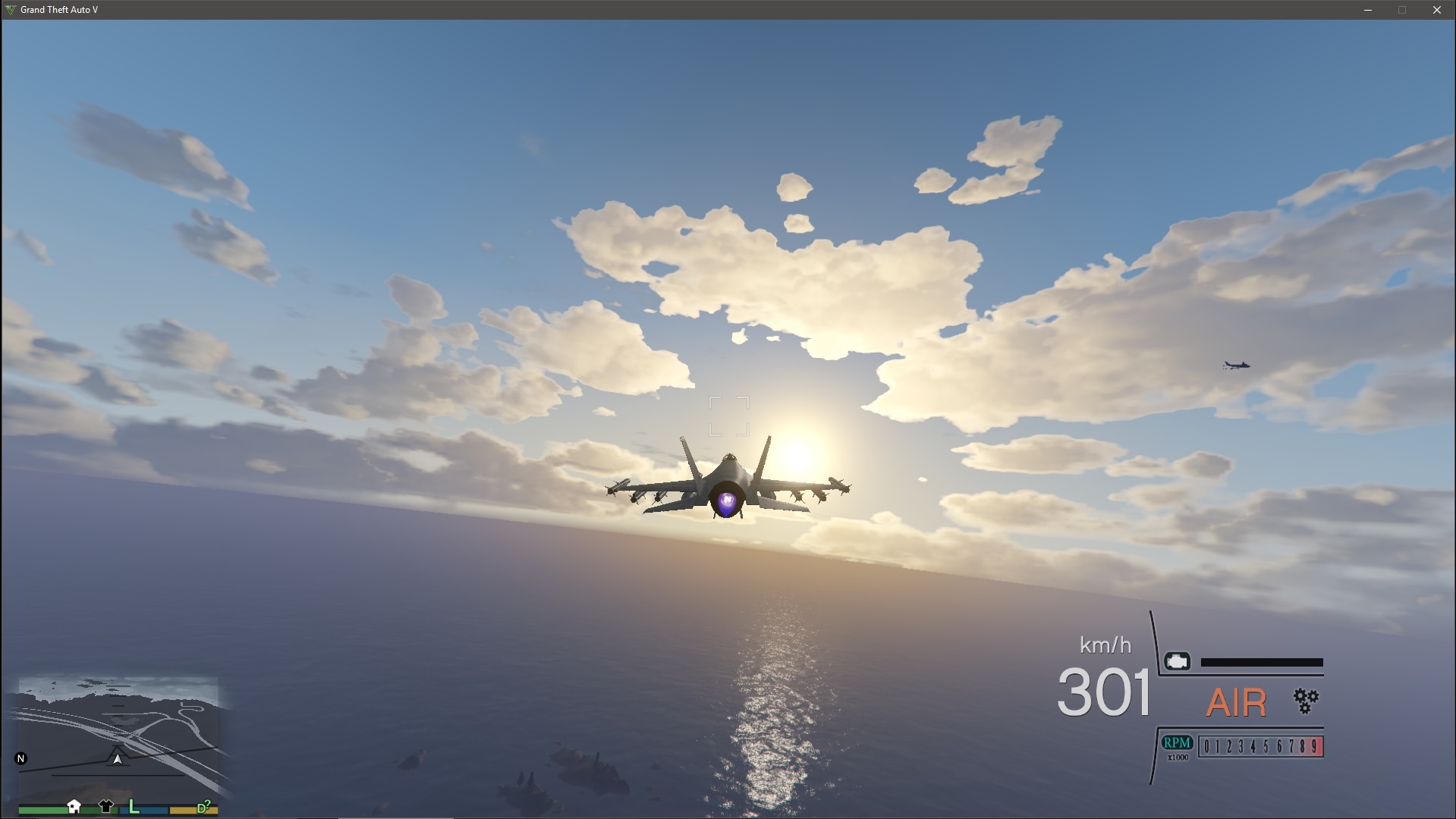
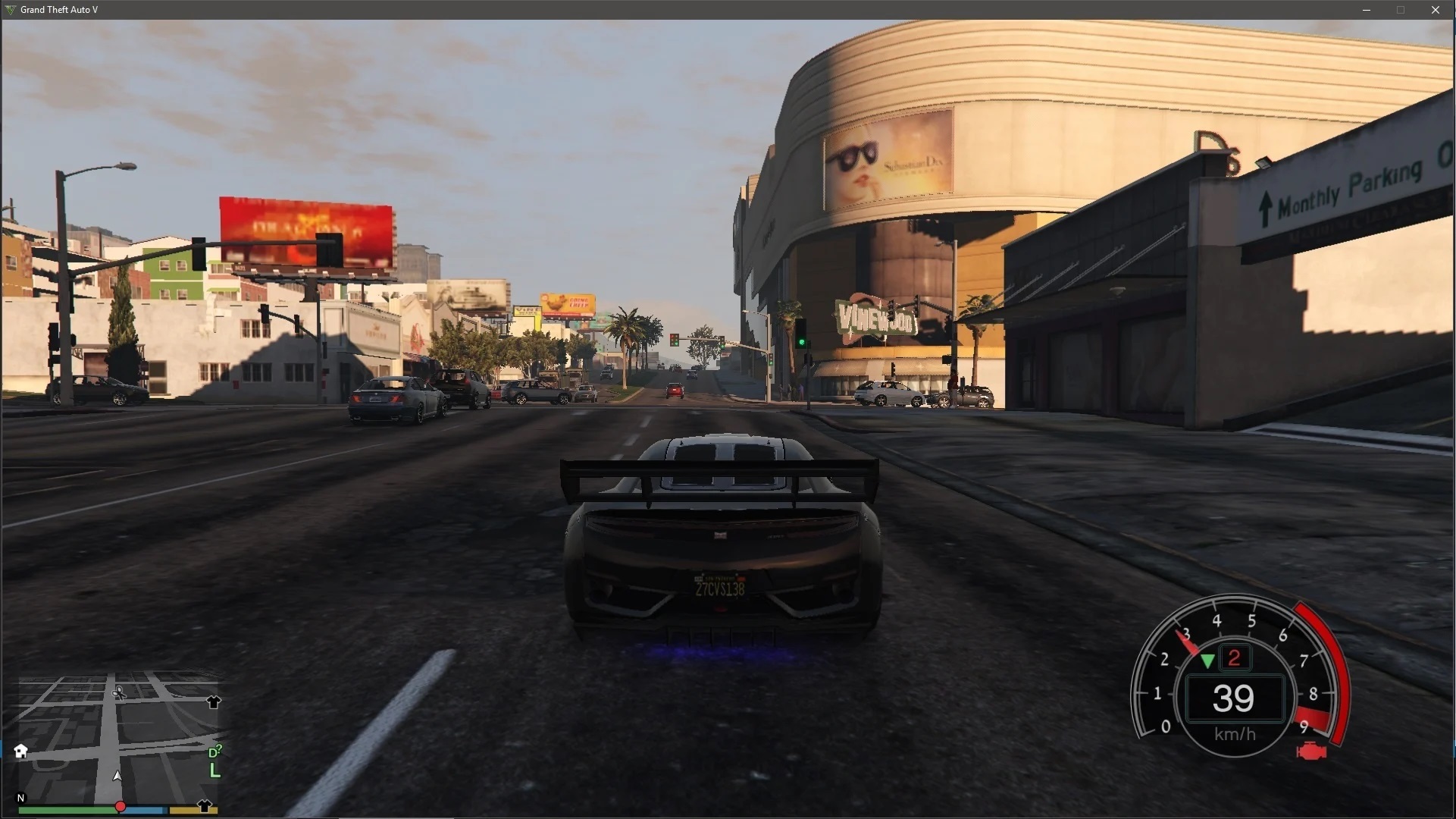
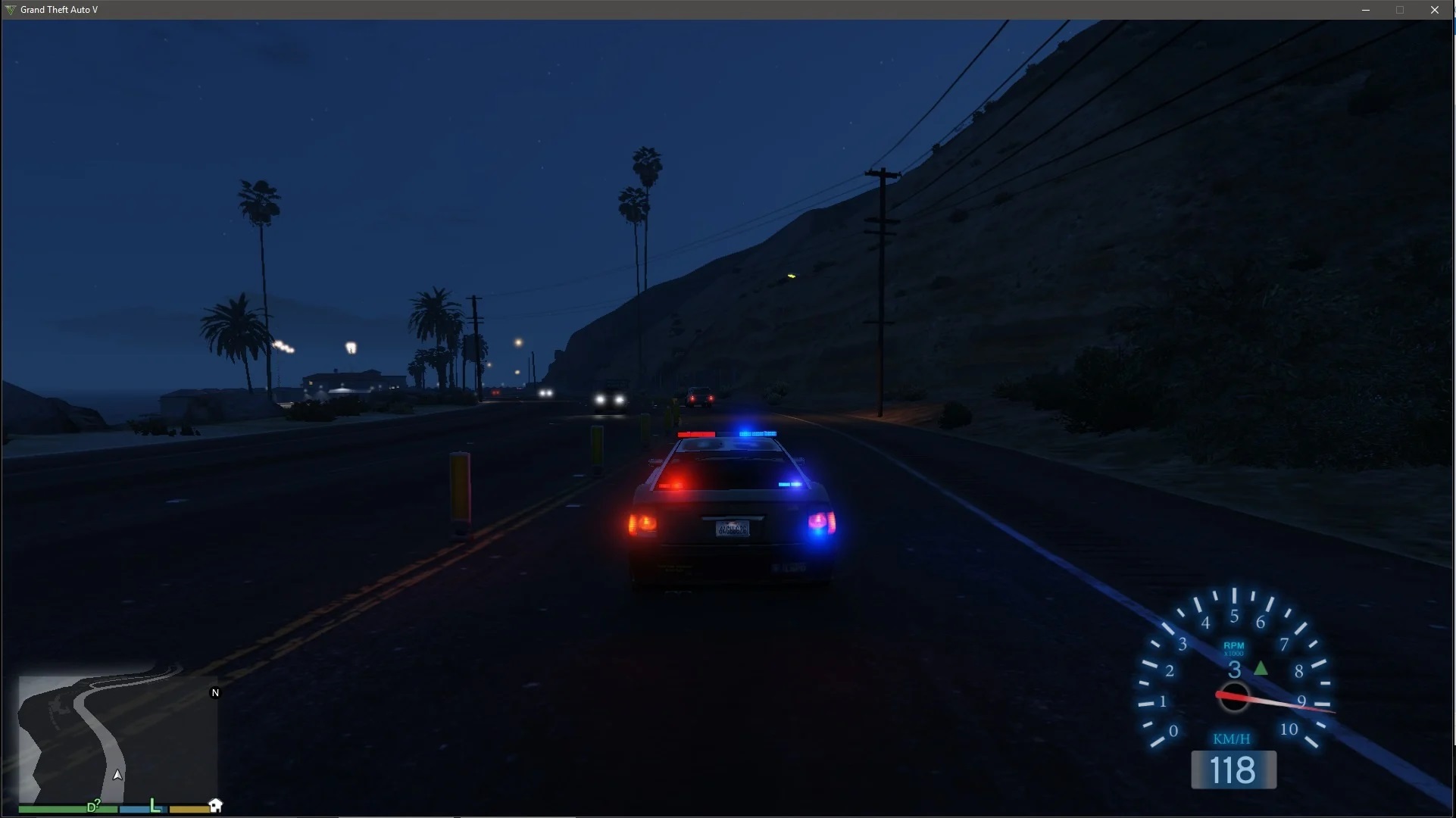
Description:
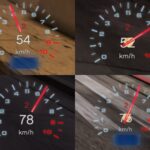
This mod adds NFS speedometers; Available skins:
1. NFS:Hot Pursuit 2
2. NFS: 2015
3. Modern skin
4. Custom skin (example by “yahiba”)
Supports:
1. Speed (mph/kmph/ms).
2. Engine Rev. (0 – 9 RPM)
3. Current gear. (P / 1 – 8 )
GTA V online is not supported.
Installation instructions:
– Find your GTA V installation folder (e.g. C:\Program Files (x86)\Steam\SteamApps\common\Grand Theft Auto V). It should have files like GTAV.exe and x64
– Requires Alexander Blade Script hook
– Extract “NFSgauge.asi” & NFSgauge.ini into the game main directory
– Extract “custom_NFSgauge” folder to use custom skin
– Launch the game and enter a vehicle.
Controls:
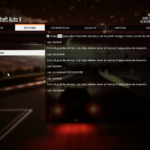
Press ‘*’ to open menu. (above the numpad)
Press Left / Right arrows for turn signals.
can be changed in the ini file.
FAQ:
Q: how do I uninstall this?
A: Delete both of those files from your GTA V installation folder;
Delete all temp files named “NFSgauge_rcX.temp”.
Q: Where do I get the latest version?
A: Visit https://www.gta5-mods.com/scripts/
Changelog:
V2.63.2 (December 30,2017)
HOTFIX PATCH
-Resolved issues arising from rock* new update.
Thanks IKT for the new method!
-Hopefully Resolved theissue that made the skin disappear after loading a saved game.
V2.63.1 (September 14,2017)
HOTFIX PATCH
-Resolved issues arising from rock* new update.
V2.63 (July 18,2017)
– Resolved issues arising from rock* new update.
– Resolved an issue that made the skin disappear after loading a saved game.
– Updated to the lastest scripthookv.
– Disabled blinkers as default settings.
V2.62 (December 17,2016)
HOTFIX PATCH
– Resolved issues arising from rock* new update. (By @ikt)
– For custom skins: Added an option in the ini to add black rectangle background. (enable_custom_bg)
V2.6.6.1100 (October 10,2016)
HOTFIX PATCH
– Gear indicator is now working again.
V2.6.6 (October 7,2016)
– Resolved issues arising from rock* new update. (By @ikt)
– ADVANCED USERS: You can now disable .temp files overwrite through the ini file ONLY (extract_imgs set to 0). Which means you can now recolor or replace elements of the speedometers by modifying the .temp images.
V2.6.5.1200 (September 25,2016)
HOTFIX PATCH
– Fixed airplane FPS drop.
– Fixed menu missing “Set to Default” option.
V2.6.5.1100 (September 25,2016)
HOTFIX PATCH
– Elements will no longer “scatter” when rescaling the speedometer.
– A bug affecting posx and posy has been resolved.
– You can now disable shift indicators in the speedometer.
– Wait for car name can now be changed in the menu.
– Settings will be reloaded every time opening the menu.
V2.6.5 (September 24,2016)
– ALL NEW – Shift assist mode. can be enabled in the menu under “New features”.
This mode helps you shift gears in time.
– New shift indicators for all speedometers.
– Added Blinkers, turn signals, to NFSHP speedometer. (activated only by left and right arrows).
– Slight modern speedometer change.
– Minor code optimizations.
V2.6 (September 14,2016)
– Modern skin has been redesigned.
– Added indicators to help shift gears.
– Fixed minor incompatibility with manual transmission.
– Added menu descriptions.
– Improved menu aesthetics.
– Air speedometer has been retired and the modern one will take its place.
V2.5.5 (April 17,2016)
– .Temp files have been moved to a contained folder and the old ones can be safely deleted.
– Displaying gear in NFS 2015 skin.
– Improved menu items options and cosmetics.
– Switching between different speedo design is now immediate.
– While switching between characters the speedometer will be hidden.
– code improvement.
V2.5.3 (February 09,2016)
– ALL NEW PERFORMANCE TIMER! It is possible to test accerlation times and brake times.
– Scale and position are easier to adjust.
V2.5.1 (February 06,2016)
– Menu improvement patch.
The following are options that had been added to the menu:
– Better Scrolling and menu clarity,
– Hide speedo in Vehicle type HUD.
– Option to change scale and position of the speedometer.
V2.5.1 (February 05,2016)
– HOTFIX: RPM / Gear reading issues.
V2.5 (February 05,2016)
– NEW MENU! new design and animated menu.
– NEW AIRSPEEDOMETER! (Note: still under development. Available in KMPH only)
– Gear indicator is now ACCURATE ( Thanks to IKT findings)
– Shift is no longer necessary to open the menu.
– New performance timer 0-200 kmph has been added.
– New Graphic setting, You can now choose between
(high accuracy – most demanding / medium accuracy / low accuracy – least demanding).
V2.4.3 (November 19, 2015)
– You can now add your custom skin! (example in the archive) current example designed by “yahiba”.
– Supports latest SCRIPTHOOKV version.
– You can now change the font of the text that shows speed / gear / units in the ini file.
– Calibrating game version is now automatic again.
– Code optimization.
V2.4.2 (August 30, 2015)
– Automatically detects game version. (auto-calibrate can still be enabled if any problems arise)
– Added performance timer (0-100 / 0-60). Can be accessed via the menu.
– Added Mileage counter. Can be accessed via the menu.
– Now you can improve your FPS by changing “update_hertz” in the ini file. The higher the better FPS. (0 load_skin_id = 2
Preview: Last screenshot here.
V2.1.1 (July 20, 2015)
– Various skin changes.
– The speedometer will light up when headlights are turned on. (can be disabled in ini file)
– The gear display system has been improved.
– Reverse gear is now displaying correctly as “R” gear.
– Holding Handbreak will now display “N” gear.
– An engine icon replaced the wrench icon.
– An option has been added to the ini file to disable gear display.
New images have been uploaded.
V2.1 (July 19, 2015)
– HD texture
V2 (July 17, 2015)
– HOTFIX: Gear change has been corrected.
– Damage meter will now represent ENGINE HEALTH BY 25% SEGMENTS ONLY.
– You can now resize and relocate the speedometer on screen by changing the values in the ini file.
You can also reload the new settings in-game after pressing ‘ * ‘ twice.
– Removed the nitro bar.
V1.0.1 (July 16, 2015)
– HOTFIX: RPM updates for the latest ver.
V1.0 (July 15, 2015)
– Initial launch
Credits:
– Alexander Blade for script hook v and SDK.
– GTA forums.
– Johnny Manson for providing script hook v template. (And a YouTube video)
– Huge thanks for Alexander Blade for making the texture SDK.
– And also NFS:HP 2010, 2015 team.
– IKT and Lefix, reliable gear reading and misc programming snippets.
– CaliNative23, donation and feedback.
Download mod
| File | File size |
|---|---|
 NSFgauge-2.63.2
 | 4 MB |