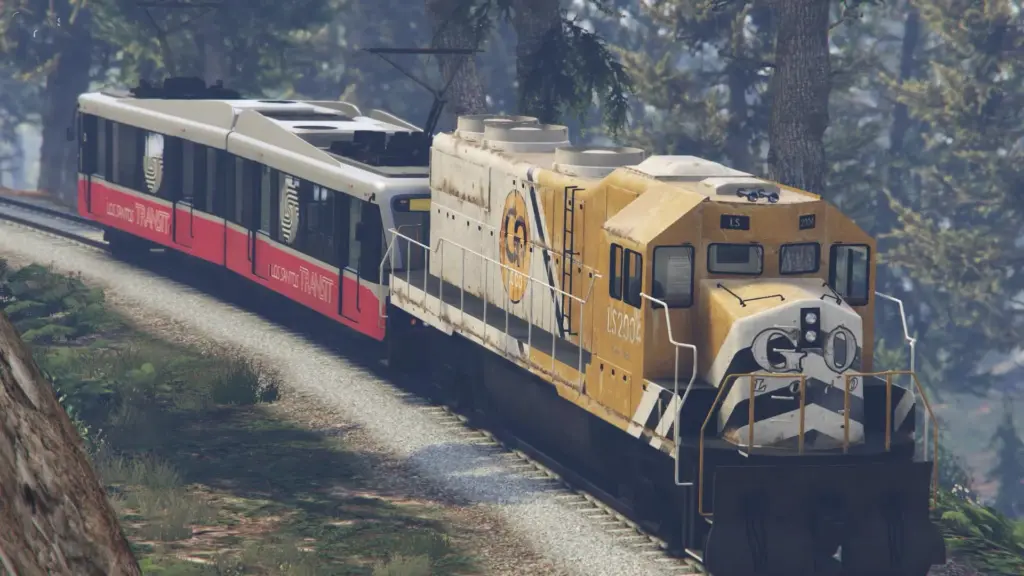
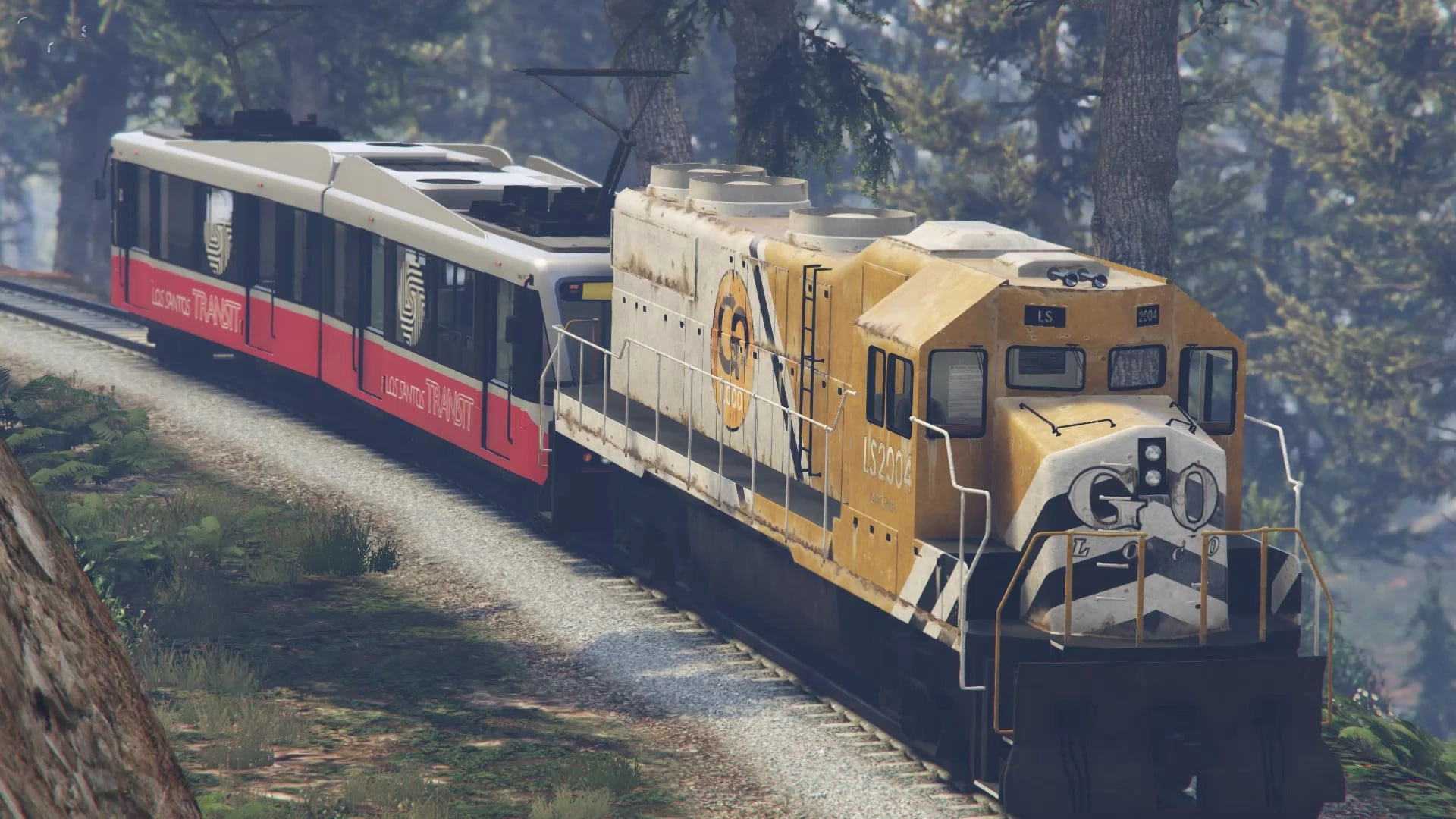
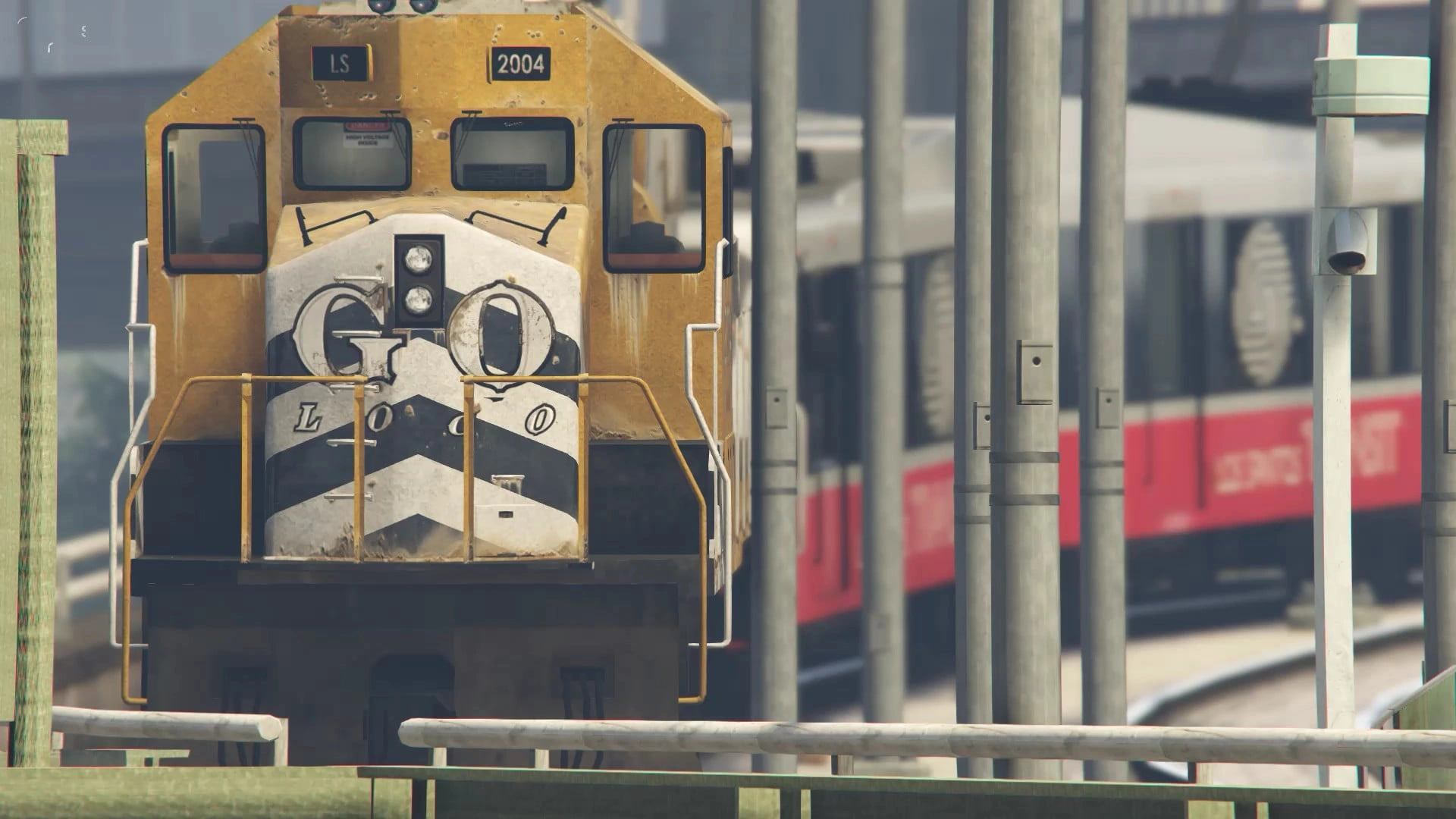
Installation Instructions:
1. Open the “Class A Transport (Special Railway Transport)” folder and select the file of your choice.
2. In OpenIV, navigate to “mods/update/update.rpf/common/data/levels/gta5” and enable Edit Mode. Copy the contents of the file you selected in Step 1 into this location, replacing the original “trains.xml”.
You’re all set! Enjoy!
Credits:
Japanese railway fan
Download mod
| File | File size |
|---|---|
 Class A Transport (Special Railway Transport)
 | 8 KB |
![New Mount Chiliad Railway Station [Menyoo] V0.1](https://gta5mod.net/wp-content/uploads/2022/11/New-Mount-Chiliad-Railway-Station-150x150.png "New Mount Chiliad Railway Station [Menyoo] V0.1")

![US Vehicles Military: Transport & Support [Add-On] Pack 1.0](https://gta5mod.net/wp-content/uploads/2021/08/US-Vehicles-Military-150x150.jpg "US Vehicles Military: Transport & Support [Add-On] Pack 1.0")