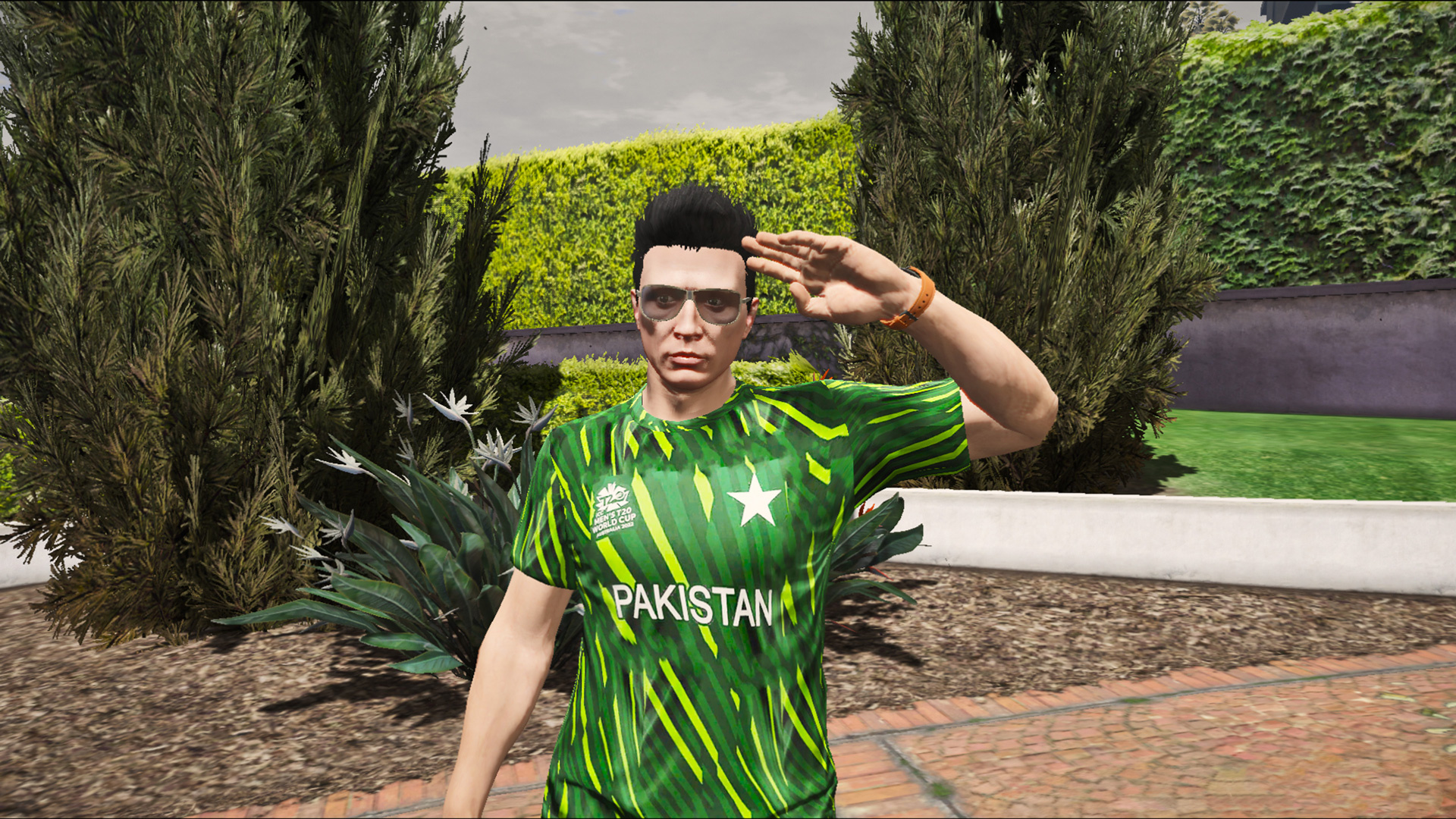
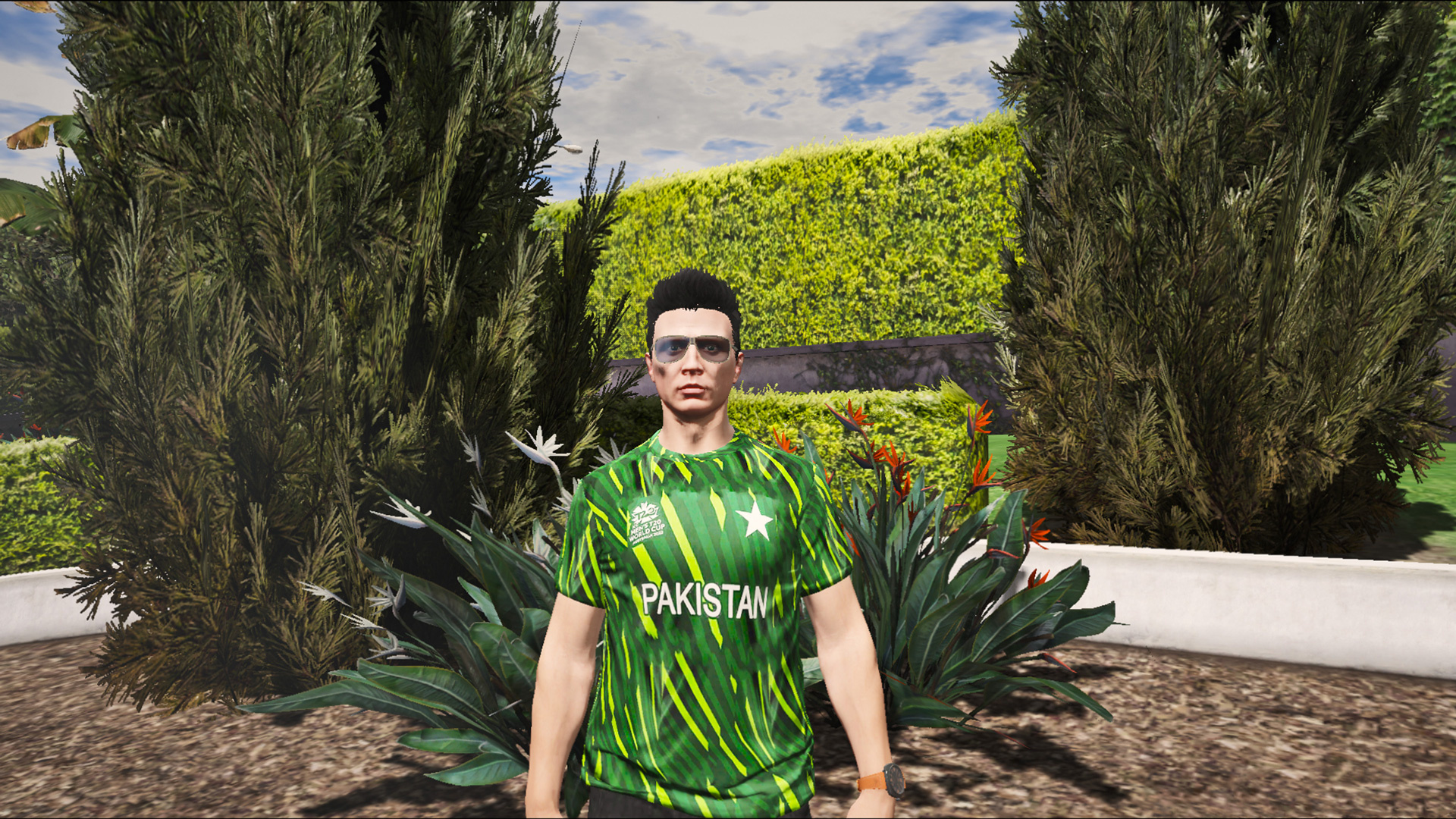

This is the Shirt of Pakistan World Cup 2022
Instructions:
Install the MP Male Folder (By Game and Graphics) with this Video into Your Game
After installing the MP Male Folder. In OpenIV go to Mods>update>x64>dlcpacks>MPMaleAddon>dlc.rpf>x64>streamedpedsmp.rpf>mp m freemode 01> and drag the File there
Then in Menyoo select MP Male in Model Changer in Multiplayer Models. And Then Go to Wardrobe and Go to Outer. Select Type 0 and Texture 6. If there are something White or Black on The Shirt go to Acessory/Tops and Select 2 in Type and it will be Fixed.
Credits:
YasirTheGamer1
Download mod
| File | File size |
|---|---|
 PakT20Shirt2022
 | 192 KB |