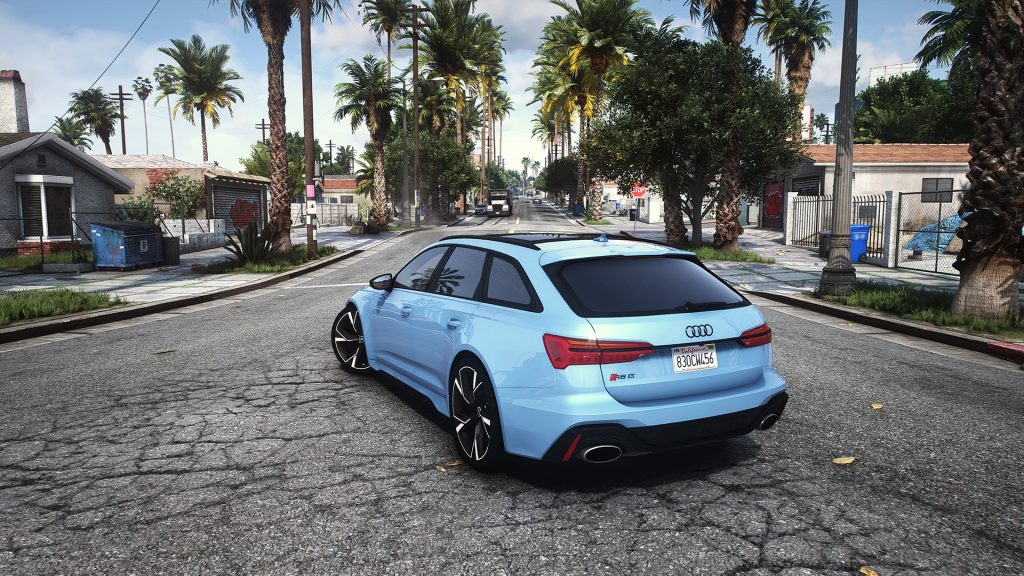


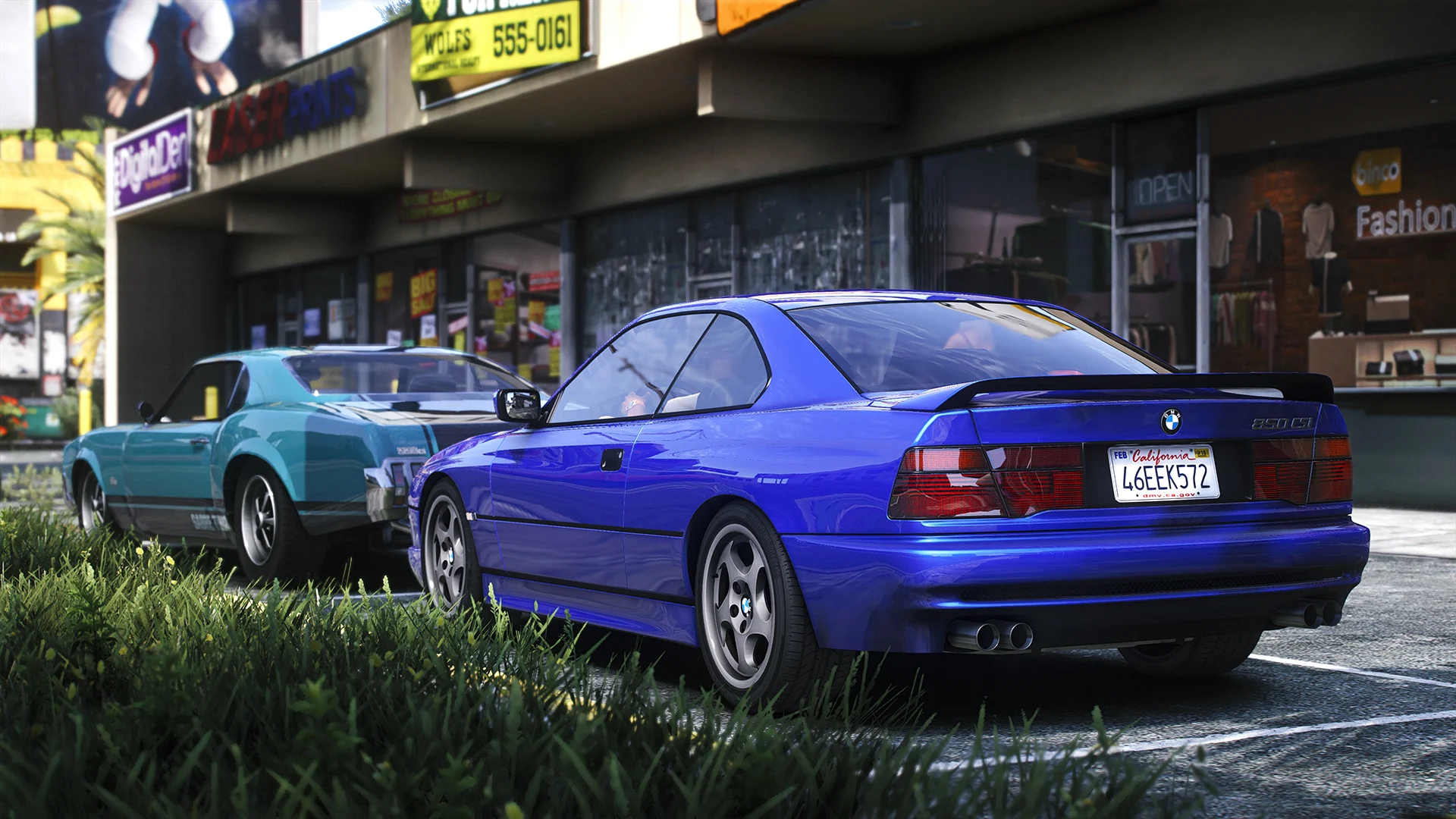
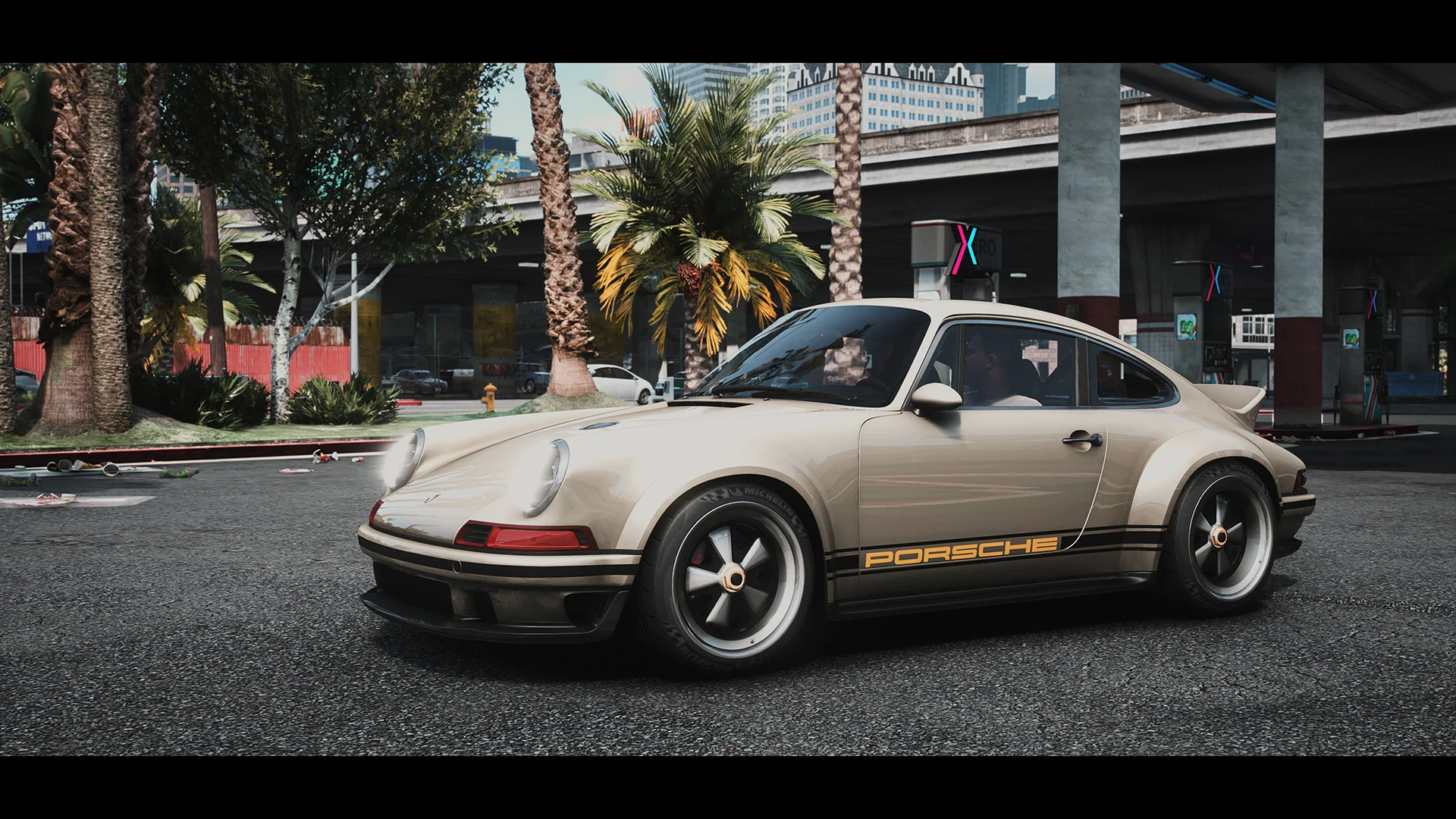
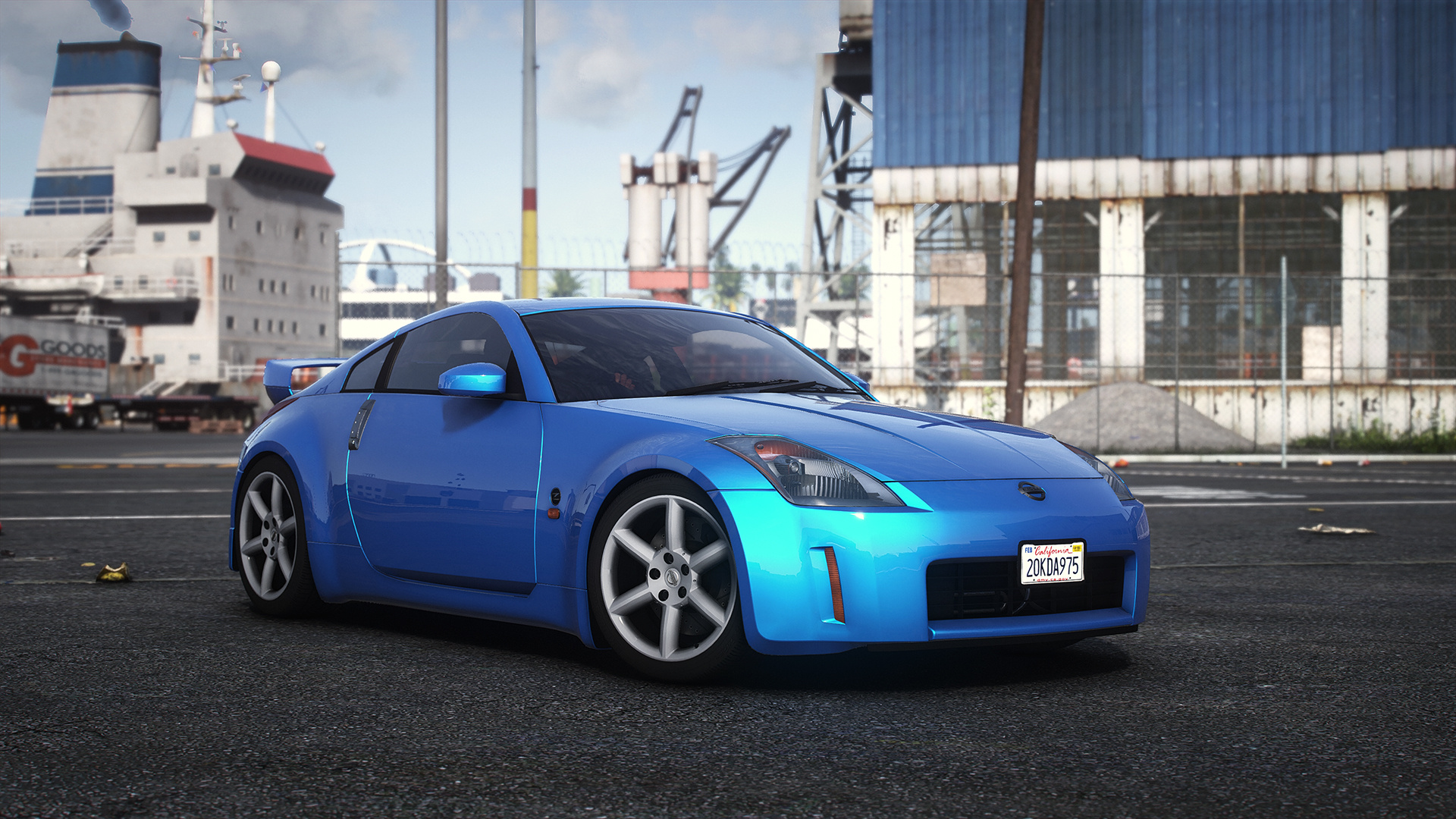
Nathan Ferdinand’s Reworked Graphics (NFRG) is a suite of customized ENB and ReShade presets for GTA V.
Quick Installation Guide
Download and install ENB – vanilla users only, latest version recommended
Download and install NaturalVision Evolved – highly recommended
Download and install ReShade – latest version recommended
Copy the files to your GTA V directory.
Tips:
Set the brightness to 60 percent and PostFX to Ultra for best results.
Tweak the sharpness: open Reshade menu, enable FXAA if you find it too sharp or increase AdaptiveSharpen value to your likings if you find it too blurry.
Changelog:
Update v1.3
– introducing 2 new ReShade presets:
1. Cinestyle Alternative – cinematic preset is now graded with LUTs.
2. Warm Tones – same as Photorealistic but with warm tone. Best if used for sunrise/sunset scenes.
– removed unnecessary shaders for better performance in all presets.
– replaced ColorMatrix shader with PD80’s color temps shader for Photorealistic and Vivid Colors presets.
– done some adjustments on QuantV ENB, night scene isn’t too bright anymore.
– adaptive sharpness level is now set equal in all presets.
Credits:
Nathan Ferdinand
Download mod
| File | File size |
|---|---|
 NFRG v1.3
 | 3 MB |