
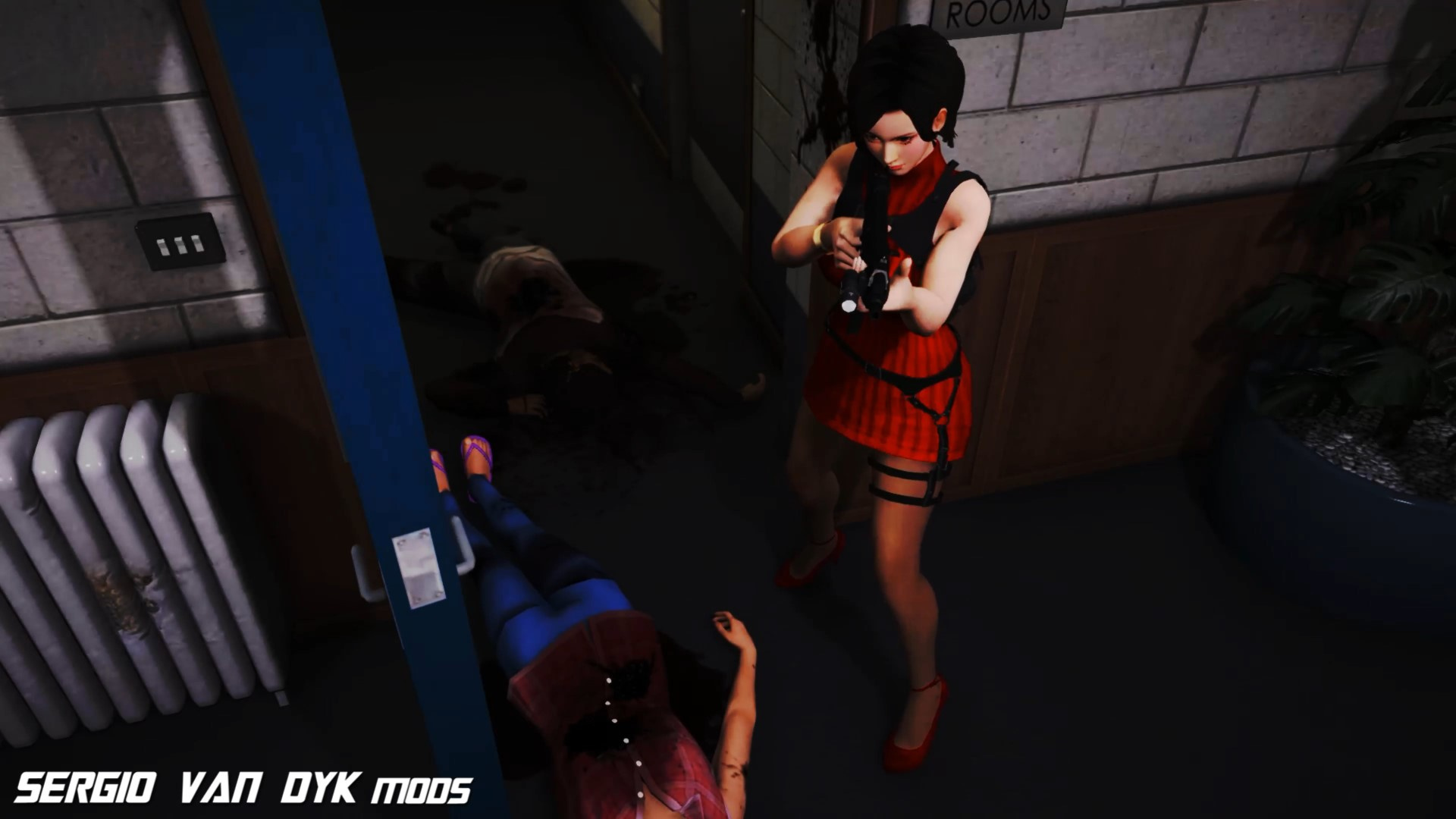
Featured 💗
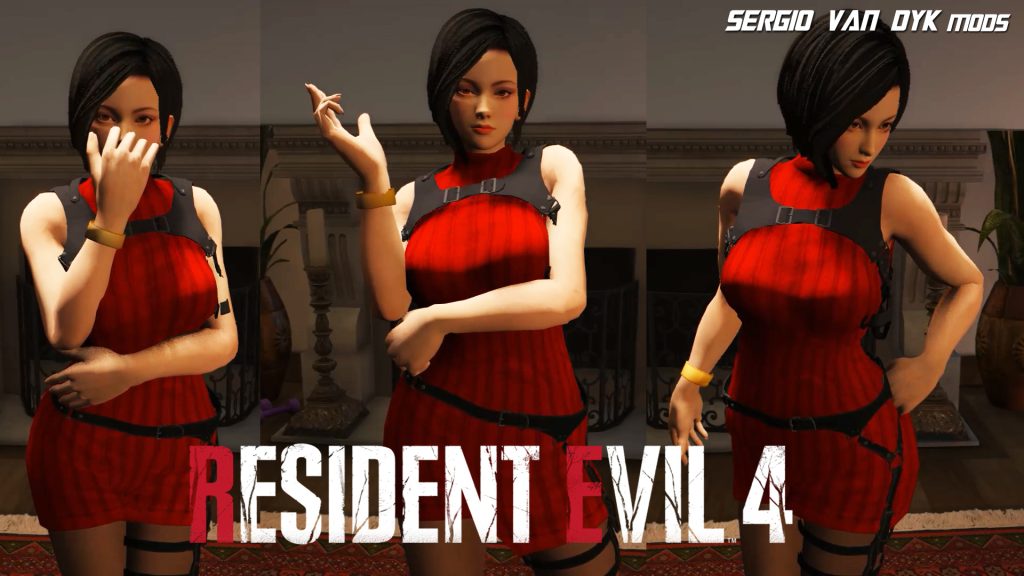
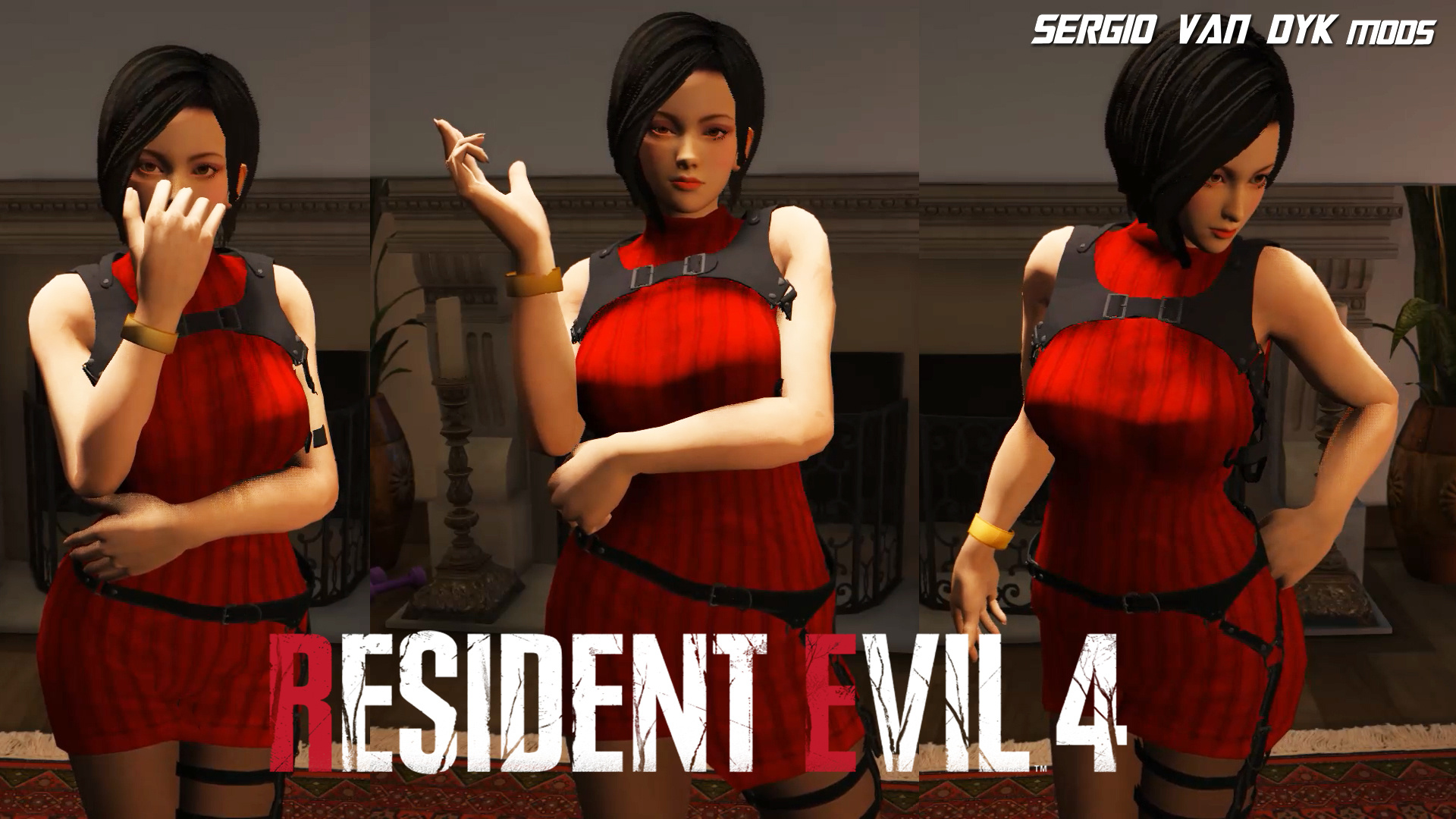
-Full face animation!
-Perfect movements throughout the body!
-Breast Movements
-Natural face and makeup
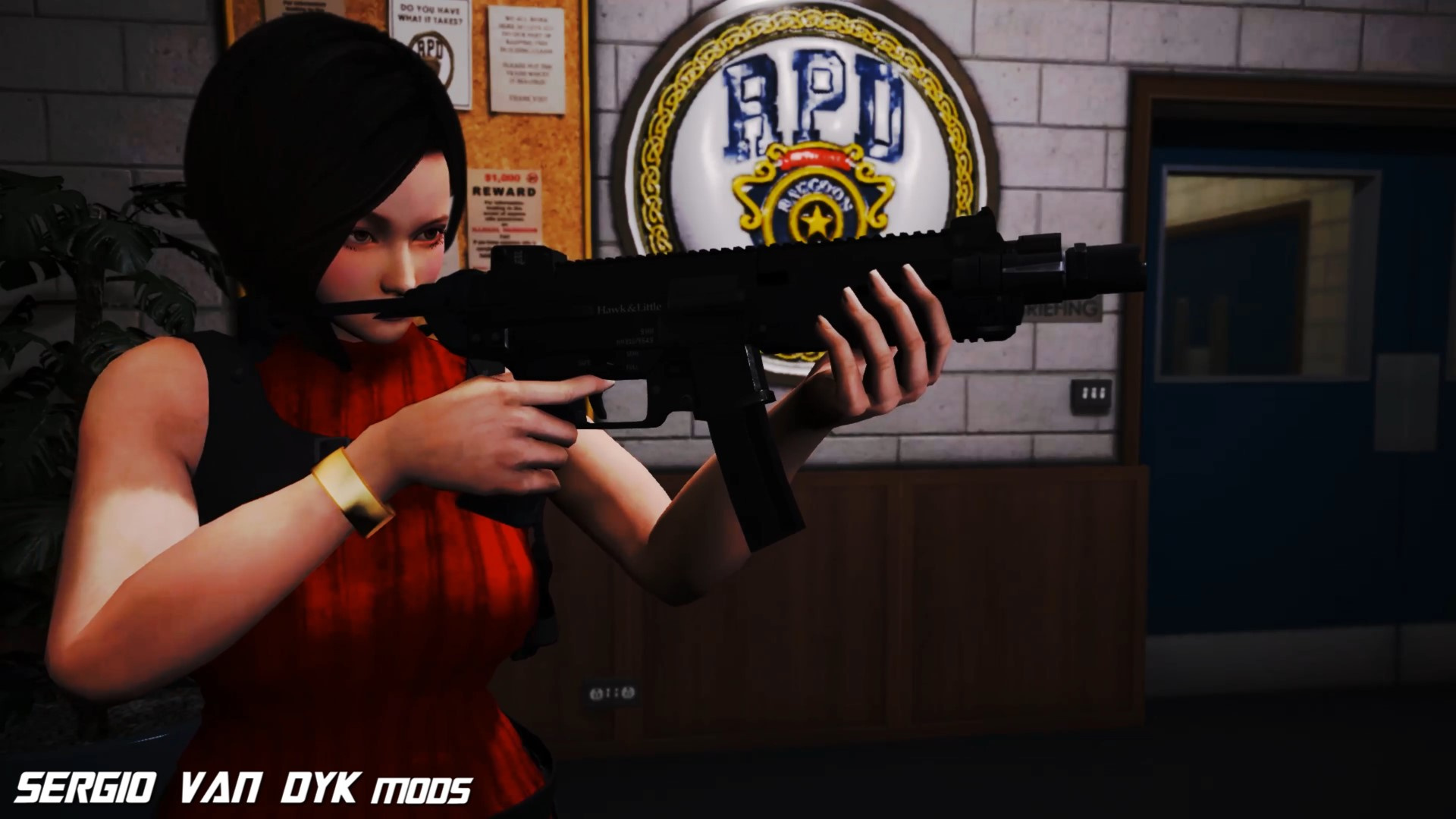
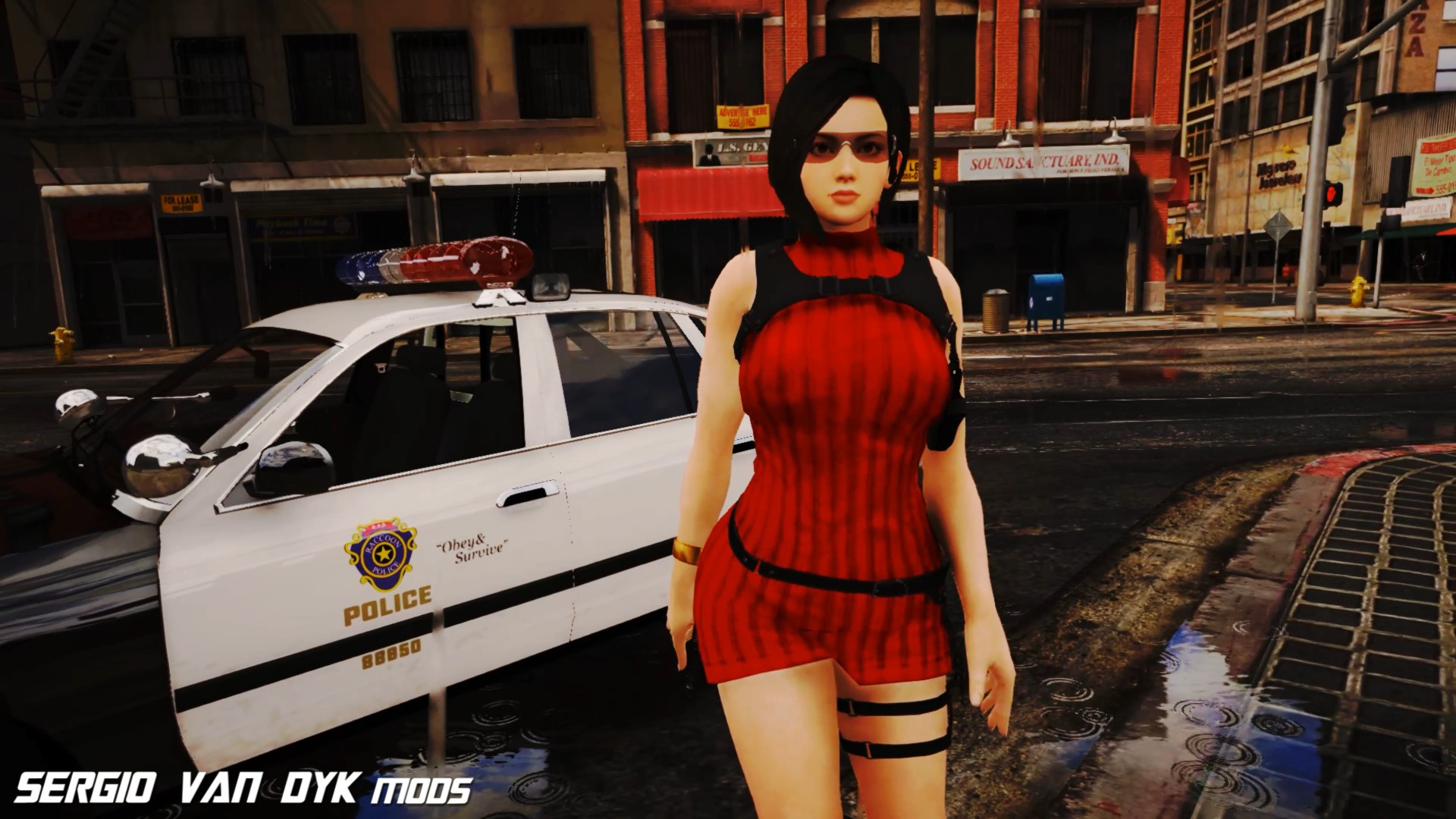
-Accessories
Glasses
2 with 2 colors and one
From the game DOA 😋
Installation:
Replace
Use OPEN IV.
always install in Mods Folder!
depending on the model to choose, look for its location in the Mods folder
you can replace it with:
a_f_y_hipster_04
a_f_y_hipster_03
a_f_y_business_04
s_f_y_sheriff_01
s_f_y_cop_01
a_f_y_skater_01
It probably looks good on other models too.
Accessories
remember to put the same name with the ped to replace and “_P”
example: “s_f_y_cop_01_P”
go to this address and paste the 2 files
Grand Theft Auto V\mods\x64e.rpf\models\cdimages\pedprops.rpf\HERE
Done.
Enjoy!
Installation:
-Using OpenIV, put all files into: GTA V\mods\update\x64\dlcpacks\addonpeds\dlc.rpf\peds.rpf
-Run AddonPeds (Run as admin)
-Click “New Ped” input the name “Ada_Wong_RE4R”
Set Ped Type to “Female” and Is streamed “False”.
press REBUILD.
Done
Credits:
SERGIO_VAN_DYK
Download mod
| File | File size |
|---|---|
 Ada Wong RE4 REMAKE
 | 36 MB |
![Ada Wong Resident Evil 2 Remake [Add-On Ped | Replace] v1.5](https://gta5mod.net/wp-content/uploads/2020/07/Ada-Wong-Resident-Evil-2-Remake-150x150.jpg "Ada Wong Resident Evil 2 Remake [Add-On Ped | Replace] v1.5")

![Ada Wong Custom Casual [Add-On Ped | Replace] v1.1](https://gta5mod.net/wp-content/uploads/2020/08/Ada-Wong-Custom-Casual-150x150.jpg "Ada Wong Custom Casual [Add-On Ped | Replace] v1.1")
![Ada Wong School (Hair Default) [Add-On Ped] 1.0](https://gta5mod.net/wp-content/uploads/2021/10/Ada-Wong-School-150x150.jpg "Ada Wong School (Hair Default) [Add-On Ped] 1.0")
