
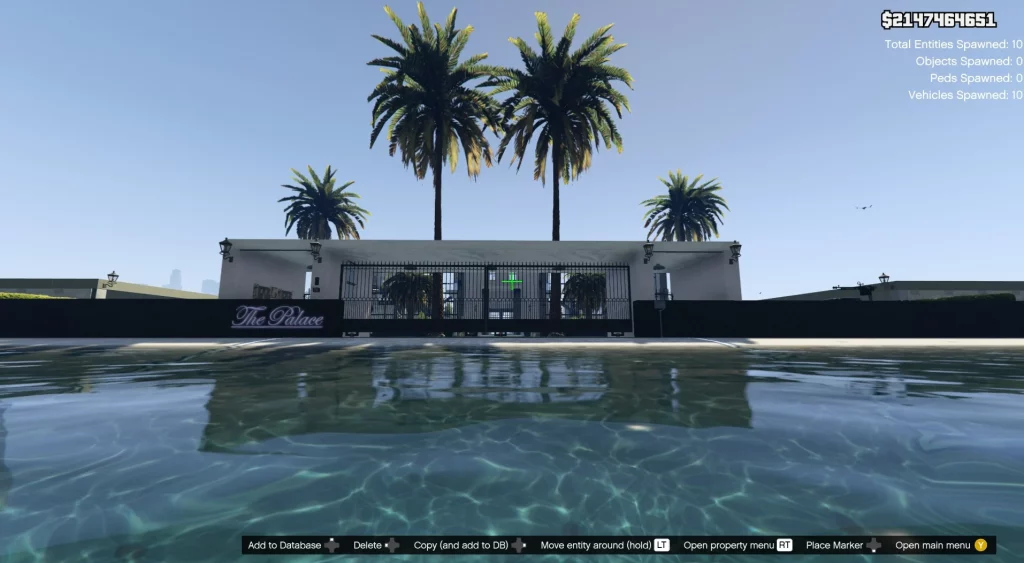

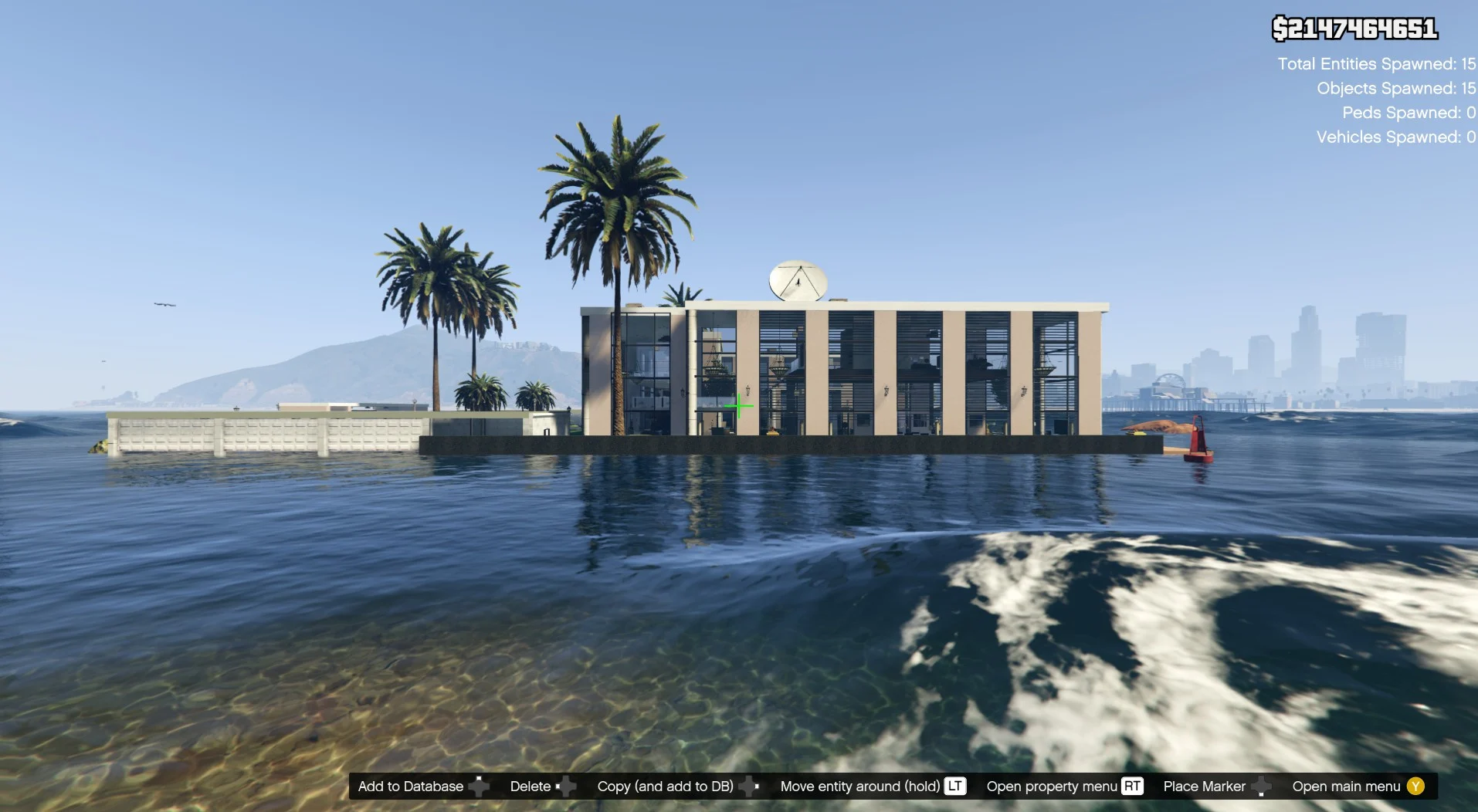
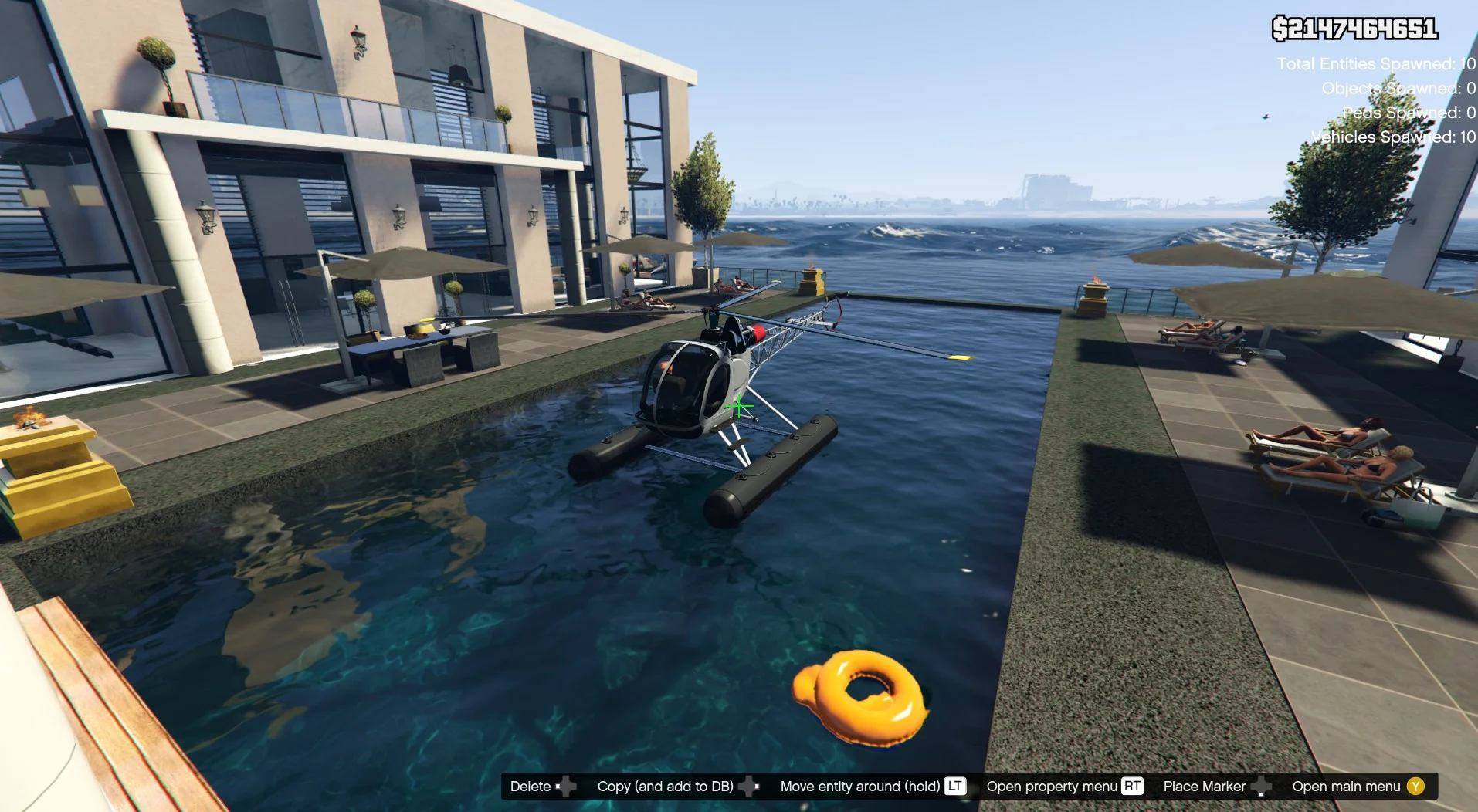
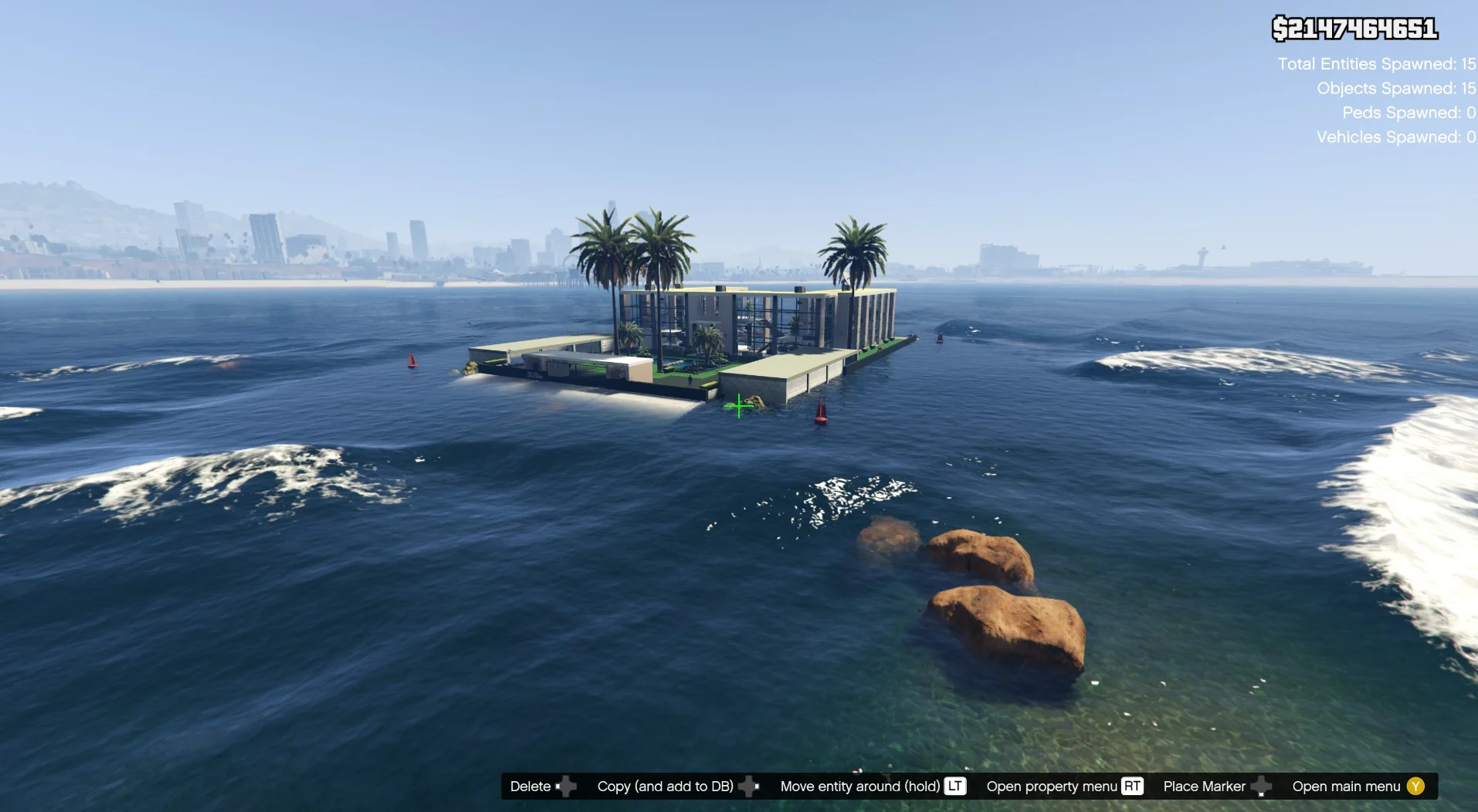
Installation:
PLEASE READ IT CAREFULLY !
If you don’t have mods folder, just create it and put the original common.rpf locate in GTA5 main folder in your mods folder
Download and install:
ScriptHook,
ScriptHook V.NET
and OpenIV
and MENYOO
and VERY IMPORTANT:
Map Builder
and
Custom Props Add-On [BETA 3]
HOW TO INSTAL:
A] WATER
Before opening the game, run OpenIV and go to edit mode,
Navigate to: common.rpf/data/level/gta5
BACKUP water.xml in case something went wrong.
And then replace it with the one included in the archive.
B] ADDON [ymap file]
Installation for instal (OPEN IV needed for this)
copy and paste folder “custom maps”
to: mods>update>x64>dlcpacks
Finally add “dlcpacks: custom maps ” in dlclist.xml using OpenIV
to: mods update.rpf common data
Or,
when you already have your custom maps folder then go to:
mods>update>x64>dlcpacks>custom maps>dlc.rpf>x64>levels>gta5>citye>maps>custom maps.rpf
and add the file :
Vespucci Palace.ymap
Vespucci Palace2.ymap
Vespucci Palace3.ymap
[Addon] (don t rename the file. OpenIV will do the rest)
C] MENYOO [xml file] for vehicles
Copy:
Vespucci Palace Add 1xml
of my archive to GTAV menyooStuff Spooner.
Now launch in GTA5, press F8 to open Menyoo, select “ObjectSpooner”, “SavedFiles”,
and load:
Vespucci Palace Add 1xml
(You will be teleported on the palace ) 🙂
Changelog:
V1.1 add heli pad, add submarin, adjut the sand ground under the palace, add lights in the swiming pool
V1.2 remove the fake submarin, adjust up or down some few props like the boat, active one door garage, i have forgot in the version 1.1.
Credits:
zamalone
Download mod
| File | File size |
|---|---|
 Vespucci Palace 1.2
 | 89 KB |
![Super Cars Center Palace [XML][YMAP] V1.0](https://gta5mod.net/wp-content/uploads/2023/10/Super-Cars-Center-Palace-150x150.webp "Super Cars Center Palace [XML][YMAP] V1.0")
![Trianon Palace [YMAP / XML] V1.0](https://gta5mod.net/wp-content/uploads/2023/01/Trianon-Palace-150x150.jpg "Trianon Palace [YMAP / XML] V1.6")

![Vespucci Beach Upgrade [YMAP] 1.1](https://gta5mod.net/wp-content/uploads/2020/08/Vespucci-Beach-Upgrade-150x150.jpeg "Vespucci Beach Upgrade [YMAP] 1.1")
