

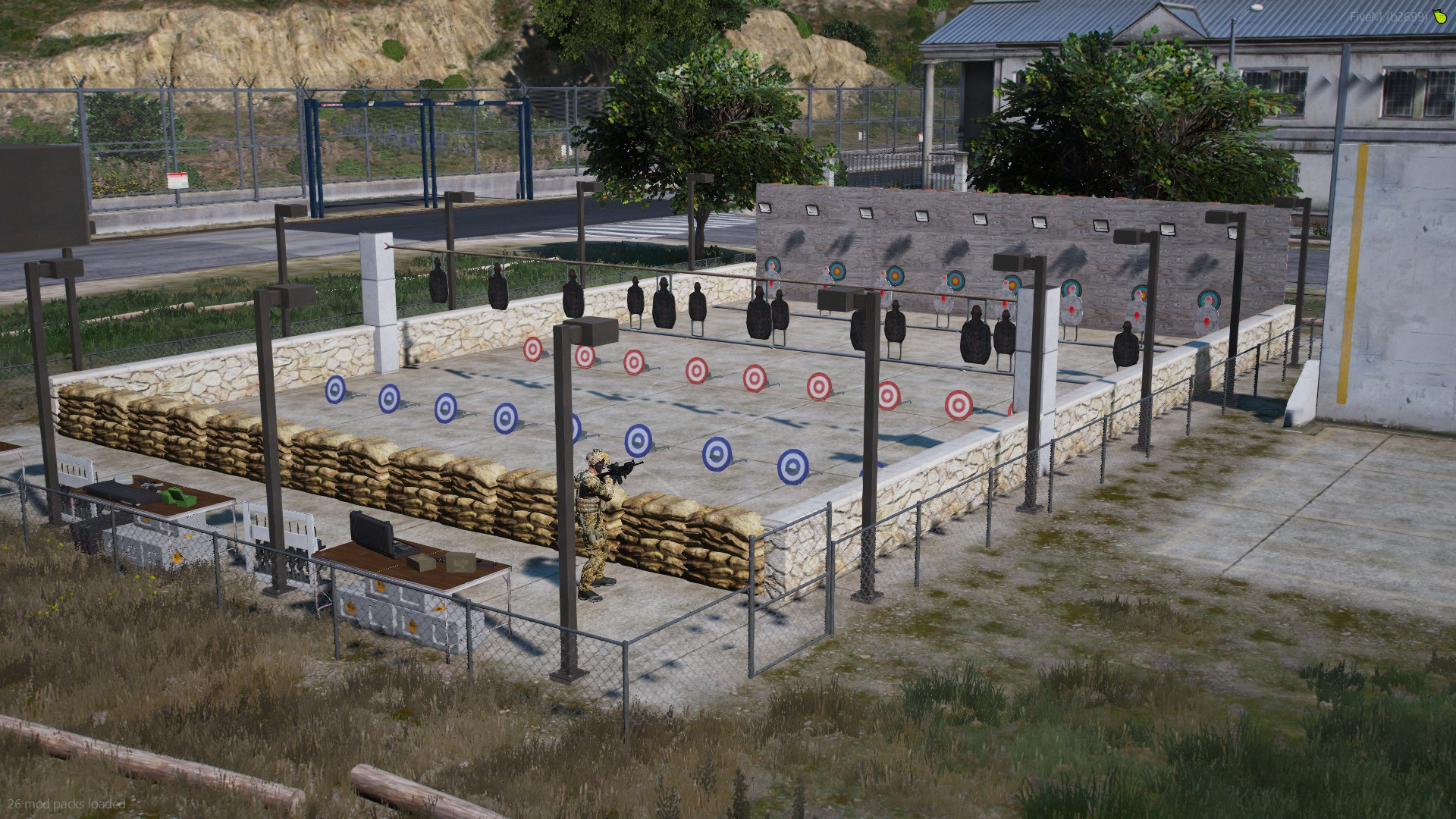
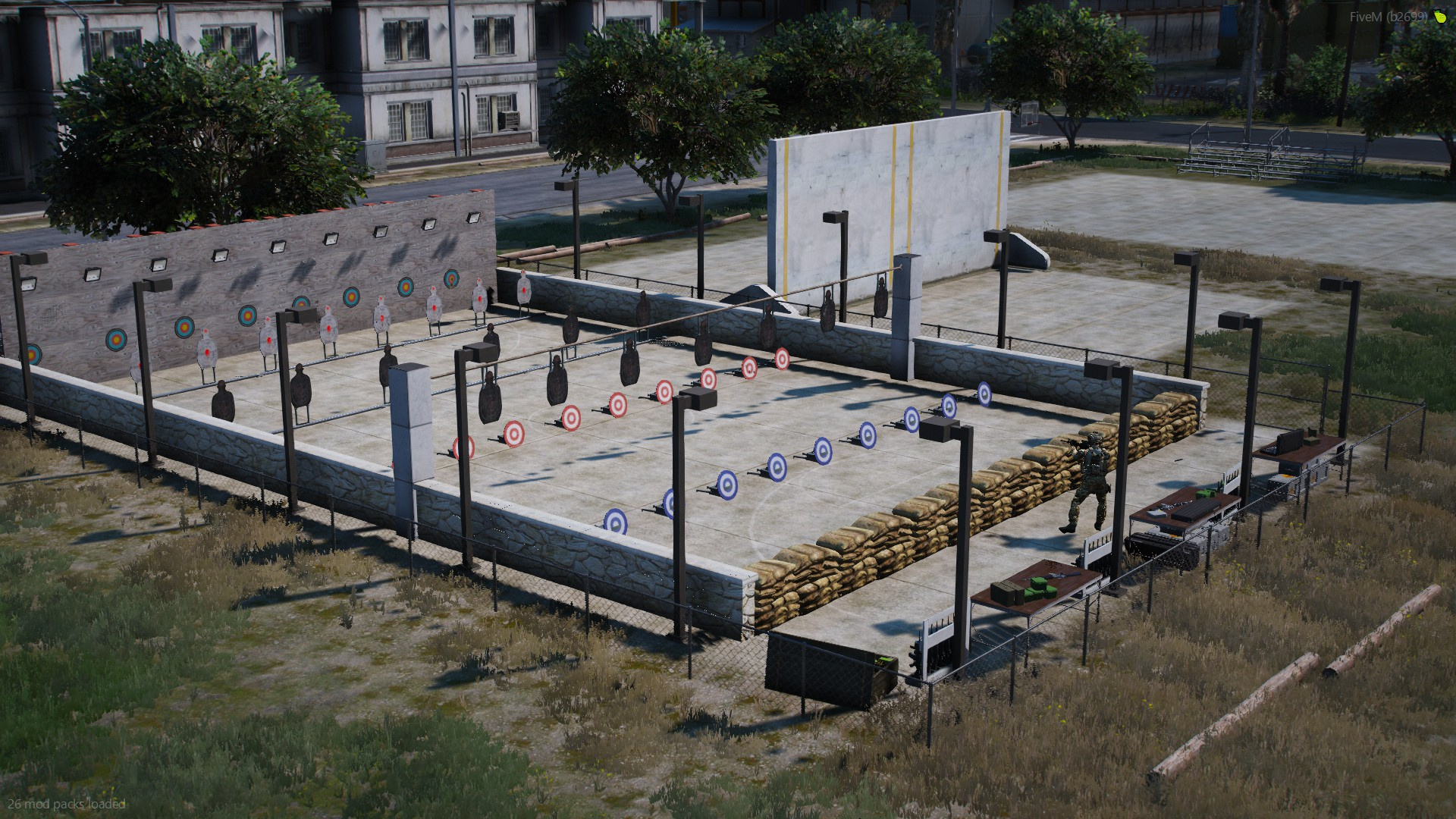
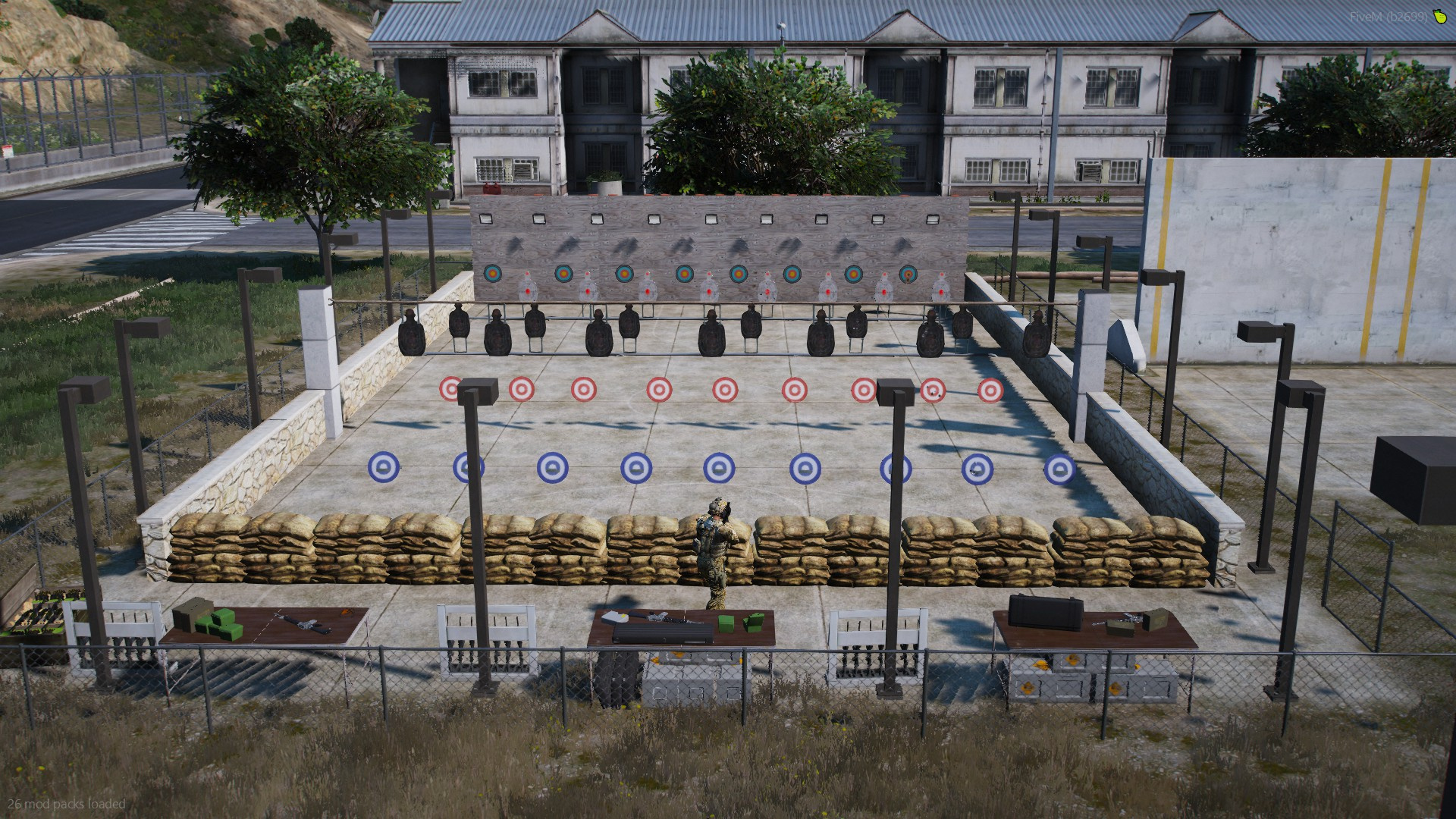
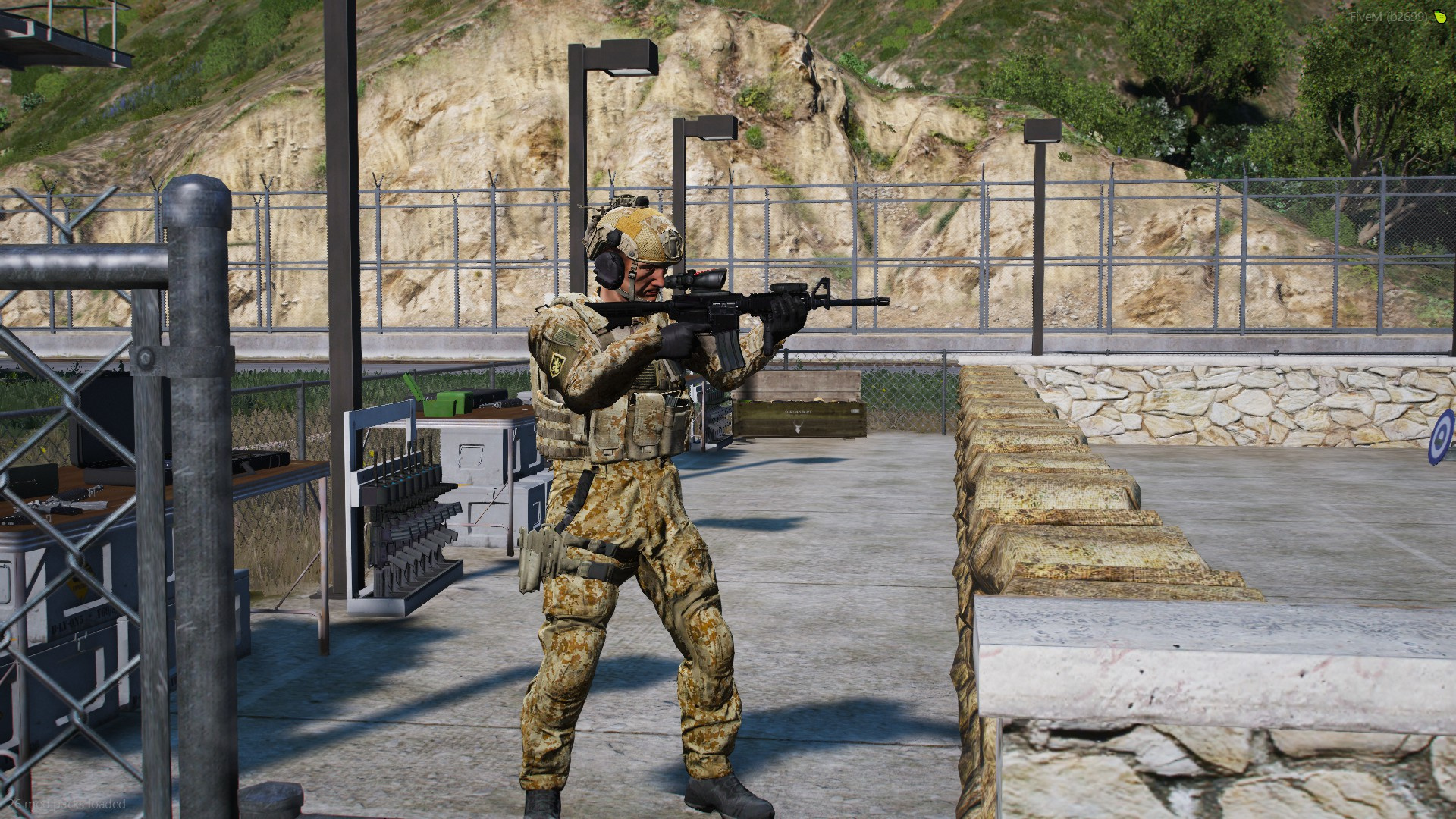
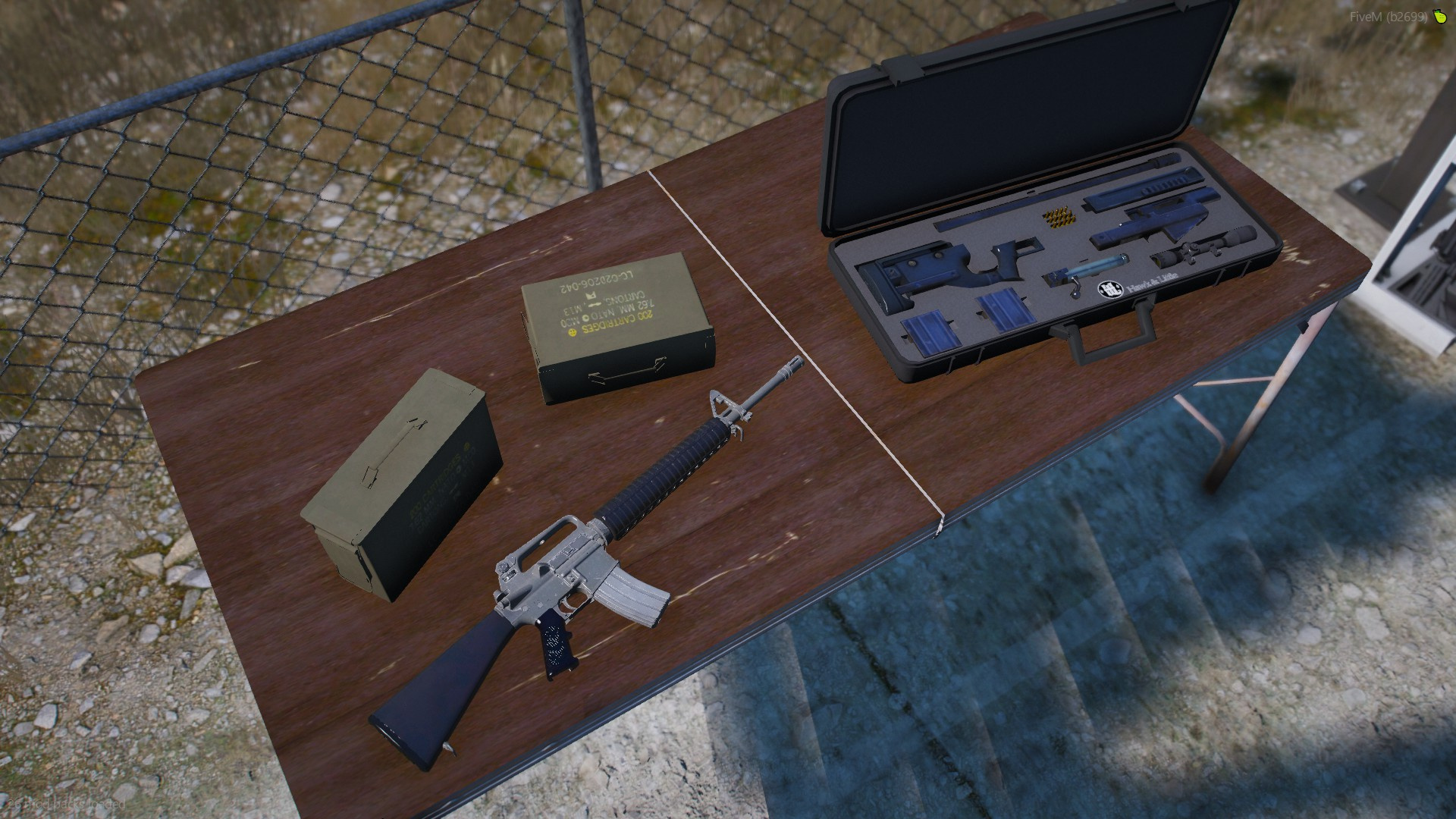
A simple mapping that made a shooting range in fort zancudo.
Installation
Singleplayer
1) drag and drop the folders into your modded dlc folder (GTAV>mods>update>x64>dlcpack)
2) next navigate to your dlclist.xml located in GTAV>mods>update>update.rpf>common>data)
3) once inside of the dlclist.xml scroll to the bottom and enter “dlcpacks:/”foldername”/”
FiveM
1) Drag and drop the folder into you fivem resources
2) add “start (folder name)” in your server.cfg
Credits:
DomaX
Download mod
| File | File size |
|---|---|
 ShootingRange
 | 22 MB |
![Fort Zancudo Bridge Entry and Shooting Range [YMAP] 1.0](https://gta5mod.net/wp-content/uploads/2022/10/Fort-Zancudo-Bridge-Entry-and-Shooting-Range-150x150.png "Fort Zancudo Bridge Entry and Shooting Range [YMAP] 1.0")
![Fort Zancudo Exterior for Roleplay [SP / FiveM] 1.0](https://gta5mod.net/wp-content/uploads/2020/10/Fort-Zancudo-Exterior-for-Roleplay-150x150.jpg "Fort Zancudo Exterior for Roleplay [SP / FiveM] 1.0")
![Fort Zancudo Better Heliport [FiveM / SP]](https://gta5mod.net/wp-content/uploads/2023/06/Fort-Zancudo-Better-Heliport-150x150.jpg "Fort Zancudo Better Heliport [FiveM / SP]")
![Fort Zancudo Ceremony Place [SP / FiveM]](https://gta5mod.net/wp-content/uploads/2023/06/Fort-Zancudo-Ceremony-Place-150x150.webp "Fort Zancudo Ceremony Place [SP / FiveM]")
