
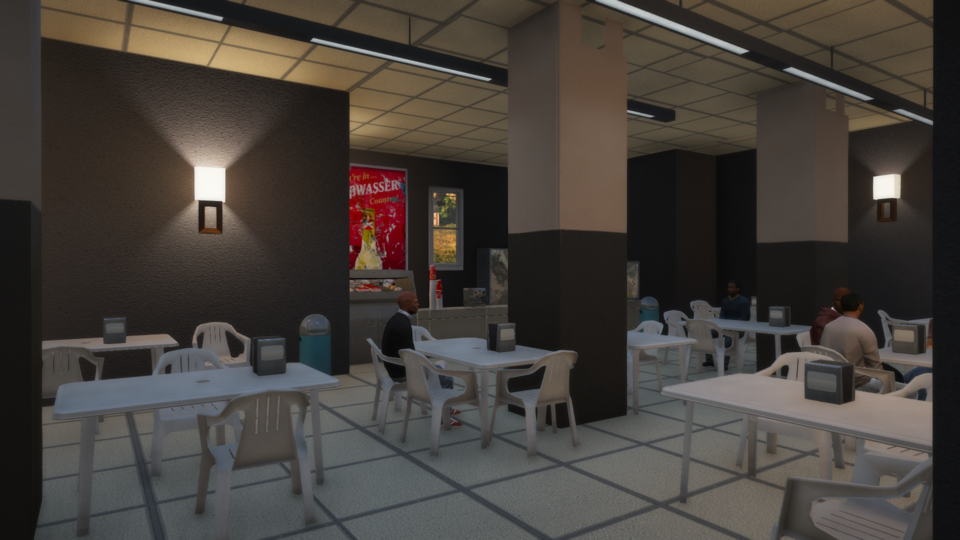
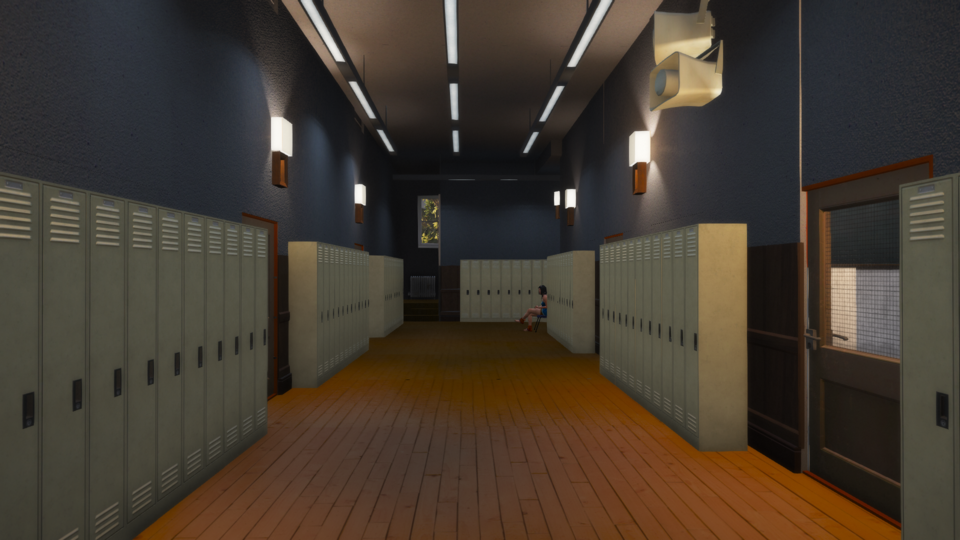
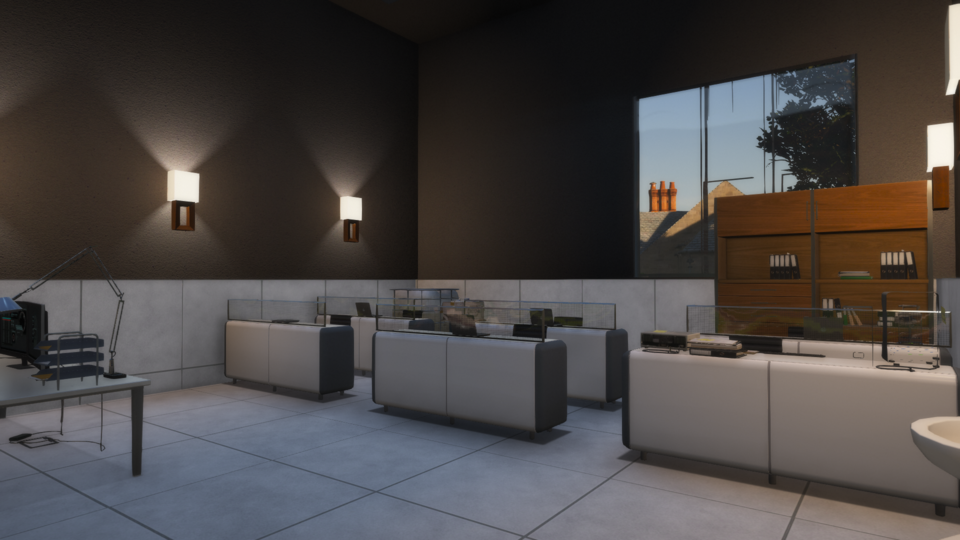
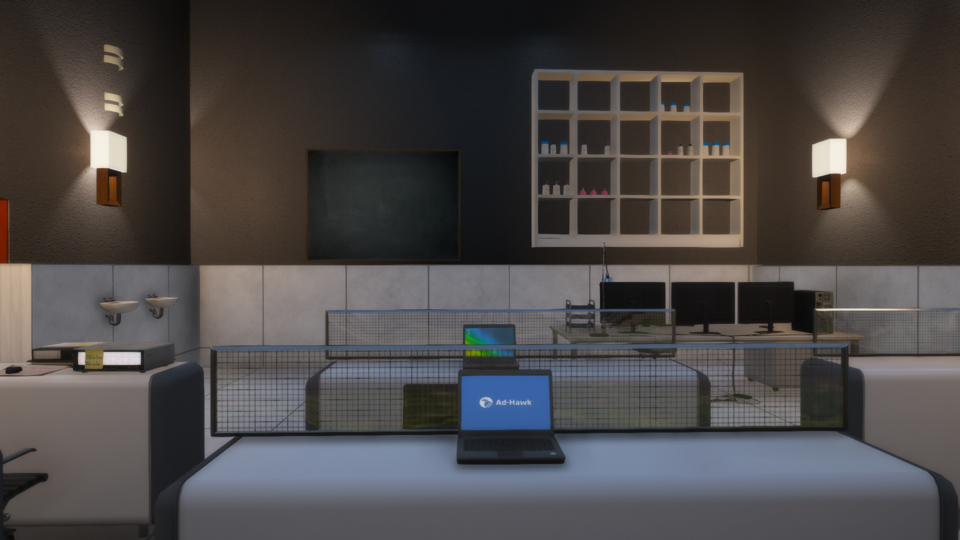
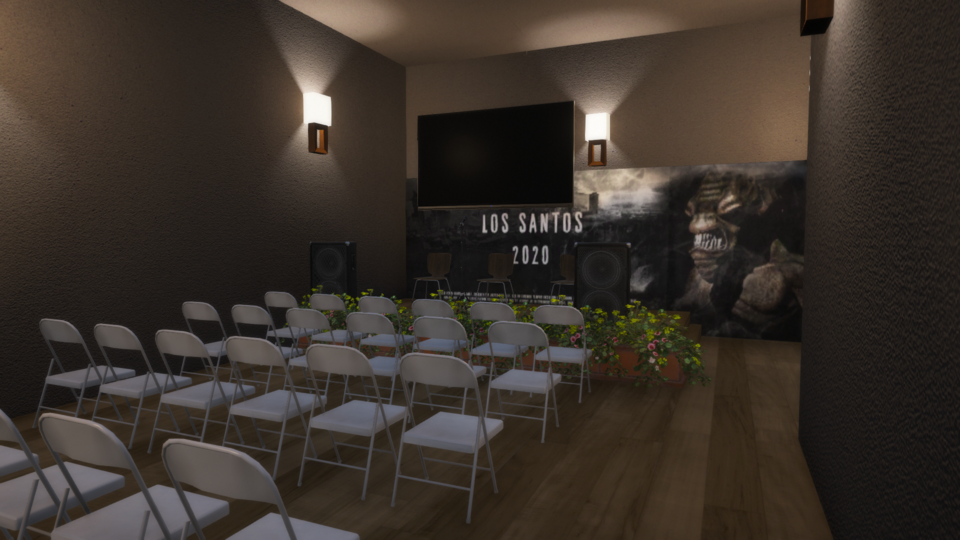
Enjoy a new school map
Installation Steps:
1. Download the Mod Files:
– Obtain the mod files, which typically include “Elementary.xml” and “ElementarySchool.ymap.”
2. Locate Your GTA V Folder:
– Navigate to your Grand Theft Auto V installation folder.
3. Install the Spooner File:
– Copy the “Elementary.xml” file.
– Paste it into the following directory:
GtaV folder > menyooStuff > Spooner
4.Install the Doors YMap:
– Copy the “ElementarySchool.ymap” file.
– Paste it into the following directory:
GtaV folder > mods > update > x64 > dlcpacks > custom_maps > dlc.rpf > x64 > levels > gta5 > _citye > maps > custom_maps.rpf
5.Install Menyoo Trainer:
– Ensure you have Menyoo Trainer installed. You can find it on popular GTA V modding websites.
6.Install Mapbuilder:
– Make sure you have Mapbuilder installed. Follow the installation instructions provided with the Mapbuilder mod.
7.Install Menyoo to YMap Converter:
– Ensure you have the Menyoo to YMap Converter installed. This tool is necessary to convert Menyoo XML files to YMap format.
8.Load the Mod in-Game:
– Launch GTA V and load your saved game.
– Open the Menyoo Trainer menu in game.
– Navigate to Spooner > Manage Saved Files.
– Load the “Elementary.xml” file using Menyoo Trainer.
9.Enjoy the LS Elementary School
Credits:
Daron12
Download mod
| File | File size |
|---|---|
 ElementarySchool
 | 48 KB |

![[YMAP][FIVEM&SP] parking Driving School 1.0](https://gta5mod.net/wp-content/uploads/2020/11/parking-Driving-School-150x150.jpg "[YMAP][FIVEM&SP] parking Driving School 1.0")
![School V [Mapbuilder] 2.0](https://gta5mod.net/wp-content/uploads/2021/02/School-V-150x150.jpg "School V [YMAP] FINAL")
![Vinewood House [YMAP / Map Editor / Menyoo] 1.2 (YMAP)](https://gta5mod.net/wp-content/uploads/2020/05/Vinewood-House-150x150.jpg "Vinewood House [YMAP / Map Editor / Menyoo] 1.2 (YMAP)")
![Hawick Avenue Duplex.ymap [YMAP][Map Builder] V1.0](https://gta5mod.net/wp-content/uploads/2023/01/Hawick-Avenue-Duplex.ymap-150x150.webp "Hawick Avenue Duplex.ymap [YMAP][Map Builder] V1.0")
