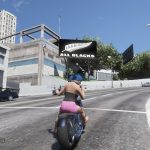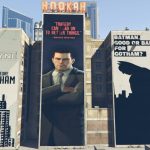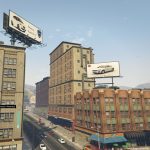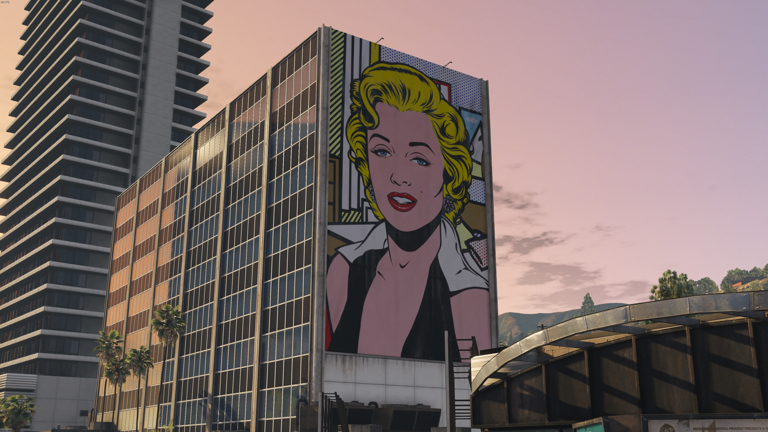
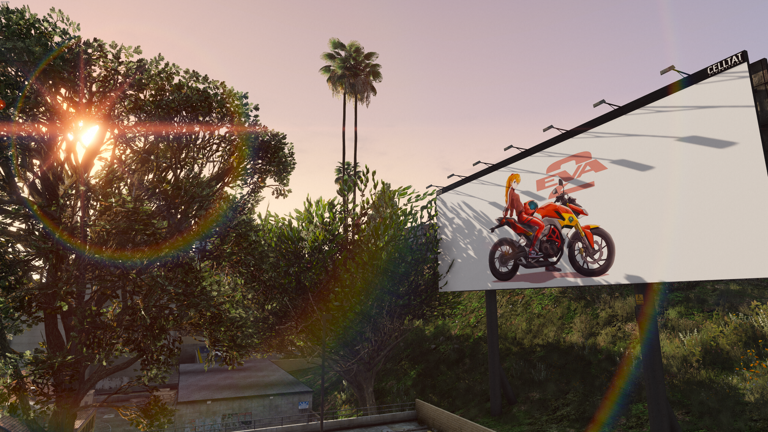
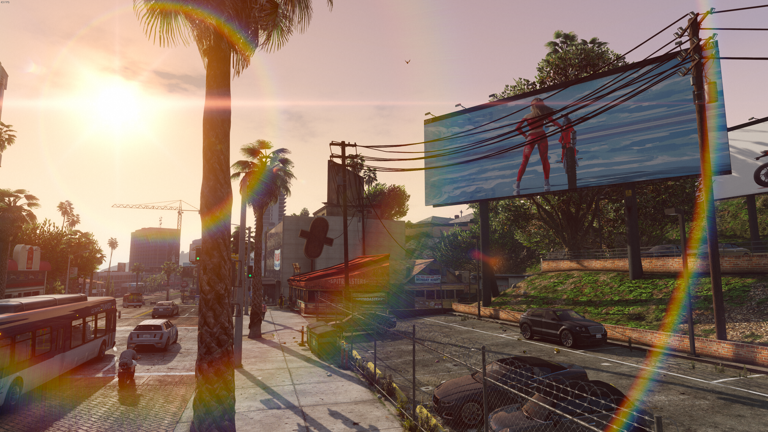

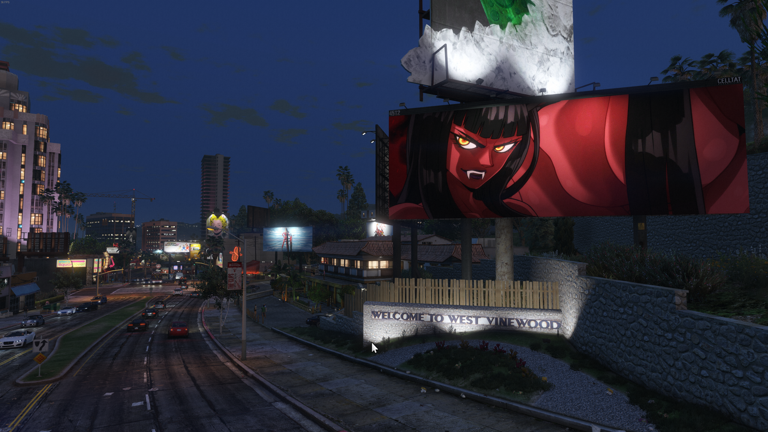
Some new billboards to give a refreshing image to the game
To install the mod you must go to mods/update/x64/dlcpacks and move the folder NINOBILLBOARDS
Then you must go to mods/update/update.rpf/common/data and edit the dlclist file
you open the dlclist.xml file and add this new line
dlcpacks:/NINOBILLBOARDS/
then you hit save and that’s it
If you have NVE or other graphic mods that have their own models, you must replace their models in their corresponding .rpf
Credits:
Ninocobretti
Download mod
| File | File size |
|---|---|
 NINO_BILLBOARDS
 | 26 MB |