
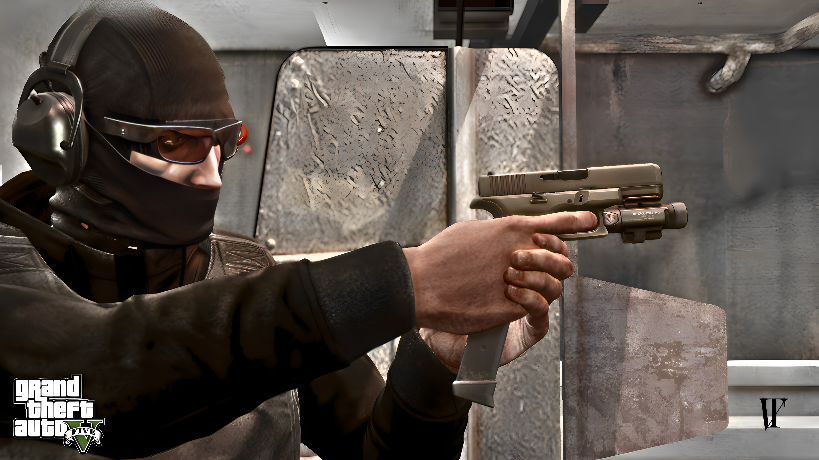
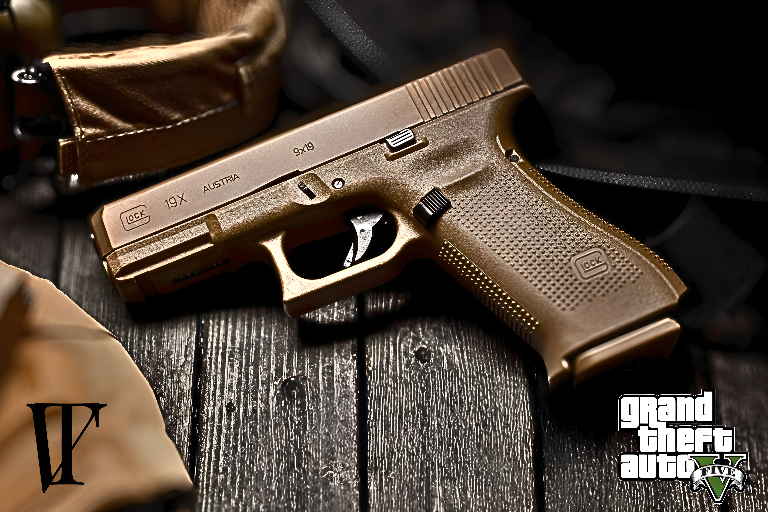

HOW TO INSTALL
1. Open OpenIV.
2. Open mods folder and open x64/audio/sfx/WEAPONS PLAYER.
3. Right click and click “Import openFormats” or “Import openFormats file”.
4. Double-click ptl pistol.oac.
5. Just click “ok” without pressing anything.
6. Next open mods/x64/audio/sfx/RESIDENT.rpf.
7. Right click and click “Import openFormats” or “Import openFormats file”.
8. Double click weapons.oac
9. Just click “ok” without pressing anything.
Credits:
qcvntrx
Download mod
| File | File size |
|---|---|
 qcvyntrxglocksoundmodupdated
 | 15 MB |
![Porsche DIG-T 2.0L Sound Mod [Add-On Sound] 1.0](https://gta5mod.net/wp-content/uploads/2025/07/Porsche-DIG-T-2.0L-Sound-Mod-150x150.jpg "Porsche DIG-T 2.0L Sound Mod [Add-On Sound] V1.0")
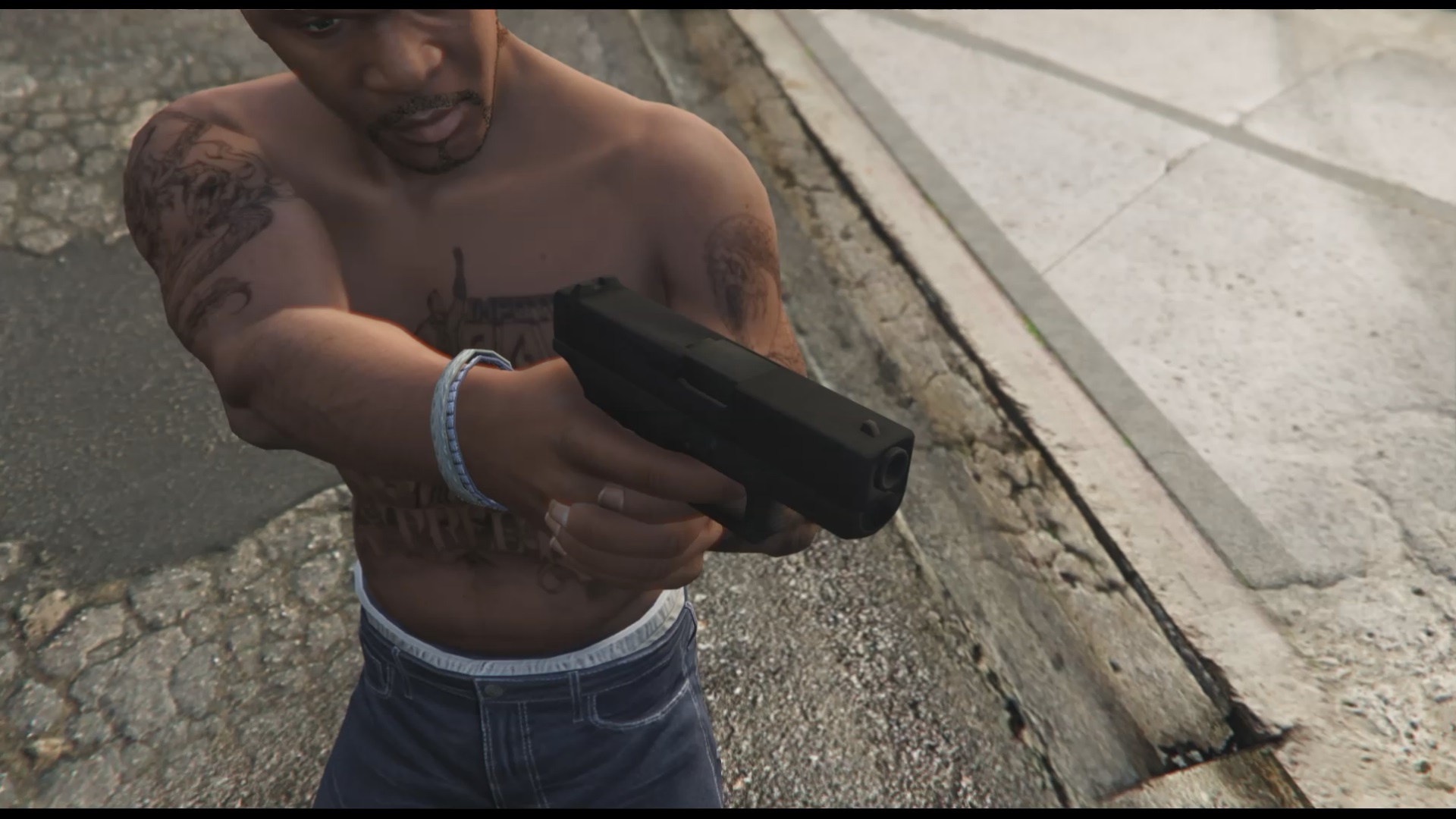
![Custom Engine Sound Pack [Add-On | FiveM | Sound] 1.4](https://gta5mod.net/wp-content/uploads/2020/11/Custom-Engine-Sound-Pack-150x150.jpg "Custom Engine Sound Pack [Add-On | FiveM | Sound] 1.4")
