
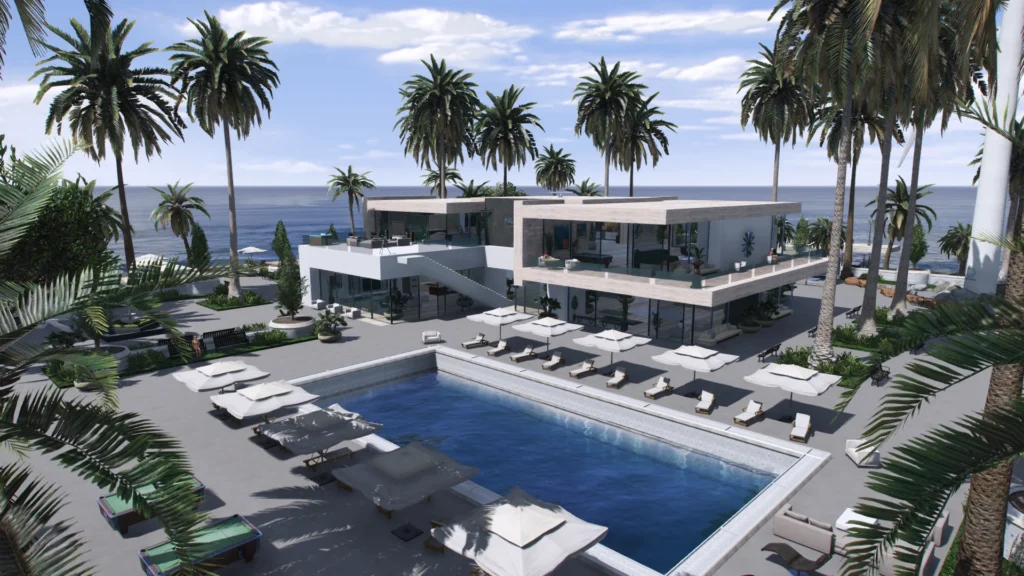
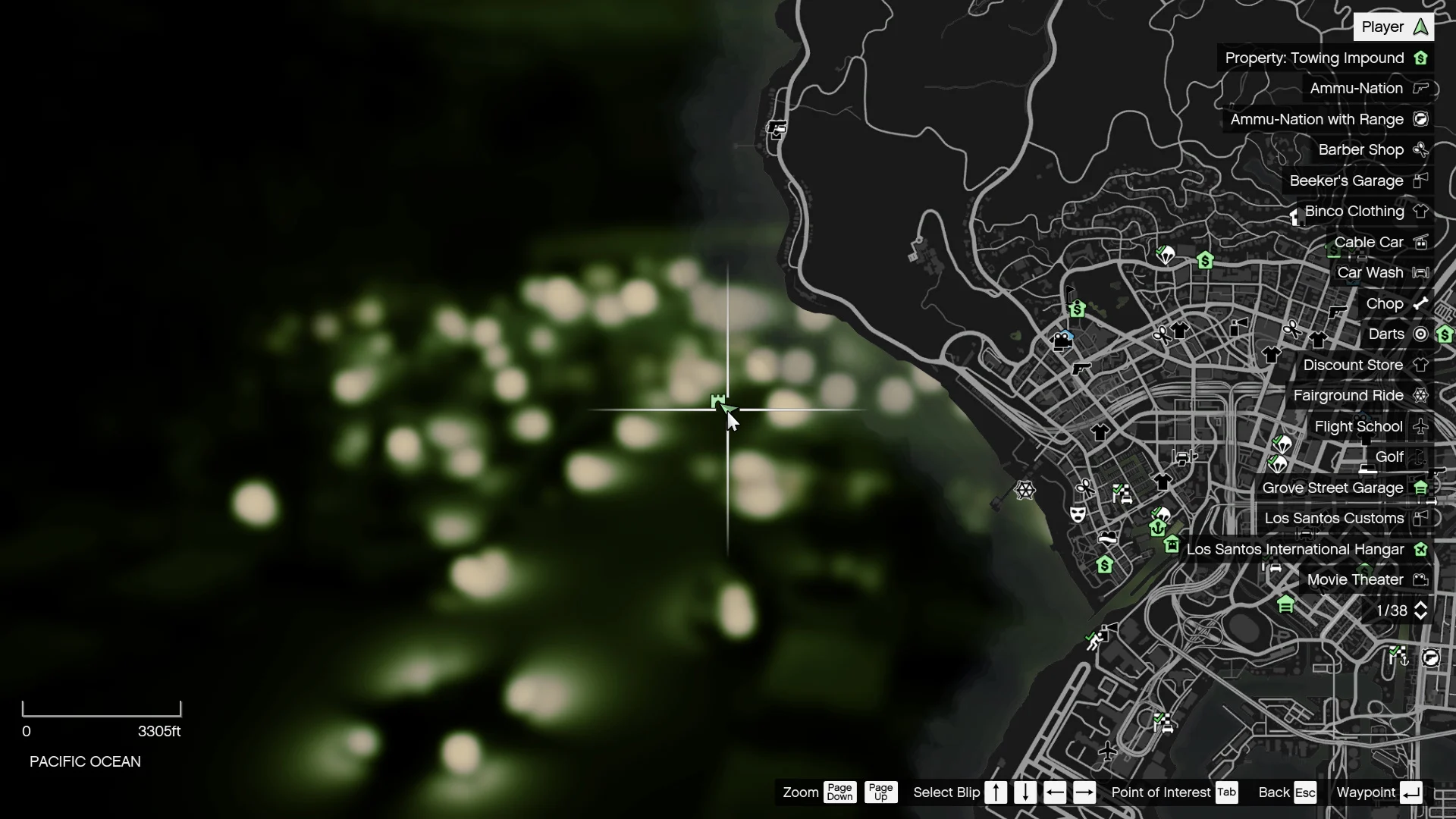
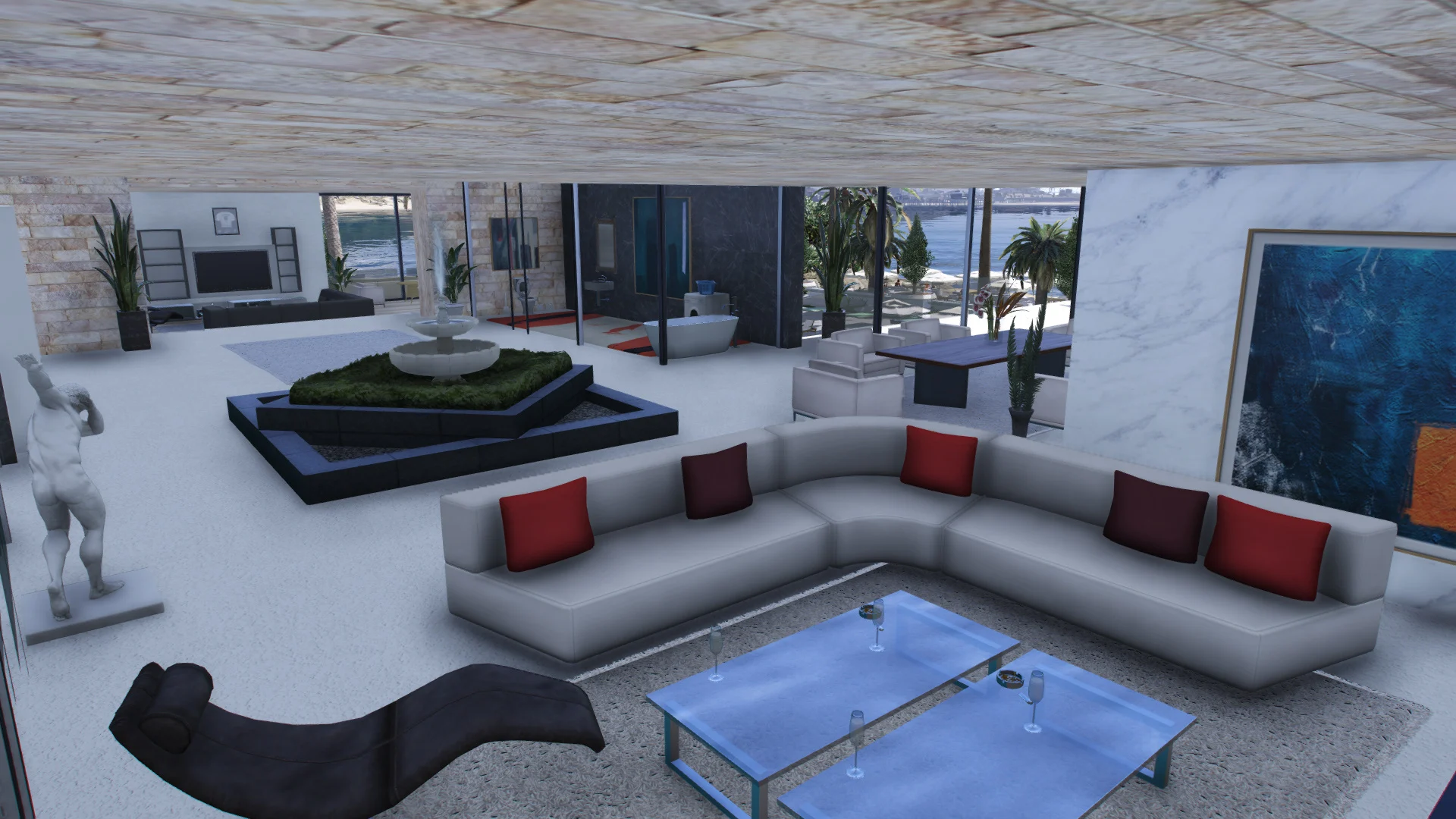
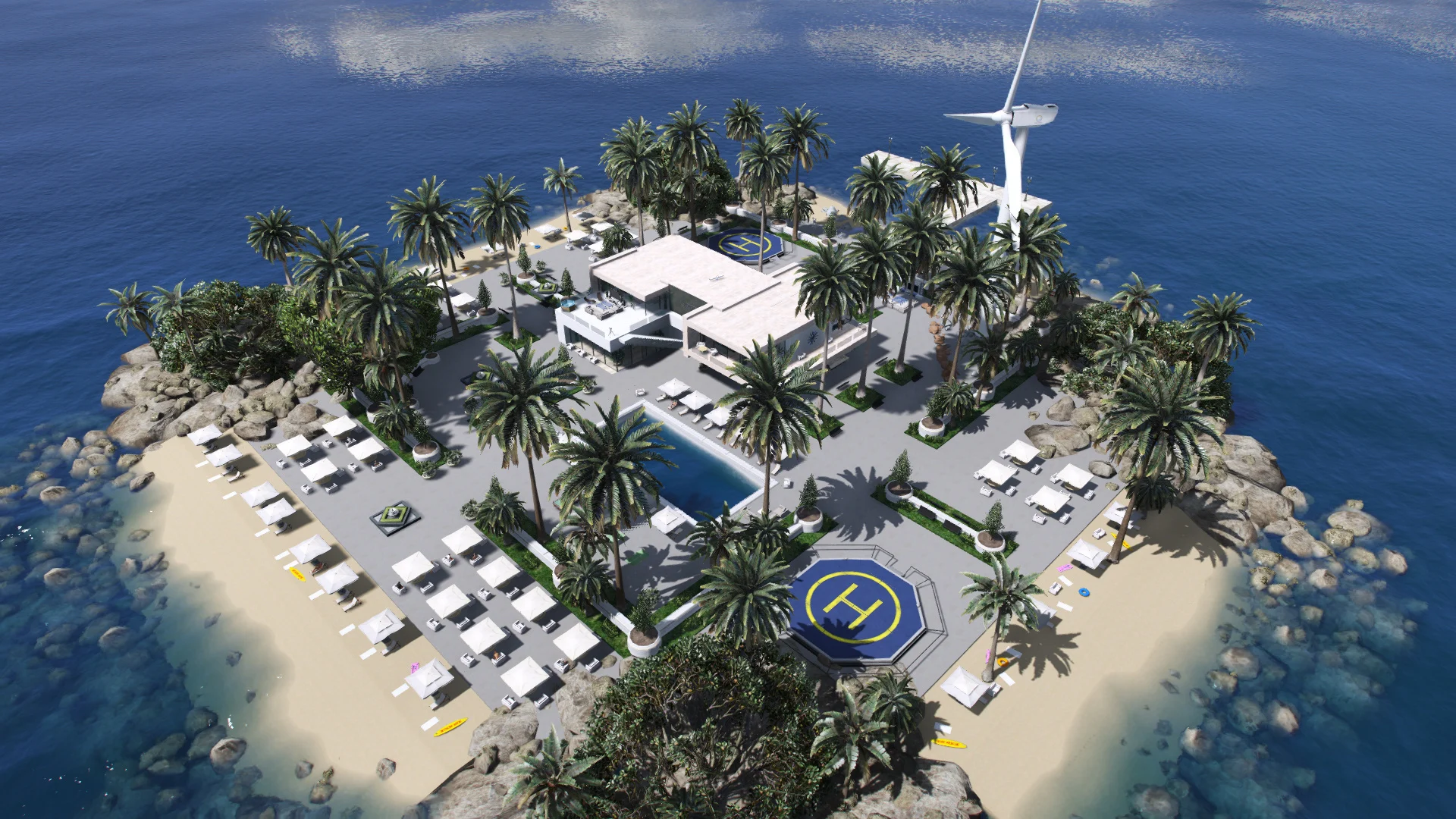
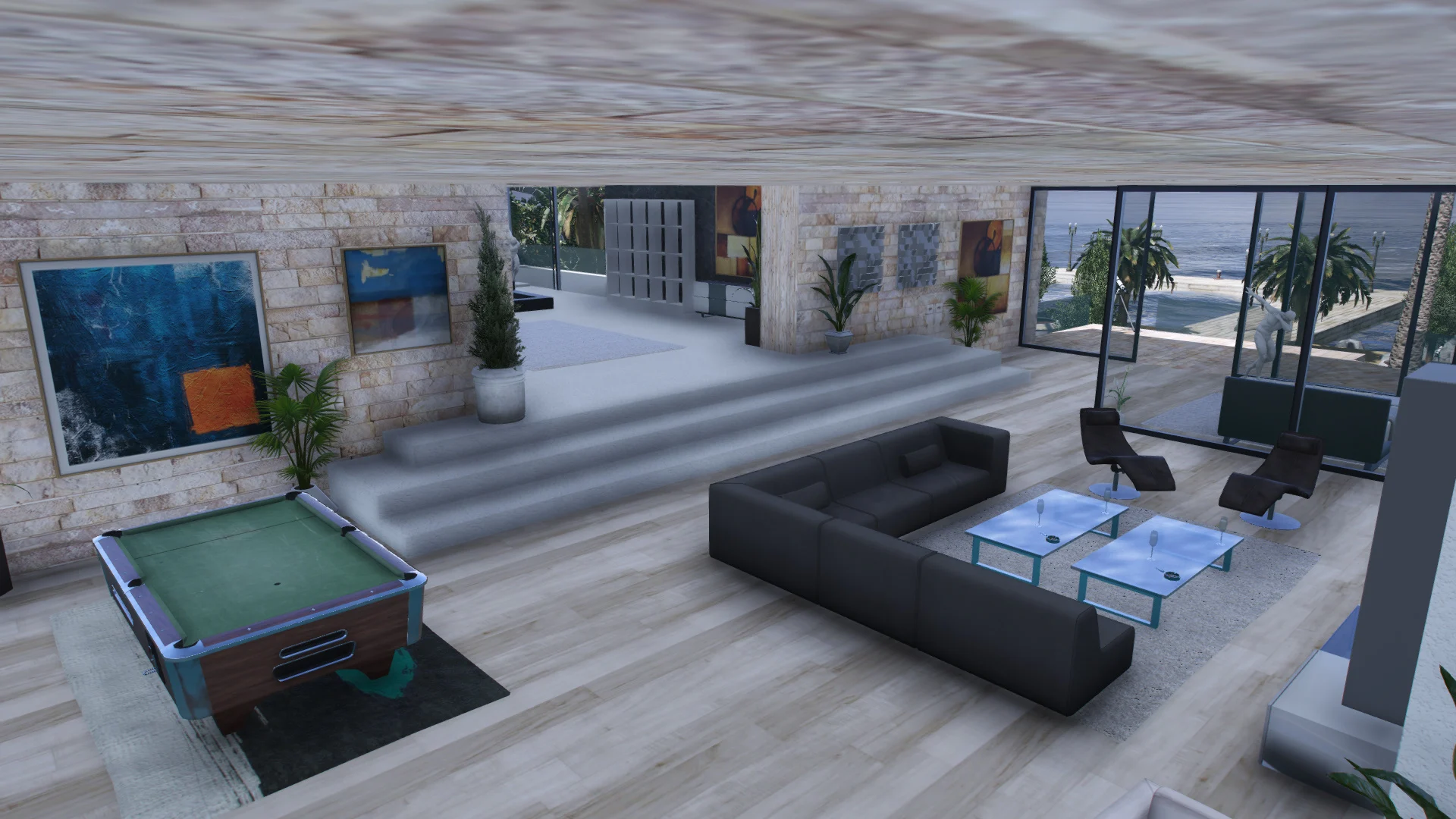
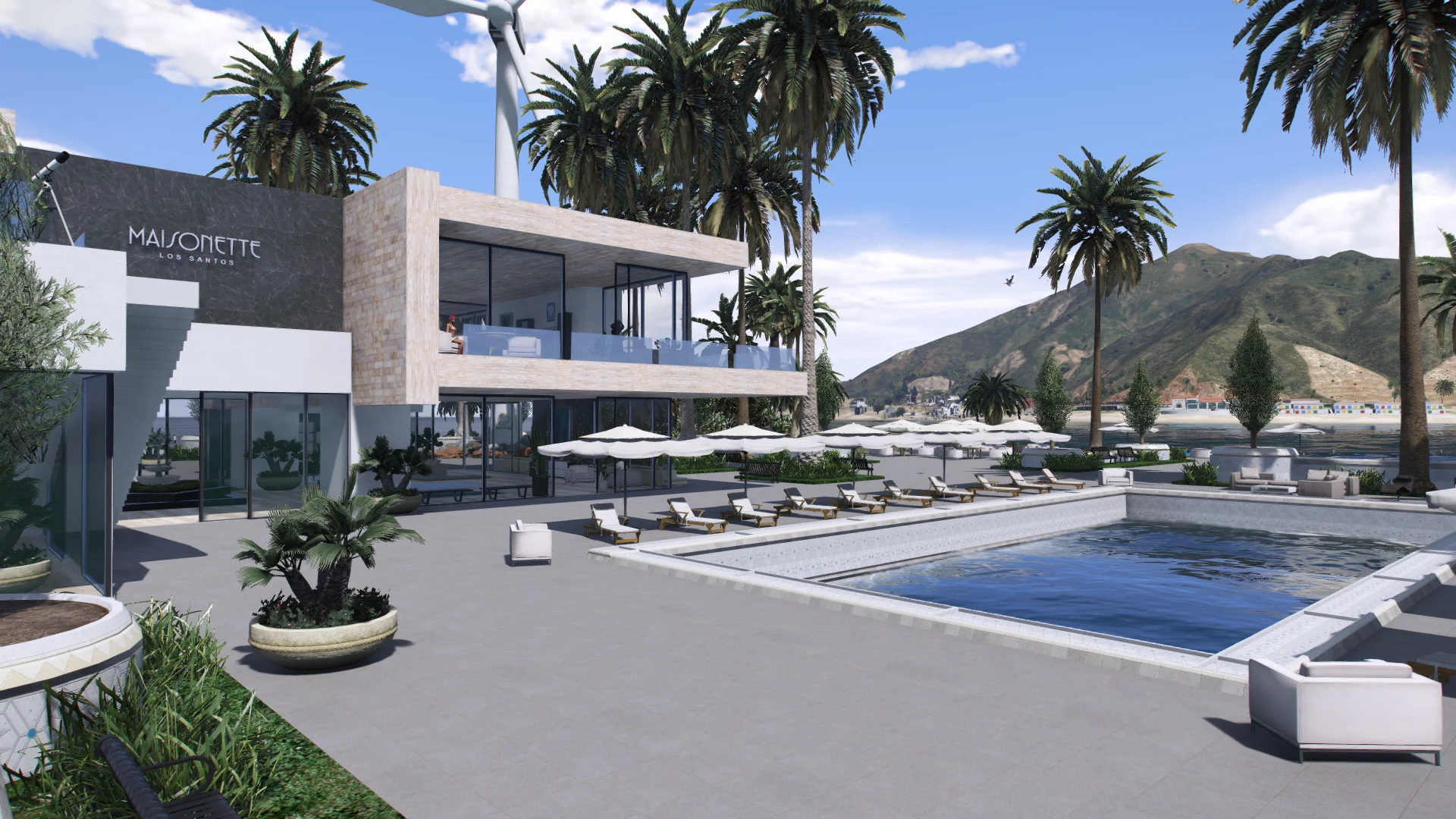

(IMPORTANT) turn off ocean waves, open Menyoo – weather – wind speed and ocean wave strenght set to 0.0), if you don’t like it you can edit XML file any time!
How to Install:
1. Install ScriptHookV
2. Install the latest ScriptHookVDotNet
3. Install Menyoo PC SP
4. Install latest Map Builder (REQUIRED)
5. Move Villa.xml file from the .zip into your GTA 5 main directory/MenyooStuff/Spooner,
6. while in-game open menyoo/object-spooner/manage-saved-files/Villa.xml/load-placements
(Ymap install)
How to install
Open OpenIV tool click (edit mode) then go to GTAV/ mods/ update/ x64/ dlcpacks/ custommaps/ dlc/ x64/ levels/ gta5/ citye/ maps/ custommaps
inside of the custommaps.rpf file press right click and (import OpenFormats), then import Villa.ymap
If you don’t have custommaps folder or custommaps.rpf file then download latest (MapBuilder)
Credits:
Gamer9999
Download mod
| File | File size |
|---|---|
 Luxury Island Villa
 | 10 MB |
![Luxury villa on the island [Menyoo] 1.0](https://gta5mod.net/wp-content/uploads/2021/12/Luxury-villa-on-the-island-150x150.webp "Luxury villa on the island [Menyoo] 1.0")
![Villa on the Island [Map Editor / ymap] v2](https://gta5mod.net/wp-content/uploads/2020/03/Villa-on-the-Island-150x150.jpg "Villa on the Island [Map Editor / ymap] v2")
![Villa on private island [MapEditor / YMAP] 3.0](https://gta5mod.net/wp-content/uploads/2021/01/Villa-on-private-island2-150x150.jpg "Villa on private island [MapEditor / YMAP] 4.0")
![New Luxury Private Island [Menyoo] 0.1](https://gta5mod.net/wp-content/uploads/2022/10/New-Luxury-Private-Island-150x150.png "New Luxury Private Island [Menyoo] 0.1")
