
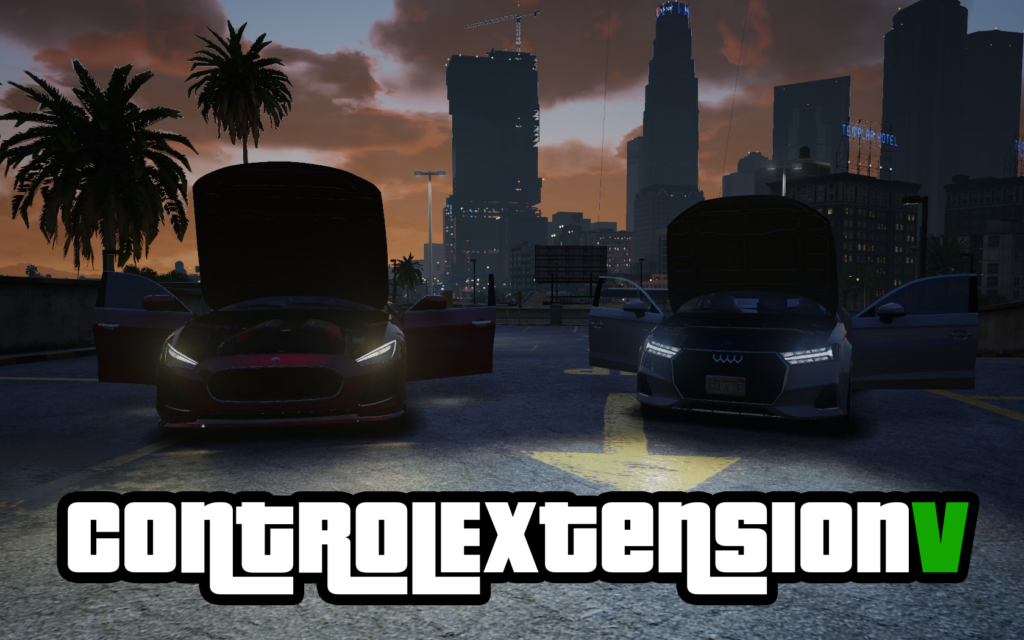
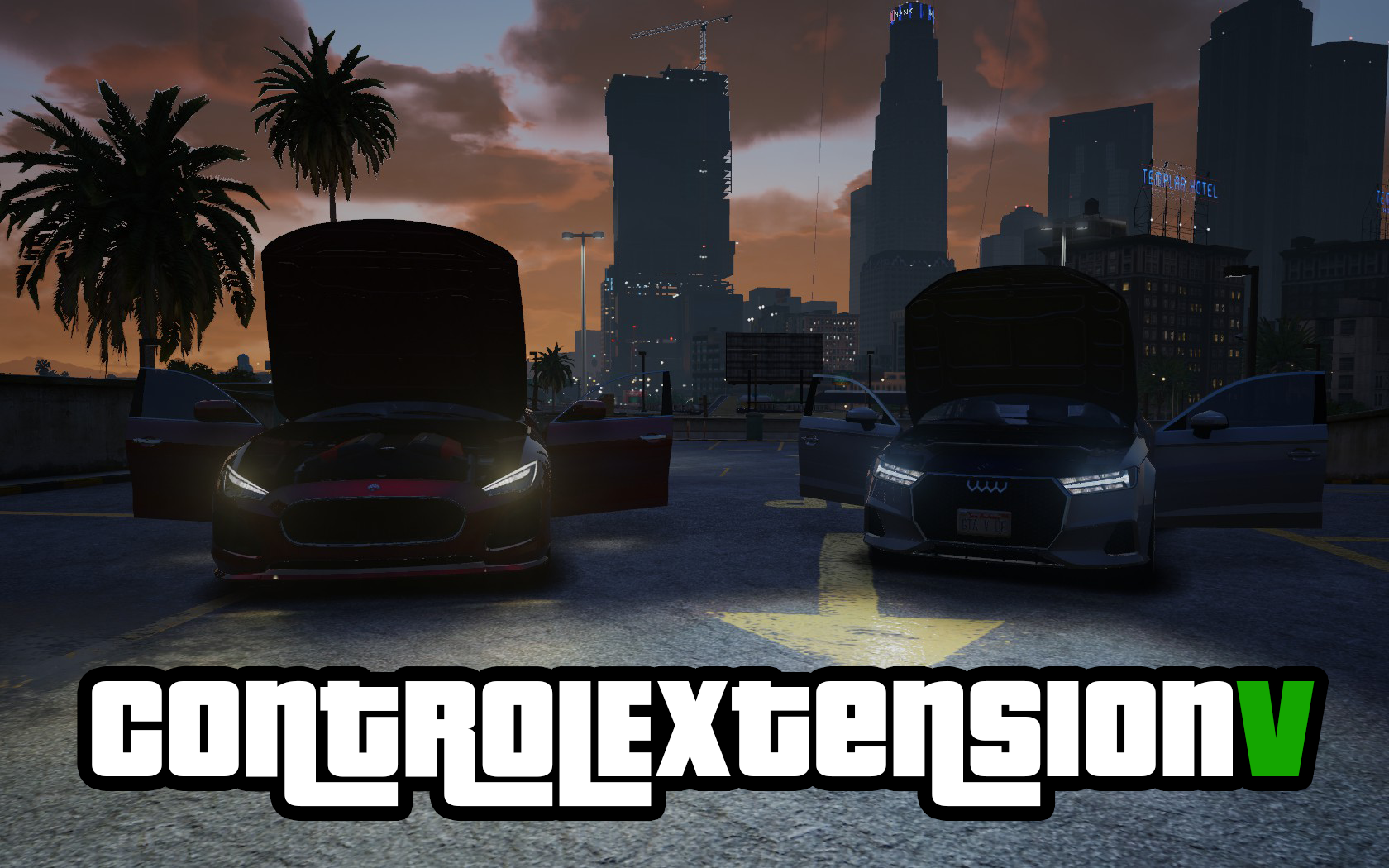


Formerly Minimap & Vehicle Controller, rewritten in C Plus Plus!
A simple, lightweight mod to control a few key elements Rockstar left out of single player.
Adds a plethora of new binds into the game to give players more control over their vehicle, music, map, weapons and more.
Minimap Control Features:
Five different minimap modes. Use one key to cycle between:
Original
Large – Full Size but Zoomed in like GTA Online
Large Zoomed Out – Brand New Mode perfect for Aircraft
Full Size – Shows full original map
Hidden – Hides entire GUI. Note that this disables the Weapon and Radio wheels, locking your current weapon and radio station. See the comments for details.
Vehicle Control Features:
Interior Light Control: Can turn interior light on or off for cars and aircraft. Useful for aircraft that automatically turn it on.
Window Control: Drivers can toggle all of their car’s windows. Passengers can toggle their door’s window.
Hood and Trunk Control: Pop the hood or trunk from the comfort of your driver’s seat.
Shuffle Seats: Move between left and right seats in your current row.
Open Door: Open your current door without leaving your vehicle. Doesn’t let you aim any higher or lower, but still cool.
Simple Seatbelt: No fanciness, just a notification. Prevents the player from flying out of the windshield. Also prevents exiting the car, changing seats or being pulled out of the car until the seatbelt is taken off.
Turn Signals: Keys to signal for left and right turns. Only one can be active at a time.
Hazard Lights: Flash your 4 way lights, for visibility to other drivers.
Bonus Features:
Set your mobile phone’s color in the INI file.
Toggle Mobile Radio – Access the radio wheel anywhere, any time.
Toggle Radio Controls – so keyboard users don’t change the radio station whenever they enter or exit cover
Laser Sights: If you also have RDE installed, you can add laser sights to a Carbine MK2 or Marksman Rifle MK2. More weapons are possible bur require that you edit game files.
Push to Talk Animation: Your character’s mouth will now move when you hold the push to talk key.
Toggle Suppressor: Add or remove a suppressor to your current weapon.
Toggle Flashlight: Add or remove a flashlight attachment to your current weapon.
Drop Weapon: Drops your current weapon on the ground.
I understand a lot of these functions (if not all) can be achieved by other mods, but this one is very light and limited in scope so hopefully will maximize compatibility and minimize bugs and FPS loss. The phone color thing might be new though, haven’t seen that before.
Controller support is here! Hold X in vehicle or LB on foot to access certain features! Fully configurable and does NOT conflict with existing controls!
Generic Controls:
Z: Cycle Minimap Mode
O: Toggle Radio Controls
On Foot Controls
I: Toggle Mobile Radio
Vehicle
Y: Open Door
K: Shuffle Seat
U: Toggle Seatbelt
2: Toggle Interior Light
4: Toggle Closest Window
5: Toggle Passenger Window (Driver Only)
6: Toggle Driver’s Rear Window (Driver Only)
7: Toggle Passenger Rear Window (Driver Only)
8: Toggle All Windows (Driver Only)
9: Toggle Hood (Driver Only)
0: Toggle Trunk (Driver Only)
Weapon
K: Toggle Green Laser
J: Toggle Red Laser
Y: Toggle Flashlight
U: Toggle Suppressor
L: Drop Weapon
Lasers are only with compatible weapons!
Controller Controls
On Foot: Hold LB, AND:
Back: Toggle Minimap
A: Red Laser Toggle
B: Green Laser Toggle
X: Drop Weapon
L3: Toggle Suppressor
D-Pad Down: Toggle Flashlight
In Vehicle: Hold X, AND:
Back: Toggle Minimap
A: Seatbelt
B: Open Trunk
Y: Open Hood
L3: Open Door
R3: Shuffle Seat
DPad Right: Passenger Window
DPad Left: Current Window
DPad Up: Interior Light
Config Options
All controls, both on controller and keyboard, can be reassigned in the config file.
Players can use the config file to enable or disable individual map modes as well as feature sets.
Feature Toggles:
enablePhoneColor
enableMinimapControls
enableVehicleControls
enableMobileRadio
Map Modes:
enableOriginalMapMode
enableBigMapMode
enableZoomedOutMode
enableFullMode
enableHiddenMode
Requirements:
ScriptHookV
Installation:
Drop ControlExtensionV.asi and ControlExtensionV.ini into your main GTA V folder.
Credits:
Hydraxonn
Download mod
| File | File size |
|---|---|
 ControlExtensionV
 | 806 KB |
![[MLO] Yellow Jack Extension Interior (2nd Floor) 1.0](https://gta5mod.net/wp-content/uploads/2020/08/Yellow-Jack-Extension-Interior2-150x150.jpg "[MLO] Yellow Jack Extension Interior (2nd Floor) 1.0")

![Ponsonbys extension [FiveM / AltV / SP] 1.0](https://gta5mod.net/wp-content/uploads/2021/06/Ponsonbys-extension-150x150.png "Ponsonbys extension [FiveM / AltV / SP] 1.1")
