

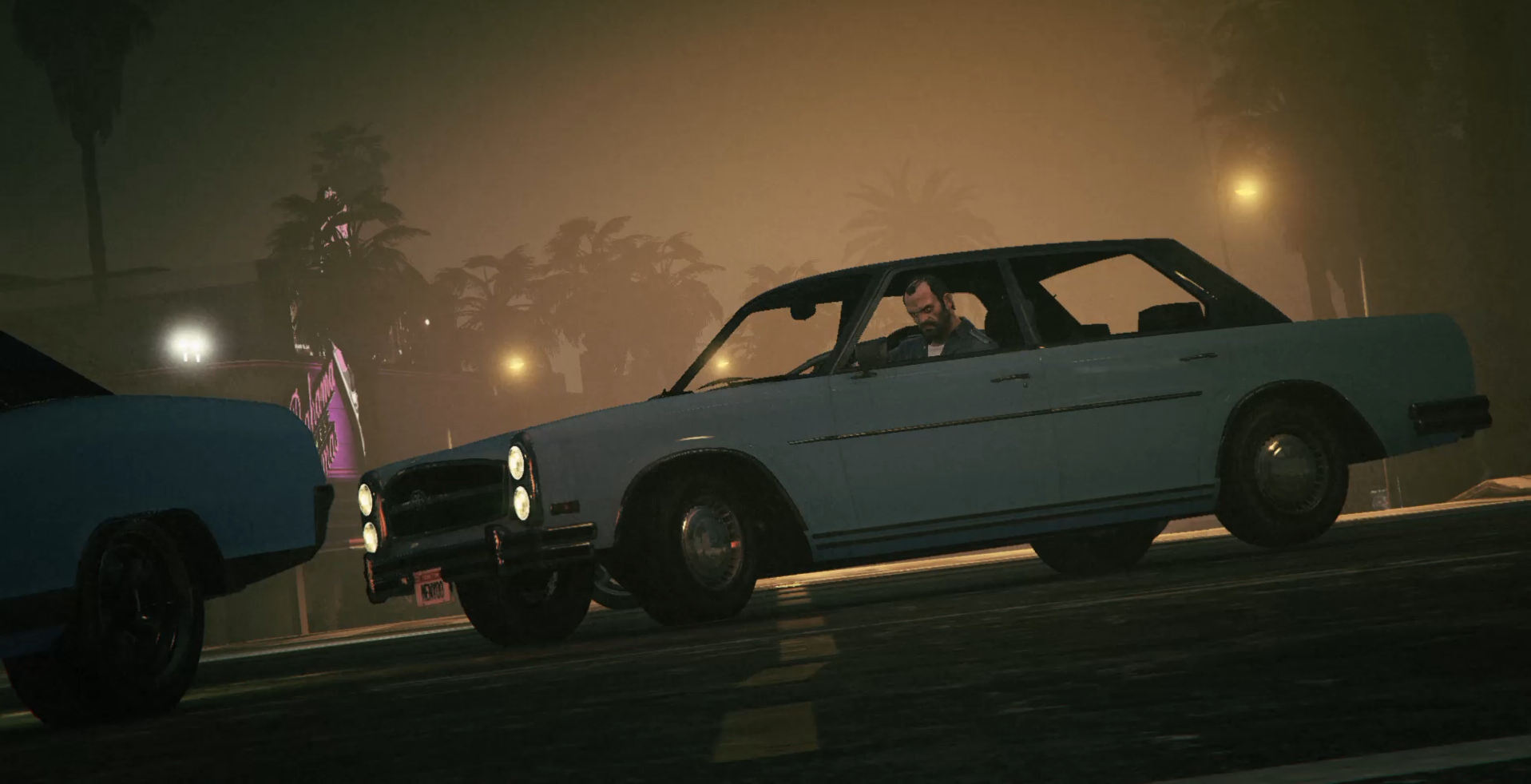
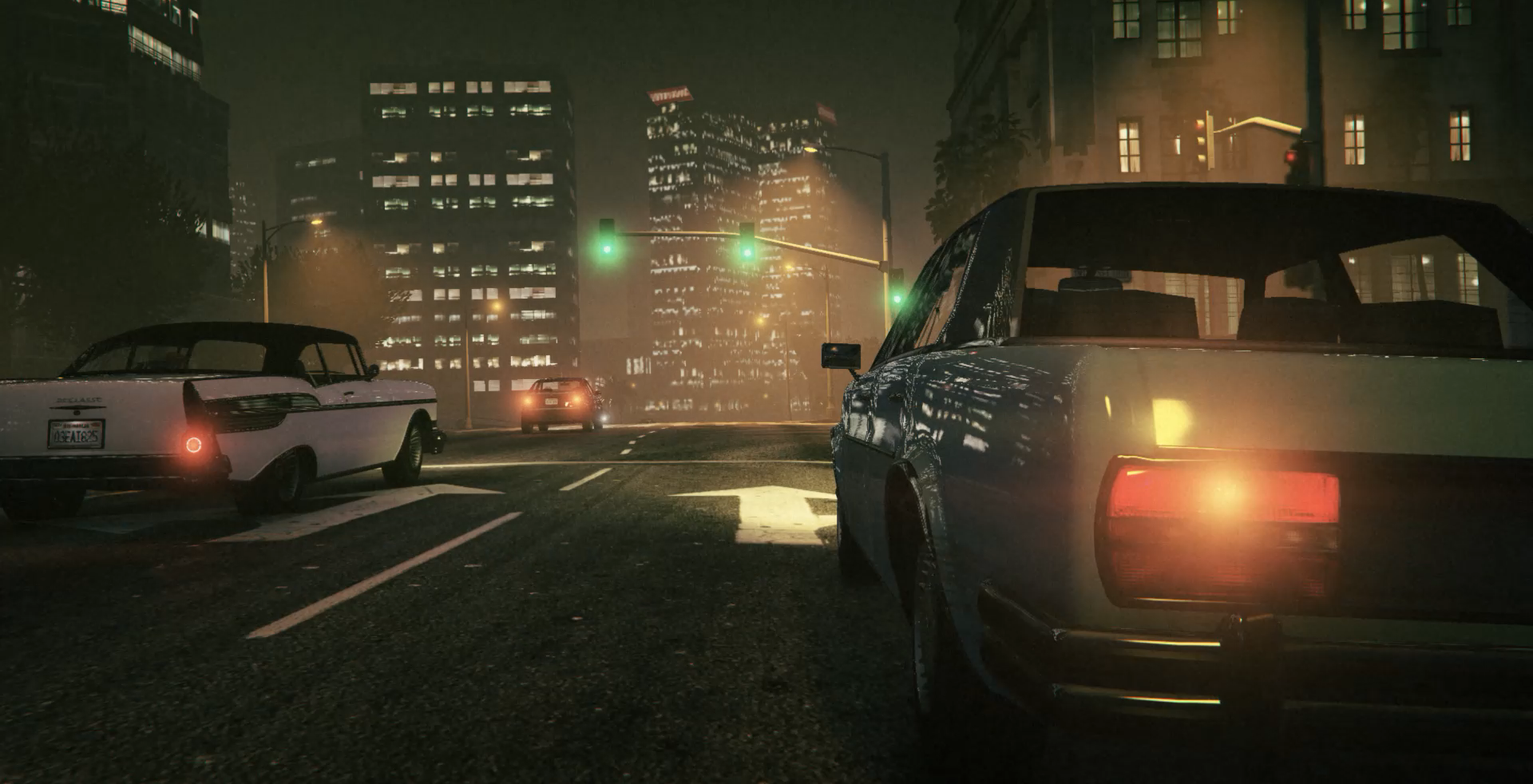
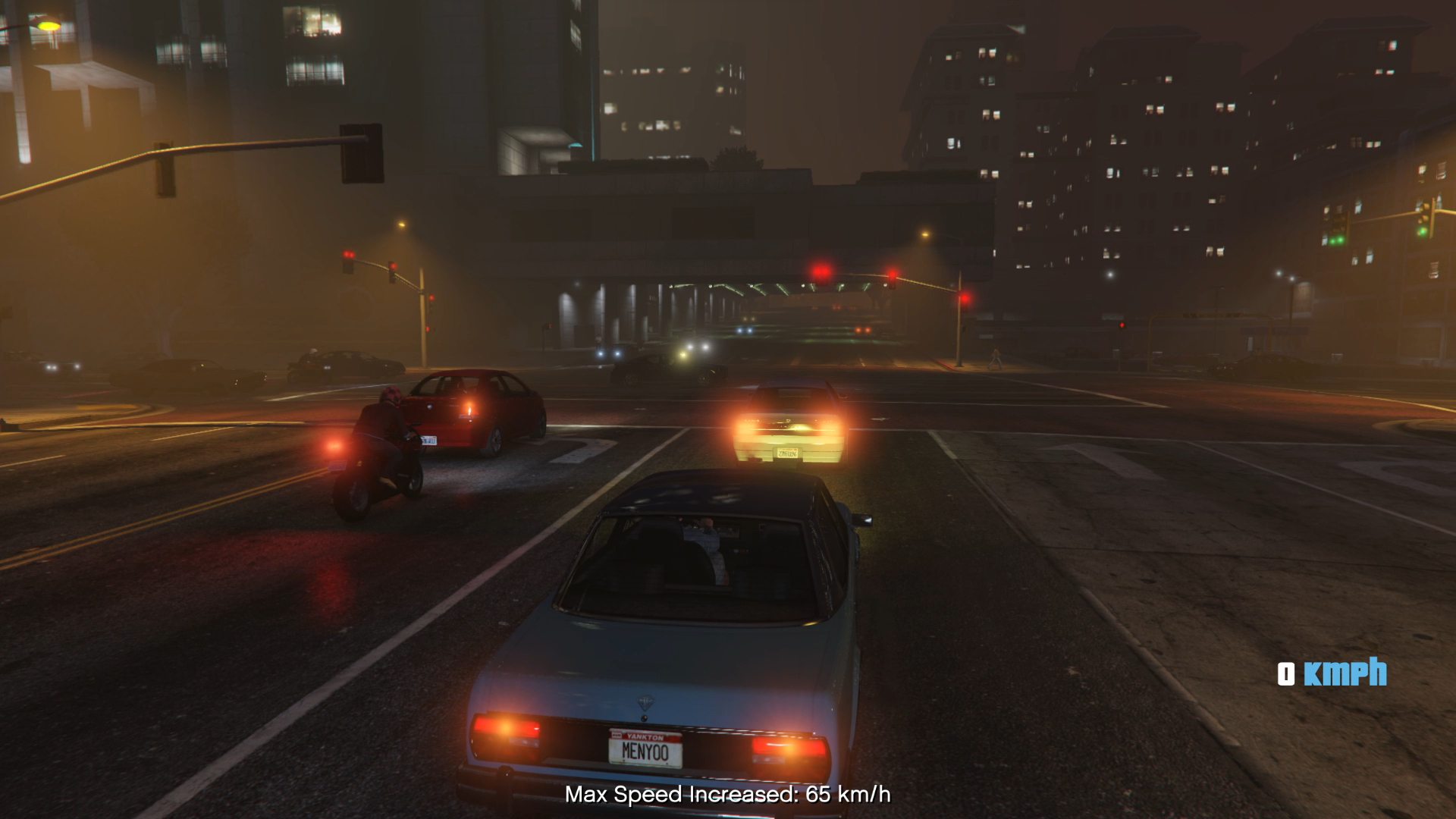
With the DriveSafe mod, you can easily control your car’s speed: press 1 to decrease the maximum speed or 3 to increase it. The mod also features automatic braking that slows your car down if it detects a vehicle in front of you, helping to prevent accidents. To enable or disable the mod, simply press X.
Installation:
Place the DriveSafe.dll and NativeUI.dll into the scripts folder. (If you don’t have a scripts folder, you can create one.)
Ensure you have the following required files installed:
ScriptHookVDotNet (nightly version)
Script Hook V
done
Changelog:
DriveSafe 3.1
Update 3.1 includes an .ini file for customizing keybindings.
DriveSafe 3.0
1. Annoying Driving Issues Resolved:
All driving-related problems have been fixed to deliver a smoother and more enjoyable experience on the roads.
2. Simplified Menu:
The menu has been streamlined for easier and more intuitive use.
3. Enhanced Safe Speed Feature:
A lot of effort has been put into refining this feature, making it significantly better than previous versions. All issues have been resolved to provide a realistic and enjoyable driving experience.
Credits:
ehssandev
Download mod
| File | File size |
|---|---|
 DriveSafe 3.1
 | 77 KB |
