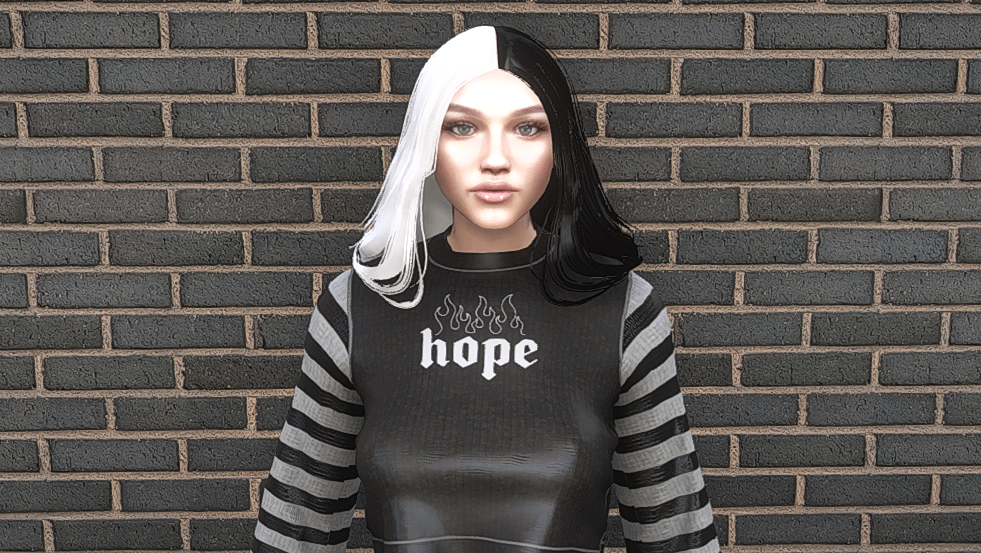
Replace the skin
head_diff_045_a_whi
head_045_r
Single Player
1. Open OpenIV
2. Enable “Edit mode”
3. Go to x64v.rpf\models\cdimages\streamedpeds_mp.rpf\mp_f_freemode_01
4. Backup (if you’d like) and delete the following: head_diff_045_a_whi
head_045_r and
5. Drag and drop files from zip folder (ydd and ytd)
You can install only the skin, but it will look alot better if you add the altered head model + the skin 🙂
No bugs known!
Credits:
SunsetCustoms
Download mod
| File | File size |
|---|---|
 SunsetCustomsGTA5Mods
 | 1 MB |