
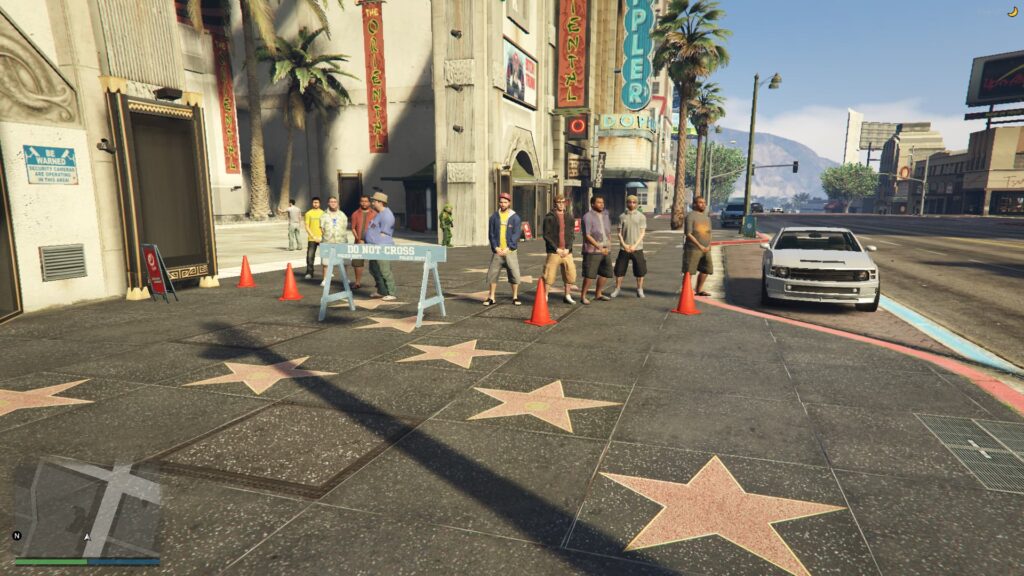
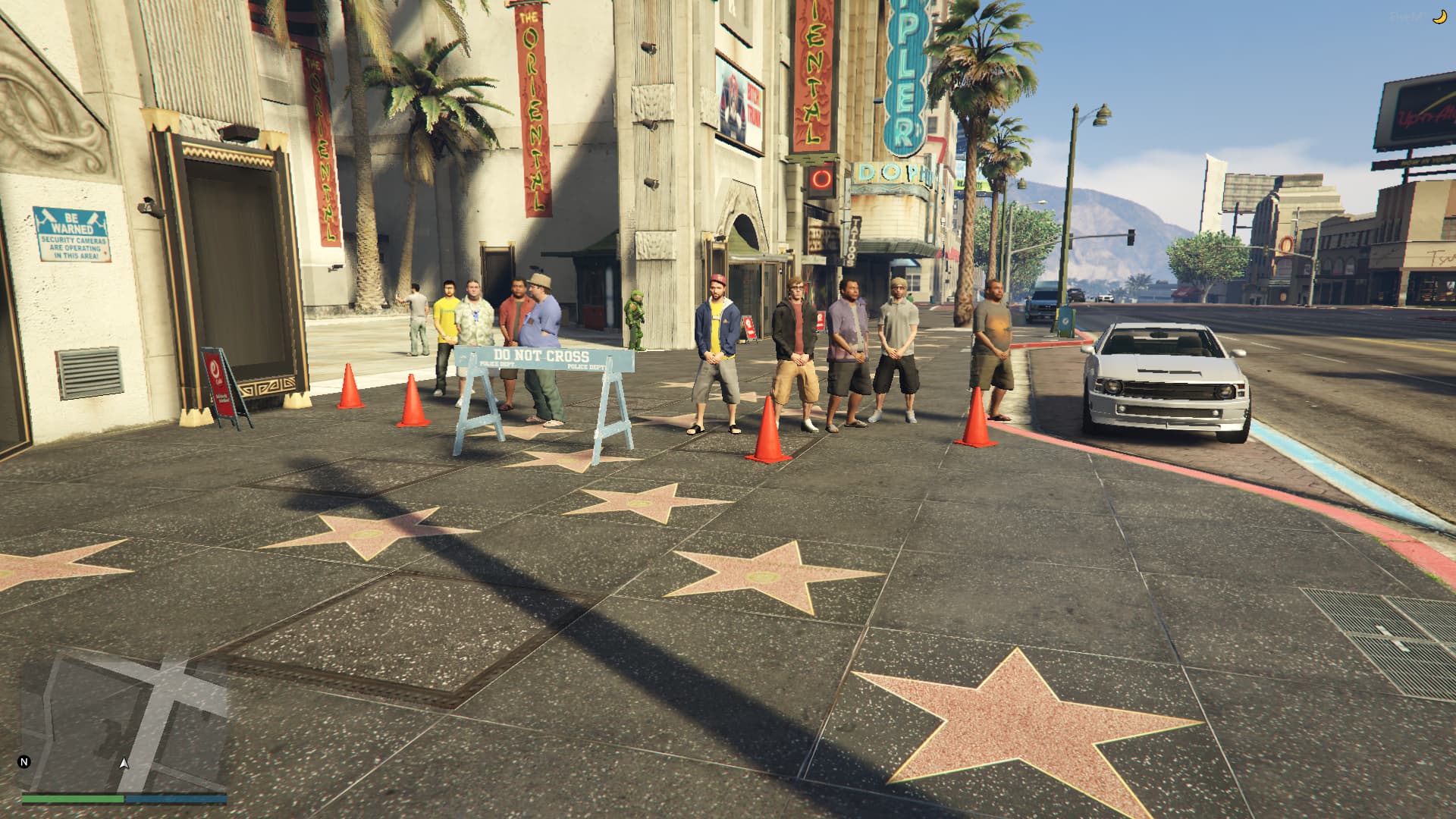
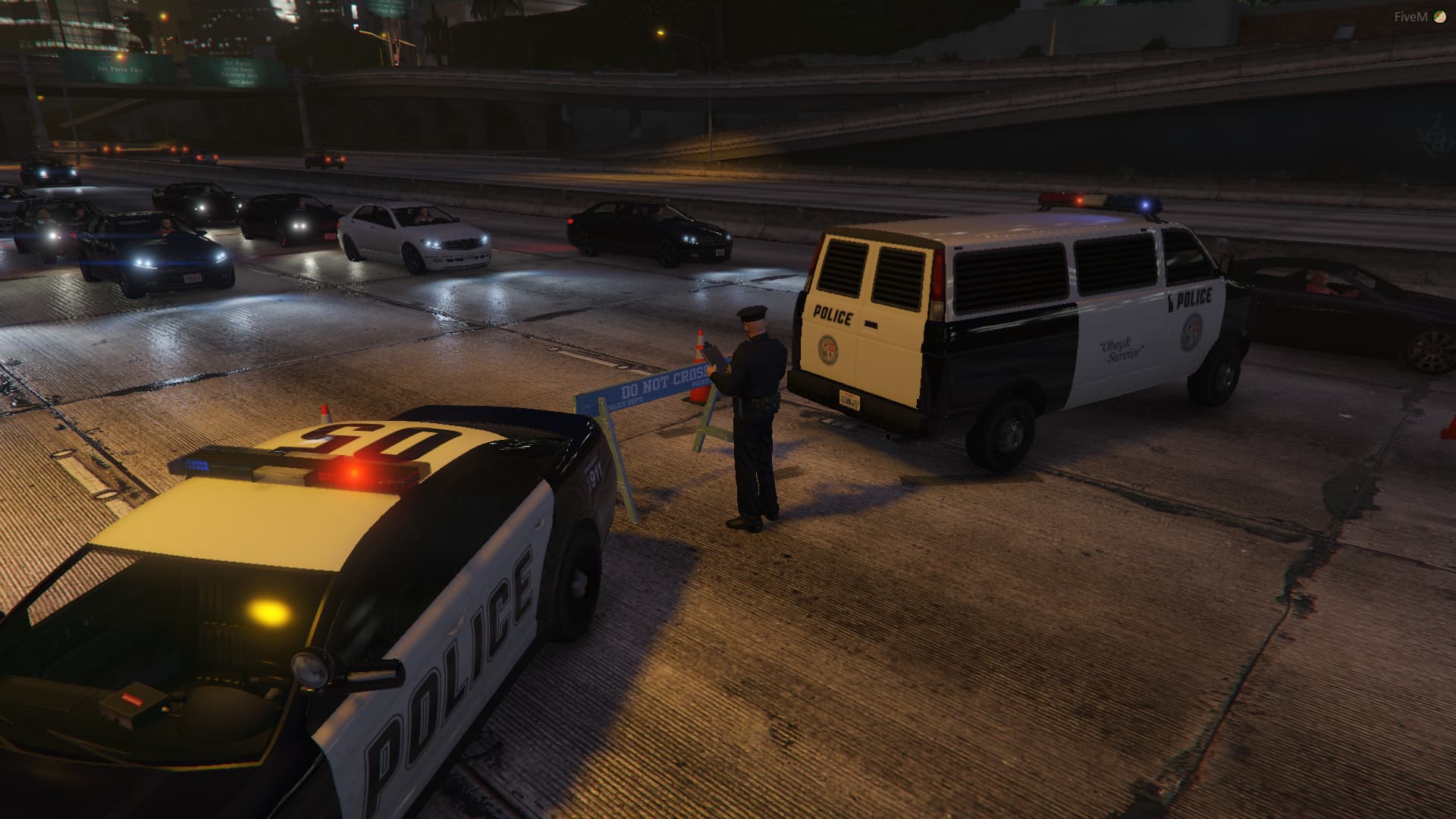
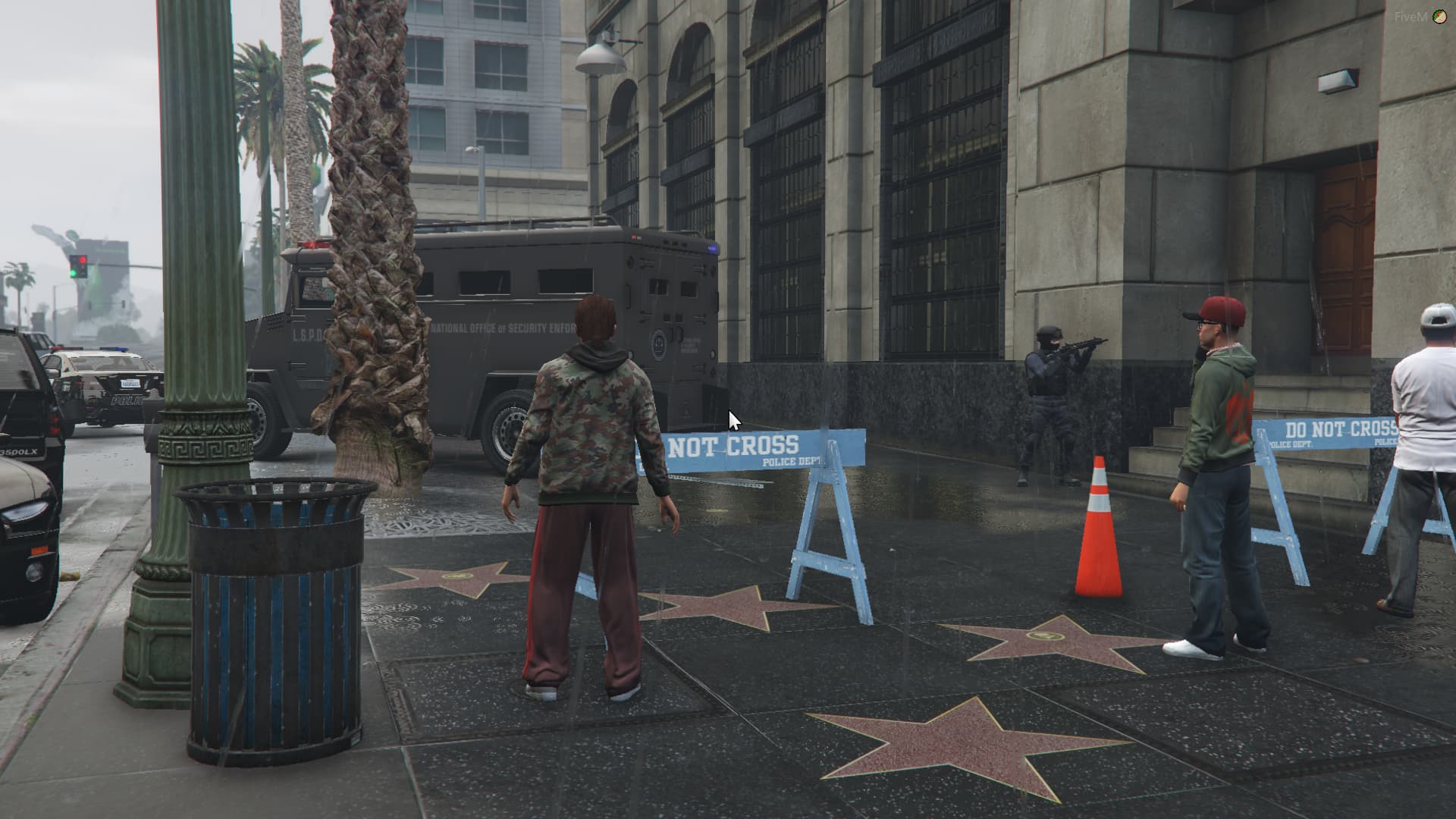
Simple script for FiveM allowing easier traffic control.
This resource allows players to easily and effectively manage the traffic around them. Place barriers, cones and more to stop traffic in the area.
With massive configuration support, you can easily add objects and manage who can use the menu or simply allow everyone to! This resource has been tried and tested in nearly every FiveM server in one way or another these days, and it’s the best option out there for traffic management. Whether you’re a police officer at a collision with traffic blaring past, or you’re doing roadworks on Joshua Road, this menu will be your best friend.
Features:
Object Spawner
Working scene lights.
AI Traffic Controller (Change the speed of traffic within a radius)
Full Configuration support
Whitelisting
Synced/Networked Traffic Management
Bugs/Issues:
Scene lights spawn facing behind you.
Must press key/input command twice initially to open the menu if mode set to ‘IP’. This only happens on first activation.
Installation:
Download scenemenu.zip
Extract the contents of the scenemenu.zip and place it into the ‘resources’ folder.
Include ‘scenemenu’ in your server.cfg
Configure the config.lua within scenemenu.
Restart your server.
Press your chosen key or type your command and enjoy!
Credits:
DragonHiveSolutions
Download mod
| File | File size |
|---|---|
 kj_scenemenu
 | 30 KB |



![[DEV] Woodway Nightowl (Scene Light) [UNLOCKED] 1.0](https://gta5mod.net/wp-content/uploads/2019/09/Woodway-Nightowl.png "[DEV] Woodway Nightowl (Scene Light) [UNLOCKED] 1.0")
![Abandoned Los Santos [Scene]](https://gta5mod.net/wp-content/uploads/2020/04/Abandoned-Los-Santos-150x150.jpg "Abandoned Los Santos [Scene]")
