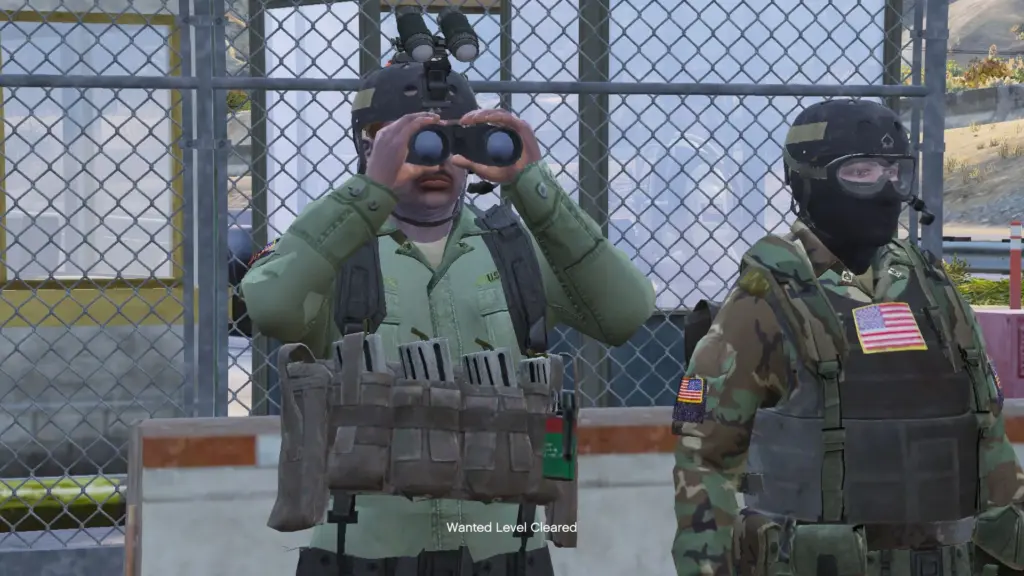
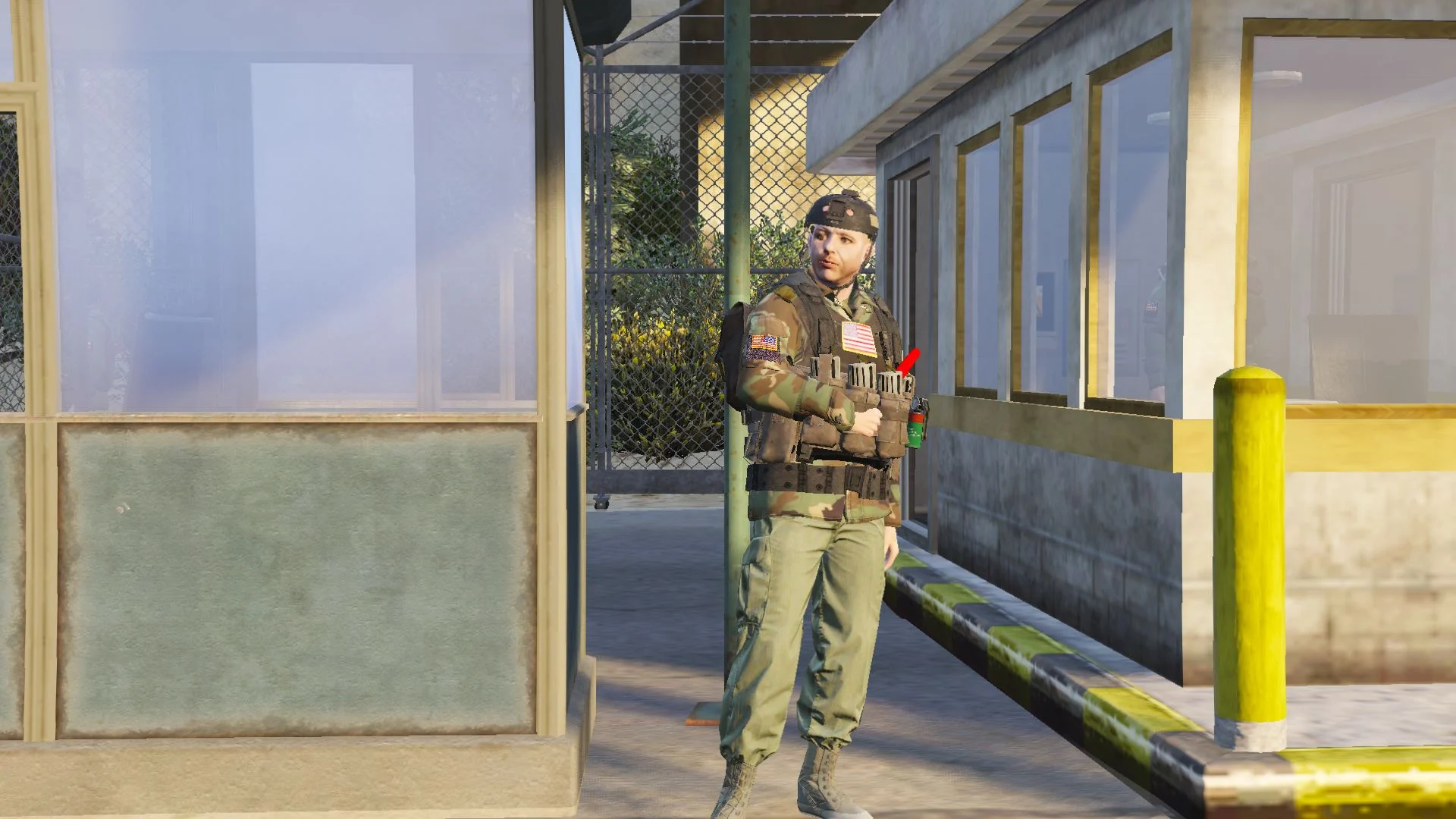
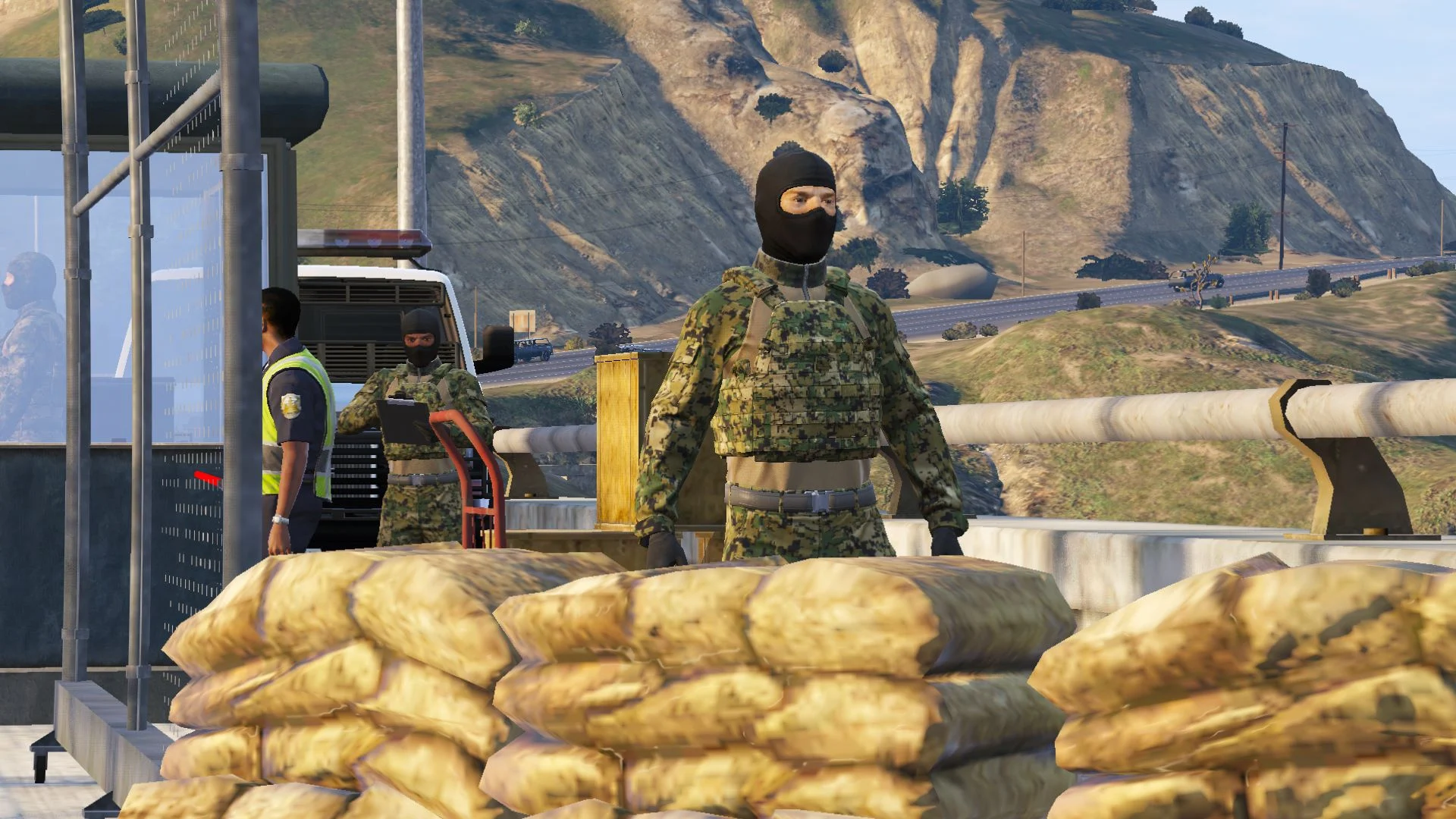
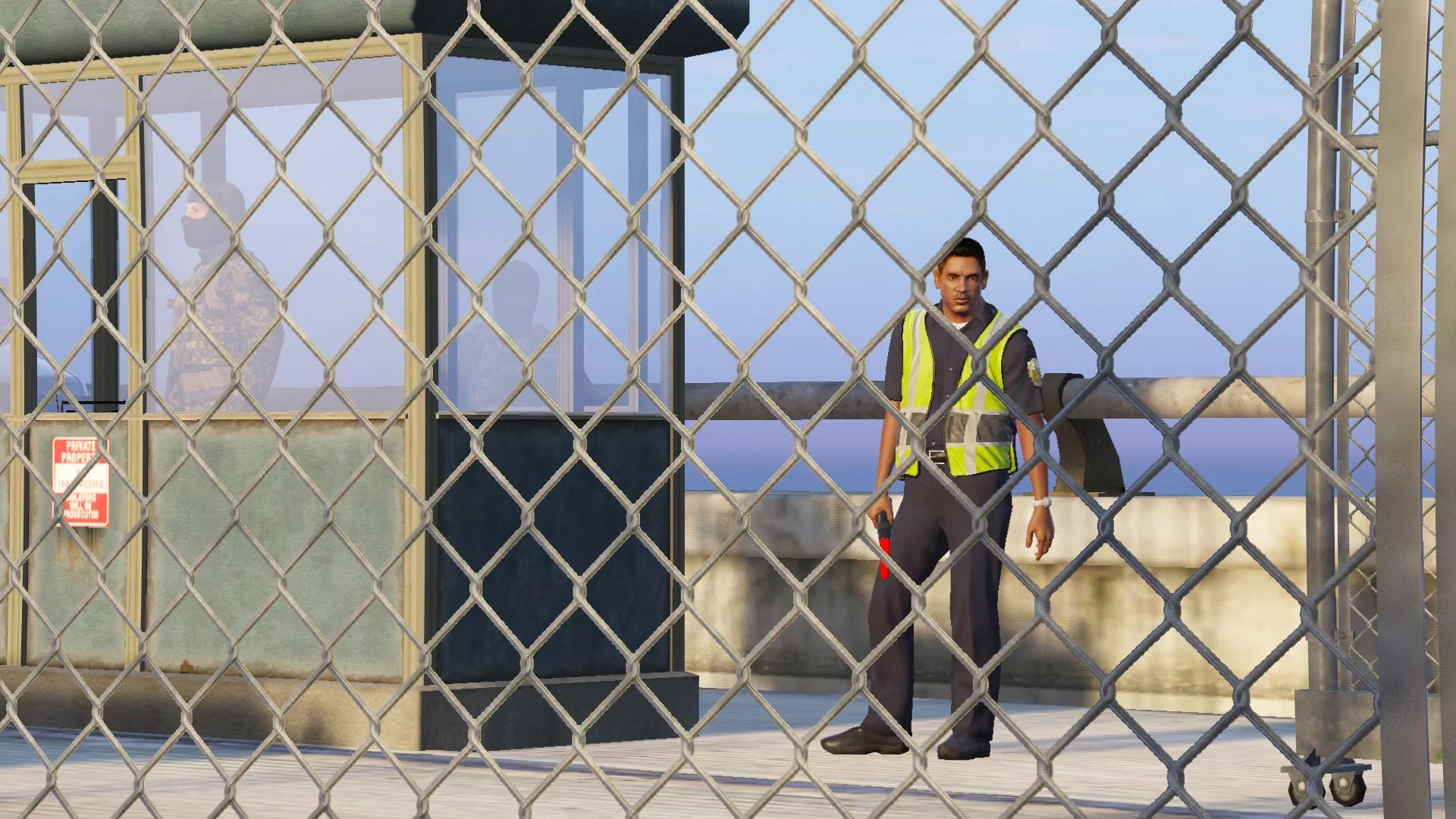
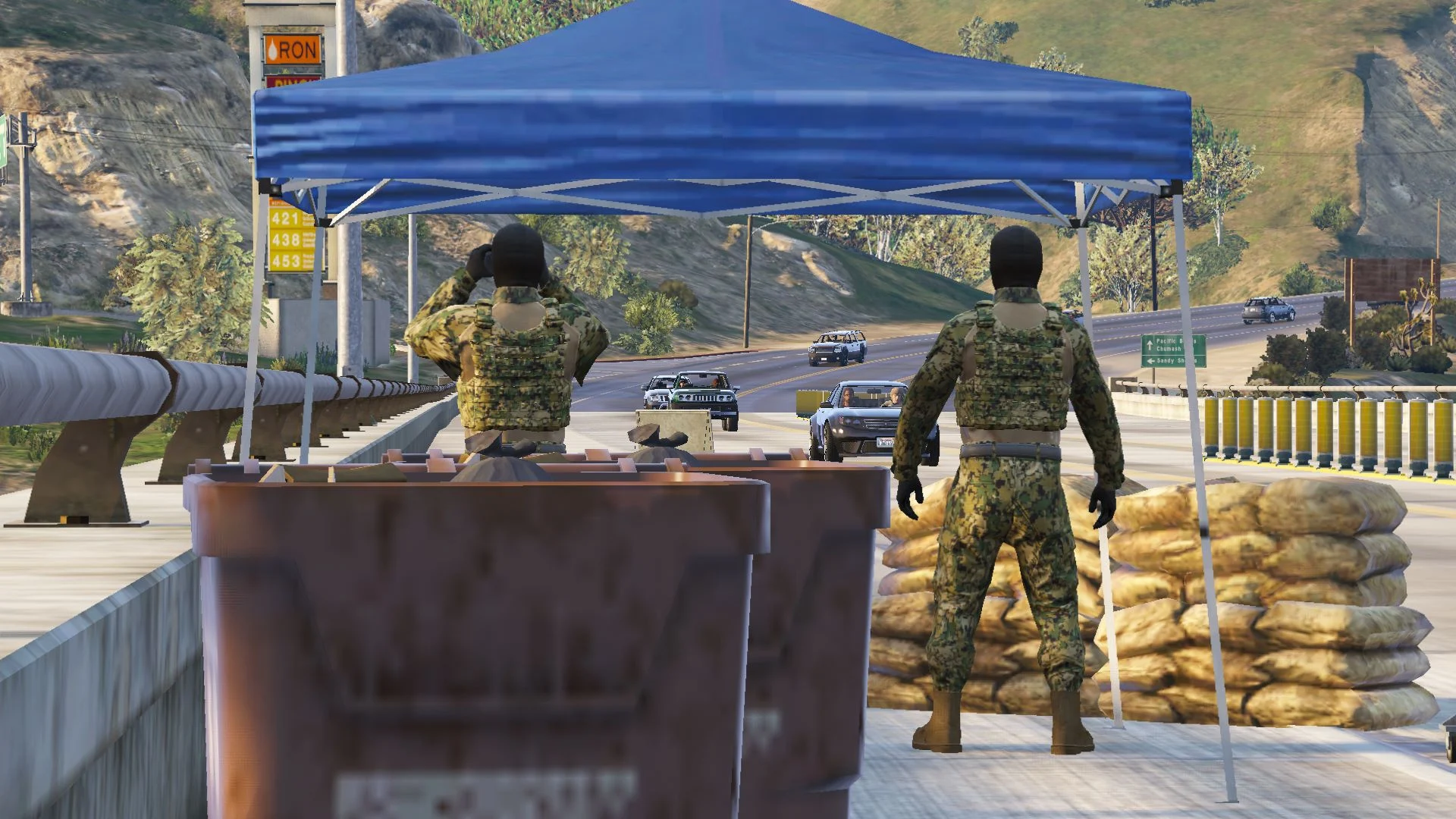
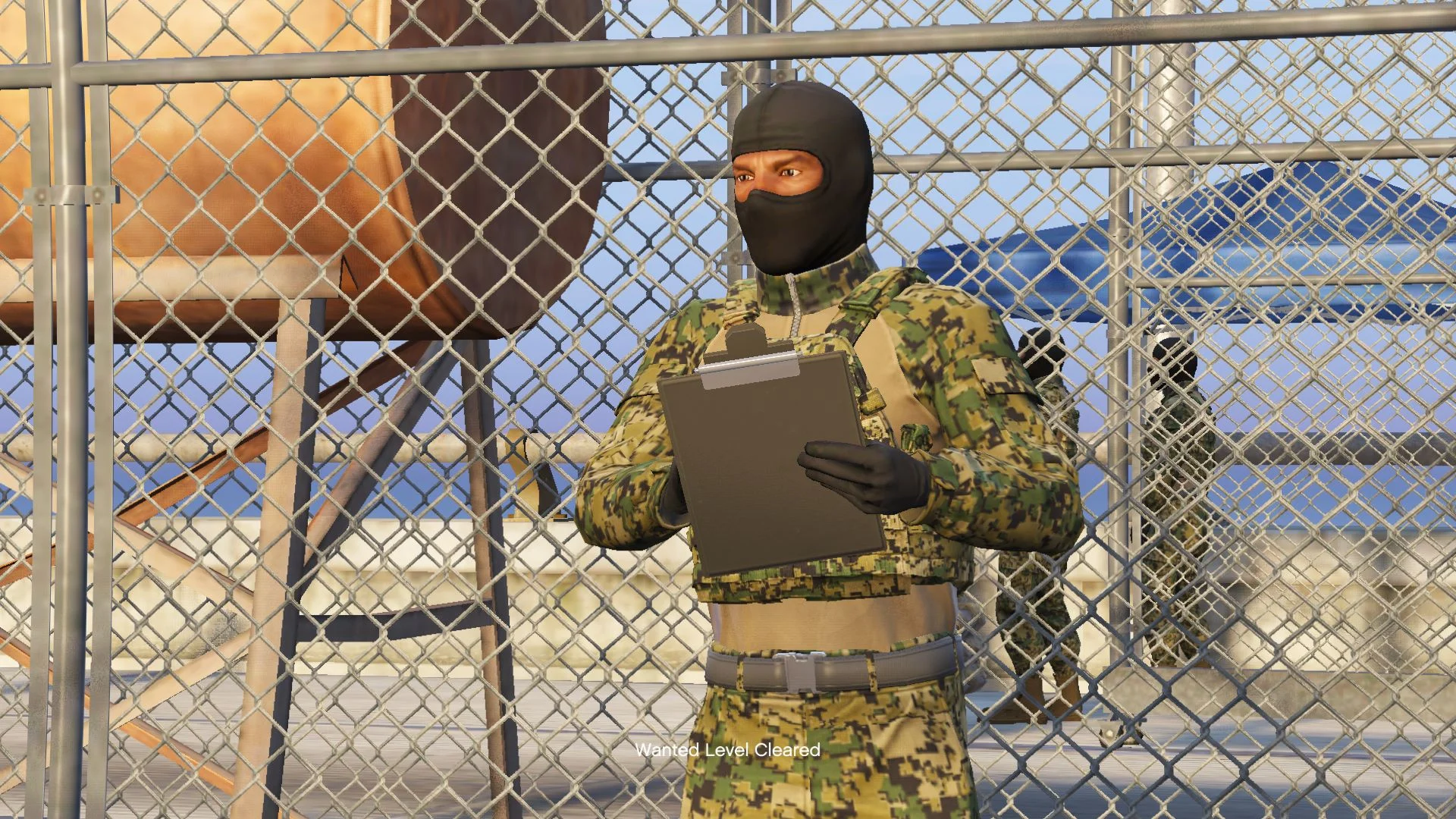
Hello, this map is still under development and there are some props that are not fixed yet. Make sure your map is updated because this is still in testing
You can expect that this map will have some missing props or things will not function properly
How to Install
1.Download map editor
2.Download border checkpoint
In game installation
1.Copy the (border.XML) to in game directory
2.Paste the map editor file into scripts folder if you don’t have this make the folder name scipts if all done
3.Open your game and press F7 go to Load map>File chooser find the Boder.XML and press enter
Her all require to map works
Map Editor
Installation
1. Install ScriptHookV
2. Download and install Visual C++ Redistributable for Visual Studio 2015 x64, x86, Visual C++ Redistributable for Visual Studio 2013 x64, x86.
3. Install latest ScriptHookVDotNet, read the requirements.
4. Download last NativeUI version from here.
5. Move all contents of the .zip into your /scripts/ directory. If it doesn’t exist, create one.
Changelog:
V2.0 In the lago zancudo checkpoint is moved to Tongva hills and bug fixes
Credits:
G Mods
Download mod
| File | File size |
|---|---|
 border V2.1
 | 16 KB |
![Highway DUI Checkpoint - Border Map [Menyoo | YMAP] 2.0](https://gta5mod.net/wp-content/uploads/2020/06/Highway-DUI-Checkpoint-Border-Map-150x150.jpg "Highway DUI Checkpoint - Border Map [Menyoo | YMAP] 2.0")
![US/Canada Border Checkpoint [Map Editor] 1.1](https://gta5mod.net/wp-content/uploads/2020/06/Border-Checkpoint-150x150.jpg "US/Canada Border Checkpoint [Map Editor] 1.1")