
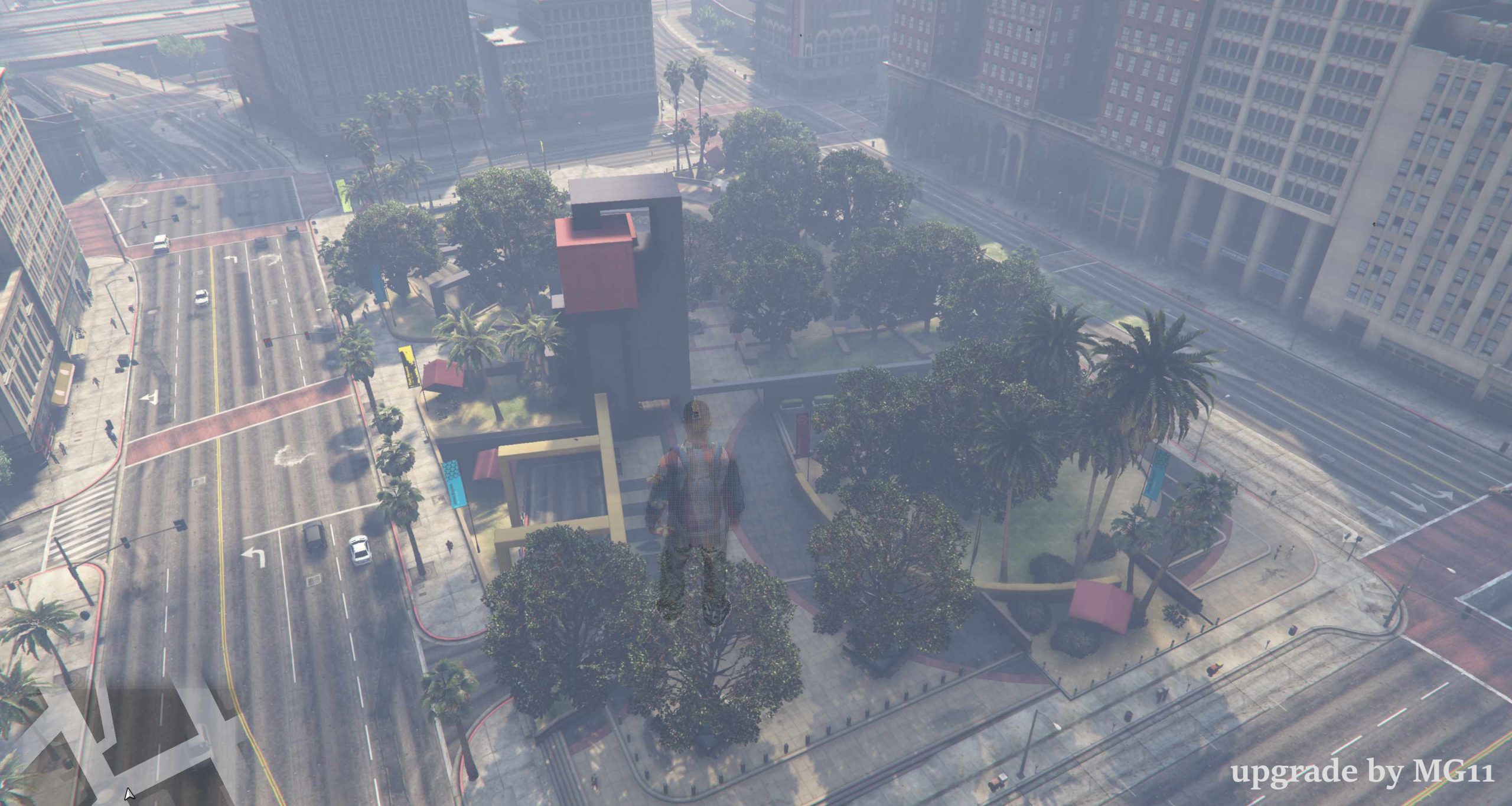
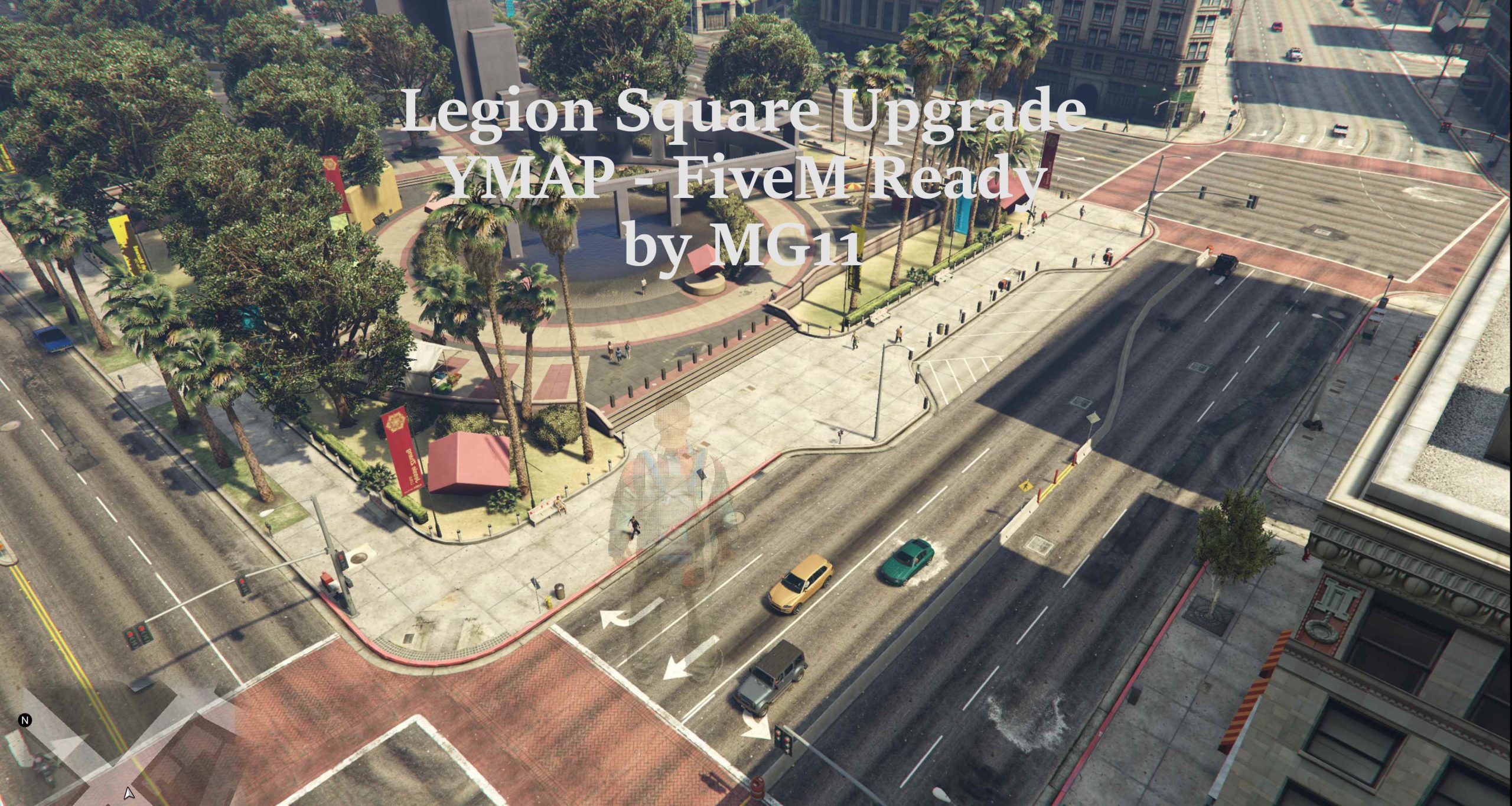
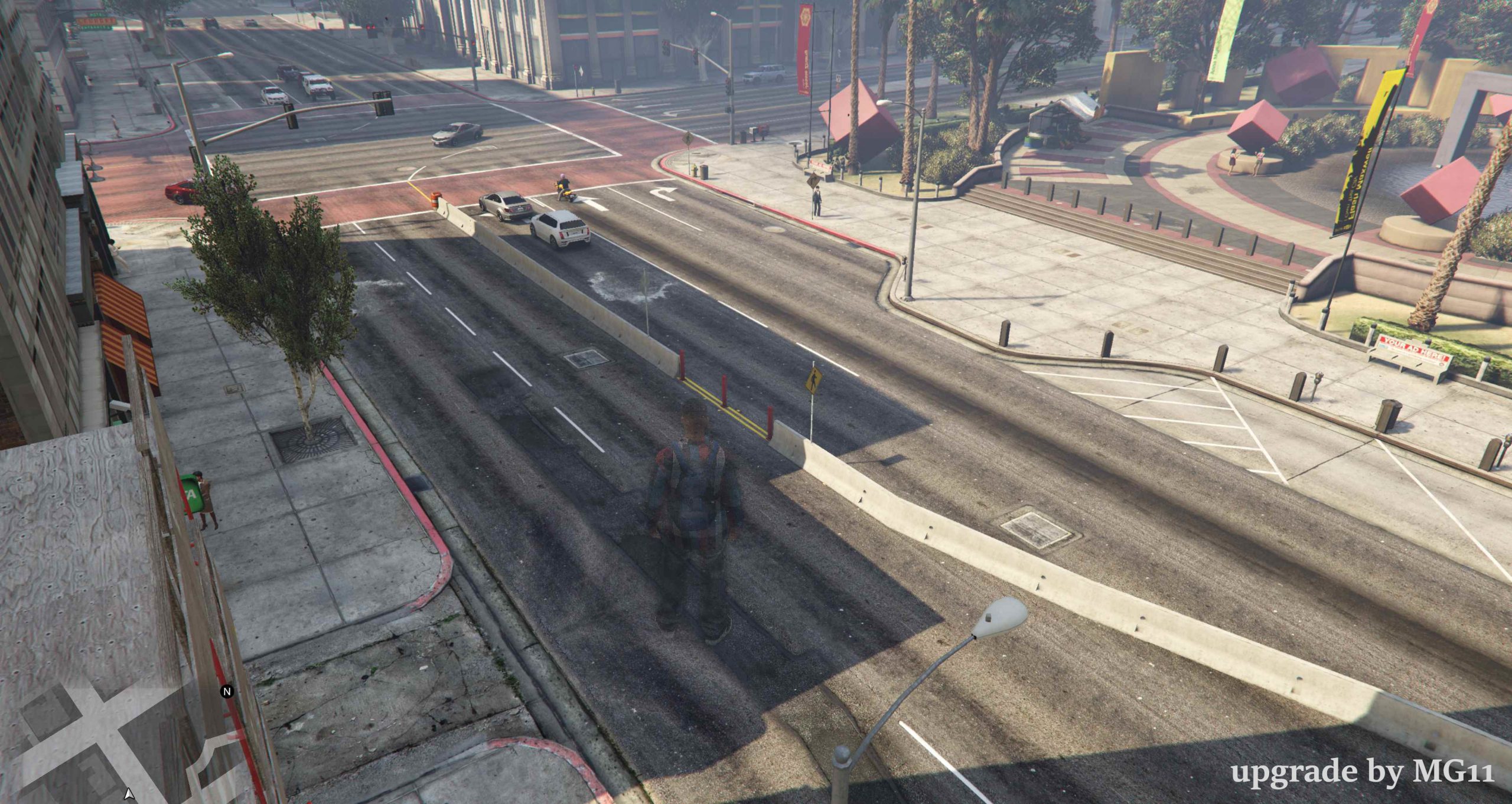
here I have created a revised version of Legion Square and published it for you to download. This is a YMAP, which is ready for FiveM. A small installation tutorial follows in the description below. You are not allowed to redistribute this version(s) or publish it/them on other platforms or GTA5 mods. An introduction in a video is of course allowed. But please mention me! 🙂
Installation Tutorial for FiveM:
1. download the map (in the form of the folder)
2. drag it to your server in the “resources” folder.
3. put “start MeetingPoint” in the server.cfg
Installation Tutorial for the GTA5 Singleplayer:
1. Extract the YMAP from the folder and set it on your desktop
2. Open OpenIV
3. Go into edit mode from OpenIV
4. Click update -> x64 -> dlcpacks -> custom_maps ->dlc.rpf -> x64 -> levels -> GTA5 -> citye -> maps -> custom_maps.rpf
5. Take the YMAP and drag & drop it into OpenIV
Upgrades:
Lane separation at the Flecca Bank
More seats
More trees
Food stalls
Bollards
Credits:
MG11
Download mod
| File | File size |
|---|---|
 MeetingPoint
 | 7 KB |
![Legion Square Meeting Point Decoration with Lights [YMAP / FiveM] 1.0](https://gta5mod.net/wp-content/uploads/2020/11/Legion-Square-Meeting-Point-Decoration-with-Lights-150x150.png "Legion Square Meeting Point Decoration with Lights [YMAP / FiveM] 1.0")
![Legion Square Meeting Point Remastered [Add-On / FiveM] 1.1](https://gta5mod.net/wp-content/uploads/2020/08/Legion-Square-Meeting-Point-Remastered-150x150.jpg "Legion Square Meeting Point Remastered [Add-On / FiveM] 1.1")
![Sécurité routière Legion Square {Road Safety Legion Square] Map editor](https://gta5mod.net/wp-content/uploads/2022/01/Securite-routiere-Legion-Square-150x150.webp "Sécurité routière Legion Square {Road Safety Legion Square] Map editor V2.0")

![Legion Square Upgrade [YMAP] 1.1](https://gta5mod.net/wp-content/uploads/2020/08/Legion-Square-Upgrade-150x150.jpeg "Legion Square Upgrade [YMAP] 1.1")
