
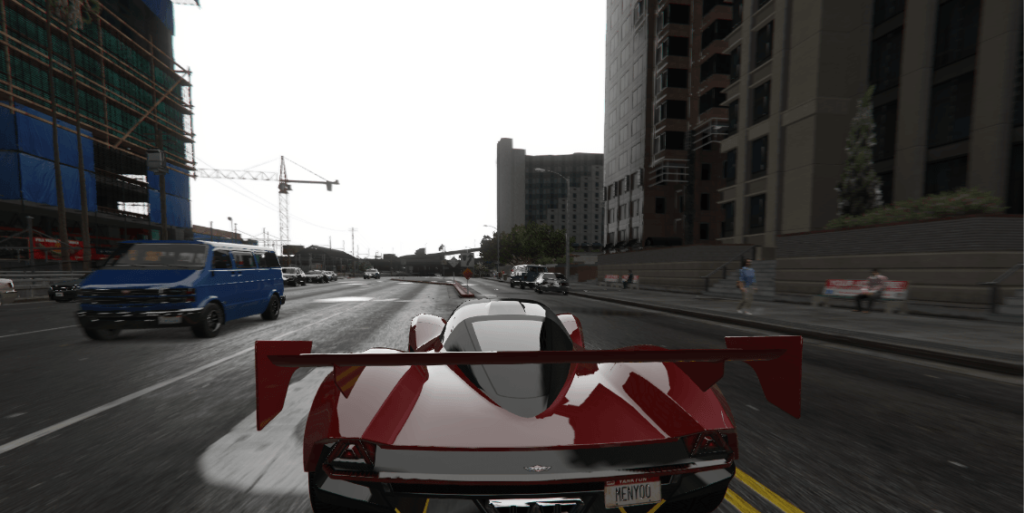
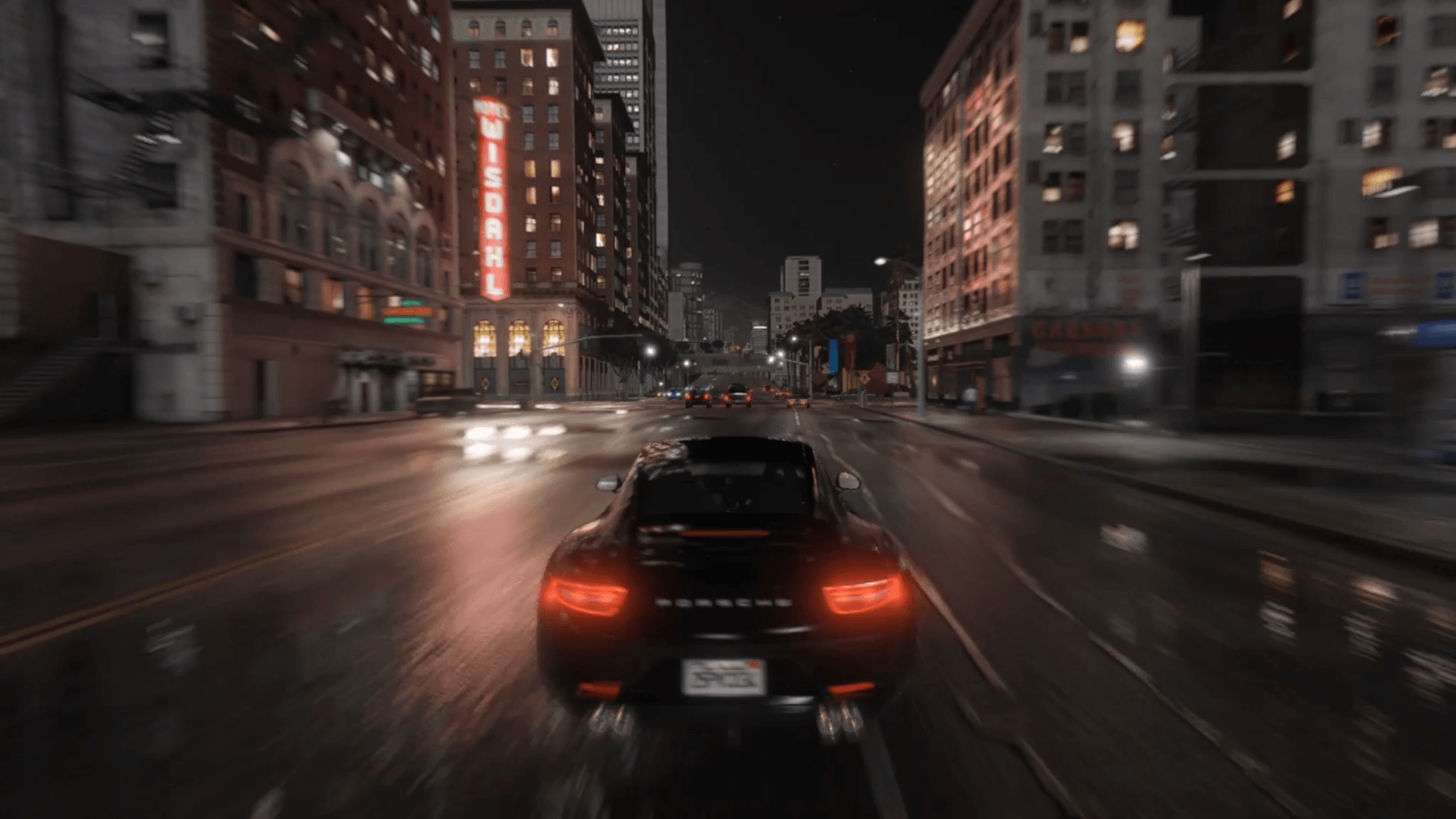
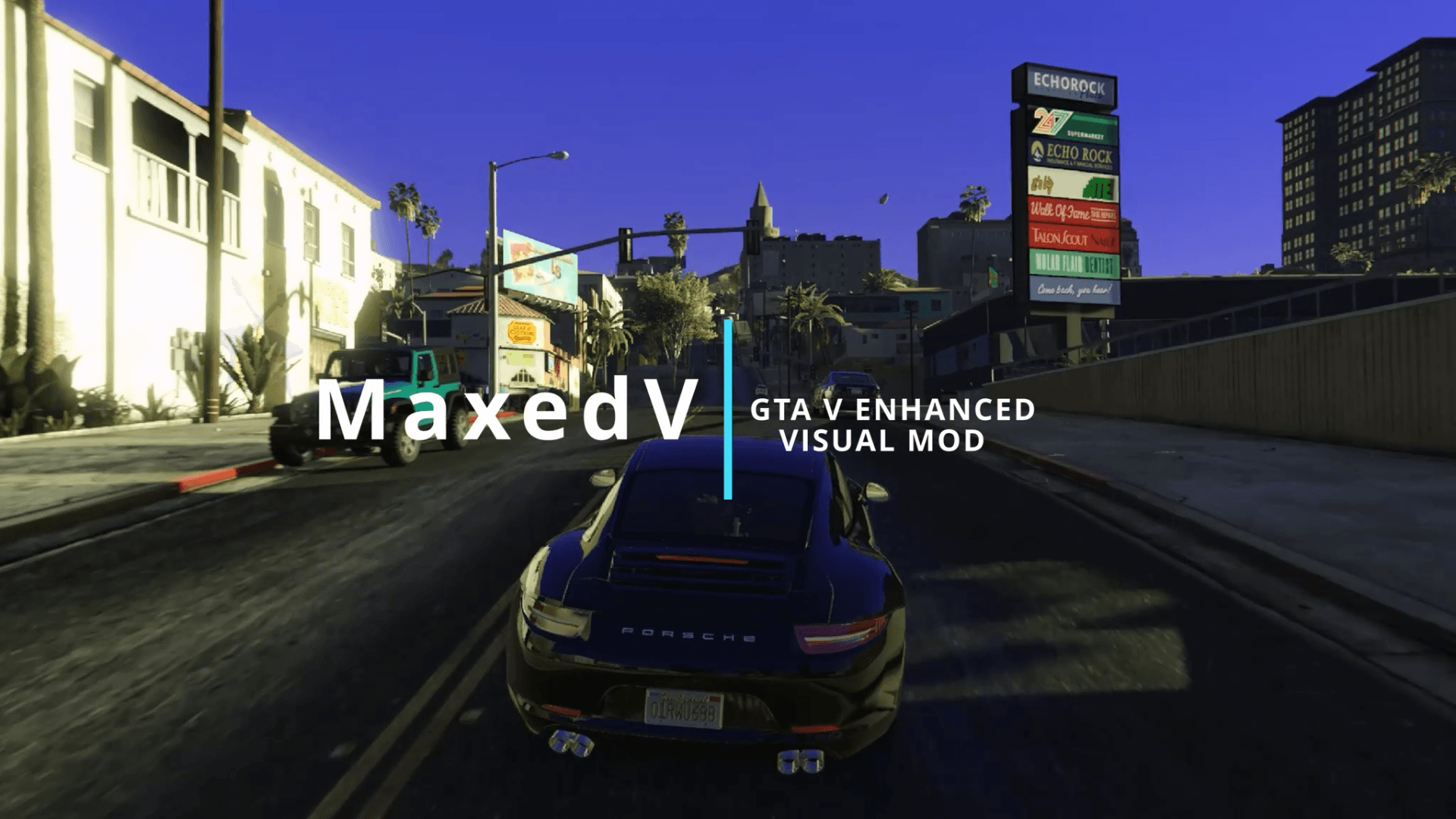
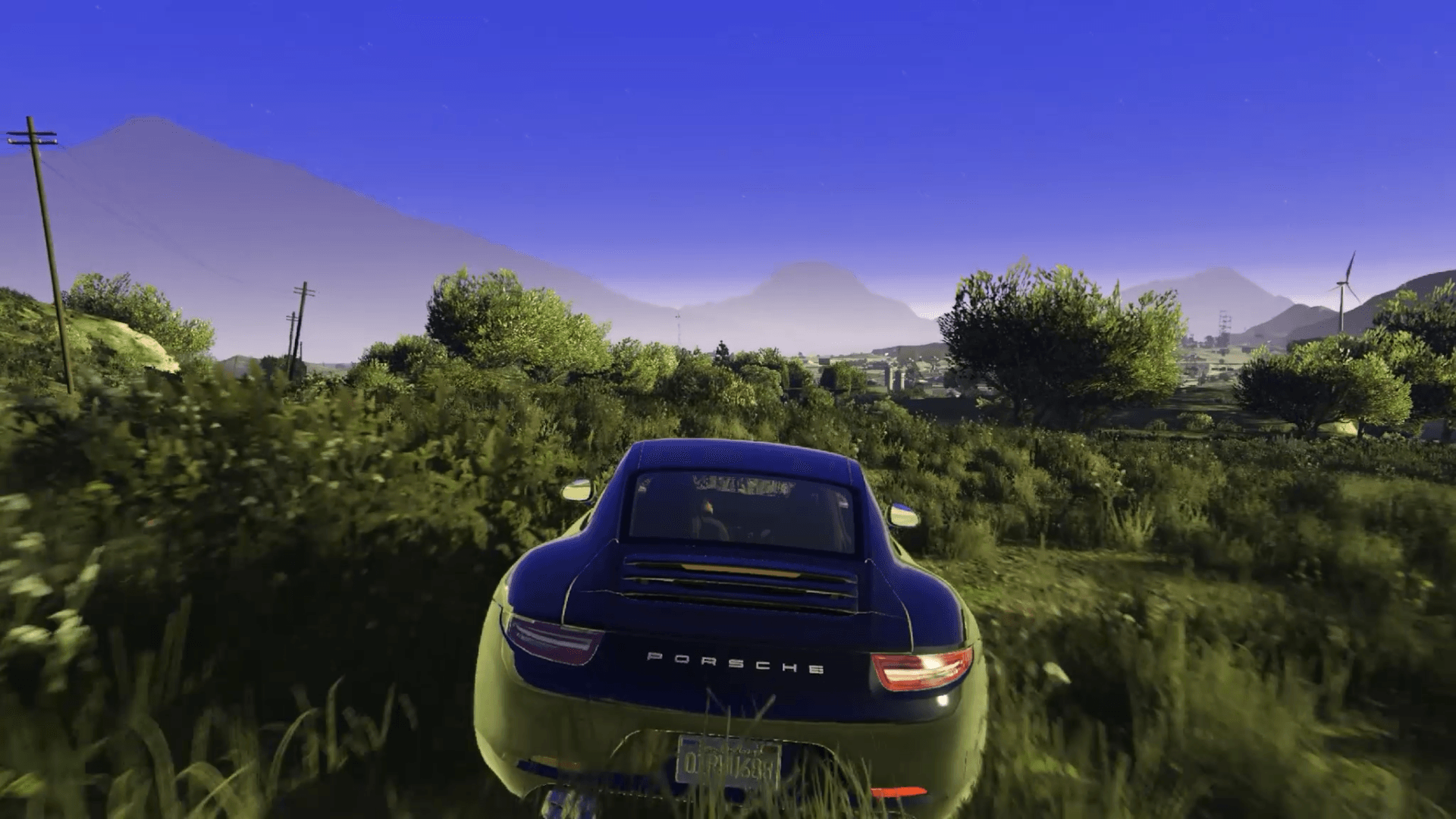
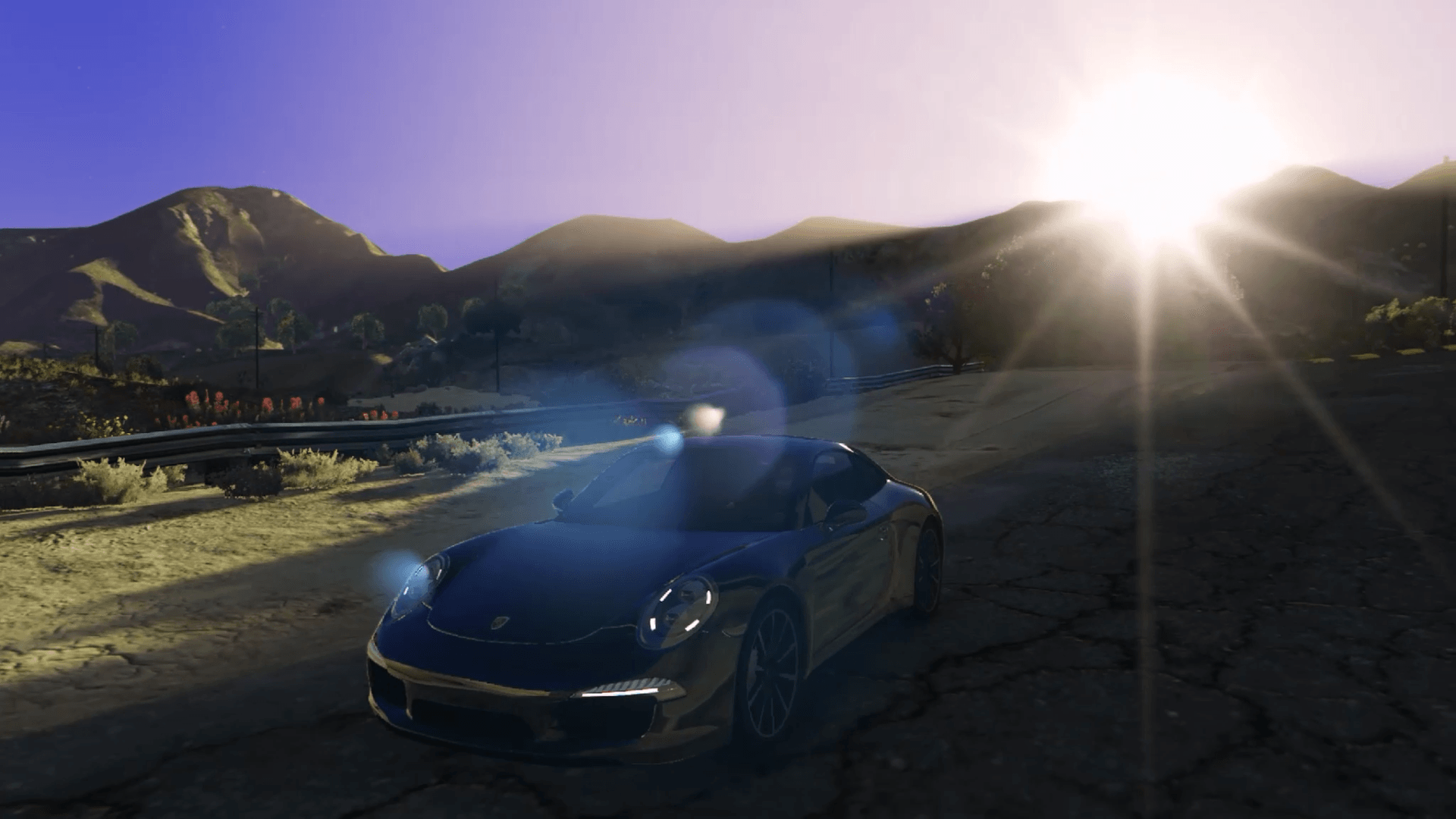
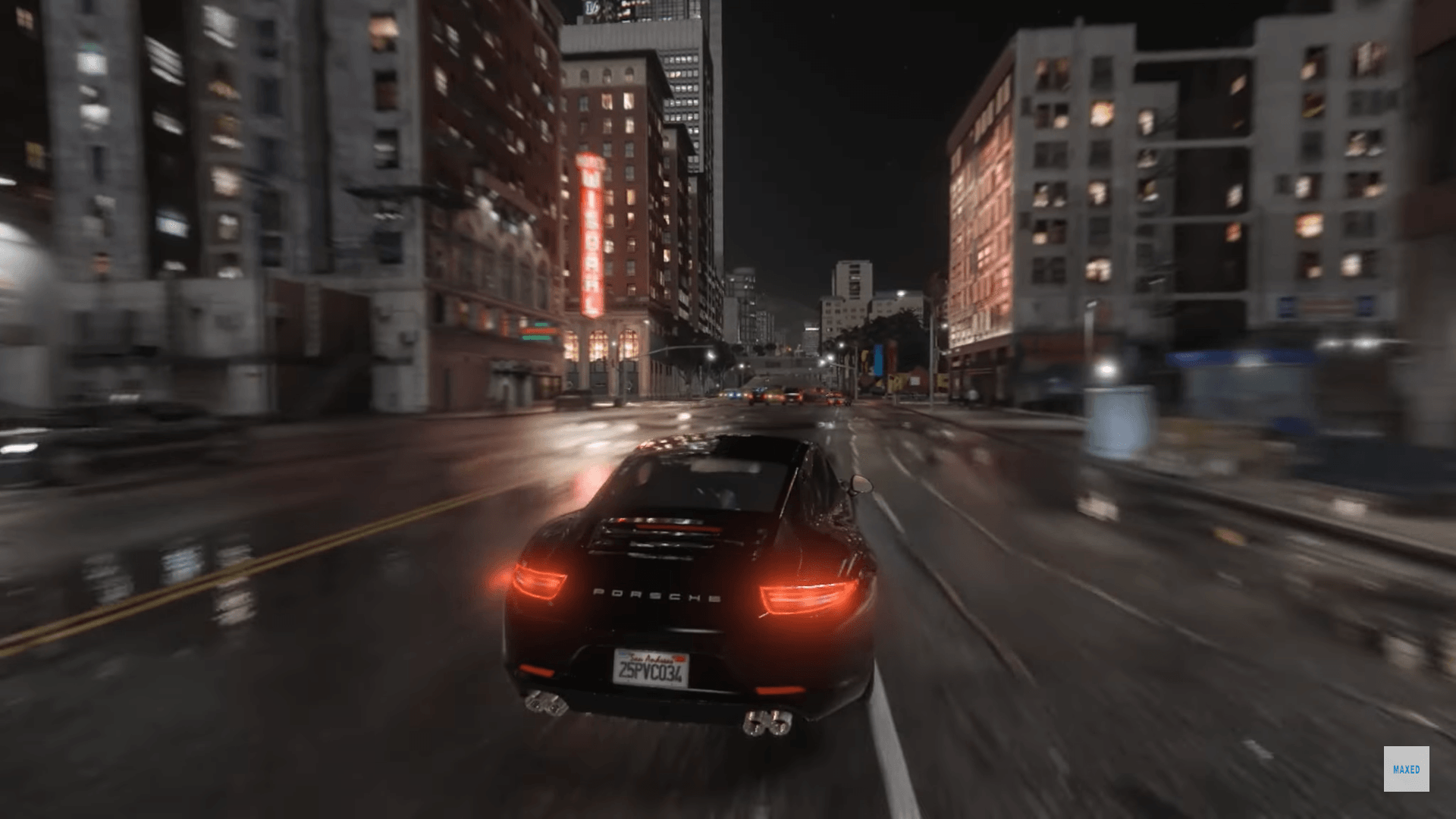
MaxedV Enhanced is a native, performance-focused graphics overhaul for GTA V: Enhanced Edition.
It enhances the game’s visuals with timecycle/weather tweaks, white streetlight emissions,
balanced sky & fog behavior, and sharper distant lighting — all WITHOUT ENB or Reshade.
My goal with MaxedV is to push GTA V’s graphics to look cleaner, more realistic, and immersive
while staying lightweight and performance-friendly.
KEY FEATURES
• Timecycle edits (w_clear, w_clearing, w_clouds, w_extrasunny, w_foggy, w_halloween,
w_neutral, w_overcast, w_rain, w_rainhalloween, w_smog, w_snowhalloween, w_thunder, w_xmas)
• Updated visualsettings.dat for balanced post-processing & exposure
• Overhauled weather.xml for refined sky & fog response
• LodLights.rpf tweaks for sharper distant city lighting
• vfxfogvolumeinfo.ymt adjustments for more realistic fog volumes
• v_traffic_lights.rpf tweak for white traffic lamp emissions
COMPATIBILITY
• GTA V Enhanced Edition (Steam / Rockstar / Epic)
• Single-player only; DO NOT use online
SYSTEM REQUIREMENTS
• Minimum: GTX 1050 Ti / RX 560, 12 GB RAM (30 fps target)
• Recommended: RTX 2060 / RX 6600, 16 GB RAM (60+ fps target)
MANUAL INSTALL INSTRUCTIONS
1. Backup original files before applying modifications.
2. Enable your “mods” Folder.
3. Install Timecycle & Weather Files
In OpenIV (Edit Mode):
– Navigate to `mods\update\update.rpf\common\data\timecycle\`
• Replace all `.xml` files (w_clear.xml … w_xmas.xml).
– Navigate to `mods\update\update.rpf\common\data\`
• Replace `visualsettings.dat`.
– Navigate to `mods\update\update.rpf\common\data\levels\gta5\`
• Replace `weather.xml`.
4. Install LodLights
– Navigate to `mods\update\update.rpf\x64\levels\gta5\`
• Replace `lodlights.rpf`.
5. Install VFX Fog Volumes
– Navigate to `mods\x64a.rpf\data\effects\`
• Replace `vfxfogvolumeinfo.ymt`.
6. Install Traffic Light Emissions
– Navigate to `mods\x64h.rpf\levels\gta5\props\roadside\`
• Replace `v_traffic_lights.rpf`.
7. Verify & Launch
– Close OpenIV.
– Launch GTA V (single-player).
– Enjoy MaxedV visuals at high FPS!
FILE PATHS
– mods/update/update.rpf/common/data/timecycle/ (all timecycle XMLs)
– mods/update/update.rpf/common/data/visualsettings.dat
– mods/update/update.rpf/common/data/levels/gta5/weather.xml
– mods/update/update.rpf/x64/levels/gta5/lodlights.rpf
– mods/x64a/data/effects/vfxfogvolumeinfo.ymt
– mods/x64h/levels/gta5/props/roadside/v_traffic_lights.rpf
Changelog:
1.5 (Enhanced Edition)
—————————
• Port from legacy 1.4
v1.4 (Legacy Edition)
—————————
• Improved all weathers for better overall visual consistency
• Enhanced volumetric streetlights for more immersive night scenes
• Added volumetric lighting effects across environments
• Improved daytime lighting with more natural sunlight behavior
• Upgraded high-quality reflections for better realism
• Included high-performance ReShade preset for enhanced visuals with minimal performance impact
v1.3-ALPHA (Legacy Edition)
Expanded timecycle improvements across multiple weathers
Subtle volumetric streetlight lighting
Fixed over-bright coronas
Improved sky coloring and atmosphere
High-quality reflections
Visual differences in Cloudy and Overcast weathers
Credits:
MaxedDev
Download mod
| File | File size |
|---|---|
 MaxedVEnhanced V1.5
 | 36 MB |
 MaxedVLegacy V1.4
 | 66 MB |
