
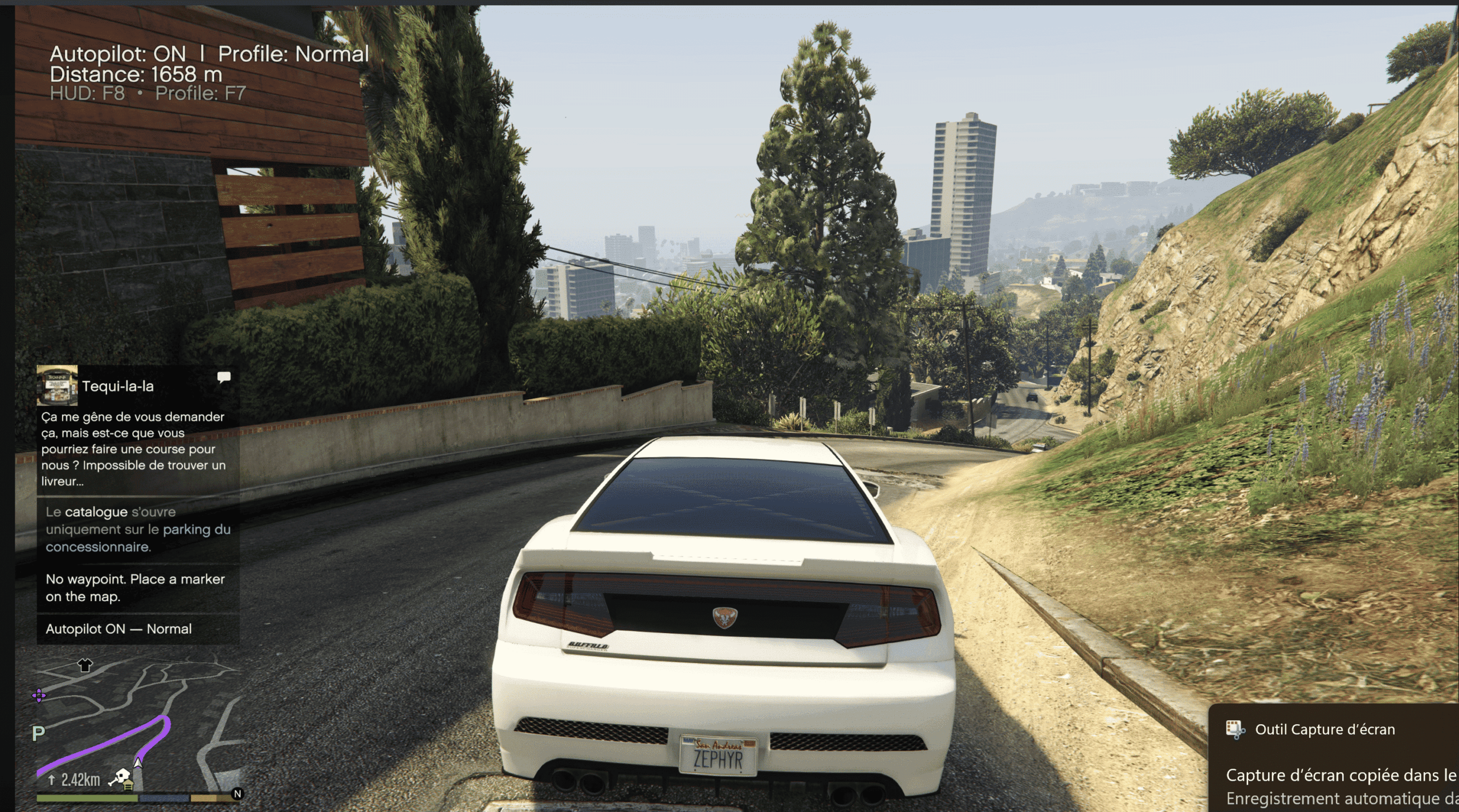
Waypoint Autopilot Drive to GPS Marker (INI, HUD, FR/EN)
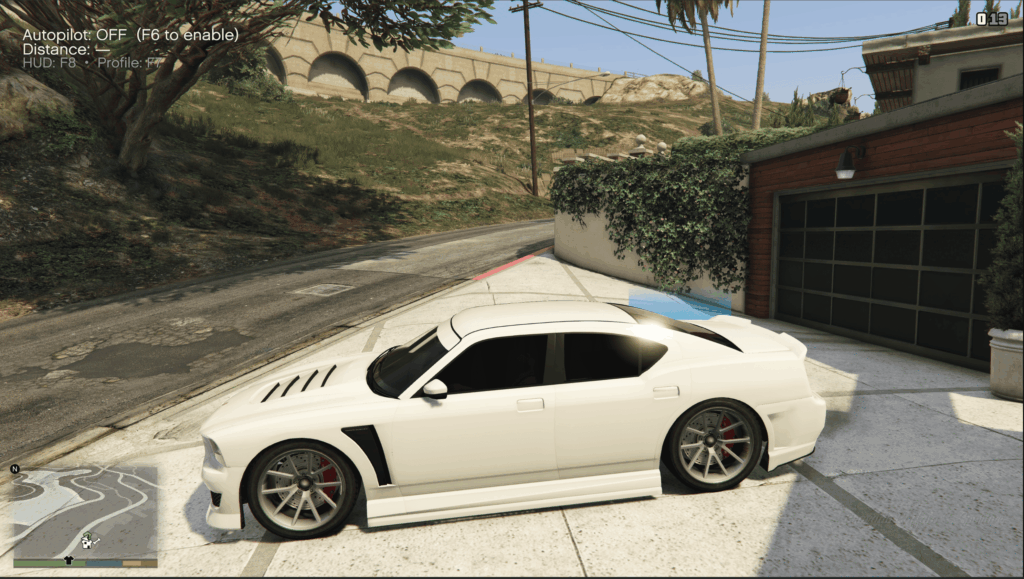
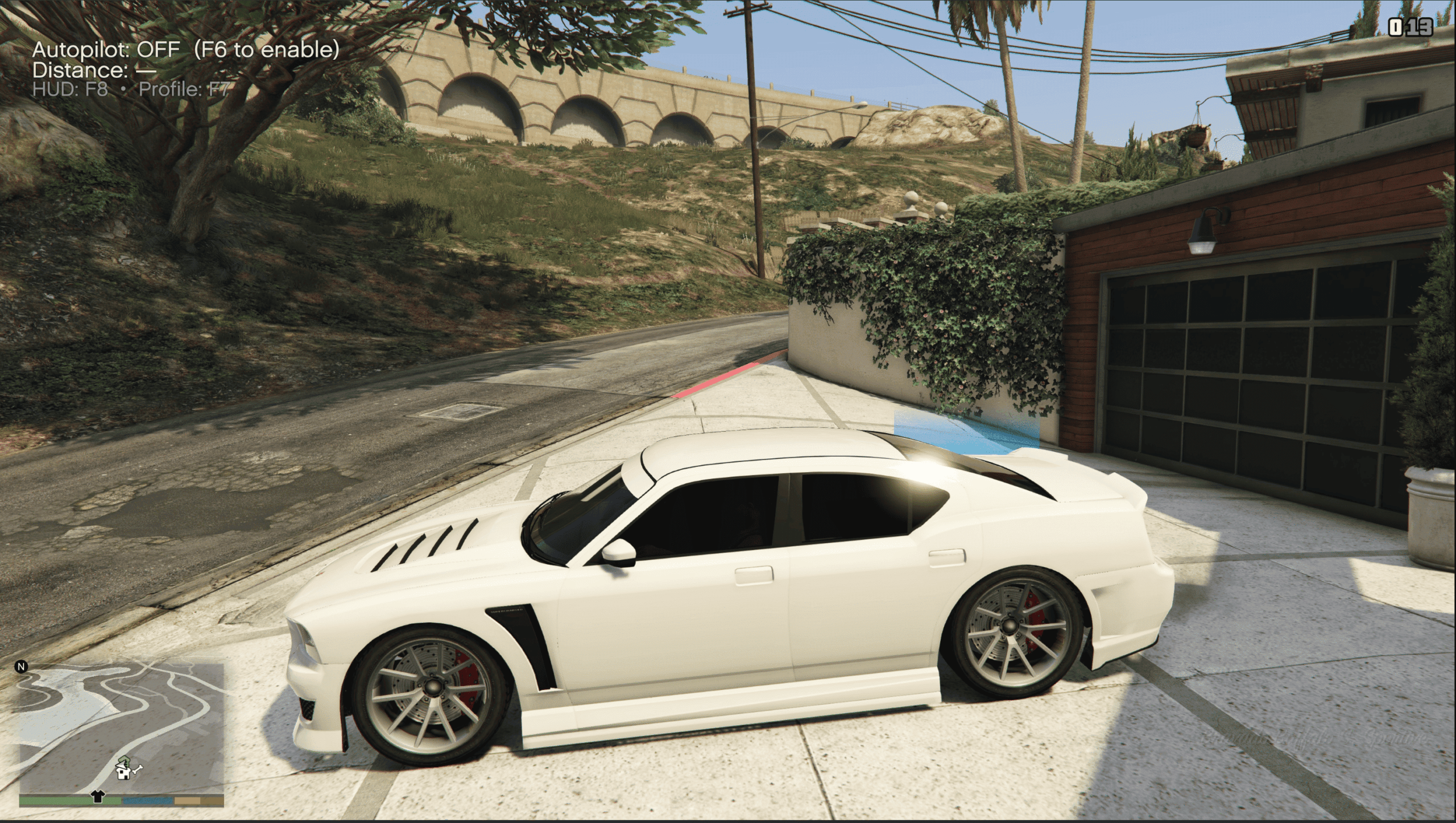
A clean and reliable autopilot: get in the driver seat, set a waypoint, press F6.
Your character drives like a ped following the native GPS to the marker, then stops and returns controls.
Driving profiles (F7), toggleable HUD (F8), full INI config FR/EN language.
Features
Follows native GPS route to the waypoint
Auto stop at destination
Profiles: Cautious / Normal / Rushed (F7)
HUD (distance, state) toggle (F8)
INI config (keys, speeds, styles, arrival radius, language FR/EN)
Controls
F6: Autopilot ON-OFF
F7: Cycle profile
F8: Toggle HUD
Installation
Drop into game folder you should have:
WaypointAutopilot.dll
WaypointAutopilot.ini
Requirements
Script Hook V
ScriptHookVDotNet v3
Changelog:
Changelog 1.1
HUD fix now scales correctly on 4K/ultra-wide screens and can auto-anchor next to the minimap.
Driving improvements Cautious and Normal profiles have more realistic speeds (41 km/h & 49 km/h) and smoother slowdown before the waypoint (90 m)
Minor stability & display tweaks.
You can reload the INI in-game with F5 and toggle the HUD with F8.
Credits:
Naruslayer
Download mod
| File | File size |
|---|---|
 WaypointAutopilot
 | 398 KB |
![Waypoint Marked With Laser [.NET] v0.1](https://gta5mod.net/wp-content/uploads/2022/05/Waypoint-Marked-With-Laser-150x150.webp "Waypoint Marked With Laser [.NET] v0.2")