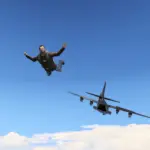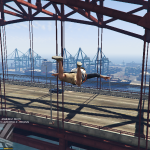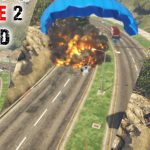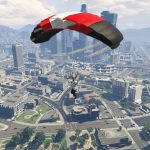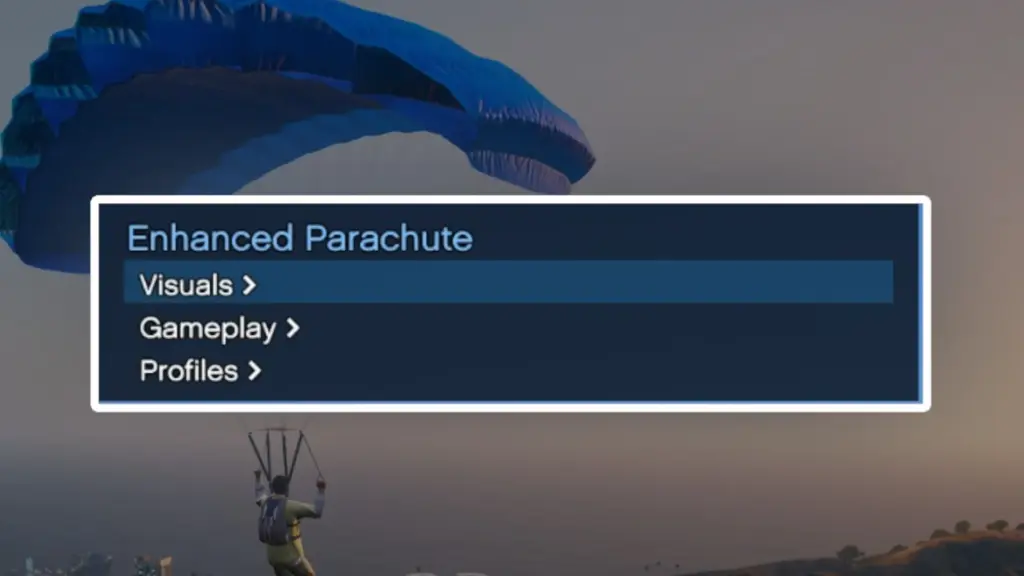
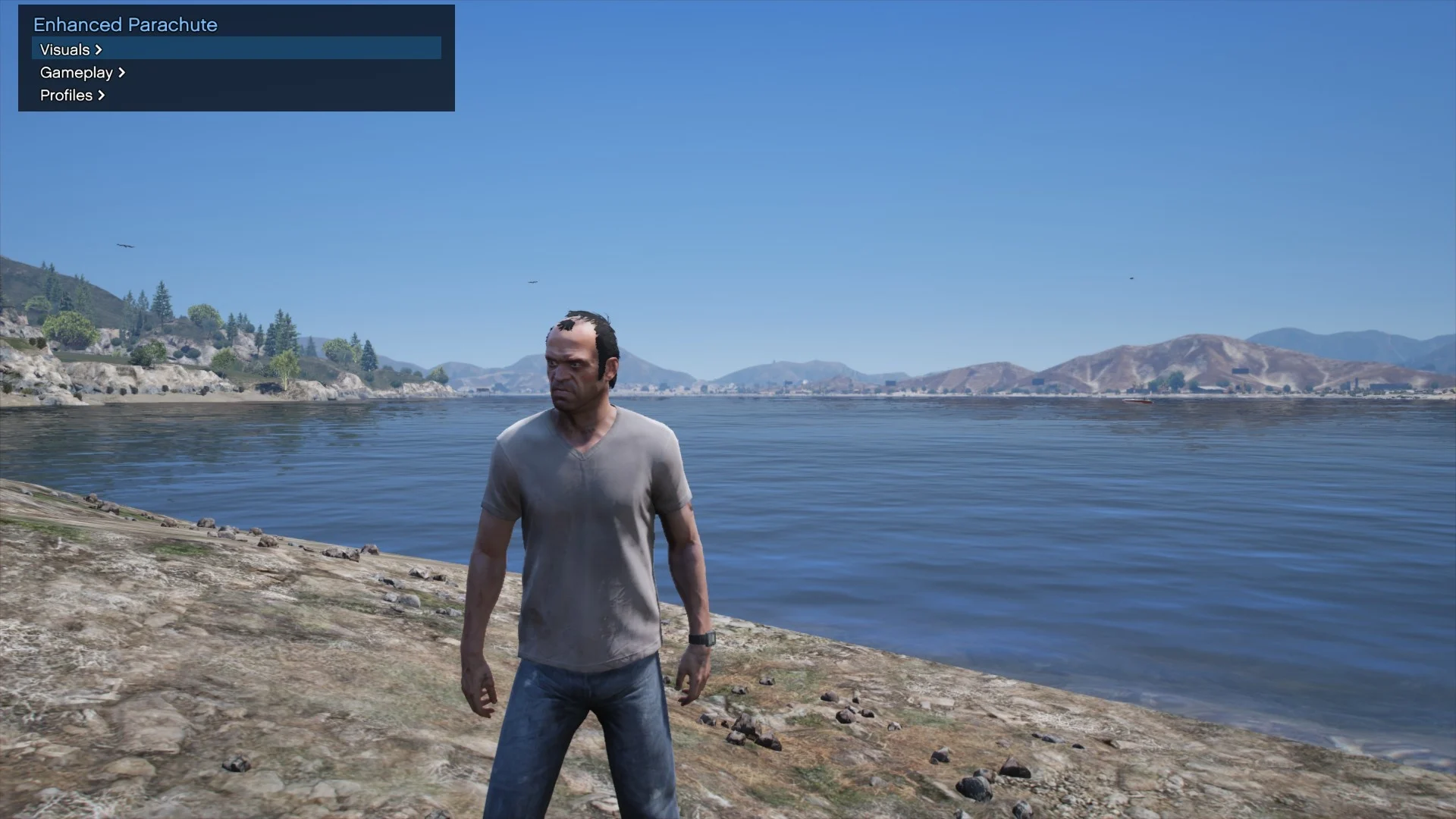
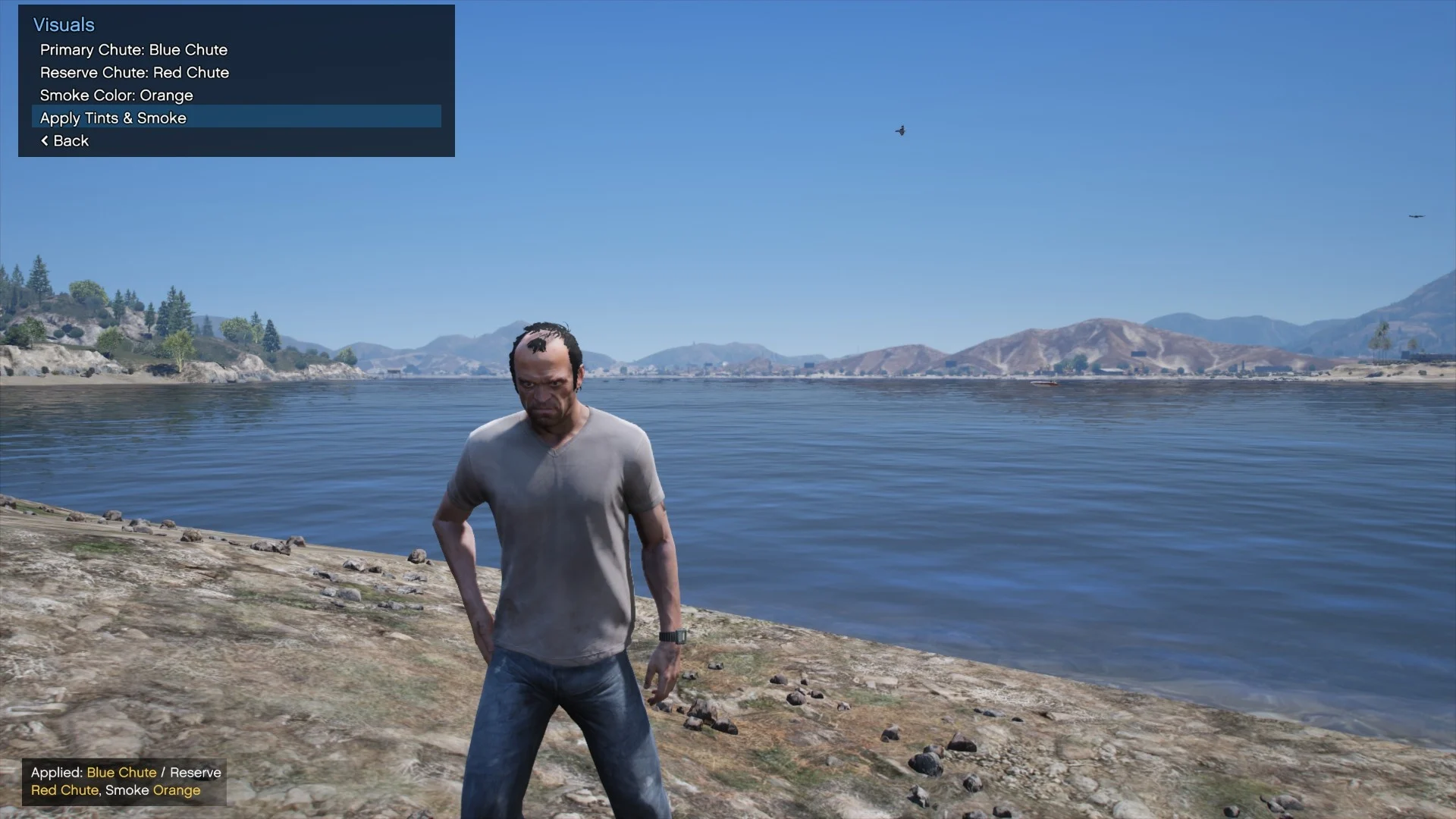
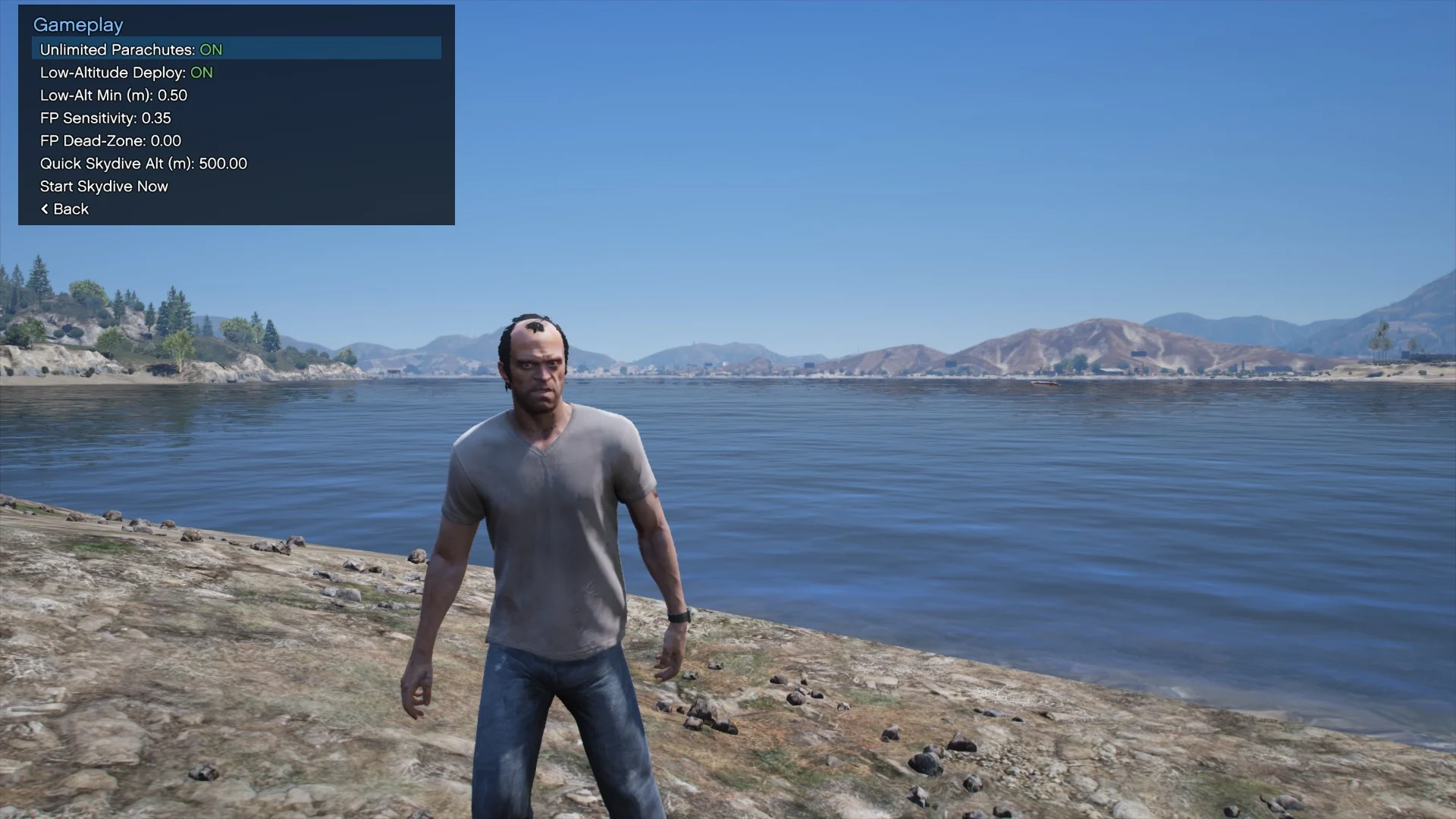
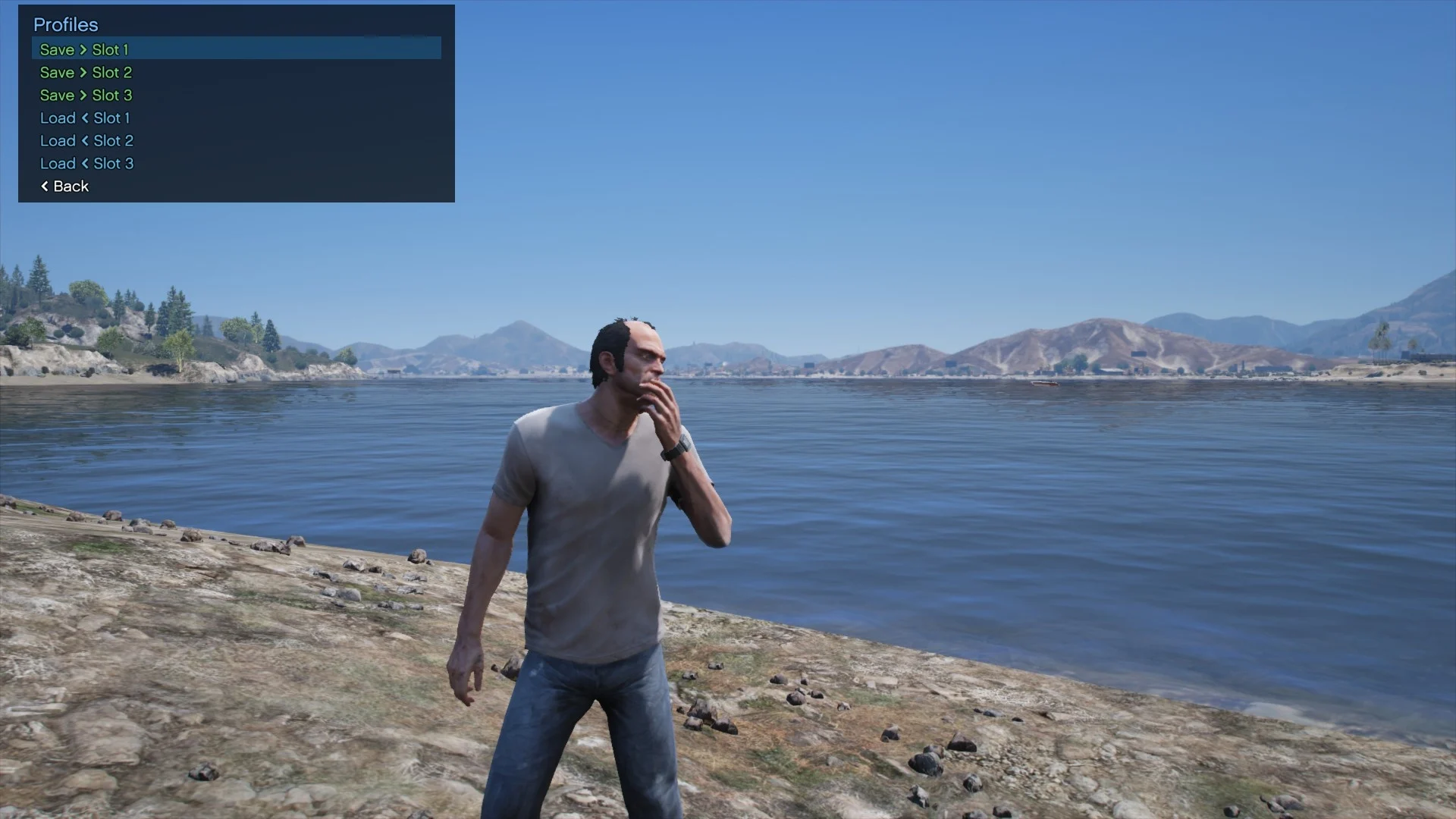
An all-in-one parachuting mod: Quick skydive, Unlimited chutes option, Primary & reserve chute color selection, Smoke presets, Smooth first-person free-look while parachuting, Profiles and a compact numpad menu.
Requirements:
ScriptHookV by Alexander Blade
ScriptHookVDotNet v3 (x64)
.NET Framework 4.8
Installation:
Install ScriptHookV and ScriptHookVDotNet v3.
Copy the mod file into your GTA V script folder:
scripts/EnhancedParachute.dll
Launch the game. Press F8 to open the menu.
Controls (Numpad)
F8 – Open/close mod menu
Num 8 / Num 2 – Up / Down
Num 4 / Num 6 – Left / Right (change values)
Num 5 – Select / Activate
Num 0 – Back (or exit if on the main page)
Features:
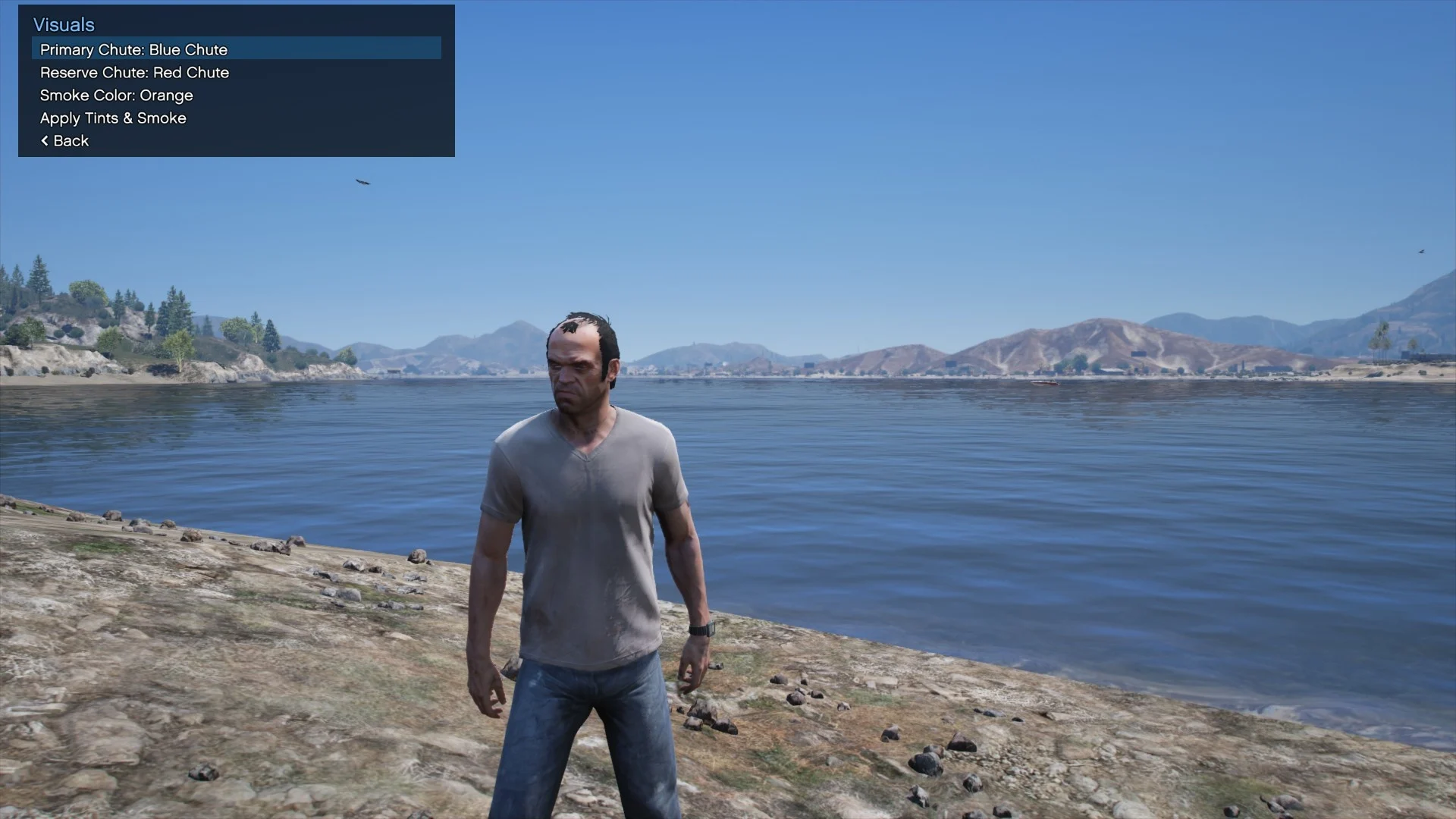
Visuals
Change primary and reserve chute colors
Smoke Color Presets – White, Red, Blue, Green, Orange, Purple, Pink, Black.
Gameplay
Unlimited Parachutes (toggle)
Low-Altitude Deploy (toggle) and Min Deploy Height slider
Quick Skydive: set Altitude (m), then Start Skydive Now to jump instantly at your current position.
First-Person Free-Look with smooth custom camera with Sensitivity and Dead-Zone sliders
Profiles
Save / Load 3 Profiles
Saves primary & reserve tints, smoke preset/custom, unlimited chutes, FP sensitivity & dead-zone, low-altitude options, and quick-skydive altitude.
How To Use (Quick Start)
F8: Visuals: choose Primary and Reserve tints and choose a Smoke Color.
Select Apply Tints & Smoke
Gameplay:
Toggle Unlimited Parachutes if desired
Adjust Low-Alt Min (m) or toggle Low-Altitude Deploy
Tune First Person View Sensitivity/Dead-Zone
Set Quick Skydive Alt (m) then select Start Skydive Now
Profiles: Save your setup (green) and Load it later (blue).
Credits:
euphoricrager
Download mod
| File | File size |
|---|---|
 Enhanced Parachute Mod - GTA 5
 | 14 KB |