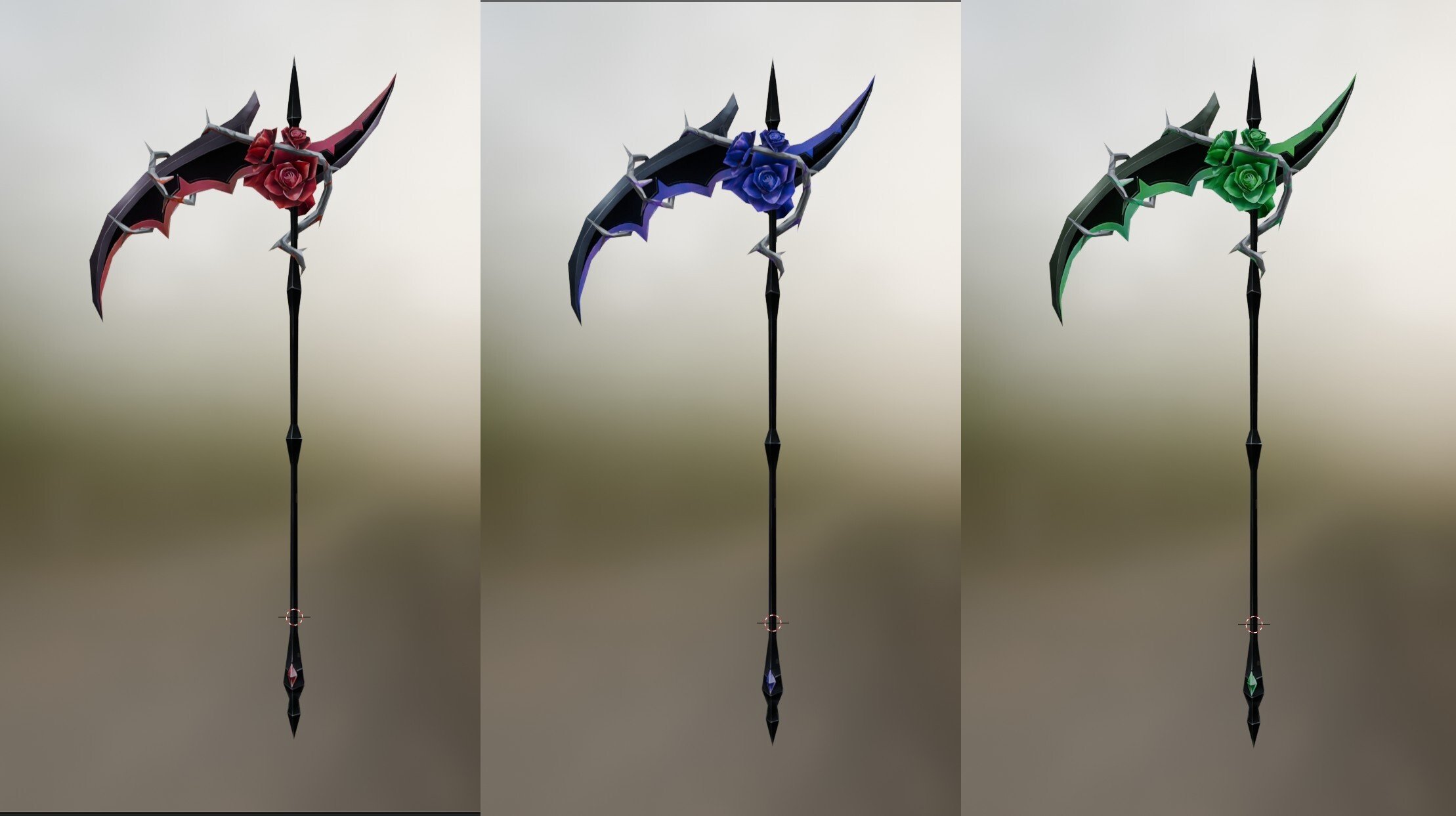
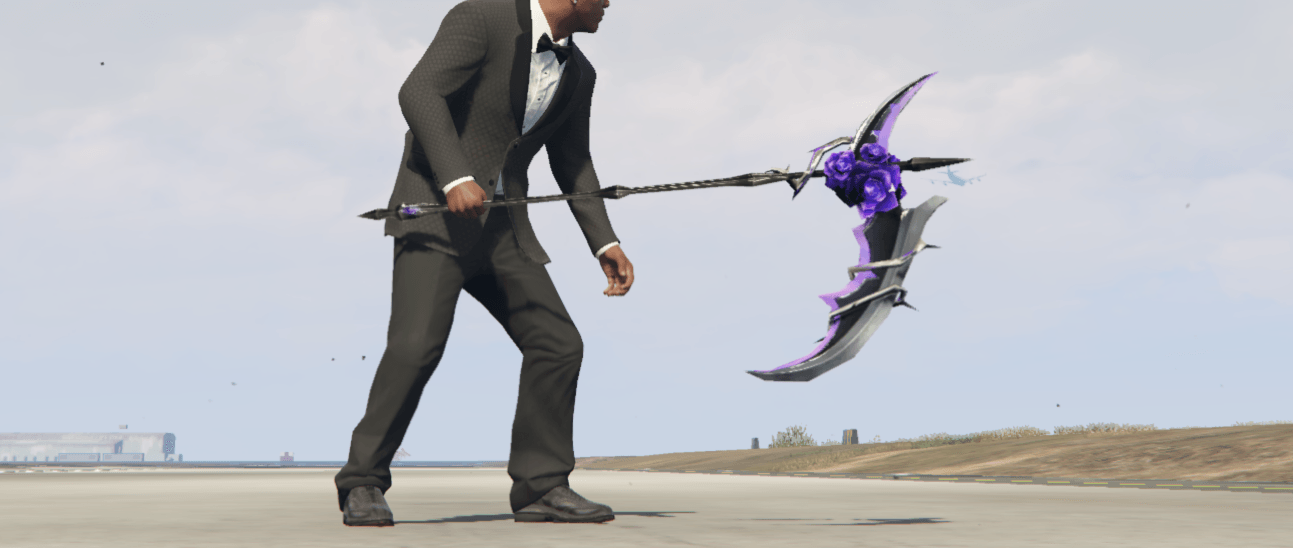
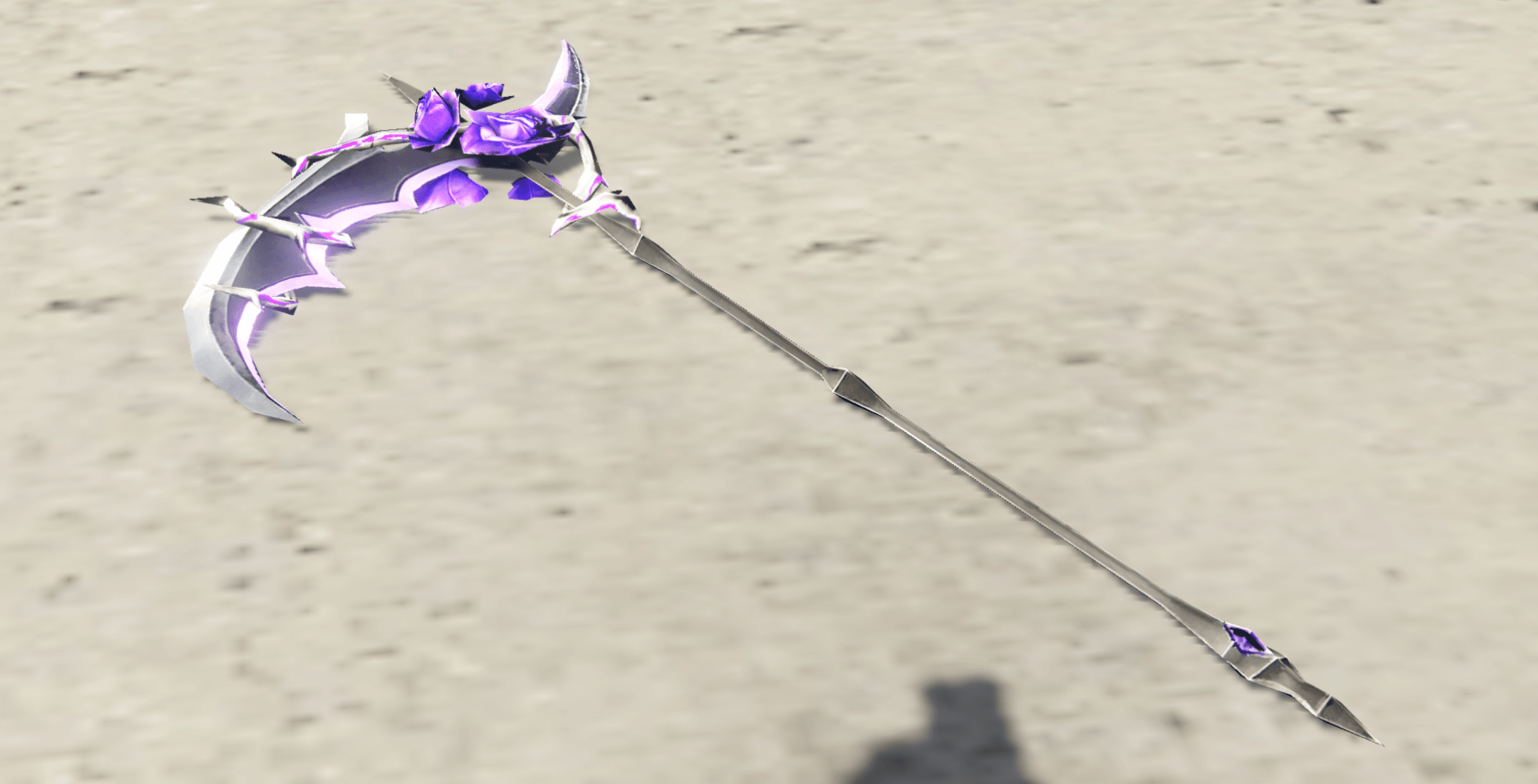
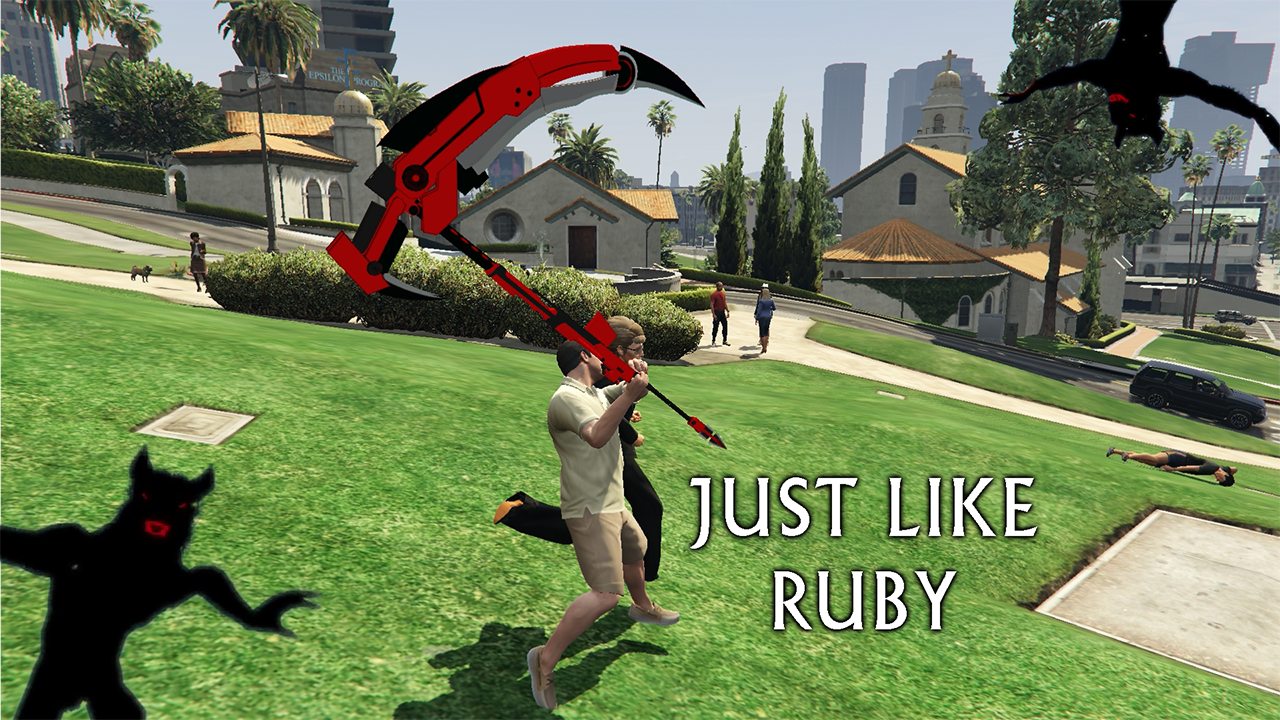
This mod replaces the boring old Golf Club with Scythe Zombie Rose.
Installation (Singleplayer Only)
Open OpenIV.
Go to:
Grand Theft Auto V\mods\update\x64\dlcpacks\patchday3ng\dlc.rpf\x64\models\cdimages\weapons.rpf\
Drag and drop all the provided files inside that folder.
Credits:
DexterLooo
Download mod
| File | File size |
|---|---|
 Scythe Zombie Rose
 | 6 MB |
![Scythe Chains [Replace / FiveM / Rage MP]](https://gta5mod.net/wp-content/uploads/2022/12/Scythe-Chains2-150x150.webp "Scythe Chains [Replace / FiveM / Rage MP]")