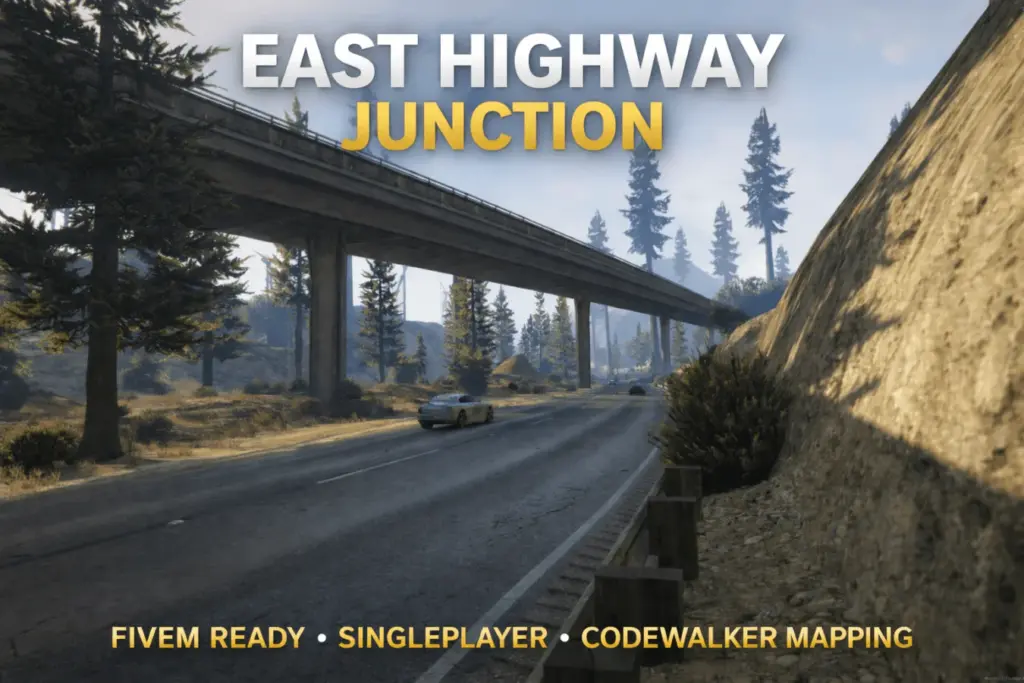
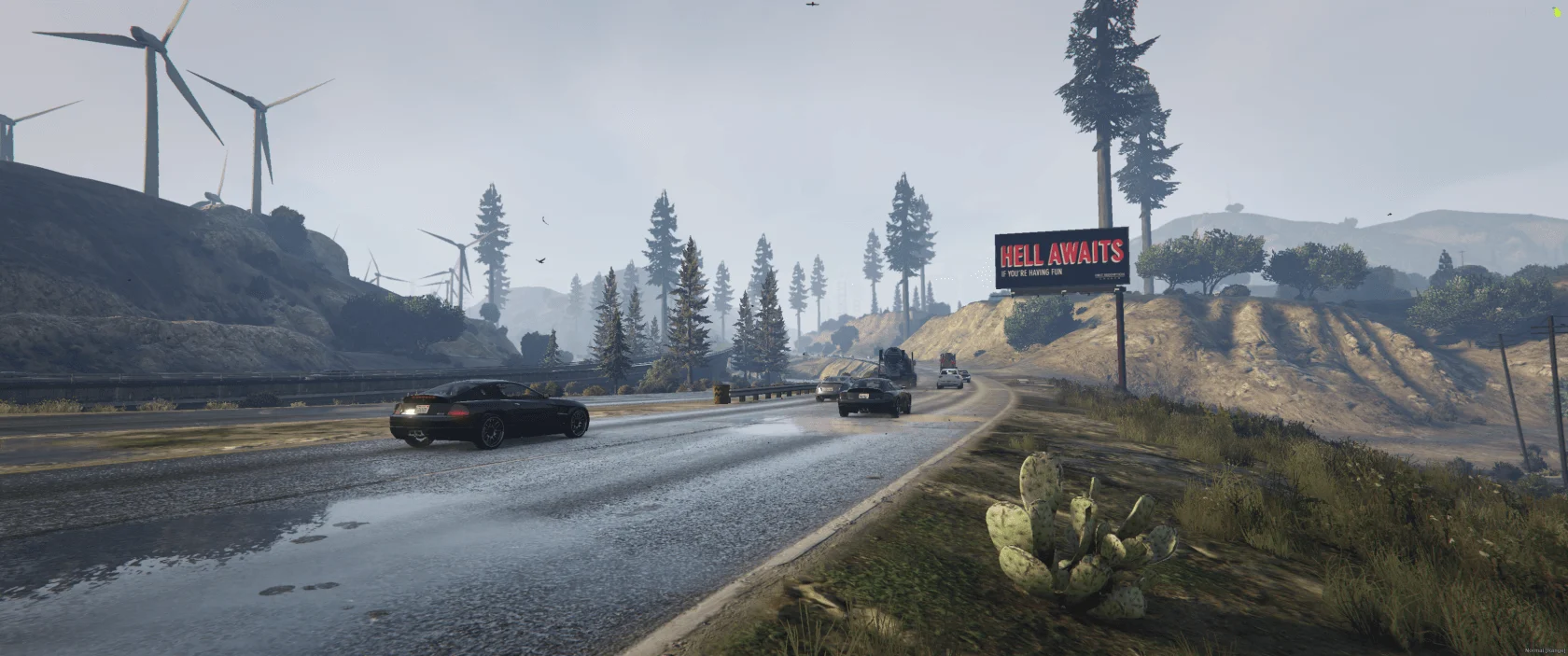
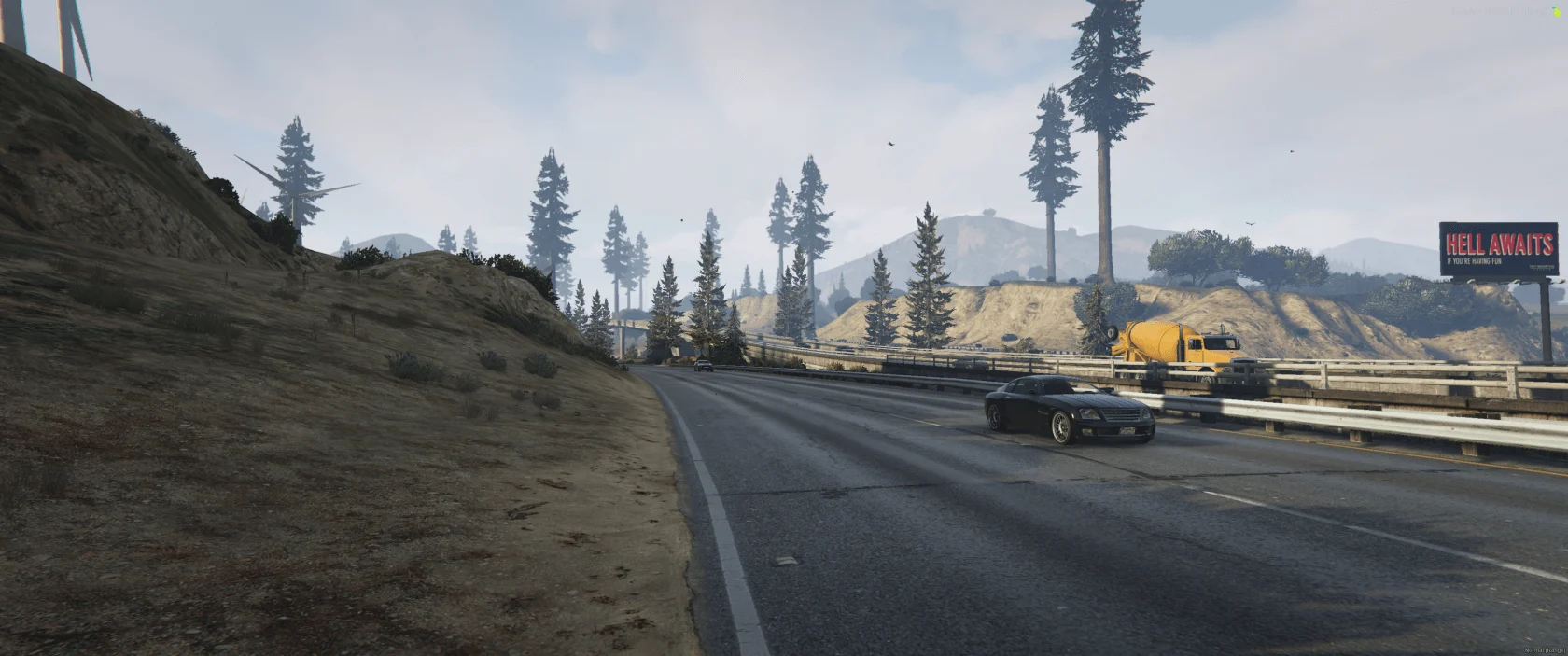
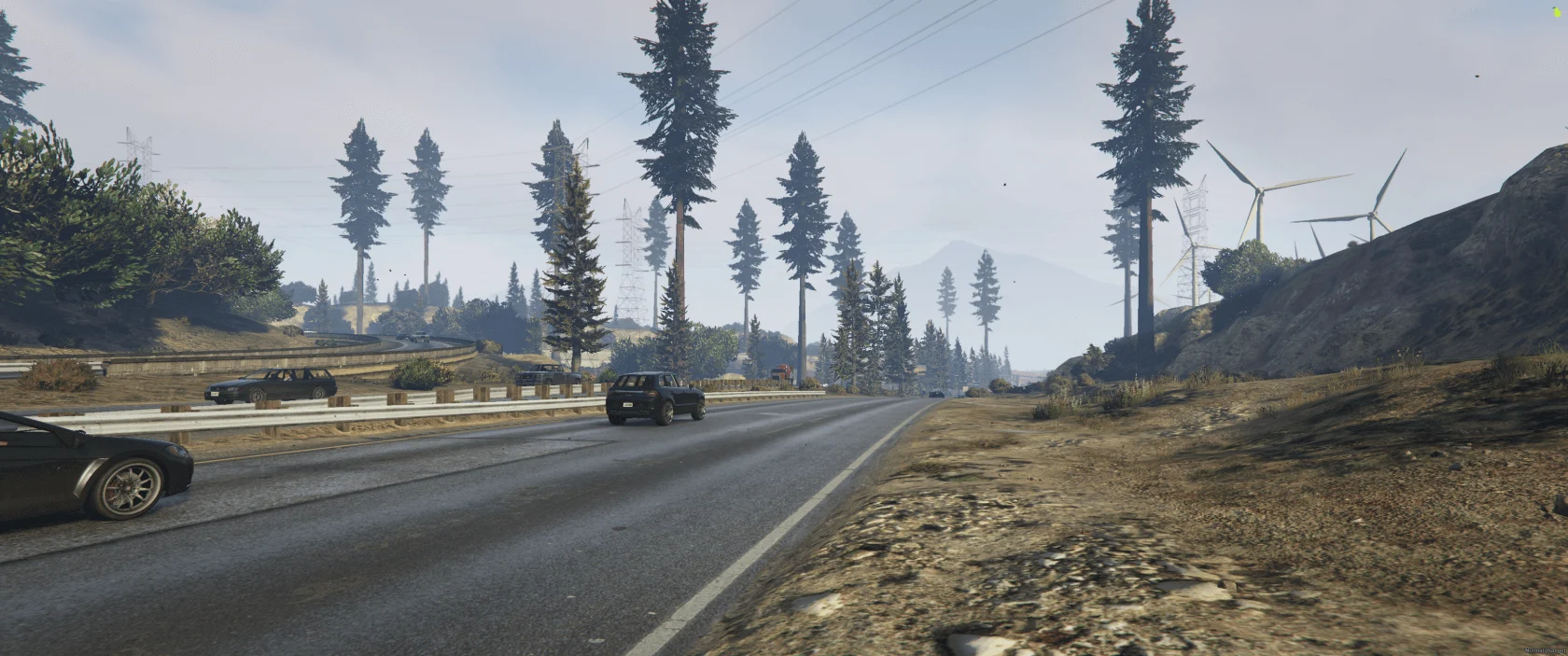
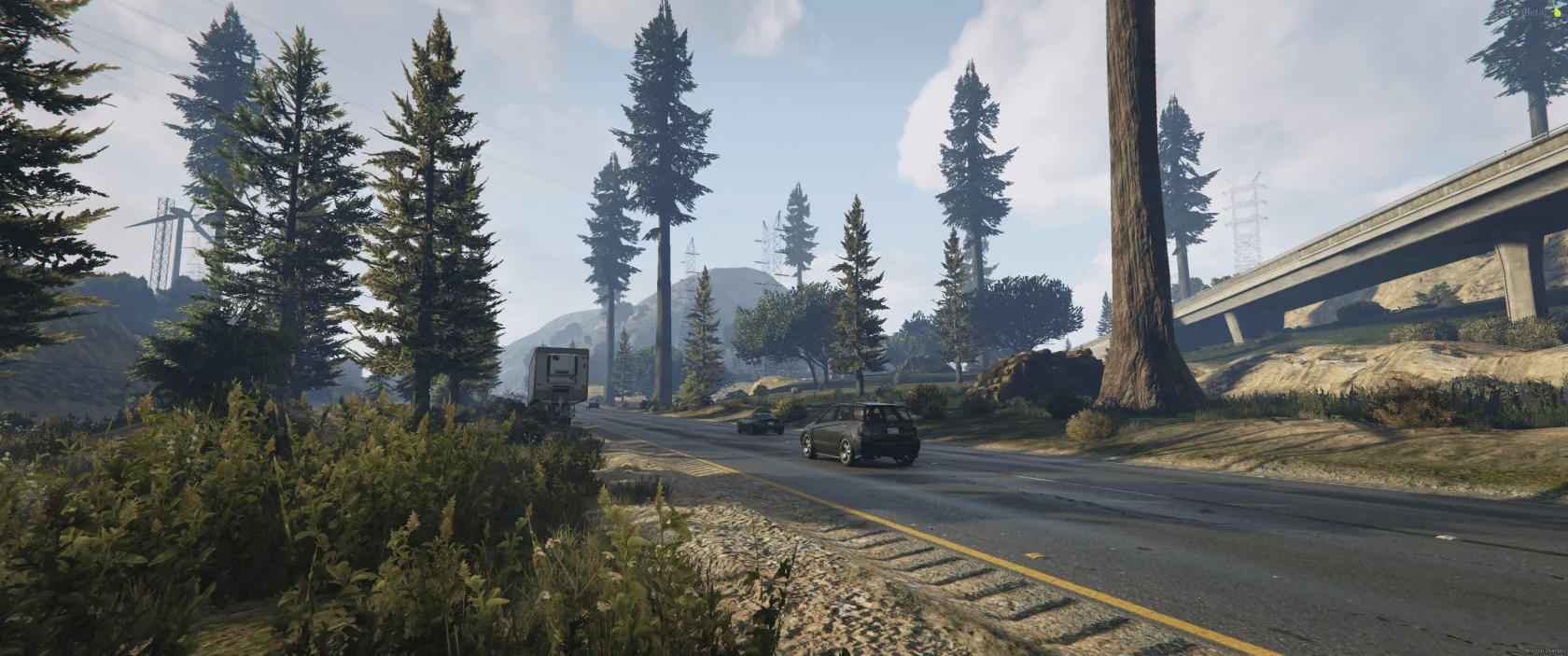
East Highway Junction is a vanilla-style vegetation mapping designed to blend naturally into the GTA V world.
The mapping uses existing GTA V assets and enhances the area around the East Highway Junction with a small, realistic forest environment.
This mapping is compatible with FiveM and Singleplayer and includes all required files for both platforms, as well as a simple installation process.
The mapping is lightweight and performance-friendly, making it suitable for both servers and singleplayer gameplay without causing FPS issues.
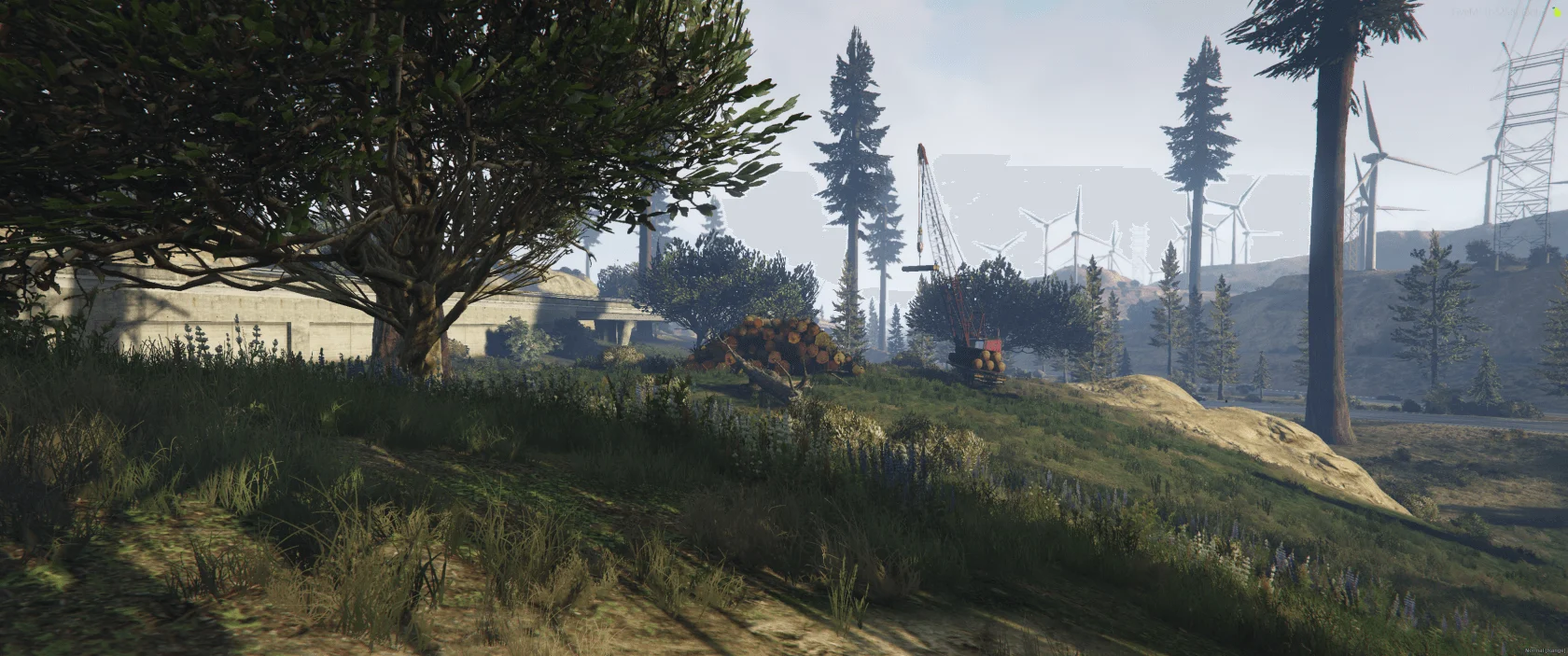
East Highway Junction adds a small forest area with a mix of large, medium and small trees, designed to create a natural woodland atmosphere.
The scene is inspired by a lumberjack / logging work area, making it perfect for RP servers, immersion, or general world enhancement.
East Highway Junction is FiveM ready and consists of a single .ymap file with its corresponding _manifest.ymf.
A fxmanifest.lua is included for easy installation on FiveM servers.
For Singleplayer, the included map files (.ymap + _manifest.ymf) can be installed via the custom_maps setup using Map Builder.
This mapping is not an MLO.
It is a CodeWalker-based mapping using standard GTA V map files.
🔧 Installation
FiveM:
Place the resource folder into your server’s resources directory
Add ensure trees_east_hw to your server.cfg
Restart the server or start the resource manually
Singleplayer:
Requirements:
OpenIV
Map Builder
Installation steps:
Install Map Builder (if not already installed)
Open OpenIV and go to:
mods/update/x64/dlcpacks/custom_maps/dlc.rpf
Navigate to:
x64/levels/gta5/_maps/custom_maps/
Add the included files:
• trees_east_hw.ymap
• _manifest.ymf
Make sure custom_maps is enabled in:
mods/update/update.rpf/common/data/dlclist.xml
If it is missing, add:
dlcpacks:/custom_maps/
Start GTA V – the mapping will now be loaded in Singleplayer.
Credits:
RZN_
Download mod
| File | File size |
|---|---|
 trees_east_hw
 | 11 KB |

![East Highway [Menyoo] 1.0](https://gta5mod.net/wp-content/uploads/2022/07/East-Highway-150x150.webp "East Highway [Menyoo] 1.0")
![Mission Row PD Exterior & Mission Row East Exterior [Ymap | FiveM Ready] 1.0](https://gta5mod.net/wp-content/uploads/2021/02/Mission-Row-PD-Exterior-150x150.jpg "Mission Row PD Exterior & Mission Row East Exterior [Ymap | FiveM Ready] 1.0")