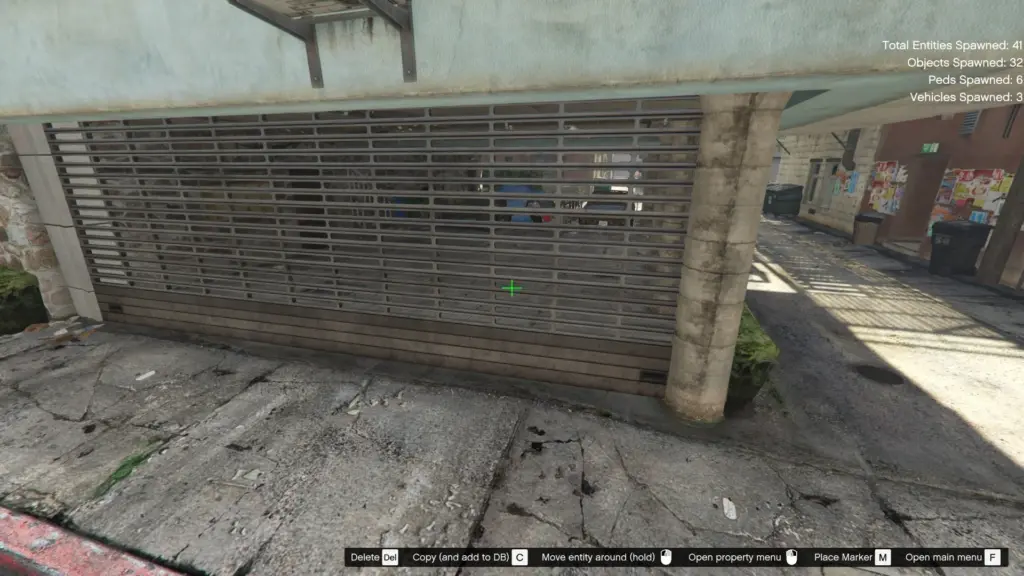
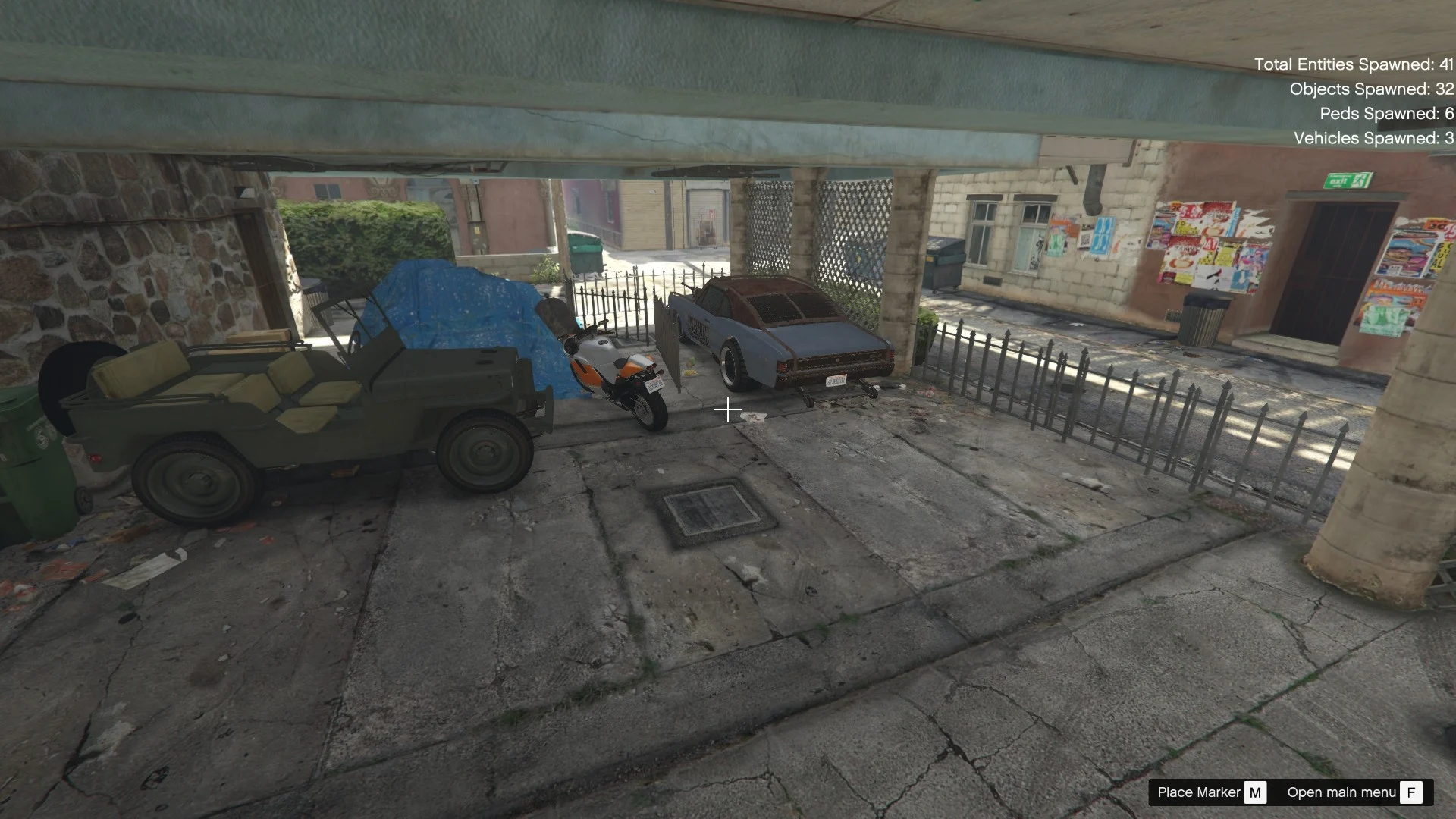
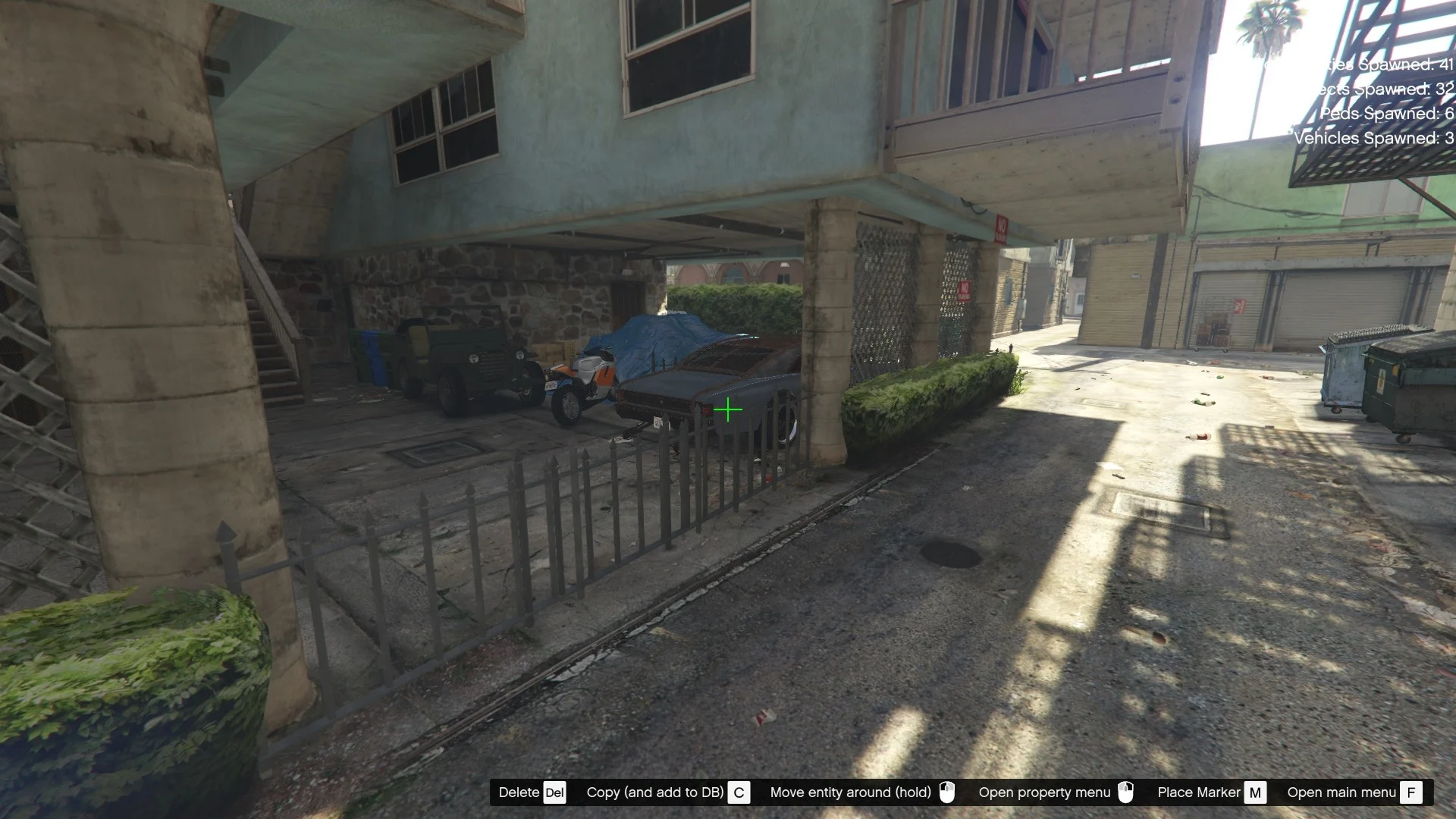
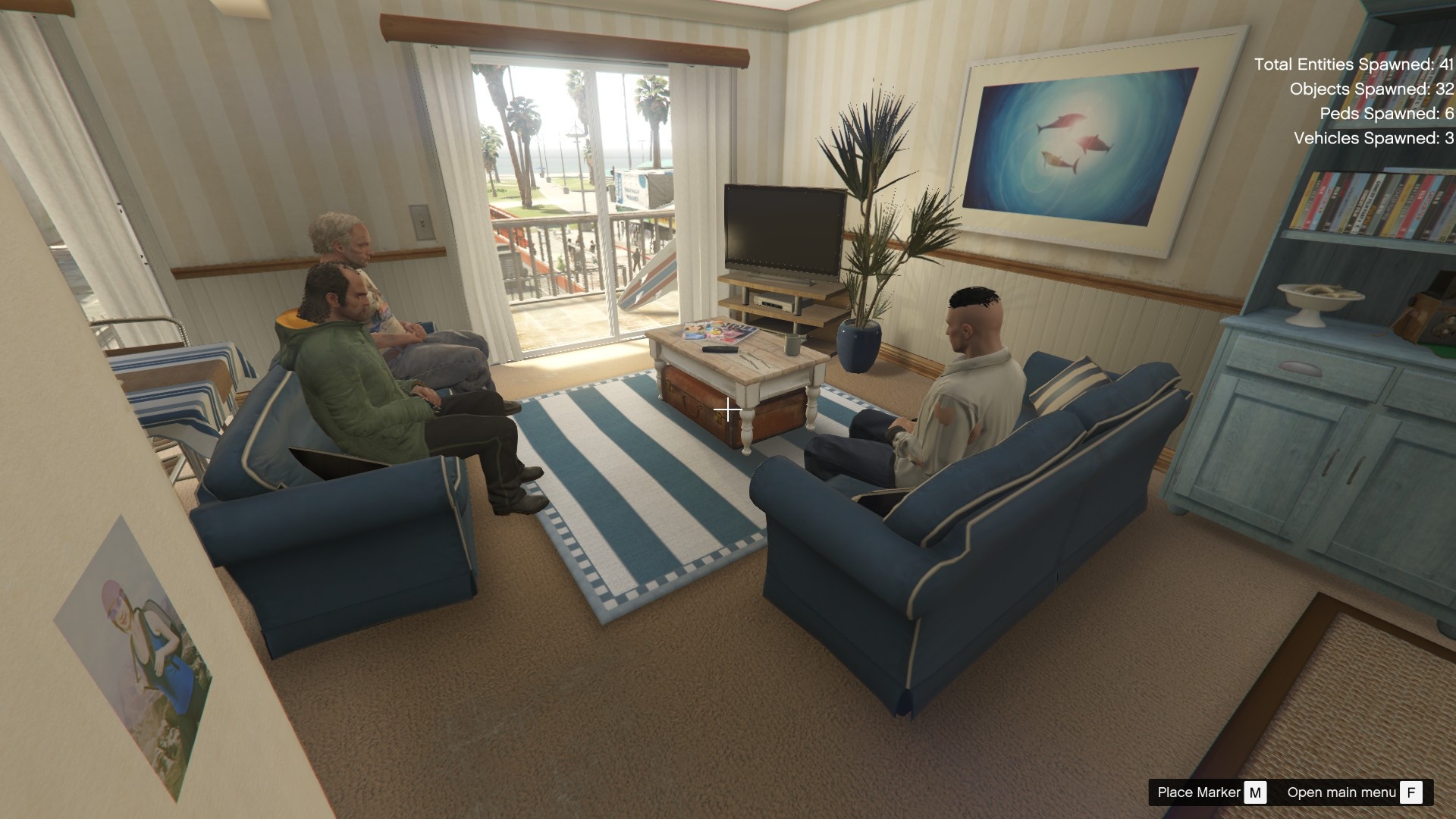
Requirements
PC version of Grand Theft Auto V
Menyoo PC
ScriptHookV (required for Menyoo to function)
Installation Steps
Download the Map File
Extract the downloaded .xml file for Philips home renovation using WinRAR or 7-Zip.
Locate Your GTA V Directory
Open your main GTA V installation folder (where GTA5.exe is located).
Open the Menyoo Folder
Go to:
Grand Theft Auto V > menyooStuff > Spooner
If the Spooner folder does not exist, create it manually.
Move the Map File
Place the .xml file into the Spooner folder.
Load the Map In-Game
Launch GTA V (Story Mode only).
Open Menyoo (default key: F8).
Go to:
Object Spooner > Manage Saved Files > Load Placements
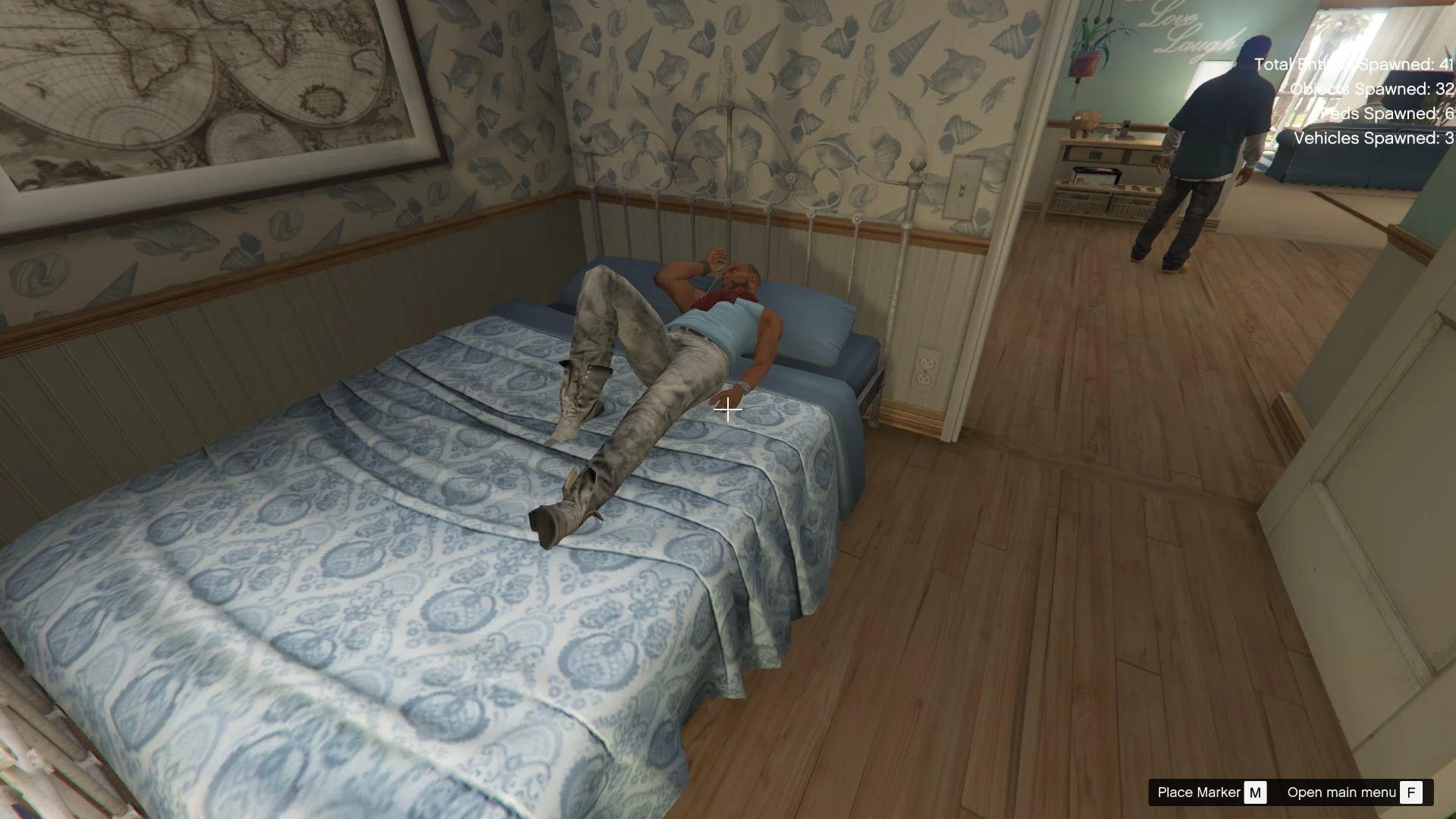
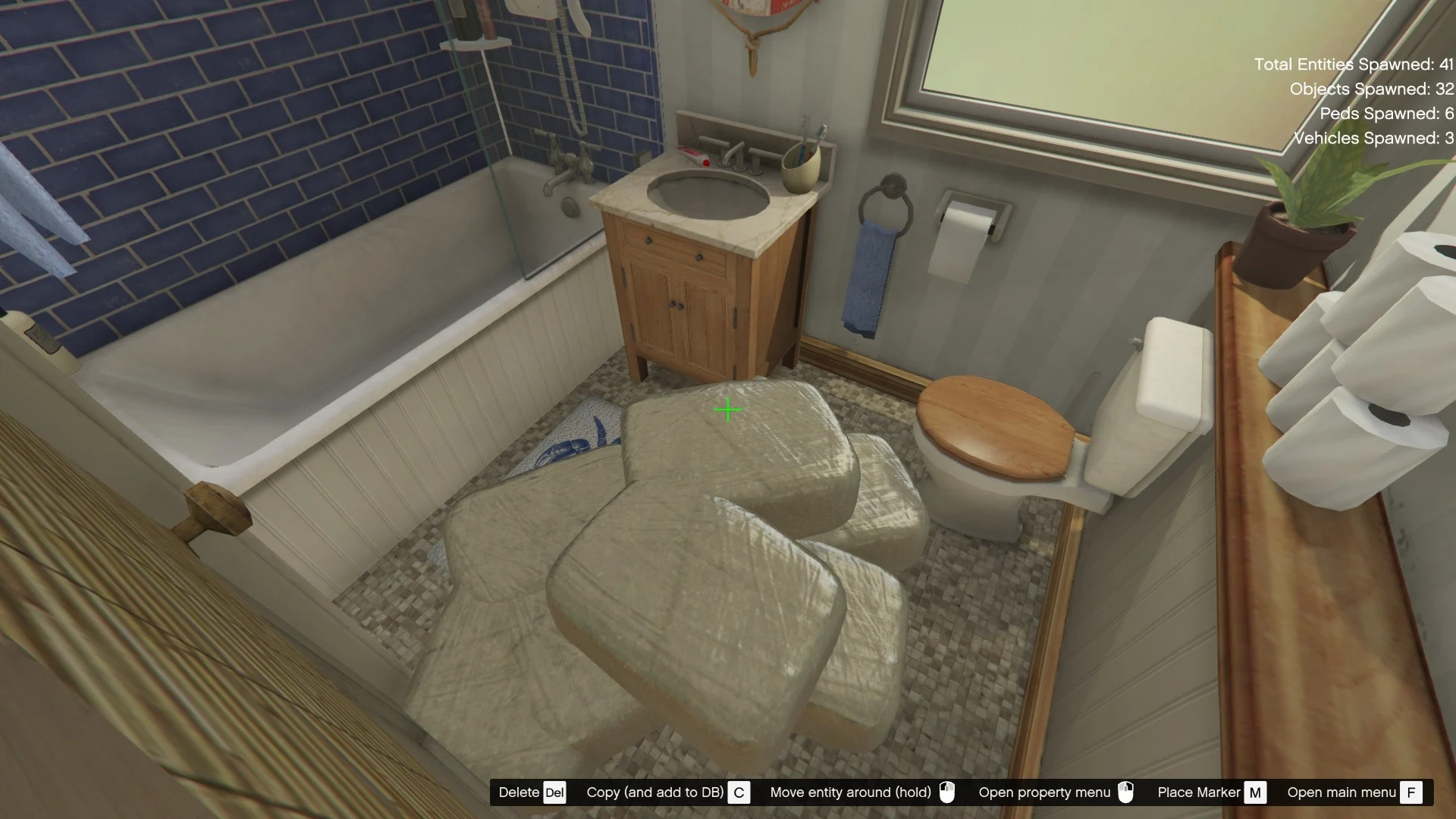
Select Phillips Home Renovation from the list.
Credits:
JustAModder25
Download mod
| File | File size |
|---|---|
 Philips Home Renovation
 | 5 KB |
![Jane from Home Sweet Home [Add-On Ped] 1.0](https://gta5mod.net/wp-content/uploads/2022/05/Jane-150x150.jpg "Jane from Home Sweet Home [Add-On Ped] 1.0")
![Ratri from Home Sweet Home EP2 [Add-On Ped] 1.0](https://gta5mod.net/wp-content/uploads/2022/05/Ratri-150x150.jpg "Ratri from Home Sweet Home EP2 [Add-On Ped] 1.0")
![Tim from Home Sweet Home [Add-On Ped] 1.0](https://gta5mod.net/wp-content/uploads/2022/05/Tim-150x150.jpg "Tim from Home Sweet Home [Add-On Ped] 1.0")
![Belle from Home Sweet Home [Add-On Ped] 1.0](https://gta5mod.net/wp-content/uploads/2022/05/Belle-150x150.webp "Belle from Home Sweet Home [Add-On Ped] 1.0")