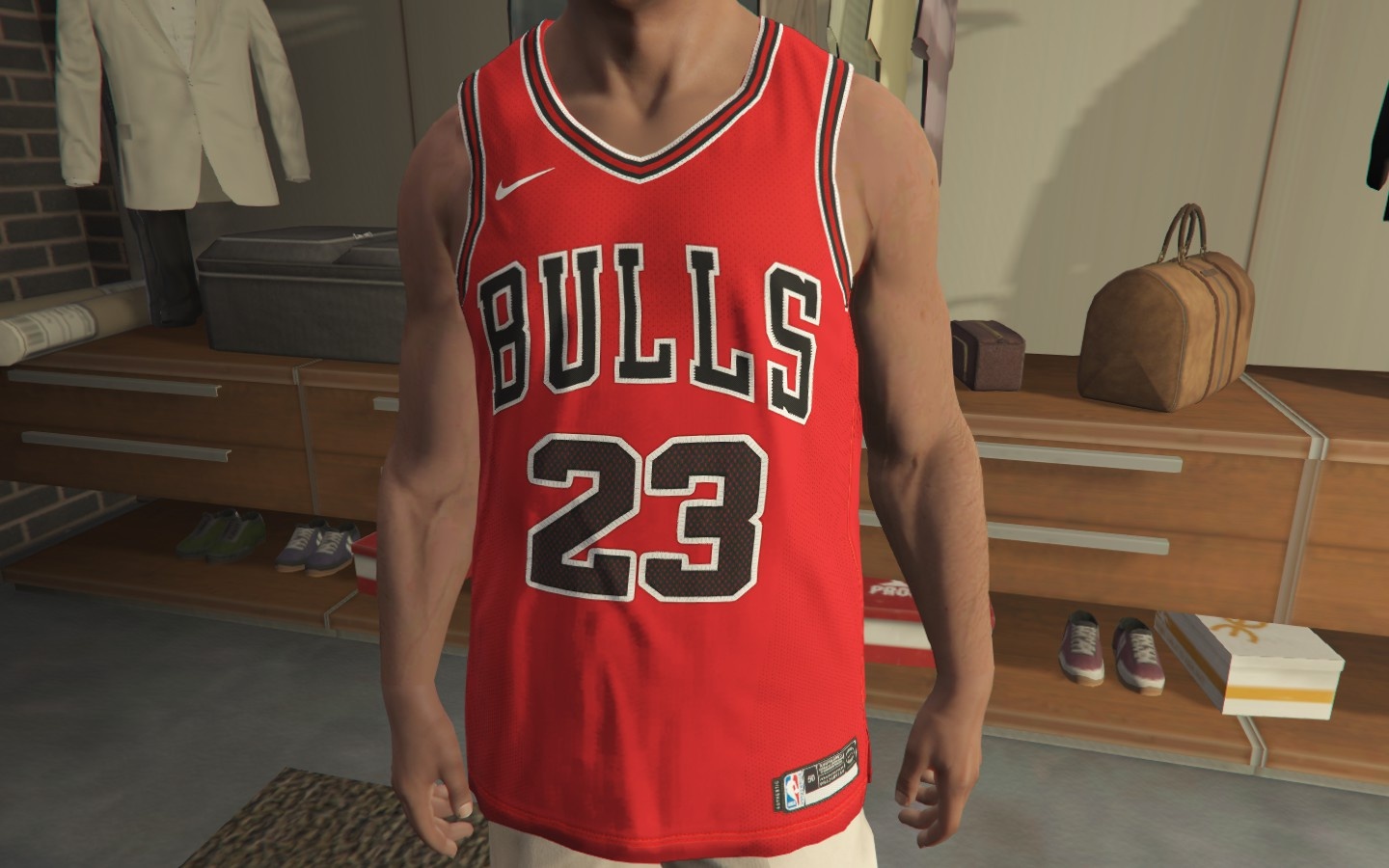
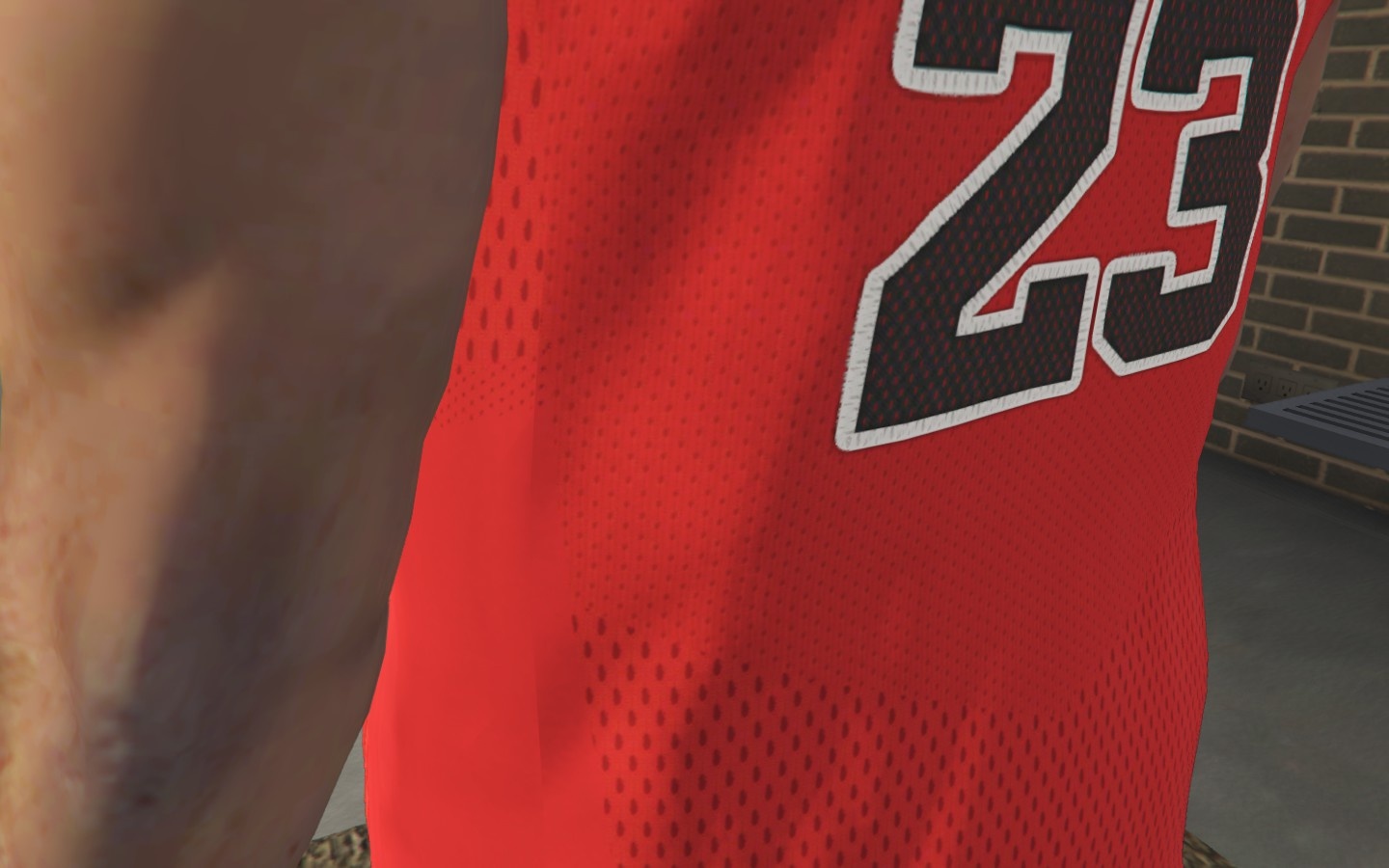
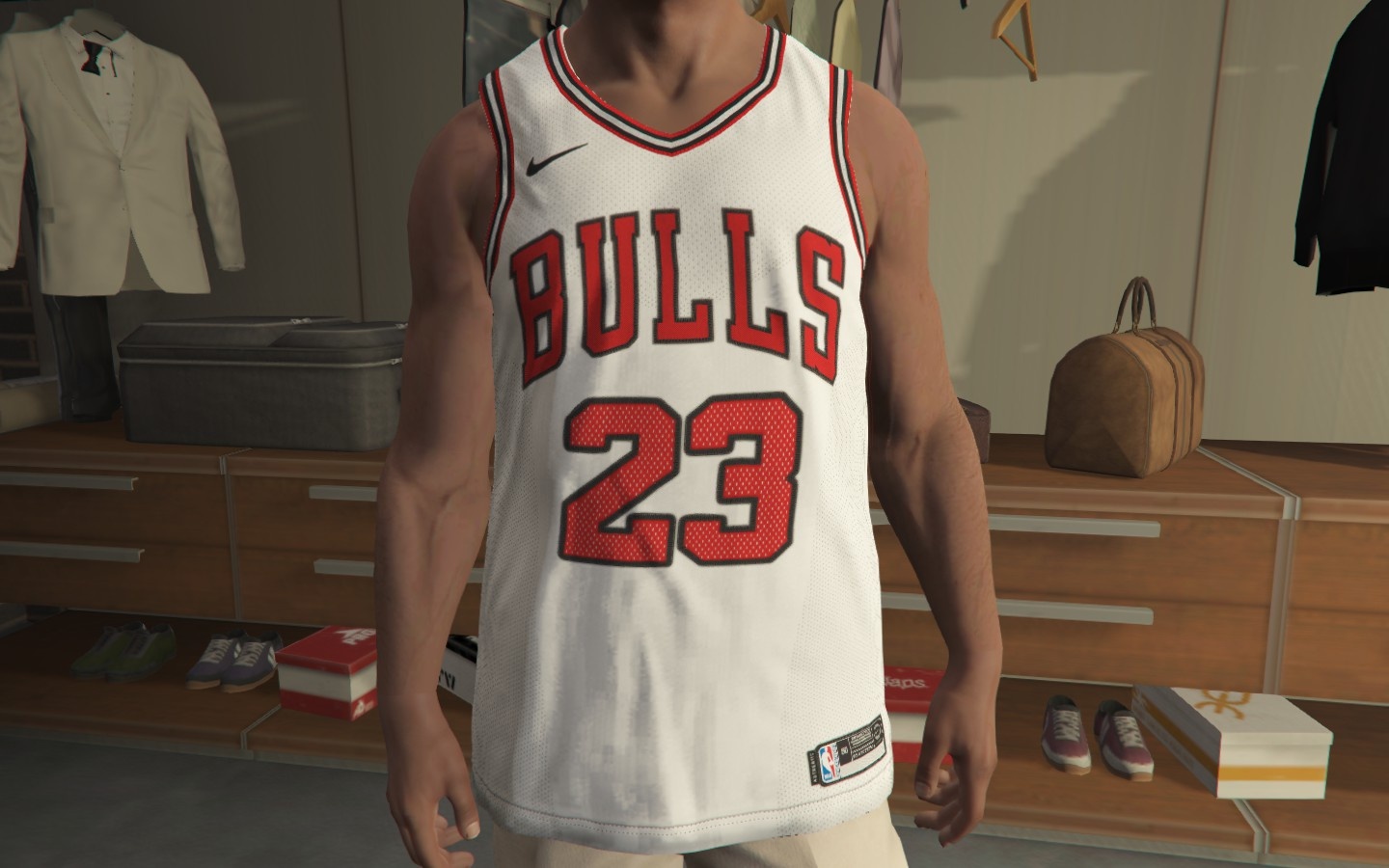
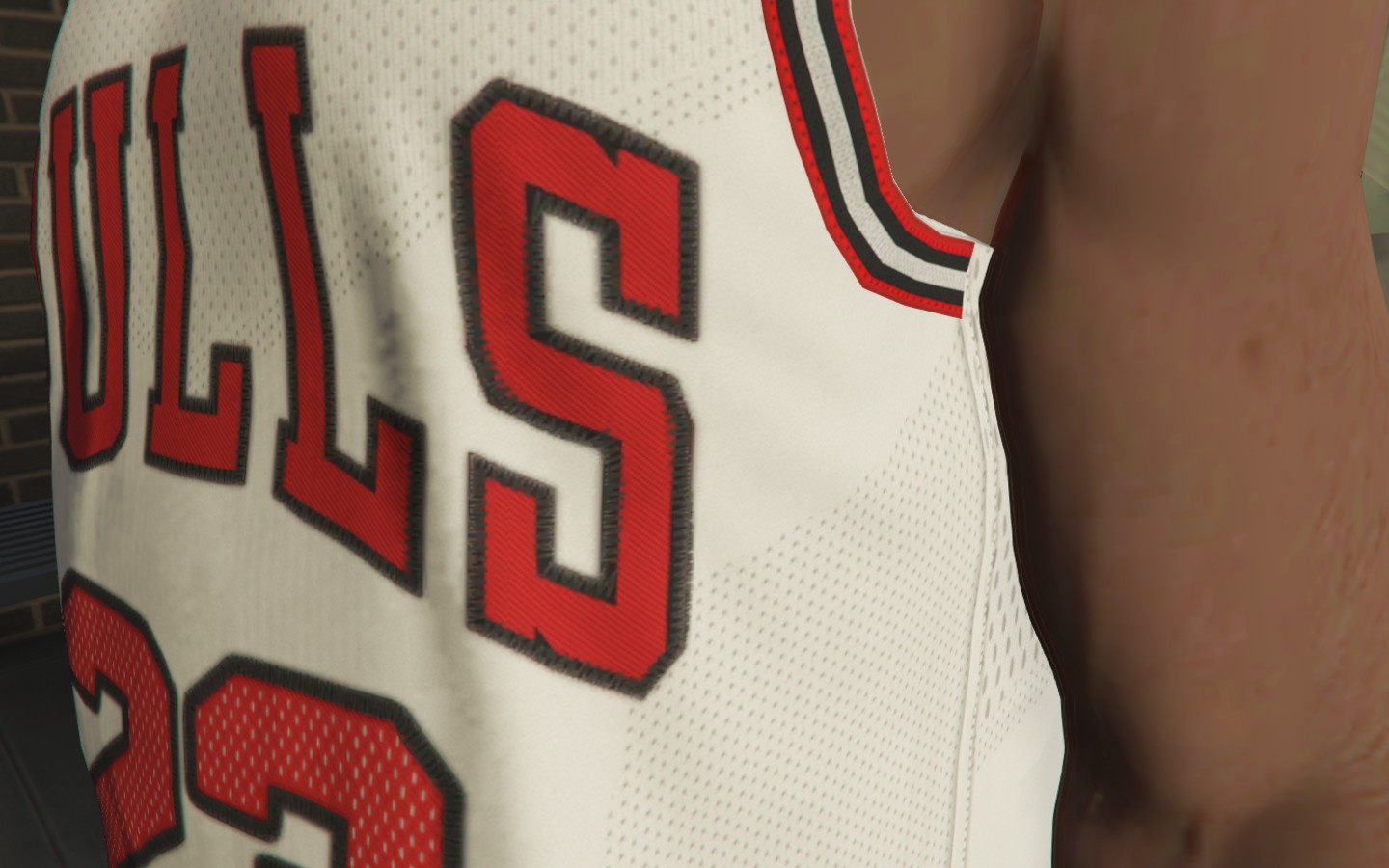
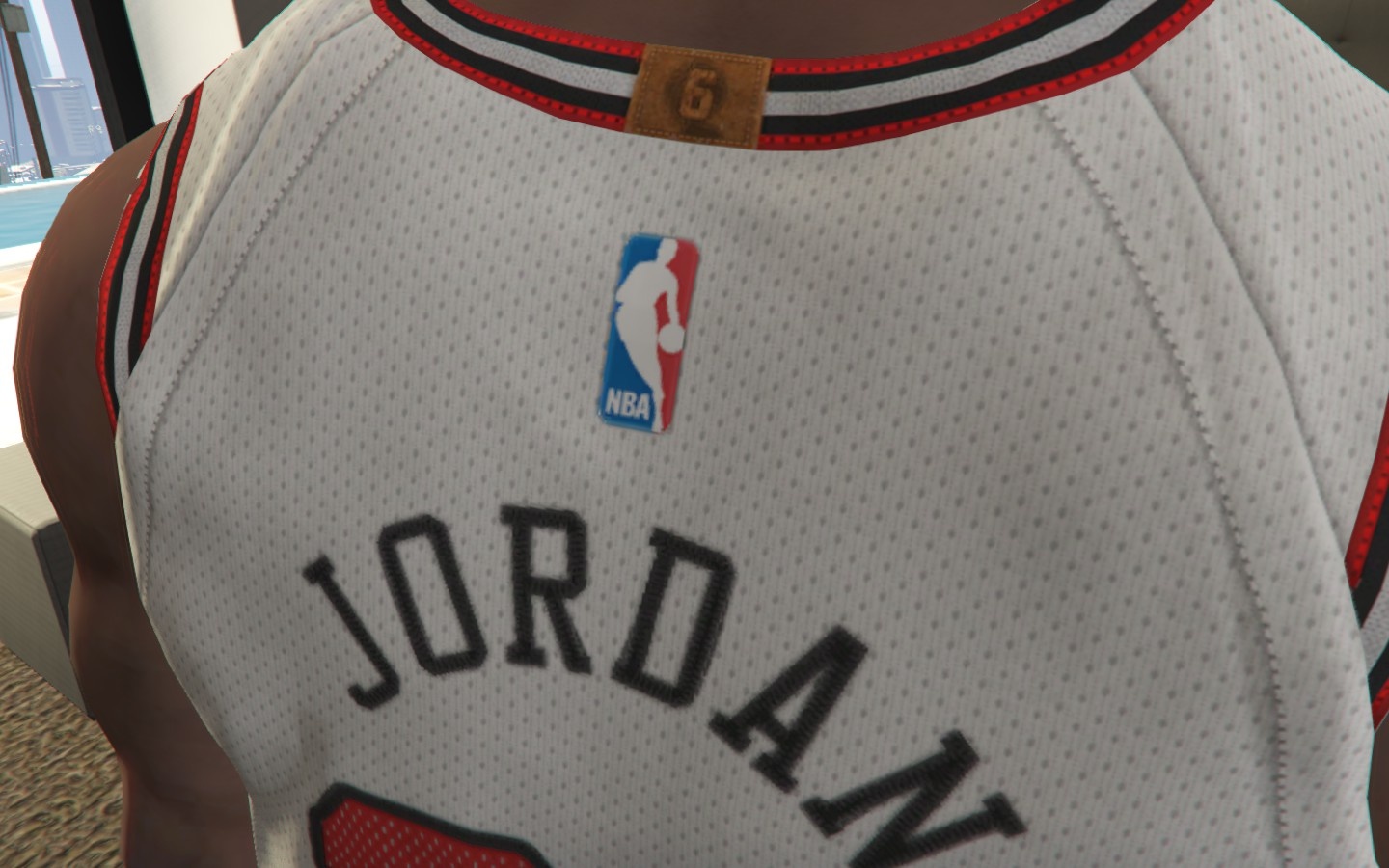
1. Open OpenIV
2. Go to GTA V/x64v.rpf/models/cdimages/streamedpeds_players.rpf/player_one
3. Create backup of uppr_031_u.ydd and every uppr_diff_031_*_bla.ytd you replace
4. When in OpenIV while replacing the texture go to properties on the top left corner then set MipMaps level to 1 and save
5. Extract files from this zip to a folder
6. Make sure to enable edit mode.
7. Replace the file with the Bulls jerseys
Credits:
Synx
*Credits to officialjdixon for the model
Download mod
| File | File size |
|---|---|
 Jordan
 | 5 MB |
![Chicago Penthouse and Christmas Party (Upcoming Chicago Map by EncryptedReality) [MapEditor] 1.0](https://gta5mod.net/wp-content/uploads/2020/12/Chicago-Penthouse-and-Christmas-150x150.jpg "Chicago Penthouse and Christmas Party (Upcoming Chicago Map by EncryptedReality) [MapEditor] 1.0")
![Updated Chicago Penthouse and Party (Chicago Map by EncryptedReality) [MapEditor] 1.0](https://gta5mod.net/wp-content/uploads/2021/05/Updated-Chicago-Penthouse-and-Party-150x150.jpg "Updated Chicago Penthouse and Party (Chicago Map by EncryptedReality) [MapEditor] 1.0")