


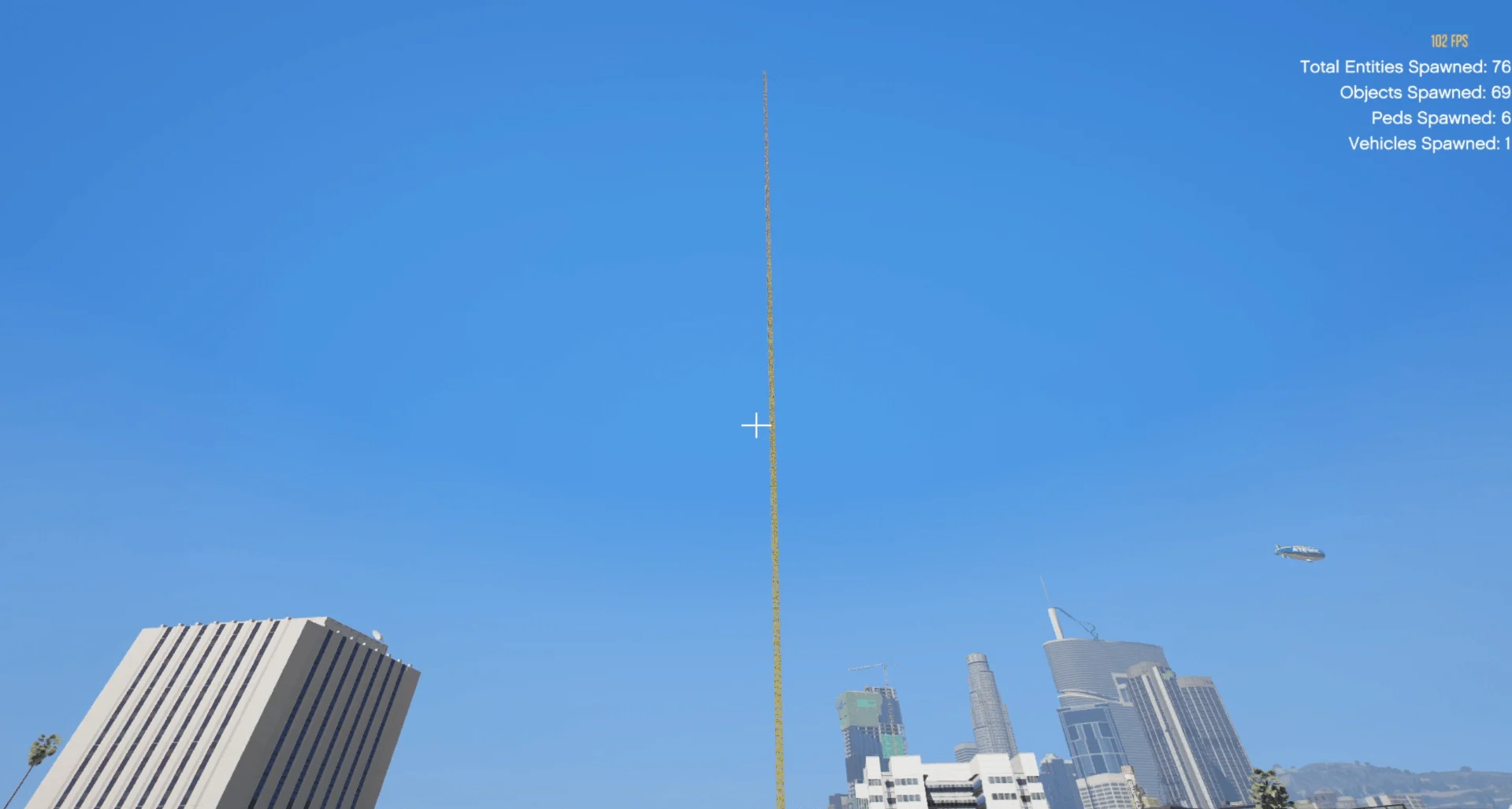

📌 Installation (Menyoo Spooner)
1. Download and install Menyoo PC
2. Open your Grand Theft Auto V main directory.
3. Navigate to the following folder:
“`
Grand Theft Auto V → MenyooStuff → Spooner
“`
4. Extract the downloaded XML file into the Spooner folder.
5. Launch the game.
6. Open Menyoo in-game (usually press F8).
7. Go to:
“`
Object Spooner → Manage Saved Files → Load Placements
8. Select the XML file and load the map/mod
—
⚙️ Required / Basic Mods
Make sure you have these installed:
* Script Hook V
* Script Hook V .NET
* Menyoo PC
* OpenIV
These tools are required for most GTA V mods and maps to work properly.
⚠️ Notes
* Works in Single Player only
* Do **not use mods in GTA Online
* Make sure your game is updated.
Credits:
OGKINGYT
Download mod
| File | File size |
|---|---|
 biggest ragdoll jump ogking2.0
 | 11 MB |

![Trevor's biggest Showroom And Garage [Menyoo] V1.0](https://gta5mod.net/wp-content/uploads/2022/08/biggest-Showroom-And-Garage-150x150.webp "Trevor's biggest Showroom And Garage [Menyoo] V1.0.1")
![Biggest Base + Garage + Home [Menyoo] V 1.0](https://gta5mod.net/wp-content/uploads/2022/09/Biggest-Base-Garage-Home-150x150.webp "Biggest Base + Garage + Home [Menyoo] V 1.1")