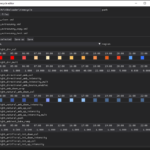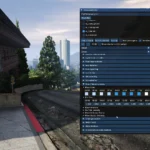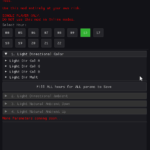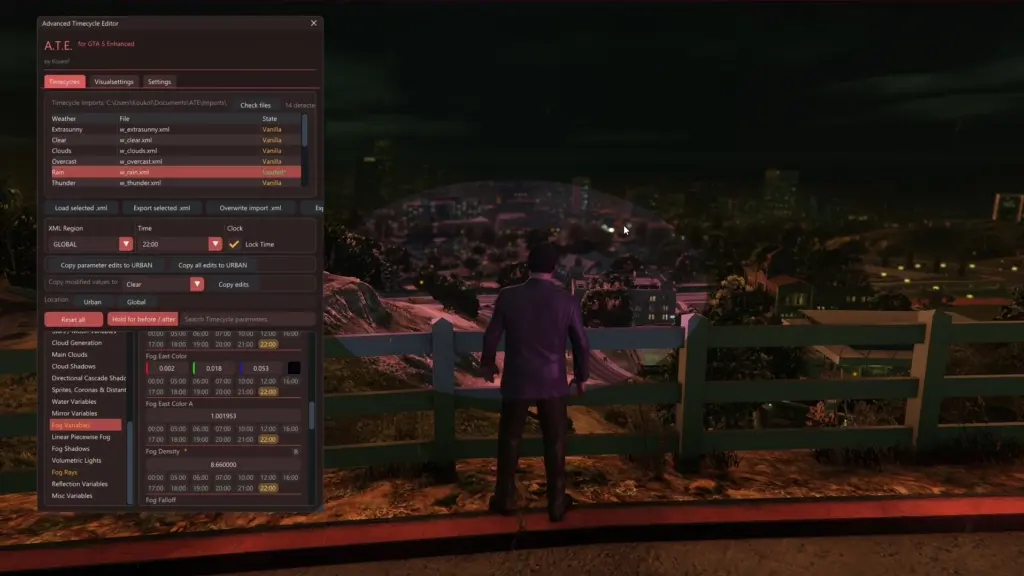
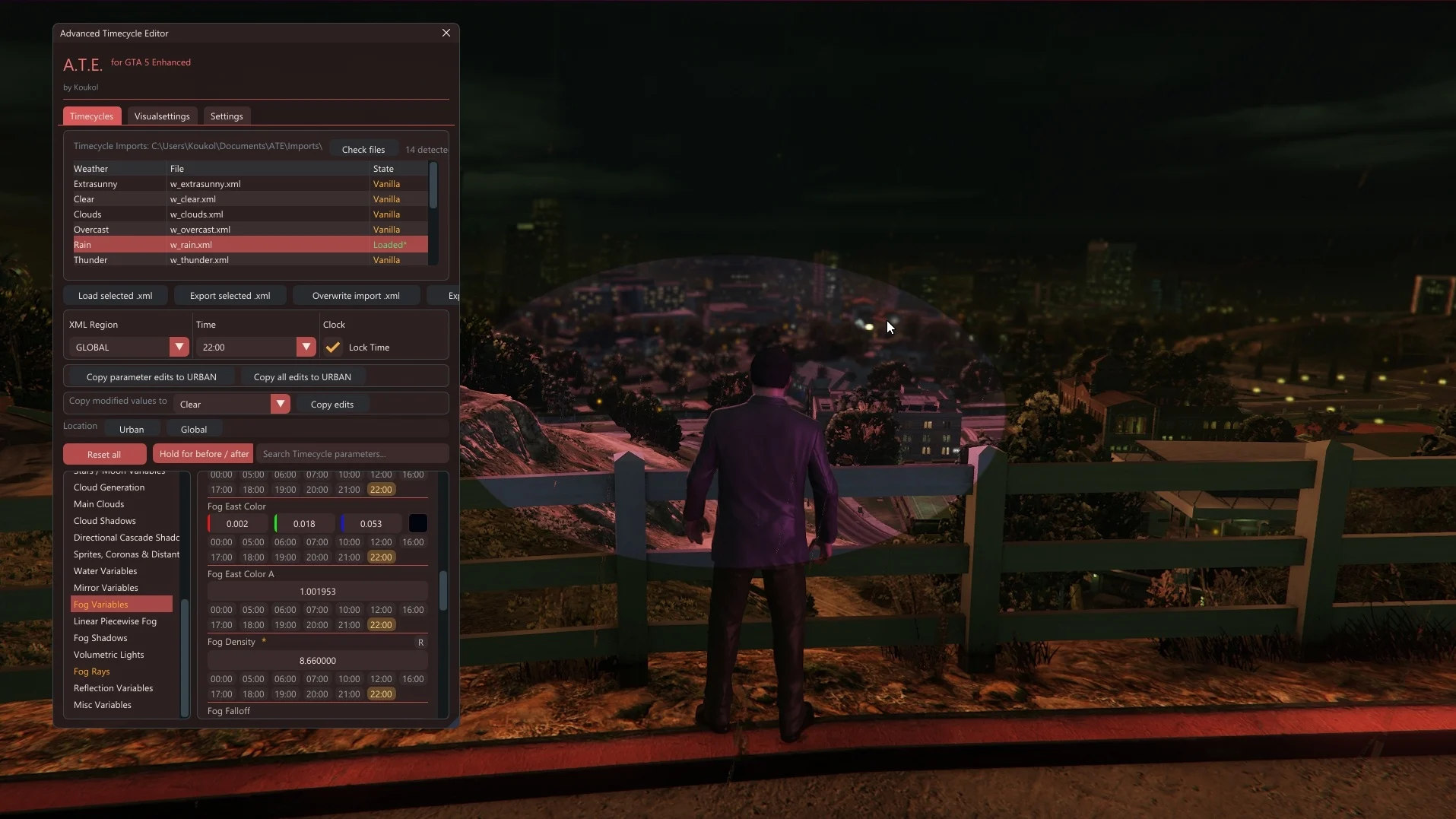
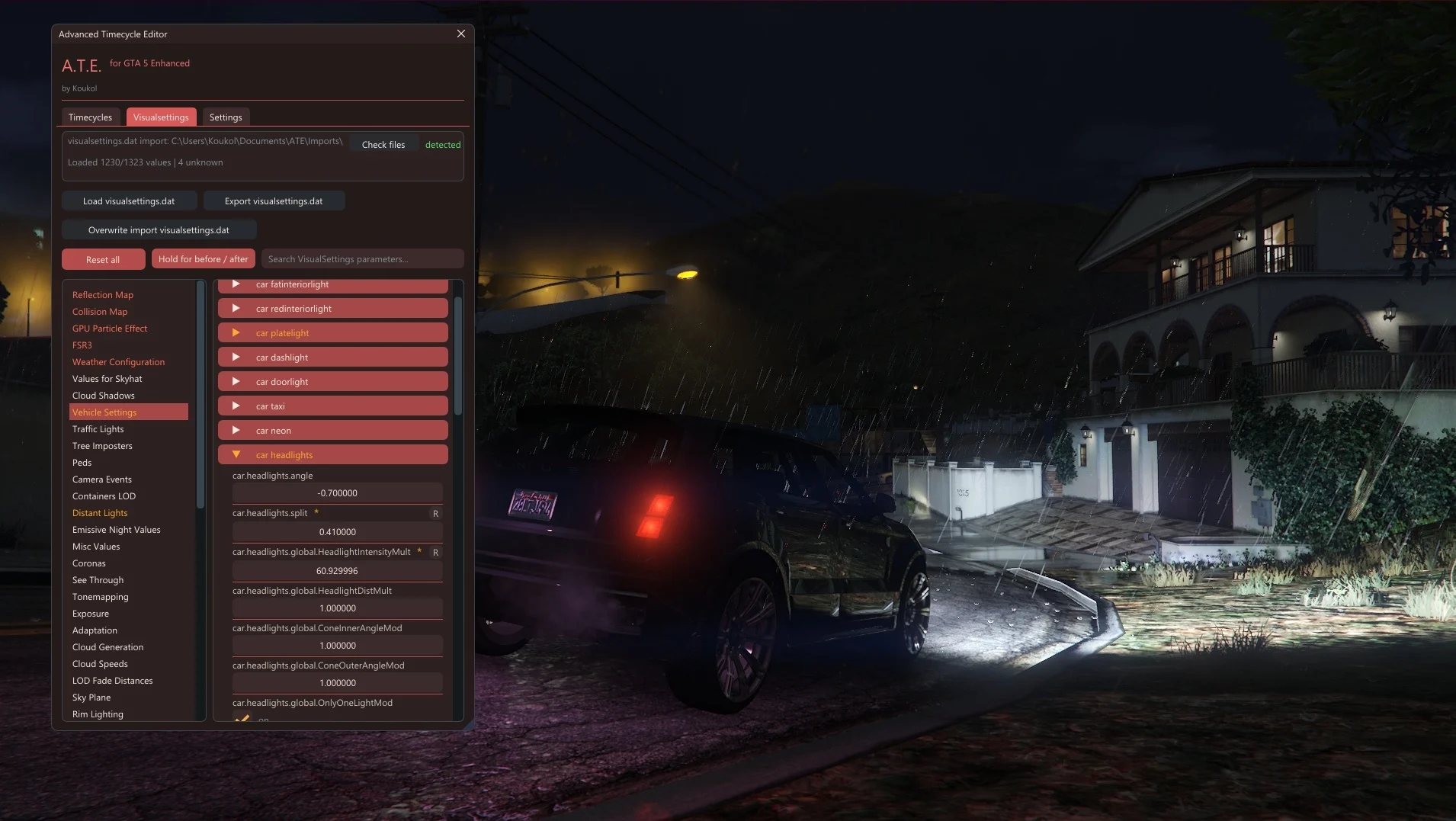
This is an in-game visual editor that lets you tweak timecycle .xml files and visualsettings.dat while the game is running.
What it can do
Time cycles:
live-edit Global and Urban regions separately (copy edits between them)
tweak values for different hours of the day
compare changes live (before and after)
export clean xmls: keeps original structure and unknown extra values intact (custom files and hidden parameters pass through safely, they just won’t be editable)
Visual settings:
live-edit visual parameters
compare changes live (before and after)
preserve original order and unsupported extra entries (hidden custom parameters are safely preserved but remain uneditable)
How to Setup
IMPORTANT: This tool is strictly for Single Player use only. Do NOT use it in GTA Online under any circumstances, or you will risk an account ban.
Drop the .asi into your GTA 5 Enhanced main directory.
Press F9 in-game to open the menu.
On its first start, the tool creates an ATE folder inside your Windows Documents directory. Inside this folder, you will find the ATE.ini config file, an Imports folder, and an Exports folder. These paths can be changed later in the settings, but do not choose a folder inside the main GTA 5 Enhanced game directory.
Drop the xmls or visualsettings.dat you want to edit into that Imports folder. You can add files to the Imports folder while the tool is running.
Load them in-game, do your tweaks, and export them. Changed parameters are highlighted in orange and marked with a small star.
You’ll find your finished files in the Exports folder.
Right now, there is no automatic region detection. Recommendation: Use the tool to teleport to URBAN or GLOBAL first, just to be sure your location matches the editor.
Requirements
GTA 5 Enhanced
ScriptHookV by Alexander Blade
Compatibility
This build was made and tested specifically for GTA 5 Enhanced version 1.0.1013.34.
Because this tool relies on heavy live memory hooking, a Rockstar update will likely break some runtime features. If that happens, I’ll look into it and push an update.
Future Updates
This first release focuses on base timecycles and visualsettings.dat. Other categories are already working internally but need more testing before I unleash them:
the 4 timecycle mods files
watertune
vfxlightningsettings
carcols for siren light settings
additional weather files
more GTA visual files if they can be edited safely in real time
Those parts are not in the first release because I want them properly tested before shipping them, and right now I am the only tester.
Changelog:
Changelog 3.0
Added Weather and Misc Editors
Weather Tab
Live tweaking for weather.xml. Almost all (24) render files work perfectly live right now. fog render ground.xml and urban dust render drop.xml don´t work. The original file structure was kept so it feels familiar.
watertune.xml and vfxlightningsettings.xml are also fully live editable now.
Misc Tab
You can live edit sirens carcols.ymt using a simple vehicle selector.
Settings & Hotkeys
The hotkey system got a rework. Added before/after toggle hotkeys. You can bind them for all categories together or set them individually. Outside the menu, just press the hotkey to toggle your edits on and off (no holding). New import folders on the first launch.
Important Note: Starting with Version 3.0, opening the menu for the first time will take about 10 seconds.
Import Guide
Just to be absolutely clear on where your files need to go:
Imports\Timecycles\ -> normal timecycles (w clear.xml, etc.)
Imports\Timecycle Mods\ -> timecycle mods .xmls
Imports\Weather Files\ -> weather.xml and the render files here (rainstorm render drop.xml, etc.), watertune.xml, vfxlightningsettings.xml
Imports\Misc\ -> carcols.ymt
Imports\ (root folder) -> ONLY for visualsettings.dat.
Fixes and UI Tweaks
CodeWalker by dexyfex was a massive help for this update to find the right live edit candidates and teleports.
Timecycles: the import process is way more stable. Fixed bugs.
Timecycle Mods: added 108 verified teleport spots to easily test interiors, tunnels, etc. Added a teleports only filter.
UI: unified the overall layout. Stripped out useless text spam and fixed annoying scrollbar jumps.
Future Updates
More carcols updates will follow later.
Looking into files like weaponfx, firefx, bloodfx, explosions, core.ypt.
I will now start looking into a possible Legacy version.
Changelog 2.0
Added Timecycle Mods Editor
Improved startup stability:
ATE no longer hooks into DX12 the second you launch the game. It now stays completely passive in the background until you actually open the menu with F9.
This stops the tool from messing with the swapchain while GTA Enhanced is still figuring out its resolution, HDR, or window states. This prevents those annoying black screens and ERR-GFX-STATE crashes on startup.
Still getting crashes from the old version?
If you used the previous version and the game still crashes on startup, the old crashes likely corrupted your game settings or shader cache. Try these two quick steps:
Delete the settings.xml
Clear your DirectX Shader Cache (Search for “Disk Cleanup” in your Windows search bar, check the “DirectX Shader Cache” box, and hit OK).
Warning: only mess with Timecycle Mods if you know what you’re doing. These files control interiors, special FX, cameras, and missions. A tiny tweak can completely blow out the visuals.
Timecycle Mods Support:
You can tweak a modifier, check before and after, and export the .xml.
Quick tip for switching modifiers: Always toggle the new one on before tweaking it. The tool only previews one modifier at a time to keep your visuals from getting mixed up. Your previous edits stay safe in the background until you export.
Live Preview vs. Export:
The live preview forces the modifier to show up around you, so it might look broader than the actual game result (GTA normally blends these dynamically via rooms or scripts). Your exported .xml still only changes the exact modifier you picked.
Apply live may scan for a while. Please wait during the scan.
Custom timecycle mods:
Full live support for custom timecycle mods .xmls is still limited in this version. It´s planned for a future update.
Teleport Support:
Teleporting for Timecycle Mods is planned for a future update. I already tested it internally, but I am holding off until the locations are rock-solid so you don’t spawn falling through the map into broken or unsafe spots.
Visualsettings Notes:
I kept a few entries out for now (Ausgeschlossen). Some use shared memory addresses or packed data, making live edits unpredictable. I’ll bring them back once they’re solid.
Getting an ImGui warning on some DOF values? Ignore it. Rockstar left duplicates in the vanilla file, so the tool is working fine.
Some effects are heavily tied to the current game state. For example, if you edit vehicle headlight values during daylight, the game might actually turn the headlights off completely.
GTA dynamically controls these lights based on time of day, weather, or vehicle state. So if an effect suddenly disappears while you are tweaking it, the parameter isn’t broken – the game engine is just overriding it at that moment.
Credits:
Koukol
Download mod
| File | File size |
|---|---|
 ATE_v3.0
 | 834 KB |