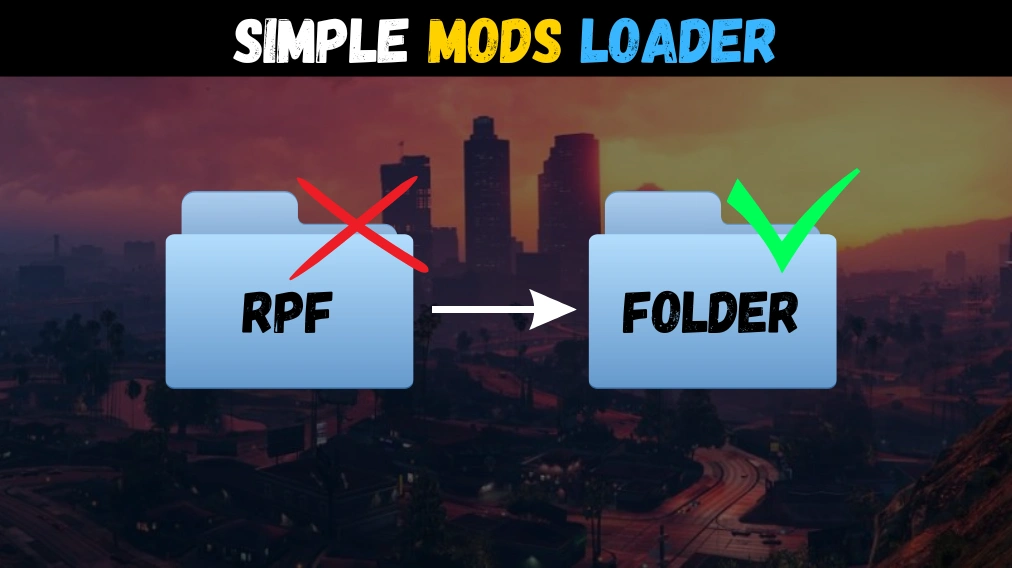
Loads custom game files from “mods” folder using a loose file format or in the classic RPF format.
This was inspired by the old CLEO from GTA San Andreas, where mods were just files inside folders.
Features:
– Use mods on the fly with simple folders.
– No need to reinstall mods if game files changed.
– Addons are installed automatically once dropped.
– No more duplicated RPF files inside your game folder.
– No third party dependencies like OpenIV or ScriptHookV.
– Malformed files are rebuilt on the fly to ensure compatibility.
Requirements:
– Disable BattleEye (args.txt)
Installation:
– Copy both files into GTA V folder.
– Create a “mods” folder inside GTA V folder.
– Add your mods normally. (See tutorial video)
Credits:
NativeCoder
Download mod
| File | File size |
|---|---|
 Simple Mods Loader 1.0 (By NativeCoder)
 | 565 KB |