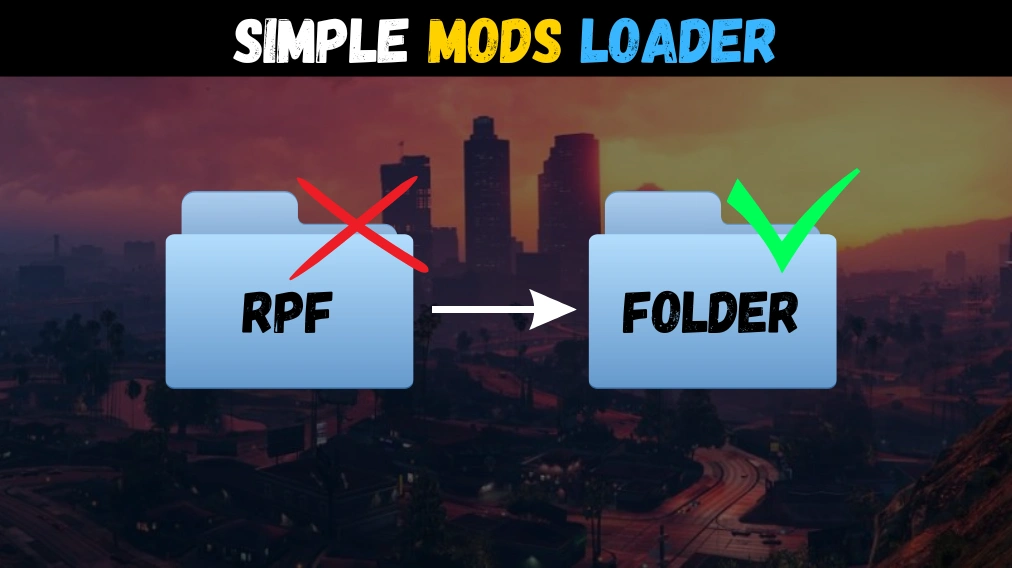
Loads custom game files from “mods” folder using a loose file format or in the classic RPF format.
This was inspired by the old CLEO from GTA San Andreas, where mods were just files inside folders.
Features:
– Use mods on the fly with simple folders.
– No need to reinstall mods if game files changed.
– Addons are installed automatically once dropped.
– No more duplicated RPF files inside your game folder.
– No third party dependencies like OpenIV or ScriptHookV.
– Malformed files are rebuilt on the fly to ensure compatibility.
Requirements:
– Disable BattleEye (args.txt)
Installation:
– Copy both files into GTA V folder.
– Create a “mods” folder inside GTA V folder.
– Add your mods normally. (See tutorial video)
Changelog:
– Fixed general loading issues (1.5)
– Added crash safeguards (1.4)
– Added auto-heap adjuster (1.3)
– Fixed some bugs on Legacy (1.3)
– Fixed directory file discovery (1.2)
– Redirect files in stream instead of cache (1.2)
– Added support for both game versions (1.1)
– Added boot loader to prevent stale. (1.1)
– Implemented double slash reference. (1.1)
– Fixed some mods not loading. (1.1)
– Load from mods folder. (1.0)
– Find ng-encryption from game files. (1.0)
– Patched rpf.cache oversizing corruption. (1.0)
– Ensure retro-compatibility with classic RPF mods.
Credits:
NativeCoder
Download mod
| File | File size |
|---|---|
 Simple Mods Loader 1.5 (By NativeCoder)l
 | 4 MB |