
Features
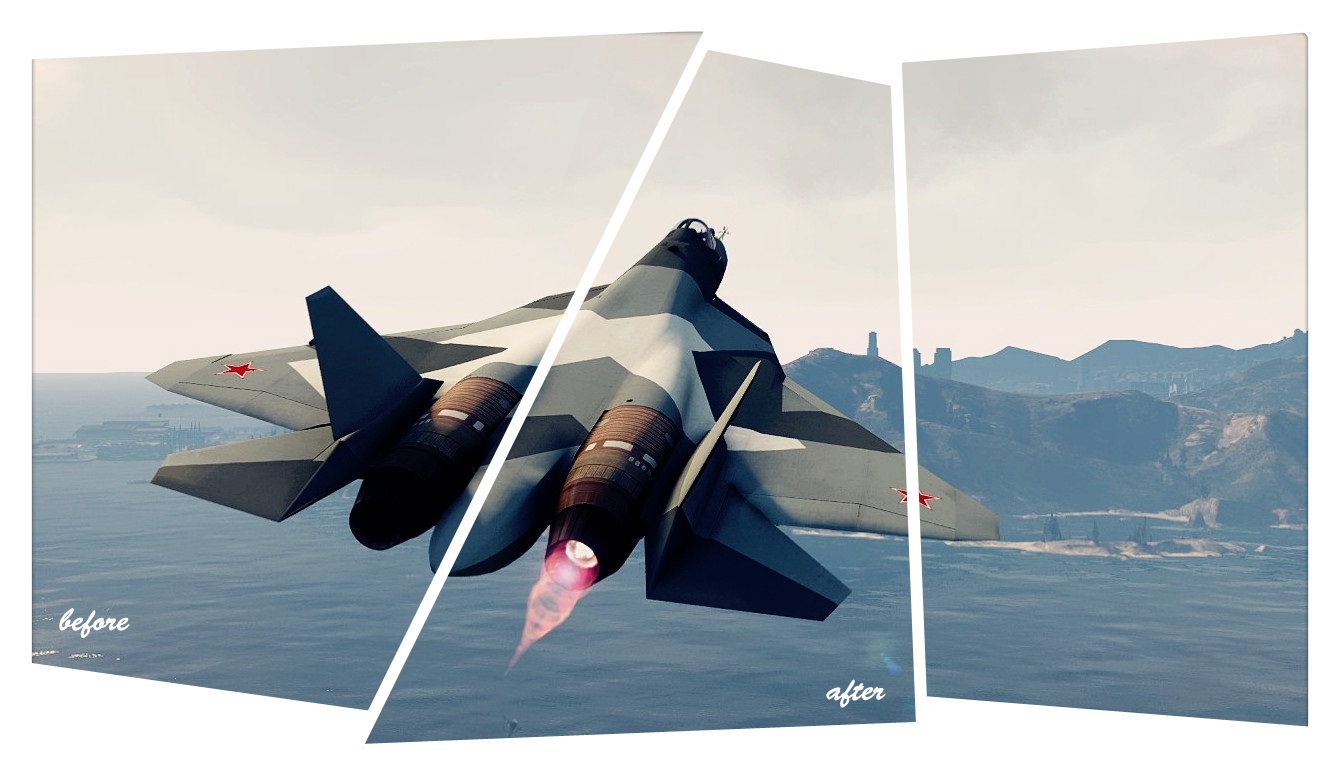
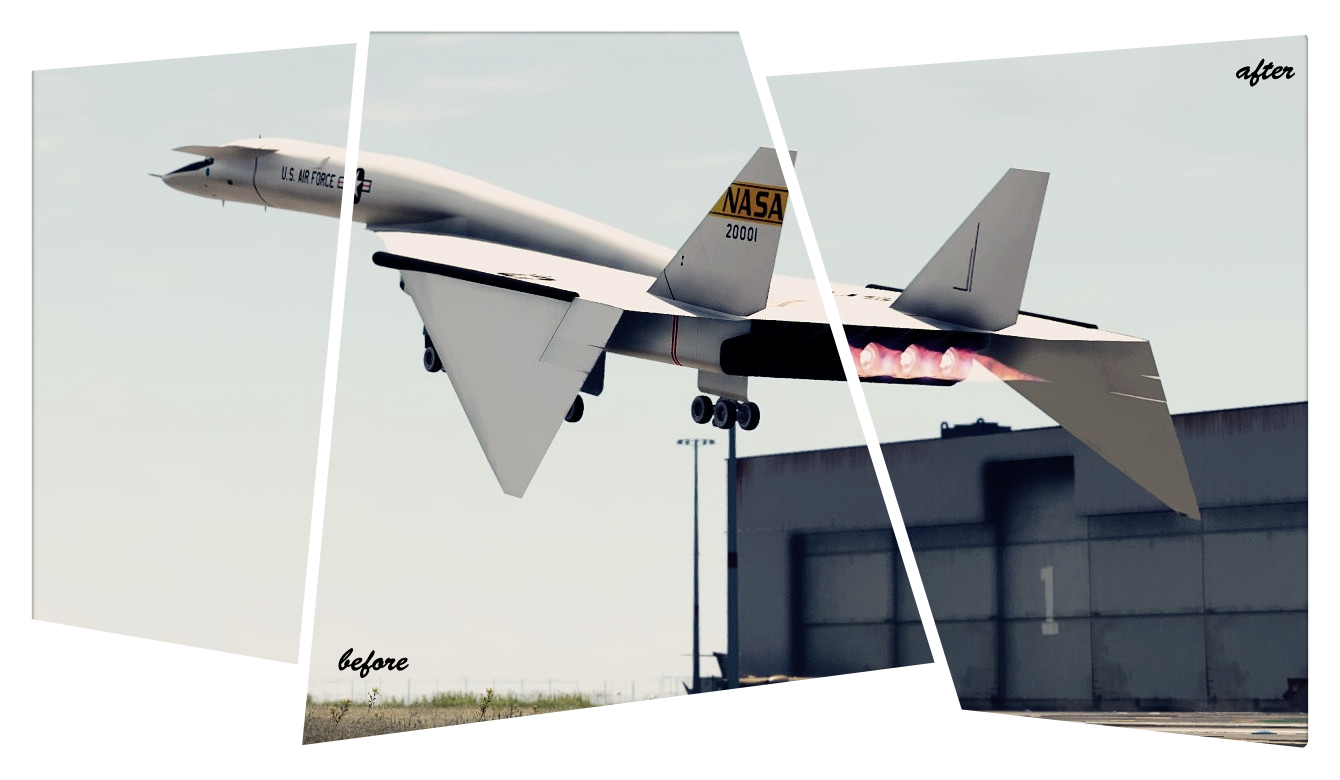
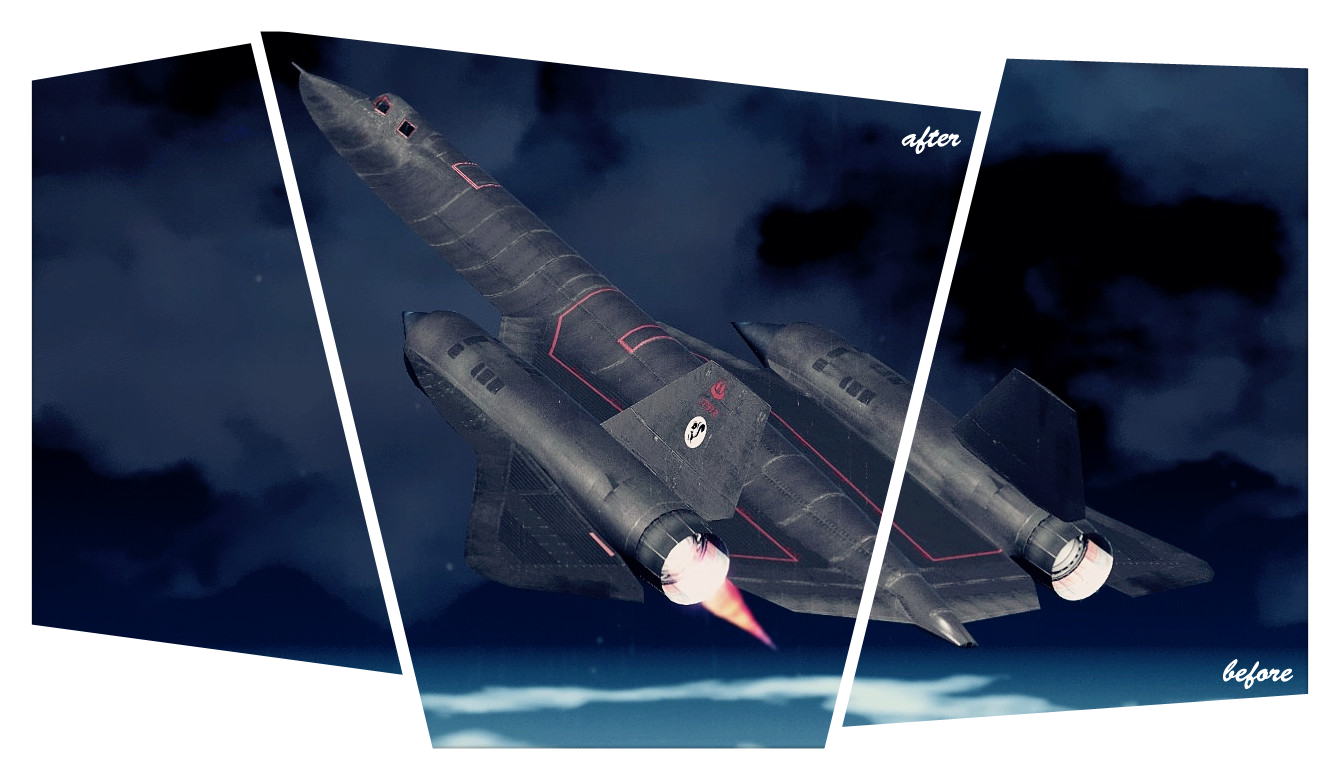
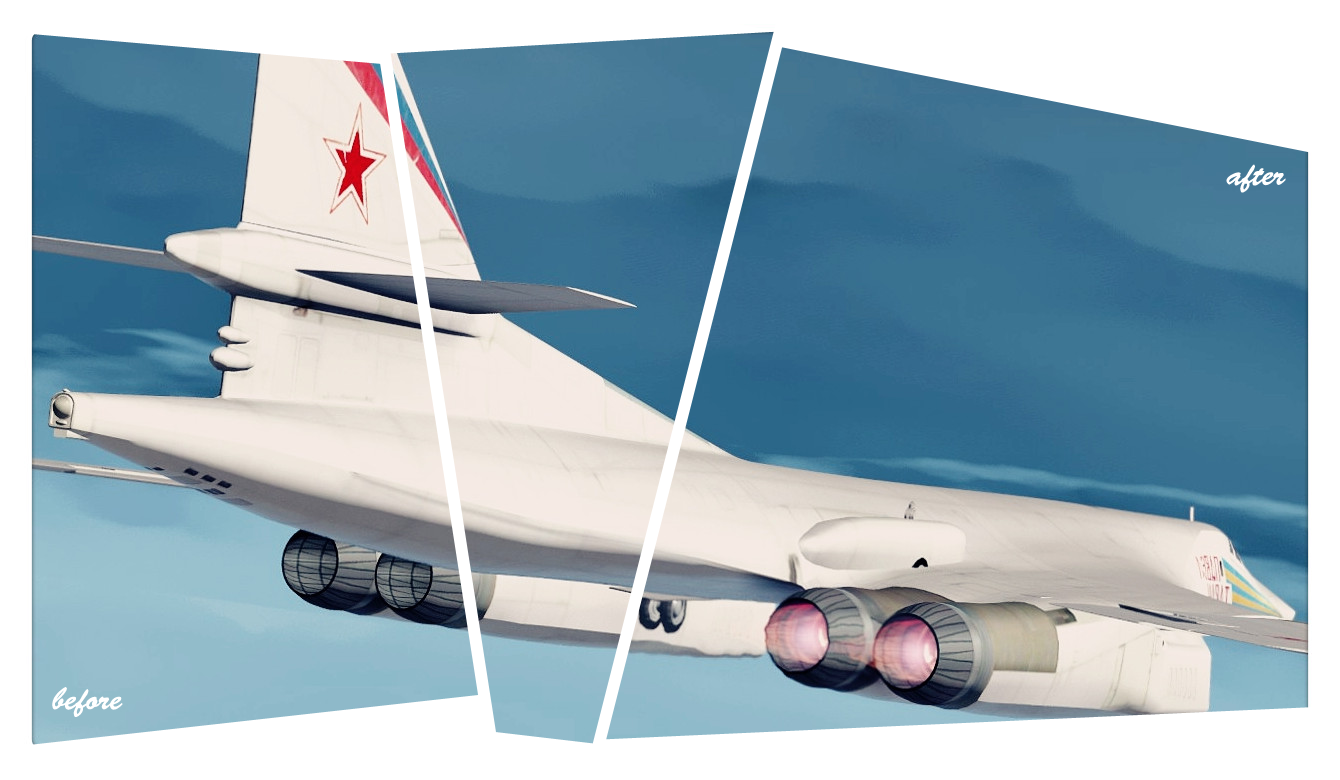
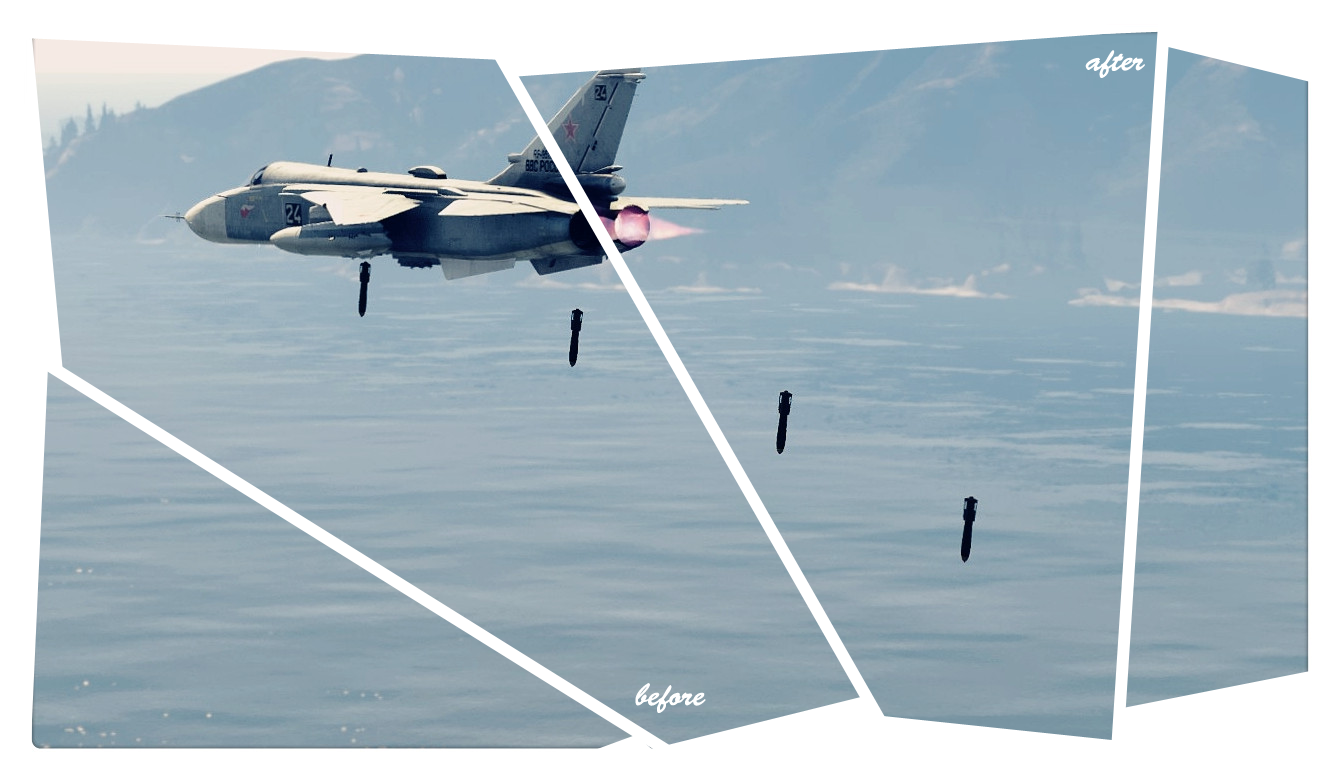
Add Afterburner(s) to Add-On Plane.
Requirements
– Import/Export DLC
– Latest ScriptHookV
– Latest Community Script Hook V .NET
– Visual C++ Redistributable for Visual Studio 2013 x64
– Microsoft .NET Framework 4.5.2
Install
Make sure you have all the Requirements Installed, Extract, drag and drop ‘Afterburners.dll’, ‘Afterburners.txt’ and ‘Afterburners.ini’ into ‘GTAV Root Folder\scripts’ Folder.
How to use
Manual: Add the vehicle hash into Afterburners.txt, each vehicle each line, for example “[hash]-1559139045”
Automatic: While in your Add-On Plane, Press F11 to add the vehicle hash, it will save into Afterburners.txt automatically.
Changelog:
v1.3
– Fix not working on some people
– Cleaned up some coding
– Simplify Setting file
v1.2
– Fixed Wrong Typo cause only 6 afterburners working
v1.1
– Support up to 12 afterburners
– Option to change the ParticleFx
v1.0
– Initial Release
Credits:
I‘m Not MentaL & CamxxCore
Rockstar Games, Alexander Blade, Crosire, Camxxcore, Dilapidated
Download mod
| File | File size |
|---|---|
 Afterburners_1.3
 | 10 KB |
![Francis International Airport (FIA) | Static Planes Removed [YMAP] 1.0](https://gta5mod.net/wp-content/uploads/2021/10/Francis-International-Airport-150x150.webp "Francis International Airport (FIA) | Static Planes Removed [YMAP] 1.0")
![Francis International Airport (FIA) | Static Planes Removed [YMAP] 1.0](https://gta5mod.net/wp-content/uploads/2022/03/Francis-International-Airport-150x150.jpg "Francis International Airport (FIA) | Static Planes Removed [YMAP] 1.0")
