
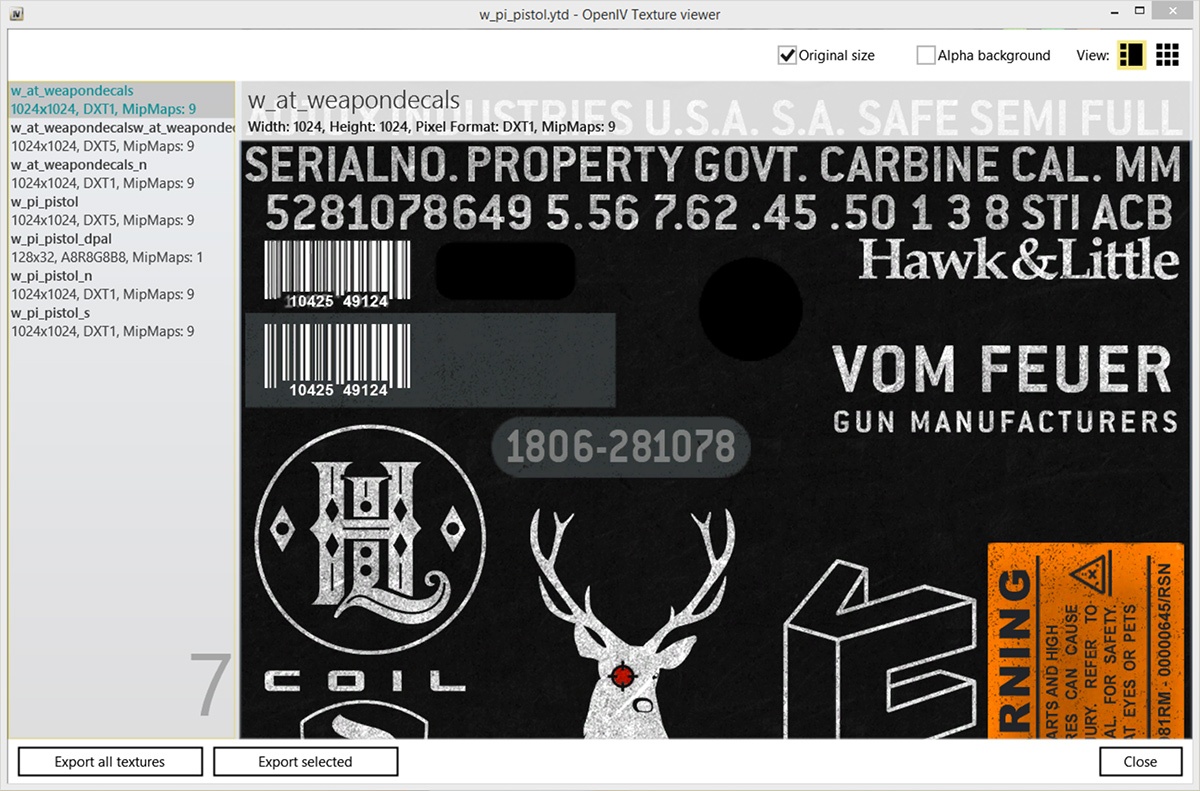
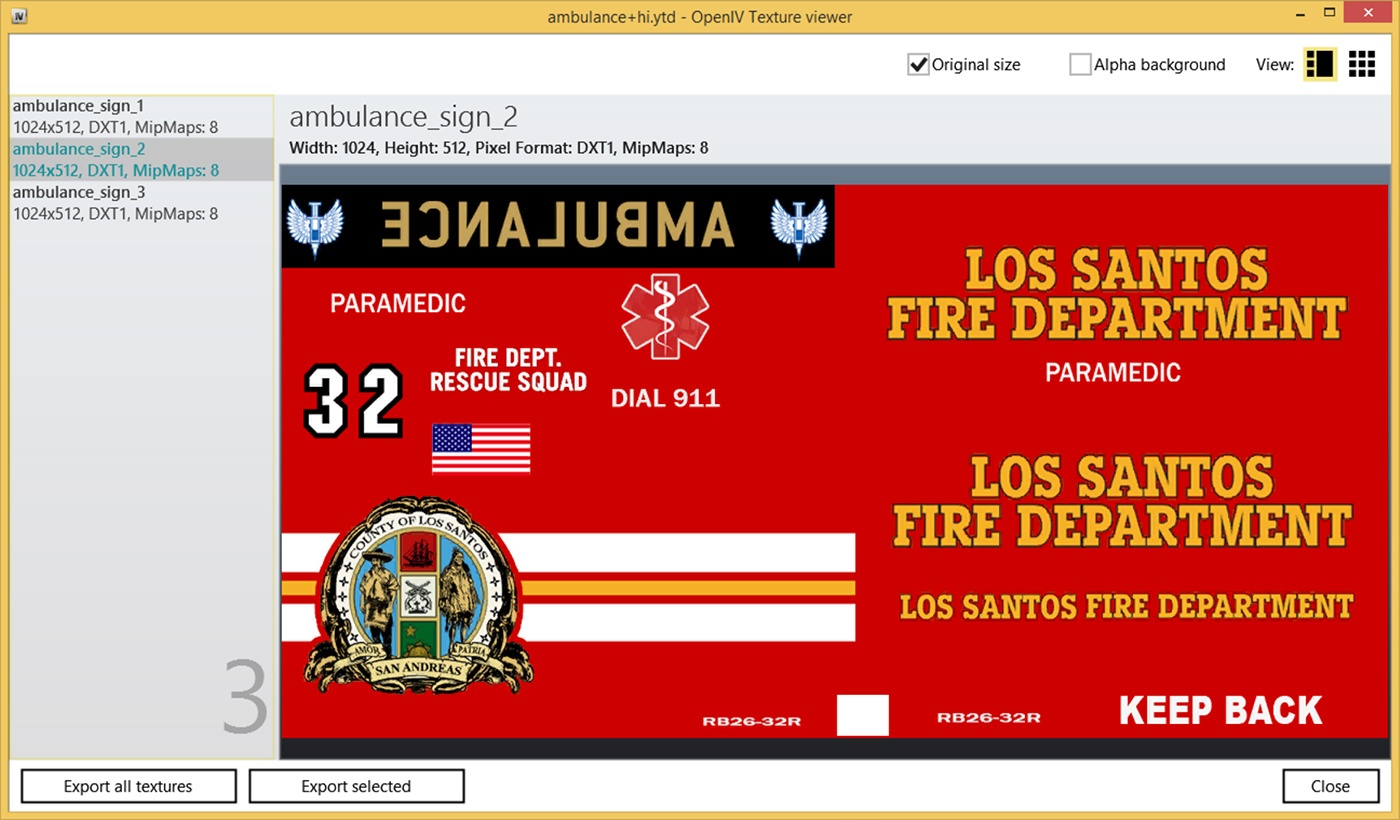
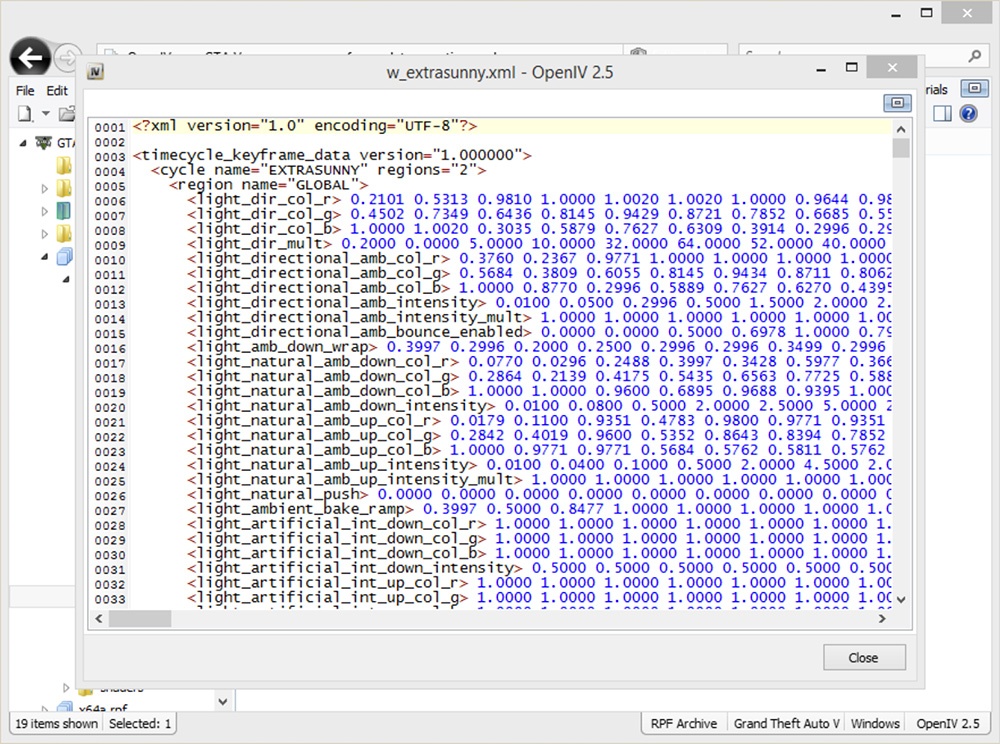
OpenIV is a multi-purpose editor and archive manager for PC versions of Grand Theft Auto V, Grand Theft Auto IV/EFLC and Max Payne 3.
General changes, improvements, and fixes in OpenIV 4.0.1 We fixed an issue where it was not possible to run Grand Theft Auto V (Epic Games Store Version) from OpenIV. What’s new in OpenIV 4.0: What’s new in OpenIV 3.2: What’s new in OpenIV 3.1: What’s new in OpenIV 3.0: What’s new in OpenIV 2.9.2: What’s new in OpenIV 2.9.1: Version 2.9: Version 2.8: Version 2.7: Version 2.6.4: Audio Editing Version 2.6.3:Changelog:
OpenIV – 4.1
0000767: [Archive editing] Ability to create a sequence of folders at once (e.g. x64\data\lang) (Team)
0000763: [Tools] Support for new version of carcols.ymt (GTAV/PSO) (Team)
0000736: [User interface] Add a “Rename” option in “Organize Favorites” window (Team)
0000745: [Tools] Associate Text Editor with more file types (Team)
0000738: [Tools – Text Editor] Invalid XML exported by “Export to XML” feature (Team)
0000651: [Tools] Improved Hash Generator (Team)
We fixed an issue resulting in OpenIV crash while opening some modes and textures in GTA V.
We fixed an issue where OpenIV did not update size of embedded archive when all files removed from it.
You can add more names and strings into OpenIV databases by editing files in your documents folder here: Documents\OpenIV\[Game Name]\Strings\ Starting with this update OpenIV will automatically reload content of those files without restart.
• Red Dead Redemption 2 support
• Support for many GTA V ymt files
• GTA V: pedpersonality.ymt support
• XML Syntax validation in OpenIV Text Editor
• GTA V for PlayStation 4 support
• GTA V Vehicles animations player
• Proper multichannel audio support
• openFormats support for YVR
• support for new shaders in openFormats for GTA V models.
First time since 2015, we have updated OpenIV.ASI – our plugin, which provides mods support for Grand Theft Auto V. The latest version of GTA V has some non-critical changes in the code, which affected by OpenIV.ASI, and we made similar changes in our code. Without those changes in OpenIV.ASI, your game had crash during loading screen in some very specific scenario, only when you have Simplified Chinese language selected in game. Use ASI Manager to update OpenIV.ASI in your game folder.
• We fixed an issue where sometimes OpenIV crashes while renaming folders inside archives.
• We fixed an issue where import of texture image with 2×2 sizes was impossible due to infinite loading.
• We fixed an issue where files was not shown in OpenIV after they was drag-and-dropped in game folder using Windows File Explorer.
Open folder: You now can open folders the same way as archives. Use menu “File > Open folder…” and select folder you want to open. Selected folder will appear at the end of the list in navigation tree.
Delete confirmation dialog: OpenIV will now show you delete configuration dialog, it will help you to avoid accidental removal of game files. You can disable this feature in OpenIV configuration.
Grand Theft Auto V
• We added support for carvariations.ymt file
• We added support for vfxvehicleinfo.ymt file
You can edit those files using inbuilt OpenIV Text editor or export them to META/XML format.
Grand Theft Auto IV
• We fixed an issue where wrong High Level Code was generated in SCO Viewer.
General changes, improvements, and fixes
• We fixed an issue where it was impossible to use context menu on travel buttons (Back/Forward) when history list contain many items.
• We fixed an issue where some users might get “Unable to initialize Windows DirectX subsystem” fatal error message.
• We added ability to use keyboard arrow keys to navigate through shaders information in models viewer.
• We made minor visual changes in “More information” dialog in models viewer.
• We fixed an issue where users might see “Confirm edit mode” dialog while creating archive in edit mode.
• We changed keyboard shortcut for creating new archive from “Ctrl + N” to “Ctrl + Shift + N”.
• We added ability to use “Ctrl + N” keyboard shortcut for creating new archive in current location (Same as “Ctrl + D” for folder).
• We fixed an issue where status bar does not updates when items are added or removed.
• We fixed an issue resulting in unexpected behavior when double-clicking on group header in file list.
• You now can use “Shift + Delete” keyboard shortcut for permanently deleting files while using Recycle Bin (This works for files on disk not for files in archives).
• We fixed an issue resulting in “Edit mode” button become disabled in specific scenario.
• We improved support for Junctions or Symbolic links. You now will be able to use global search while your game folder is Symbolic links.
• We changed the way how Size column is displayed in file list. Now it works just like Windows File Explorer.
• Some more changes was made, they are minor or are not worthy of mention.
Inbuilt Text Editor
Support for .ymap, .ytyp, _manifest.ymt, carcols.ymt and levels.ymt
Improved openFormats for Grand Theft Auto V
Search improvements
UI Improvements and bug fixes
And more
openFormats for Grand Theft Auto V models
Package Installer improvements
Administrator mode notification
UI Improvements and bug fixes
And more
openFormats development
Brand new Package Installer
Improved support for “mods” folder in Grand Theft Auto V
Bug fixes and minor improvements
Audio Exporting
Ability to export audio files to .wav format
Ability to edit audio files (.awc) like weapon and vehicle sounds
ASI Manager
New tool named “ASI Manager” allows you to easily install or uninstall ASI loader and our plugins for GTAV.
OpenIV.ASI 1.1
New version of OpenIV.ASI gives you ability to keep original GTAV files safe and put mods into special “mods” folder. Just put archive (for example, x64a.rpf) you want to mod into “mods” folder and made changes in that copy. OpenIV.ASI will force game load your archives form “mods” folder. In addition, if you want to switch back to original files just remove OpenIV.ASI and ASI Loader using ASI Manager.
Texture editor for GTA V
Powerful OpenIV texture editor now have support for GTA V .ytd texture files. You are free to edit any .ytd files using all features we have.
Fragment Models Viewer
Finally, OpenIV fragment models viewer got support of GTA V .yft files. This will allows you to view GTAV vehicles models.
Critical bug fixed
We also have fixed some critical issues in our code. Now you have less chance to corrupt your files.
OpenIV Offline Installer
OpenIV Offline installer is a method to install OpenIV modding tool without internet. Follow below method to manually install Open IV offline without internet for GTA 5 and other game.
How to Install OpenIV Offline
1. Download the OpenIV file.
2. Copy “New Technology Studio” folder.
3. Install 7-Zip/winrar app on your PC.
4. Extract the OpenIV zip/rar file with 7-Zip/winrar.
5. Open the OpenIV installer folder.
6. Open the app “OpenIV.exe” file.
7. Hit install to start the installation.
8. Done! Start your OpenIV from Start menu.
Credits:
OpenIV Team
Download mod
| File | File size |
|---|---|
 ovisetup V4.1
 | 1 MB |
|
OpenIVSetup_offline | 30 MB |
|
ovisetup | 1 MB |
 ovisetup_2
 | 2 MB |
![Realistic Vehicle Deformation Damage [OpenIV] 1.2](https://gta5mod.net/wp-content/uploads/2021/04/Realistic-Vehicle-Deformation-Damage-150x150.png "Realistic Vehicle Deformation Damage [OpenIV] 1.2")

Hi,
I download this and i cant find my x64 and i even try everything Help please
Hi,
So i have OpenIV downloaded, but when I look for it in my files after clicking “windows” under GTA V, my GTA V file is not there for me to click. I tried to copy and paste the link as well but that doesn’t work. I can’t type anything in the box as well.
просто скопируй названия игры GTA5_Enhanced.exe и удаляй _Enhanced и чтоб у тебя осталочь только Gta5.exe
Amazing programme got my NVE working.
how do i install it on my ssd and not my bootdrive??
found a solution yet?
how do i install when i try to install it it downloads a rar type of foulder for it not a zip foulder
When I download the offline link, it downloads with the “internet explorer” icon next to it and when i try to open the download it opens MSN browser and nothing happens. Any help would be appreciated
i have the same problem do you have a fix yet
Download winrar first and open with winrar
how?
The offline file is 4.0 not 4.1. Is there a way to update or does it really matter?
im watching a tutorial to install lspdfr with pluggins and he says it needs to be 4.1
how do i get it to go on the game i keep tryna select the gta v like game file but when i click browse nothing showing up all my folders are there but nothings in them? ik its probably a simple fix but idk what it is
if you got game on steam, try browsing local files thru steam and you should be able to find gtav.exe file there, all you do is select the folder it is in. p.s there is no eflc.exe anymore, to mod tbogt and tlad, just use gta iv
What do they mean when the say:
1. Download the OpenIV file.
2. Copy “New Technology Studio” folder.
3. Install 7-Zip app on your PC.
4. Extract the OpenIV zip file with 7-Zip.
you don’t have to download 7-zip, they are just telling you to unzip the file.
how do i get an ‘encryption_key.bin for my xbox 360
How To Fix Low Settings Gta 5 Pc
1.Download OpenIV
2.Launch OpenIV
3.Select Game Grand Theft Auto V
4.Directory GTA 5 Folder
were do i download it?
when i try to download it says “The code execution cannot proceed becuase d3dx9_33.dll was not found. Reinstalling the program may fix this problem”
Did you ever fix this because ive got it now
First You Need Install ASI Manager
Do Not Play GTA Online
OpenIV.ASI
The OpenIV server is shutdown April 1, 2023,
OpenIV Server ShutDown April 1, 2023,
Why my gta 5 screen is stuck after San Andreas update, it just freeze! Before update is 100% working!
I use offline setup and now my gta cannot open to play because it’s on the different version after Steam automaticly upate my gta5. Any idea what to do?
plss say when you got news
yeah next time Create a restore point B4 adding mods
All i can do is install them and they aren’t even set ups they’re just text documents that open in word or notepad like bro this mod used to be easy to get now i cant use natural vision evolved
yup
working if delete radio with asiscript
i tried to install and it told me it failed and i dont know why
download the offline setup one
Works for me – 20may 2023
does it work on gta v steam version becuase the build on this says 1401 but the gta v on 2845 can i still load mods using it ?
nice
It’s a bit strange that the file location isn’t able to be changed..
offline version seems to install fine
OpenIV_offline -> Tested contained. Do not unpack anything but checks TCP connections instead. This is bullshit,
Script hook v critical error.
Mi game version is 2802. Online1.64.
downgrade
bro please hell me ^ it says the application was unable to start correctly (0x000007b.)
someone plese help me..!
drict x
delete everything restart app or game
I get an error message saying “The code execution cannot proceed because d3dx9_33.dll was not found. Reinstalling the program may fix this problem.” Then you get an ok button to push or the X in right top connor
You need to install DirectX first.
i have d3dcsx_46.dll. but still getting the above error do i need 33 again?
same with me
Hi guys, can’t install it, get the message “Setup is unable to write log file.” Already tried to deactivate Antivirus, copied it directly into the GTA folder… Any ideas? Thanks!
Same
Finally, an archived version.
FATAL Another copy of the setup is ruined
How many more times do I have to look at all the files I unzipped with 7zip, they don’t seem to work properly.
Maybe use winrar instead ^^
asi openlv not in tools in offline version broken
Wtf is this? its a .rar file. Get your shit right FFS
you are retarded
no, you are
use winrar
ur a fucking retard bro lol use winrar … dumb fag
lolol
Thank you. Its 4.0 tho and not 4.1.
it downloads a rar file not a zip file
use winrar
guys this works, just install the offline version and it will all be good, its not that hard to mess up, luckely
not work
it downloads a rar file not a zip file?
fr
is this sus at all
Offline is 4.0.1 not 4.1
Offline link works fine
bro it dont download good
yes
didnt install
It worked for me as fine. Make sure you download Openiv setup offline.
still wont work
ok