
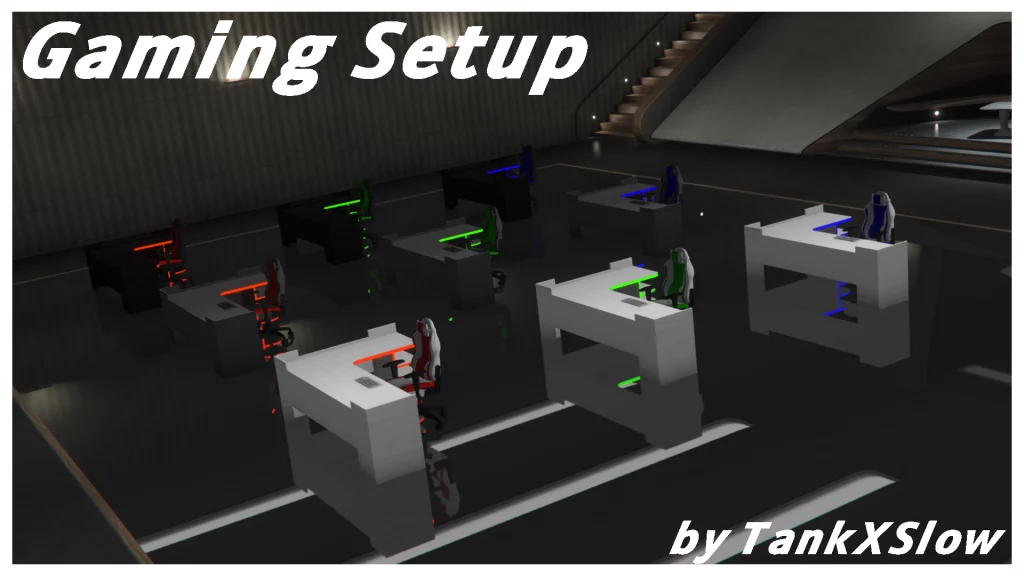
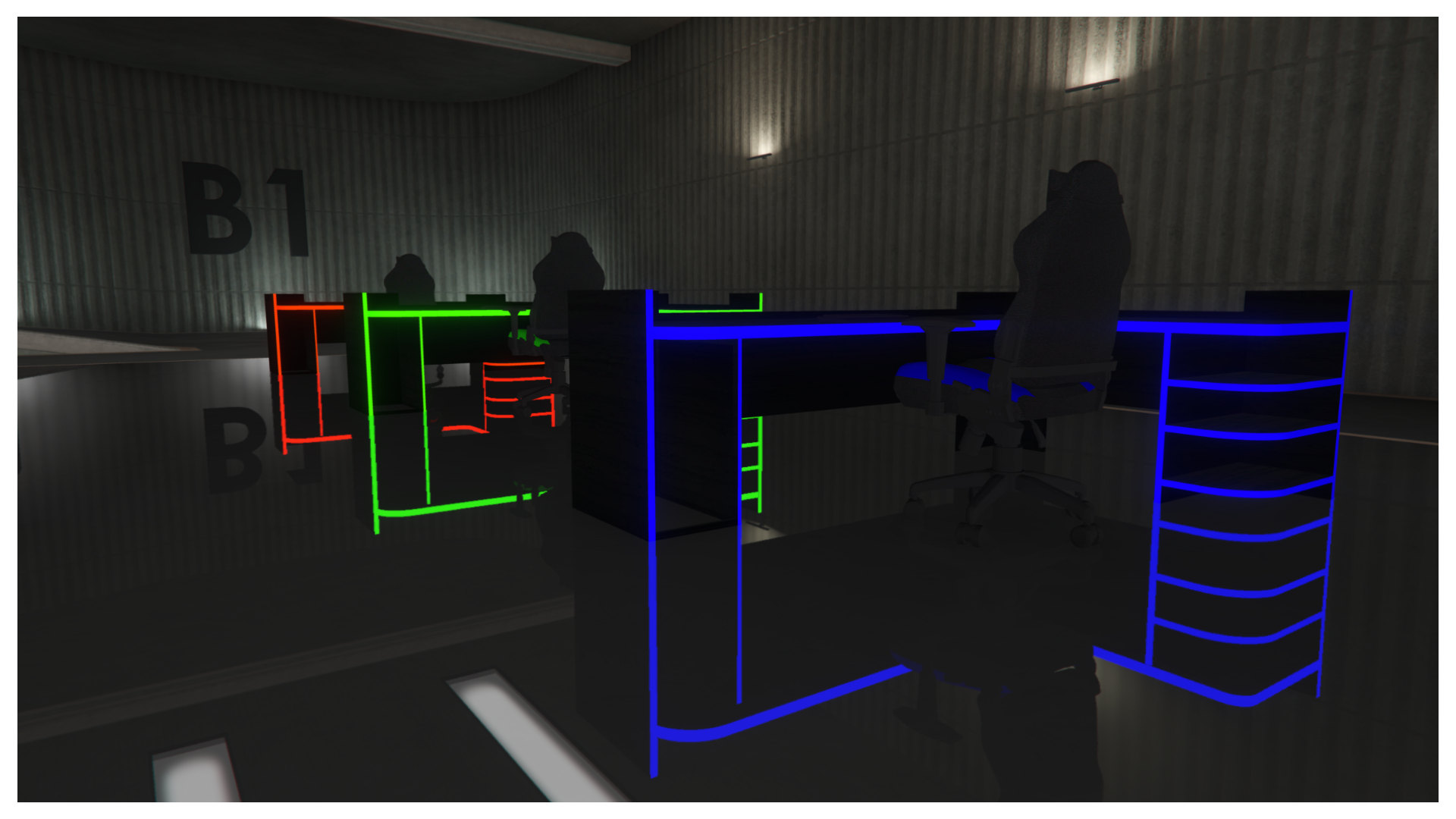
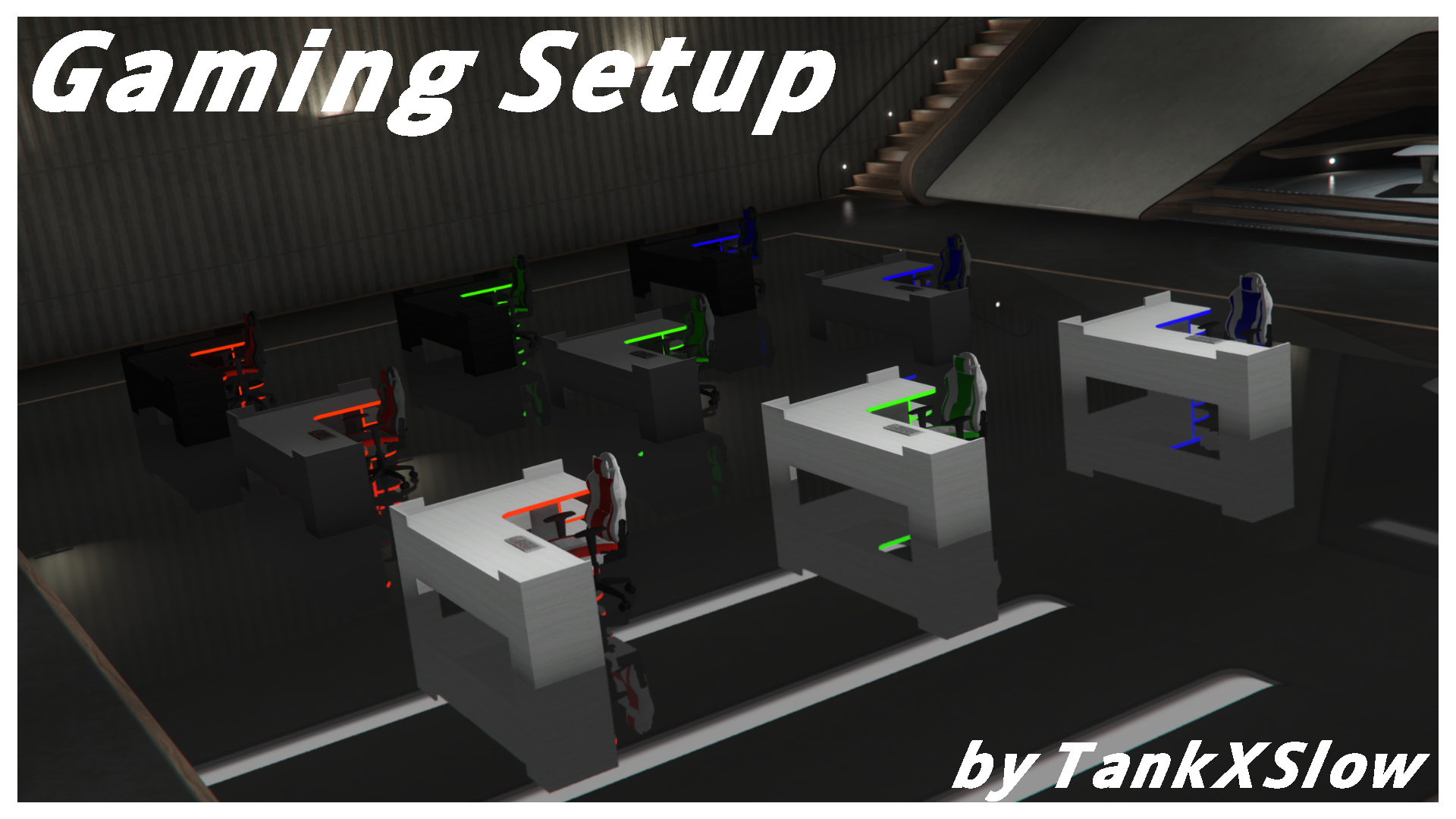
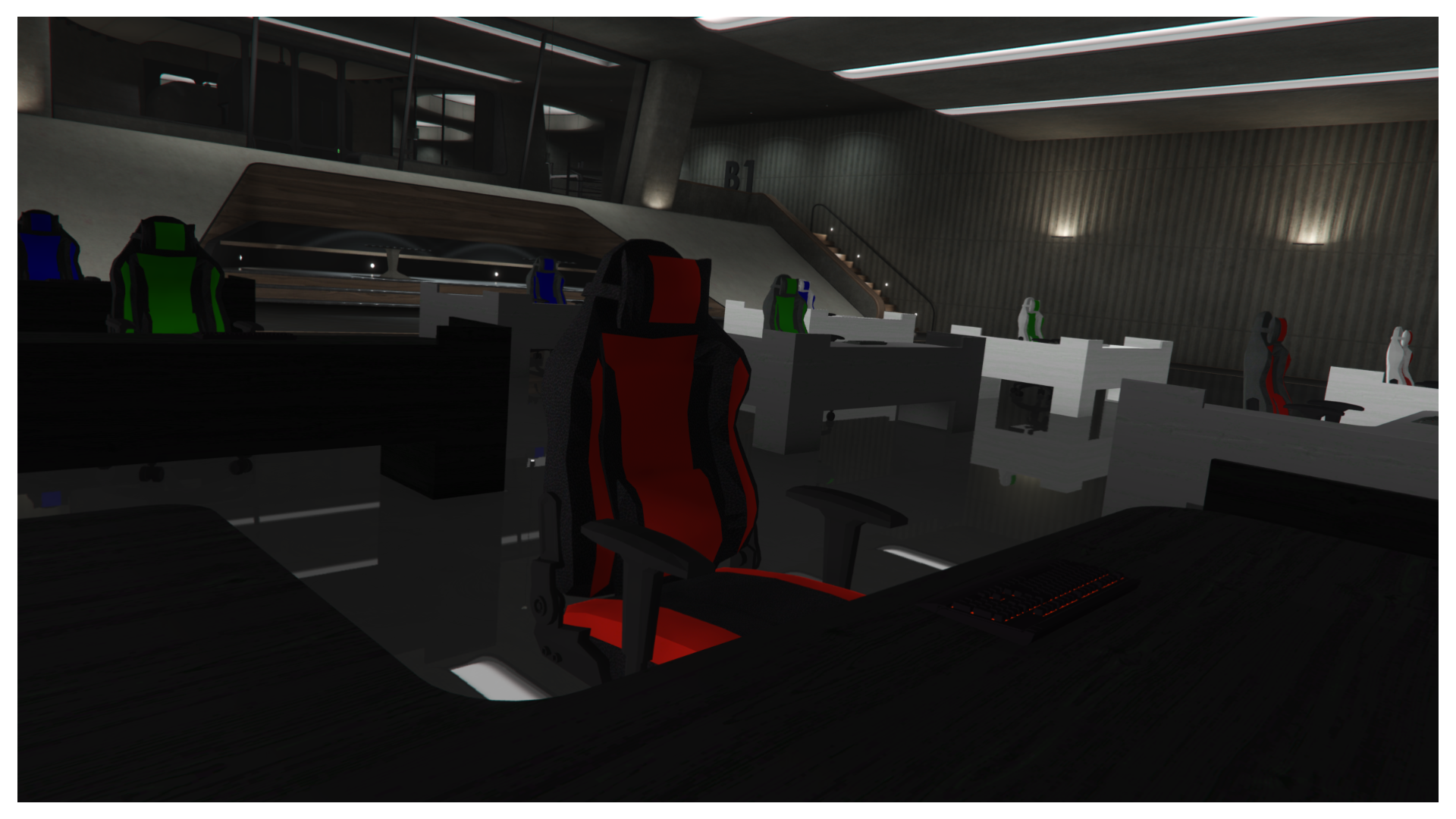
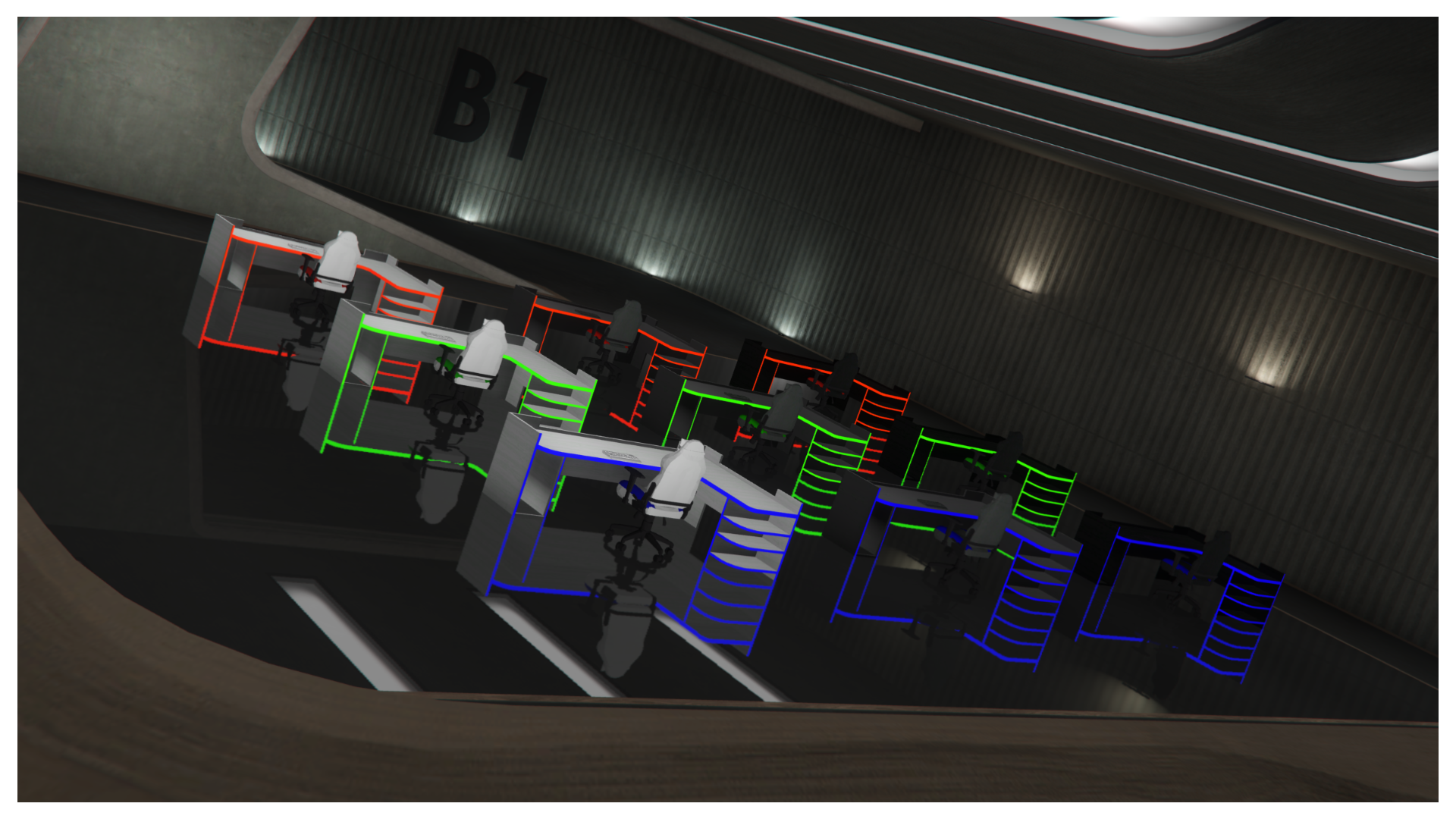
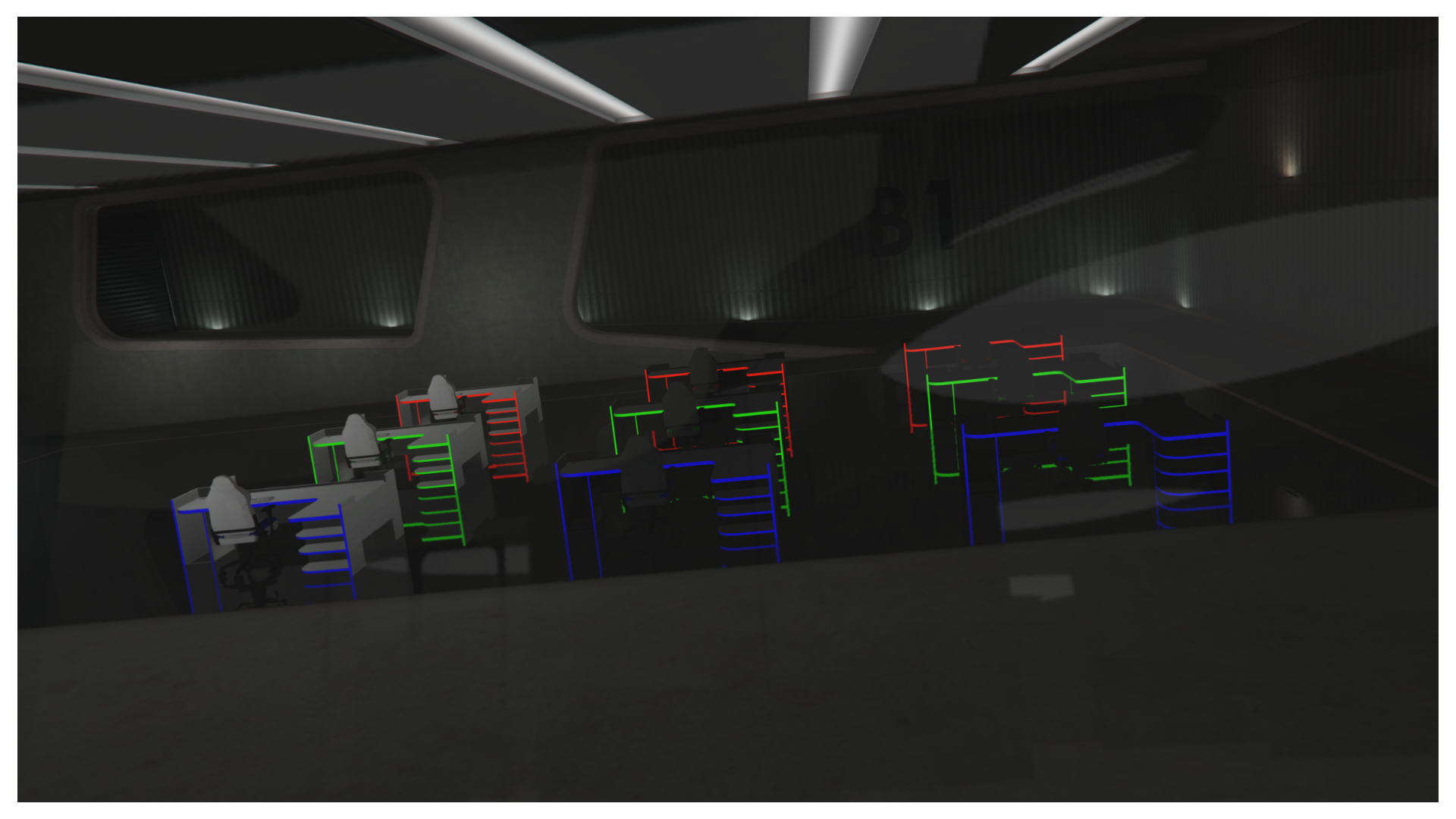
Includes 27 total props perfect for your dream gaming room!
9x Gaming Chairs
9x Gaming Desks
9x Gaming Keyboards
Color schemes:
Black w/ red, green, or blue accents
Gray w/ red, green, or blue accents
White w/ red, green, or blue accents
Requirements:
– OpenIV
– Codewalker (optional)
– Map Editor (optional)
– Menyoo (optional)
Single player Installation:
1. Drag all the files from “Files” folder to (mods > x64c > levels > gta5 > props > lev_des > v_minigame.rpf).
2. Copy everything from “Copy_To_YTYP.txt” and paste it into “v_minigame.ytyp” found in the file path above.
3. Copy evertyhing from “_manifest.txt” and paste it into “_manifest.ymf” found in the file path above.
If using Map Editor:
1. Copy everything from ObjectList.txt and paste it into the bottom of (Grand Theft Auto V > scripts > ObjectList.ini)
If using Menyoo:
1. Copy everything from PropList.txt and paste it into the bottom of (Grand Theft Auto V > menyooStuff > PropList.txt)
FiveM Installation:
1. Drag “xs_props” into your server resources folder.
2. Add “ensure xs_props” to your “server.cfg”
Credits:
XSlow Mapping, Zach998
Download mod
| File | File size |
|---|---|
 XS_Gaming_Setup
 | 16 MB |
![Trevor Gaming setup [Menyoo] V0.1](https://gta5mod.net/wp-content/uploads/2023/03/Trevor-Gaming-setup-150x150.webp "Trevor Gaming setup [Menyoo] V0.1")
![Canis Verus - Emergency & Service Pack [FiveM | Add-On | Full Light Setup] V1.0](https://gta5mod.net/wp-content/uploads/2025/05/Canis-Verus-Emergency-150x150.webp "Canis Verus - Emergency & Service Pack [FiveM | Add-On | Full Light Setup] V1.0")
![[Prop Pack | OIV | Replace] UK Traffic Lights and Level Crossing Pack V1.0](https://gta5mod.net/wp-content/uploads/2024/05/UK-Traffic-Lights-and-Level-Crossing-Pack-150x150.png "[Prop Pack | OIV | Replace] UK Traffic Lights and Level Crossing Pack V1.0")
