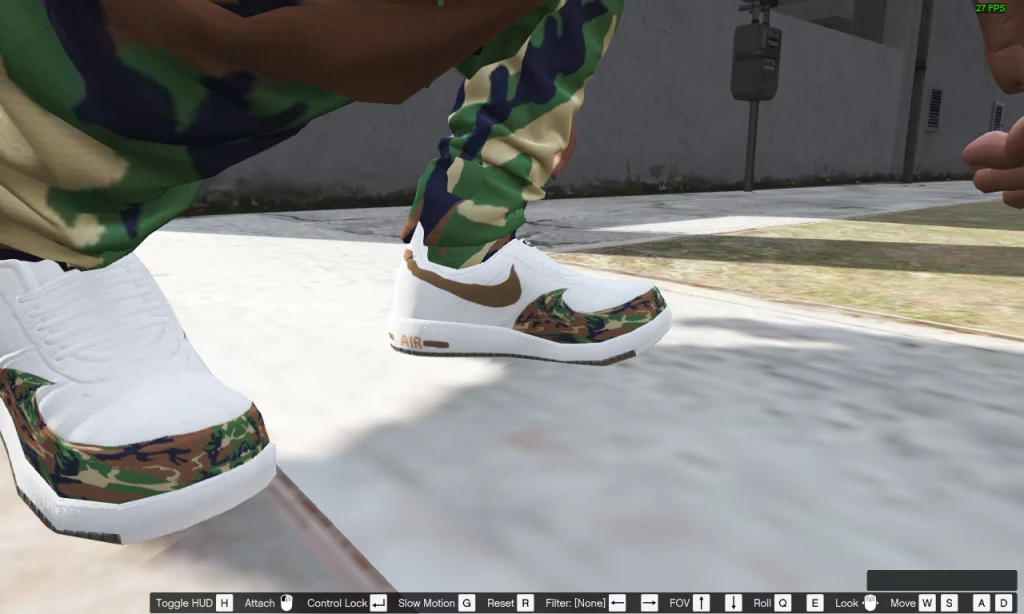
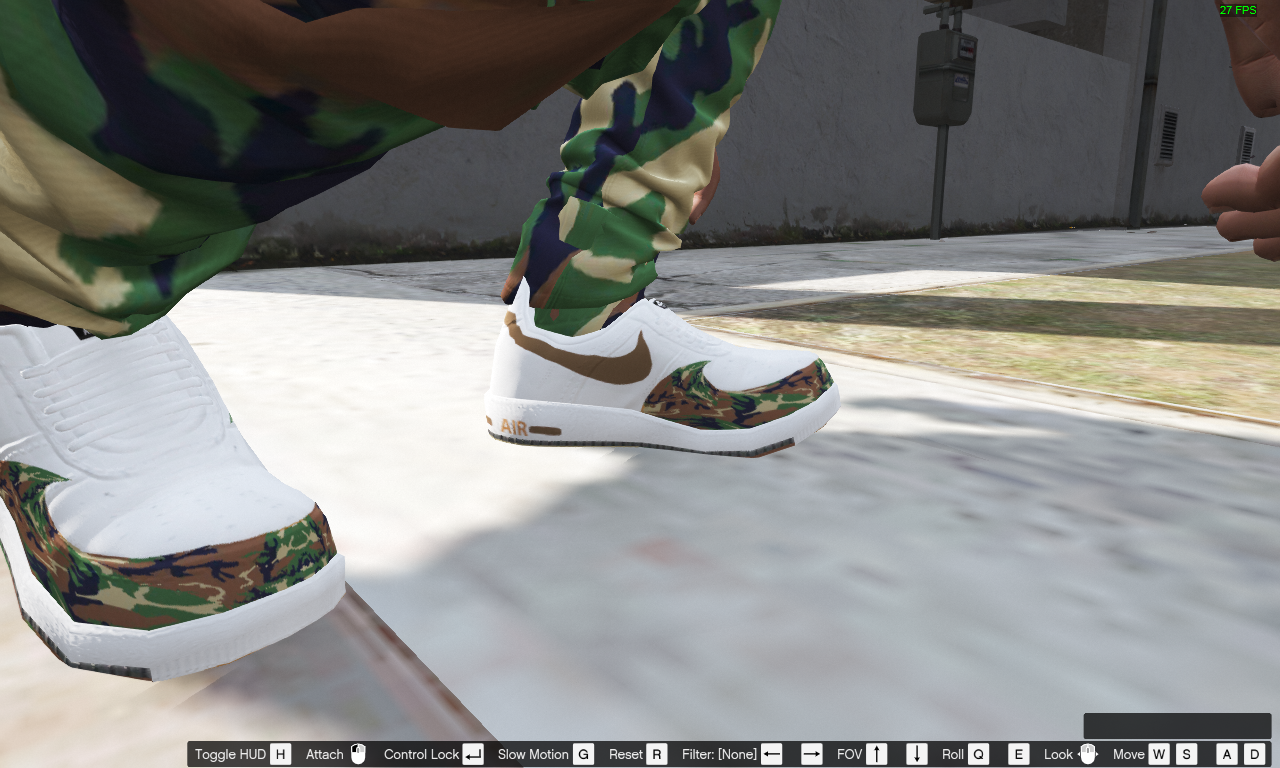
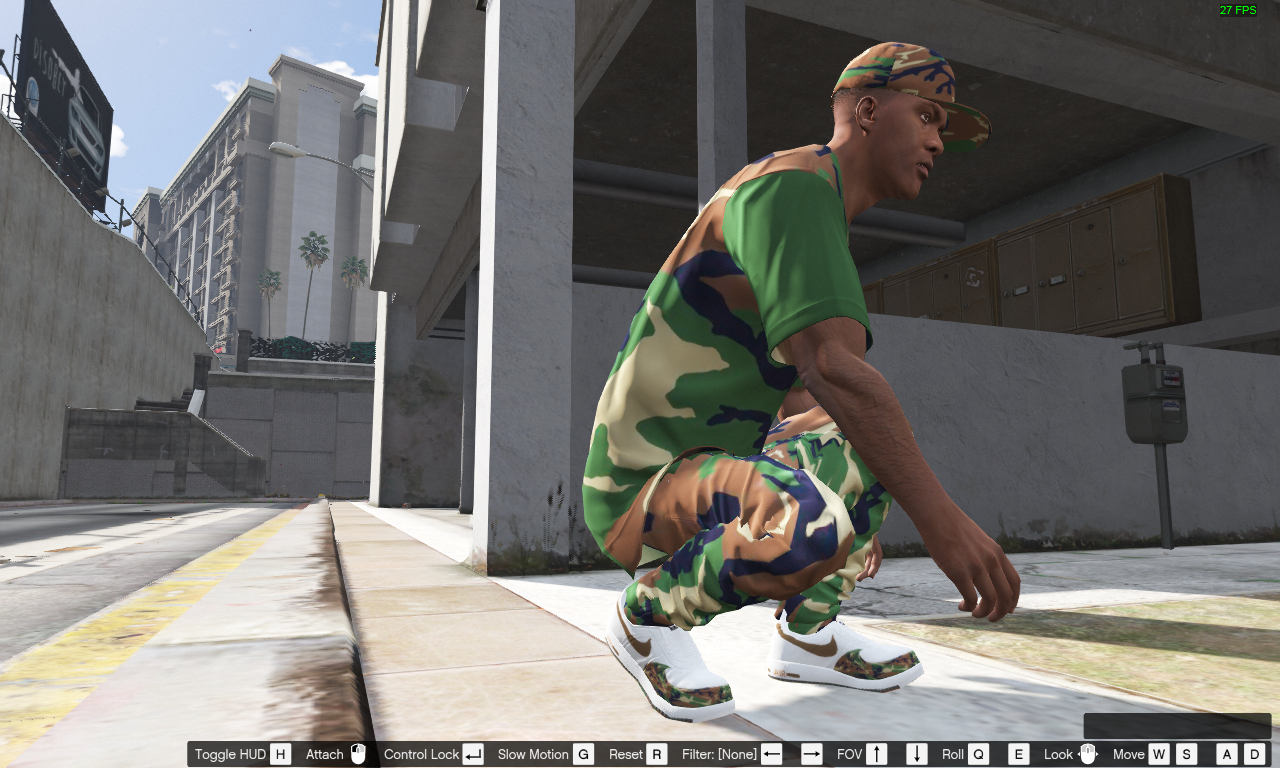
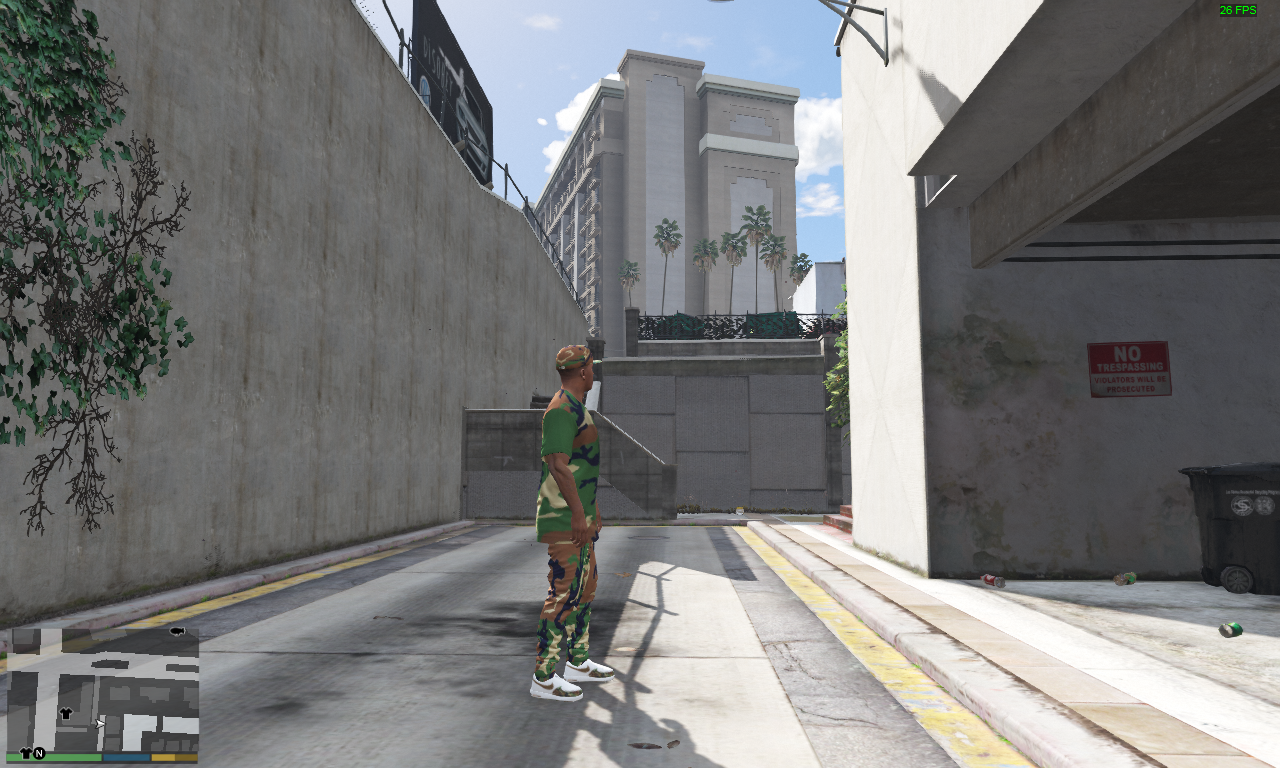
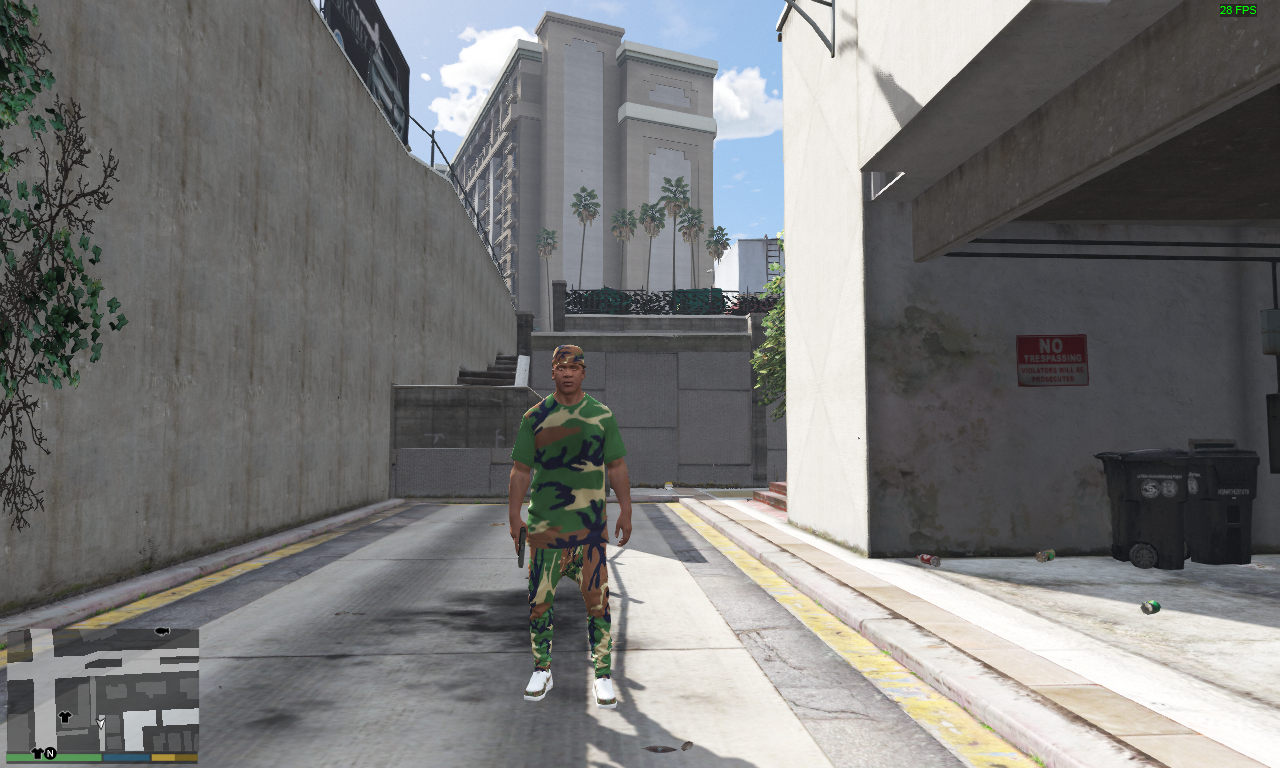
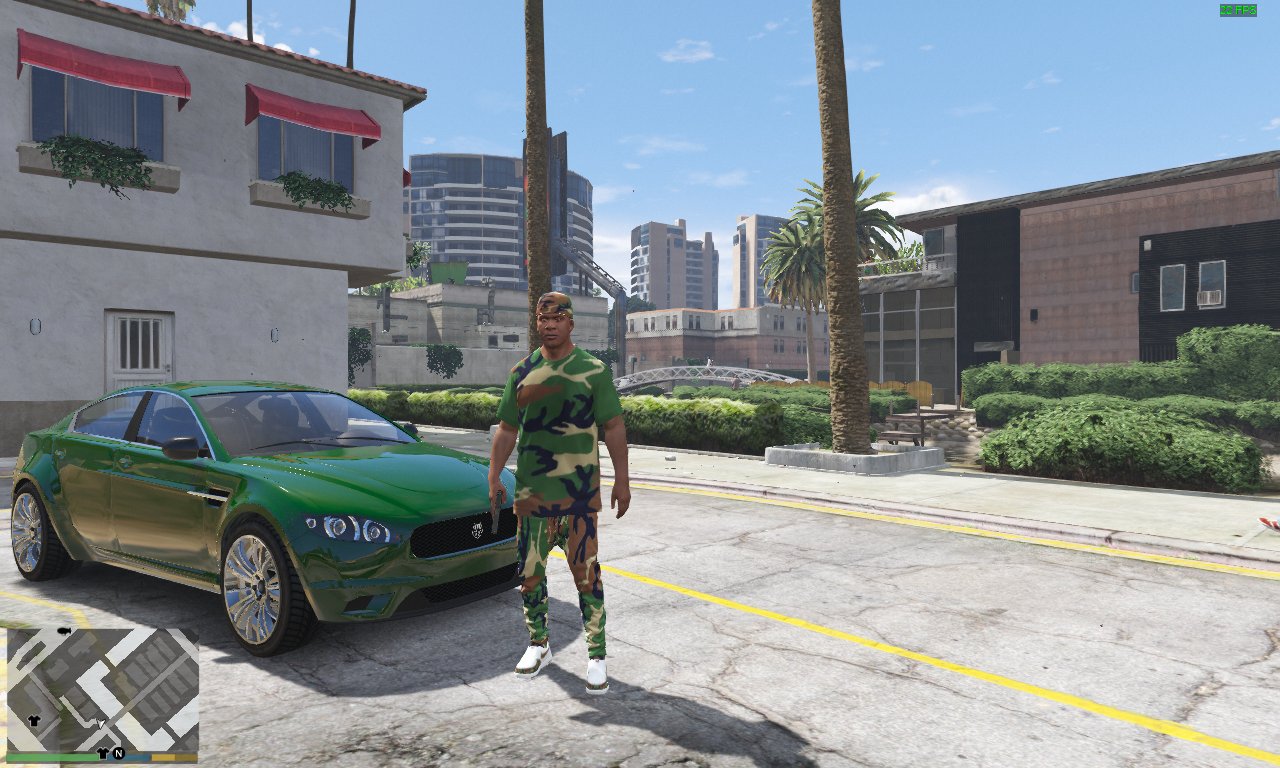
How to install this mod:
If you dont have a mods folder create one in the game directory
and You need OpenIV . (if you dont have x64v.rpf in your mods folder click edit mode then find it and click copy to mods folder)
1st- open OpenIV click windows then click edit mode at the top go to GTA V > mods > x64v.rpf > models > cdimages > streamedpeds_players.rpf
once there drag lowr_diff_021_d_uni.ytd + uppr_diff_004_e_uni.ytd + feet_diff_011_i_uni.ytd
/also the bouns Long live dolph shirt is installed here in side bonus lld shirt/
2nd- go here GTA V > mods > x64v.rpf > models > cdimages > streamedpedprops.rpf
once there drag, p_head_diff_019_b
3rd- click file and click close all archives and close OpenIV
Credits:
CBG Finest 205
Download mod
| File | File size |
|---|---|
 Armycamoplusbonus
 | 829 KB |
![Army Pants Camo [Add-On] 1.0.231.0](https://gta5mod.net/wp-content/uploads/2021/10/Army-Pants-Camo-150x150.webp "Army Pants Camo [Add-On] 1.0.231.0")