
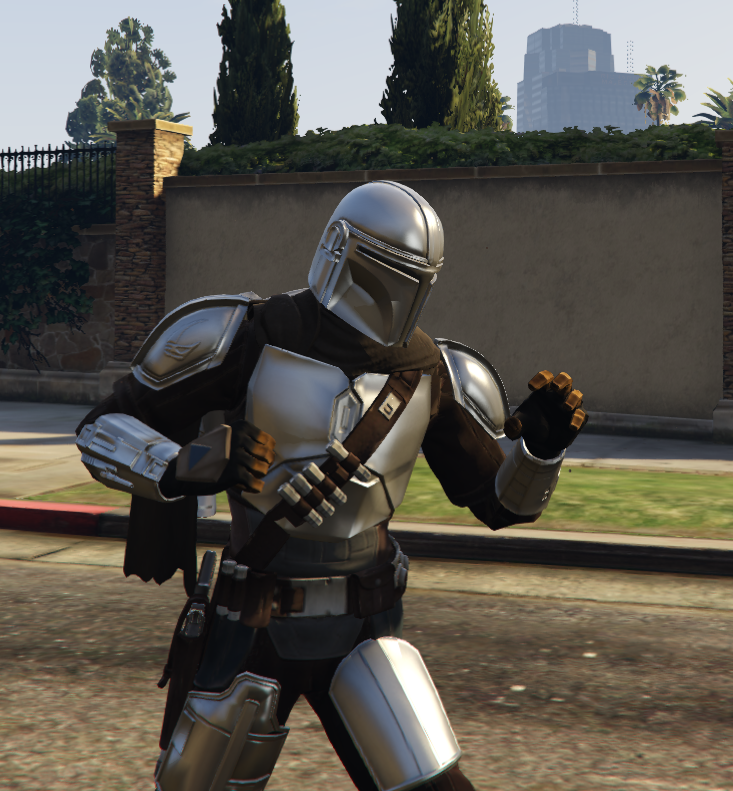
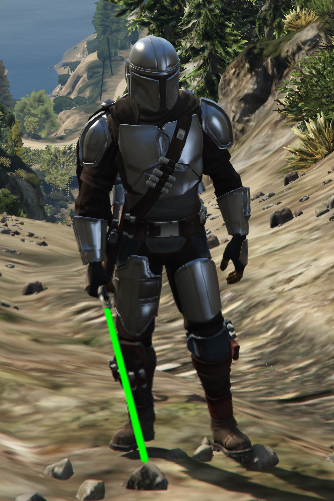
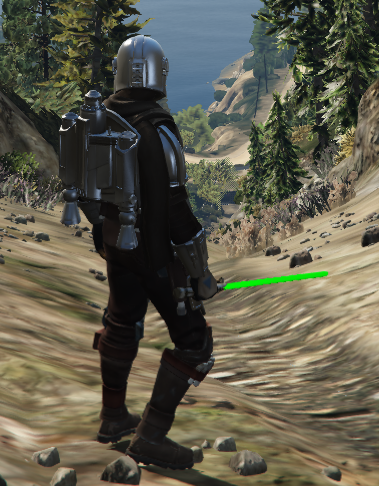
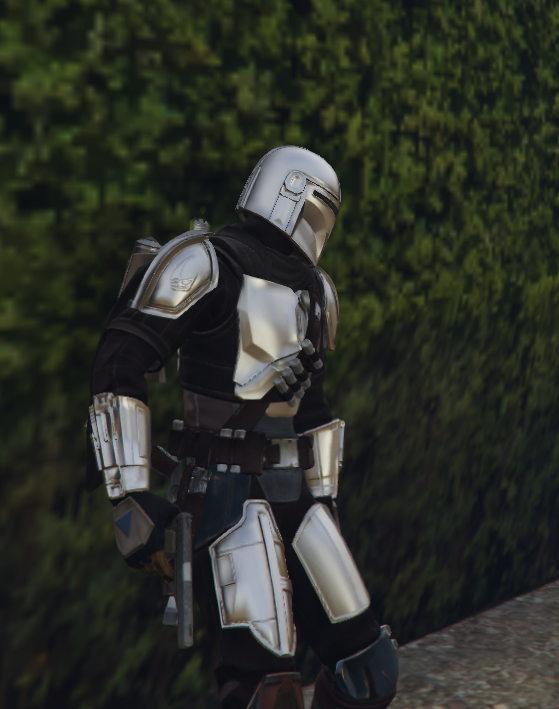
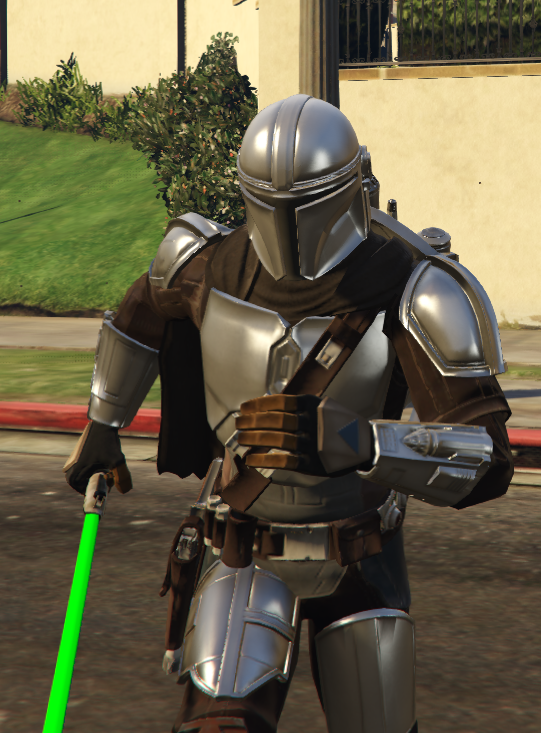
He was trained to become a Mandalorian warrior and eventually joined the Tribe, which operated in a secret covert on Nevarro. Djarin became battle-hardened, a man of few words, and a formidable hunter in an increasingly dangerous galaxy.
Installation:
In order to install the Ped’s, you need OPEN IV.
Once OPEN IV is open, create a folder named MODS (if not existing)
Mod files should be added in path:
MODS>UPDATE>x64>DLCPACKS>ADDONPEDS>DLC.RPF>PEDS.RPF
addonpeds (Ped Selector) should also be added under the “DLCLIST.XML” File:
OPENIV>GTAV>MODS>UPDATE>UPDATE.RPF>COMMON>DATA>DLCLIST.XML
Add the following Line in the “DLCLIST.XML” File:
dlcpacks:/addonpeds/
Now Download Pedselector for your GTA V
Press L in-game to open the Ped Selector Menu.
Select the Ped’s by their Names…
DONE.
Credits:
LoRdNiTi
Download mod
| File | File size |
|---|---|
 The Mandalorian
 | 36 MB |
![The Mandalorian [Add-On Ped] 1](https://gta5mod.net/wp-content/uploads/2021/02/The-Mandalorian-150x150.png "The Mandalorian [Add-On Ped] 1")
![Moff Gideon from Star Wars: The Mandalorian [Add-On Ped] 1.1](https://gta5mod.net/wp-content/uploads/2022/05/Moff-Gideon-from-Star-Wars-The-Mandalorian-150x150.jpg "Moff Gideon from Star Wars: The Mandalorian [Add-On Ped] 1.1")
