
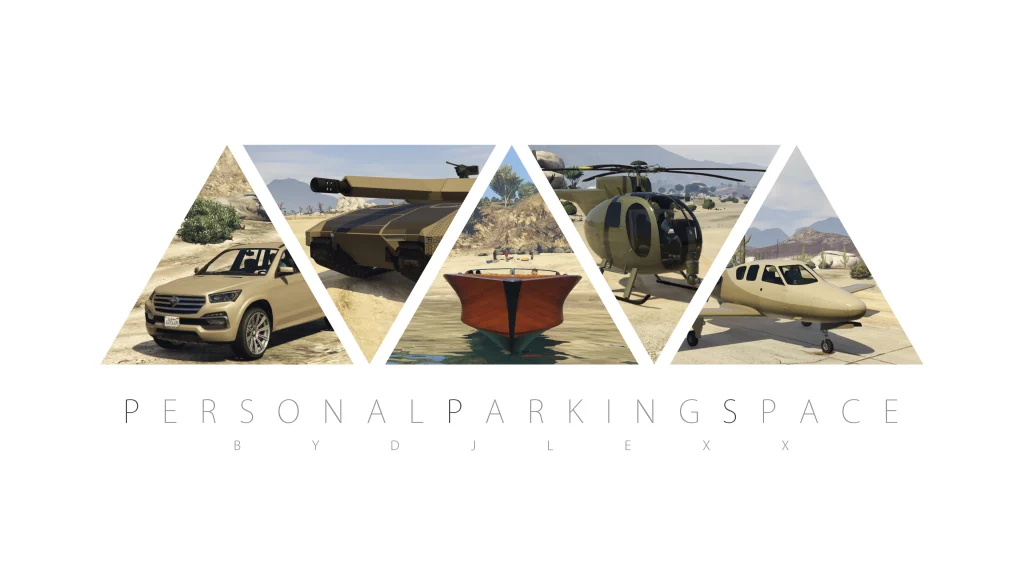
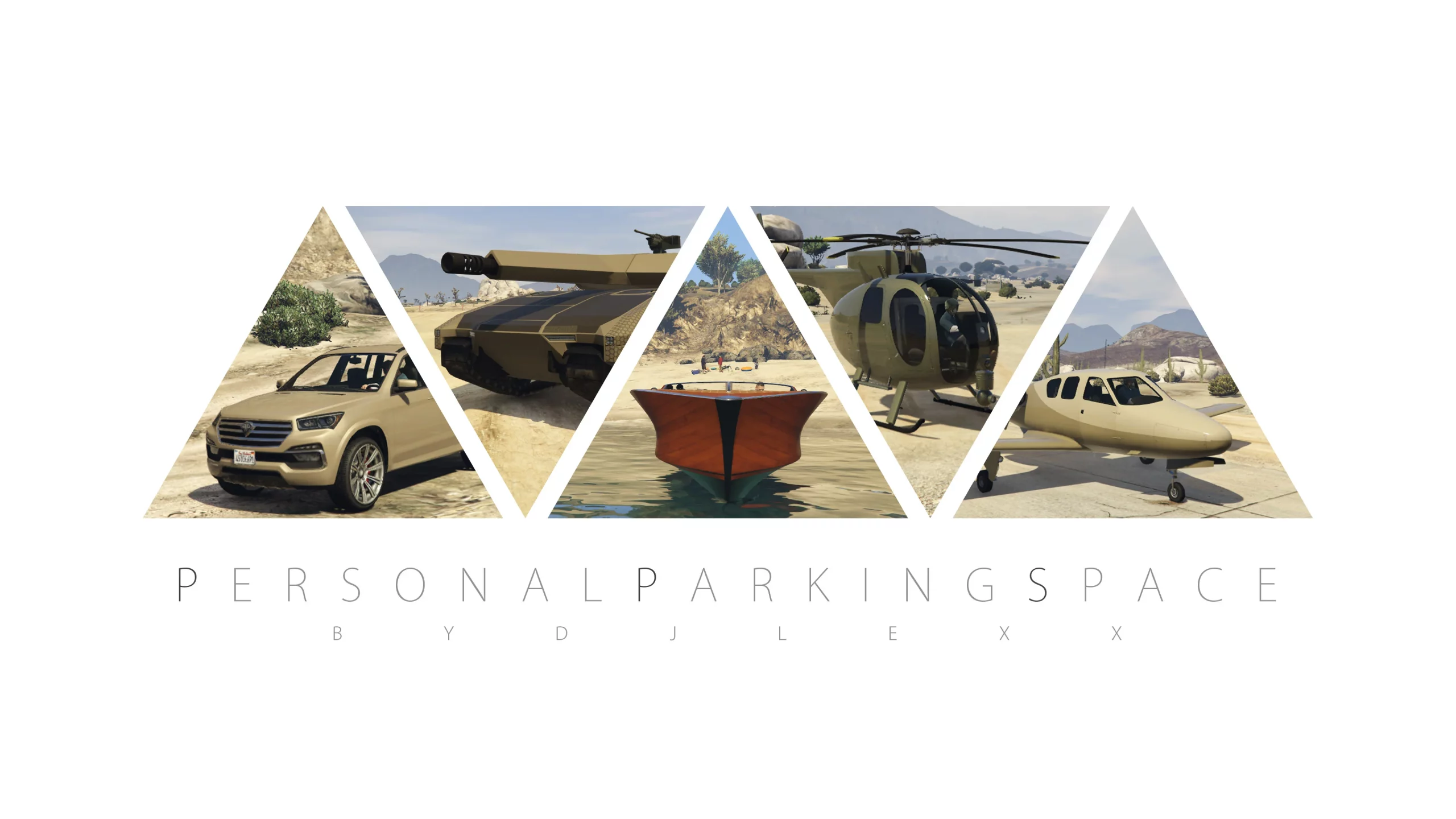
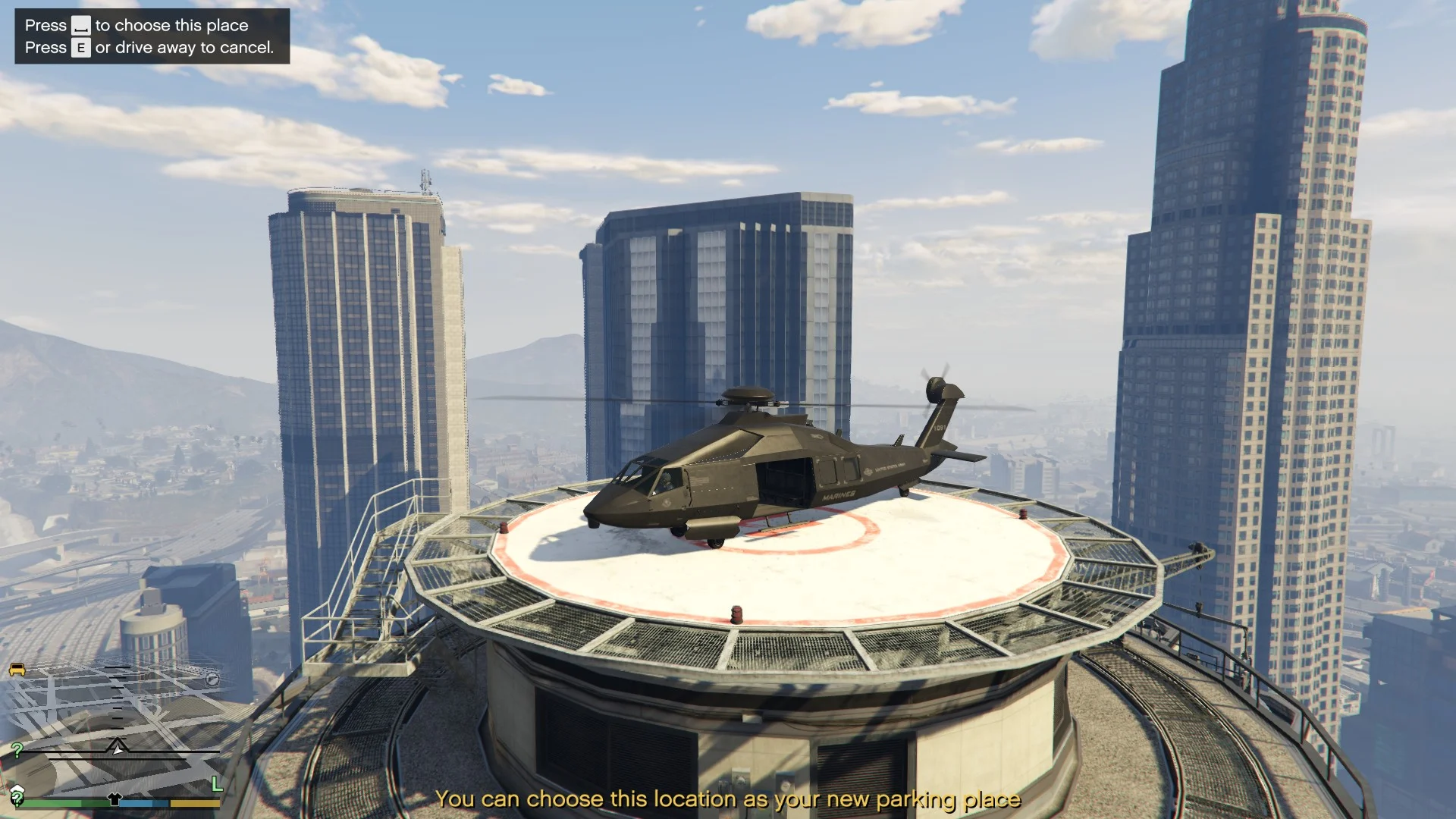
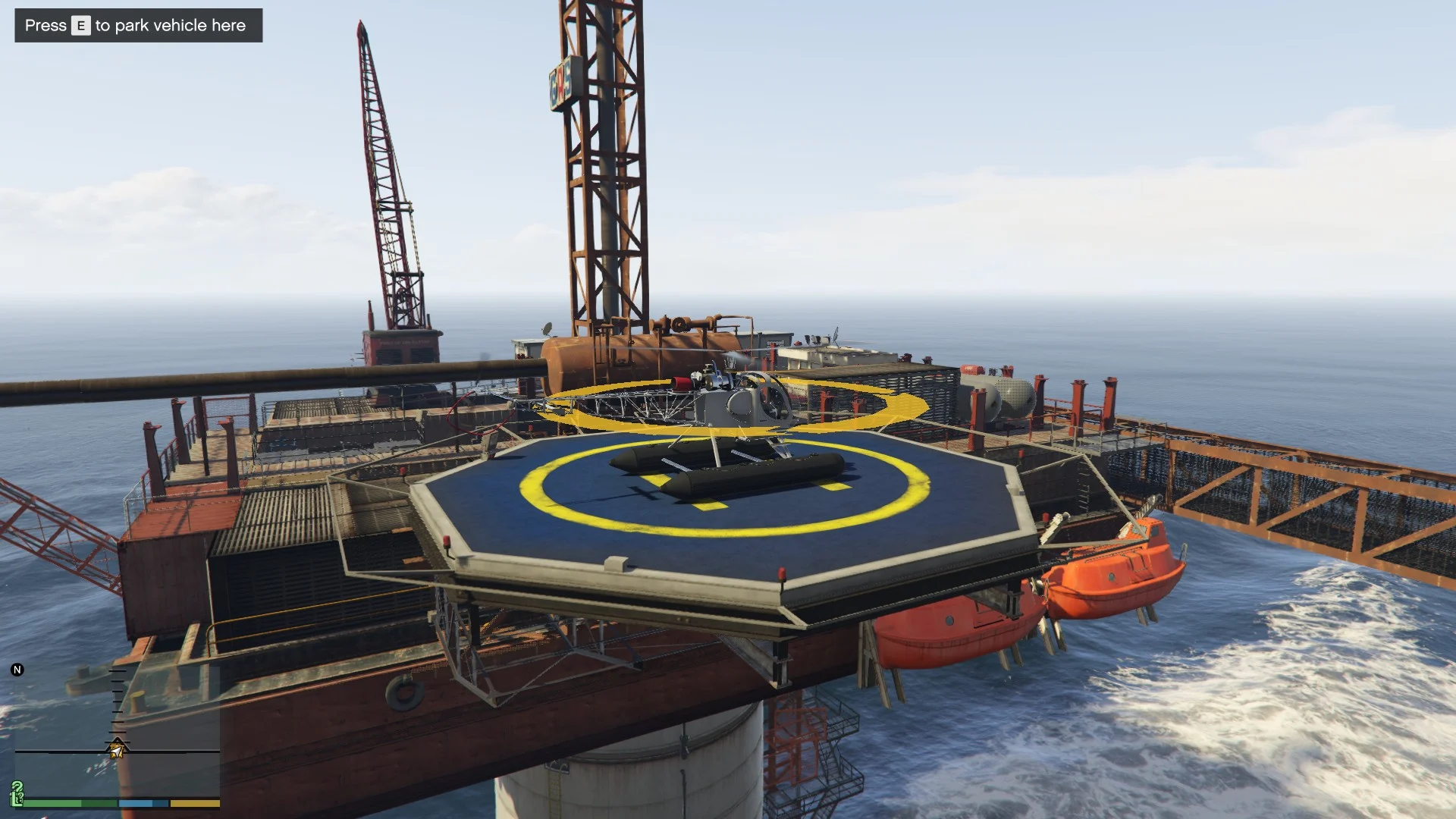
With this mod you can park any vehicle (car, tank, boat, helicopter, plane – anything) in any place on the map – even in MLO garages, map addons and Menyoo maps. All modifications/tuning you make to your car will be saved after you park it.
FEATURES:
– You can park only one vehicle at once.
– Parking location editing. To change a parking place you need to enter a parking location editor mode (see “USAGE” section).
– Previous vehicle backup. Everytime you park your new vehicle, your previous ride is securely saved in .INI file so you can restore it anytime by entering a cheat word (see “USAGE” section).
– Your parked vehicle is loaded only when you get close enough to a parking place. When you’re far enough it gets deleted (So vehicle doesn’t use your memory when you don’t need it). But sure when you take your car for a ride it becomes persistent until you bring it back to it’s parking place.
– Your parked vehicle always respawn at your parking spot if you destroy it or get it drowned.
– You can turn parking place marker off for more immersive experience (kinda) by entering a cheat word (see “USAGE” section).
REQUIREMENTS:
– Latest ScripthookV
– Latest ScriptHookVDotNet
INSTALLATION:
Put PersonalParkingSpace.cs file to GTAV/scripts folder.
USAGE:
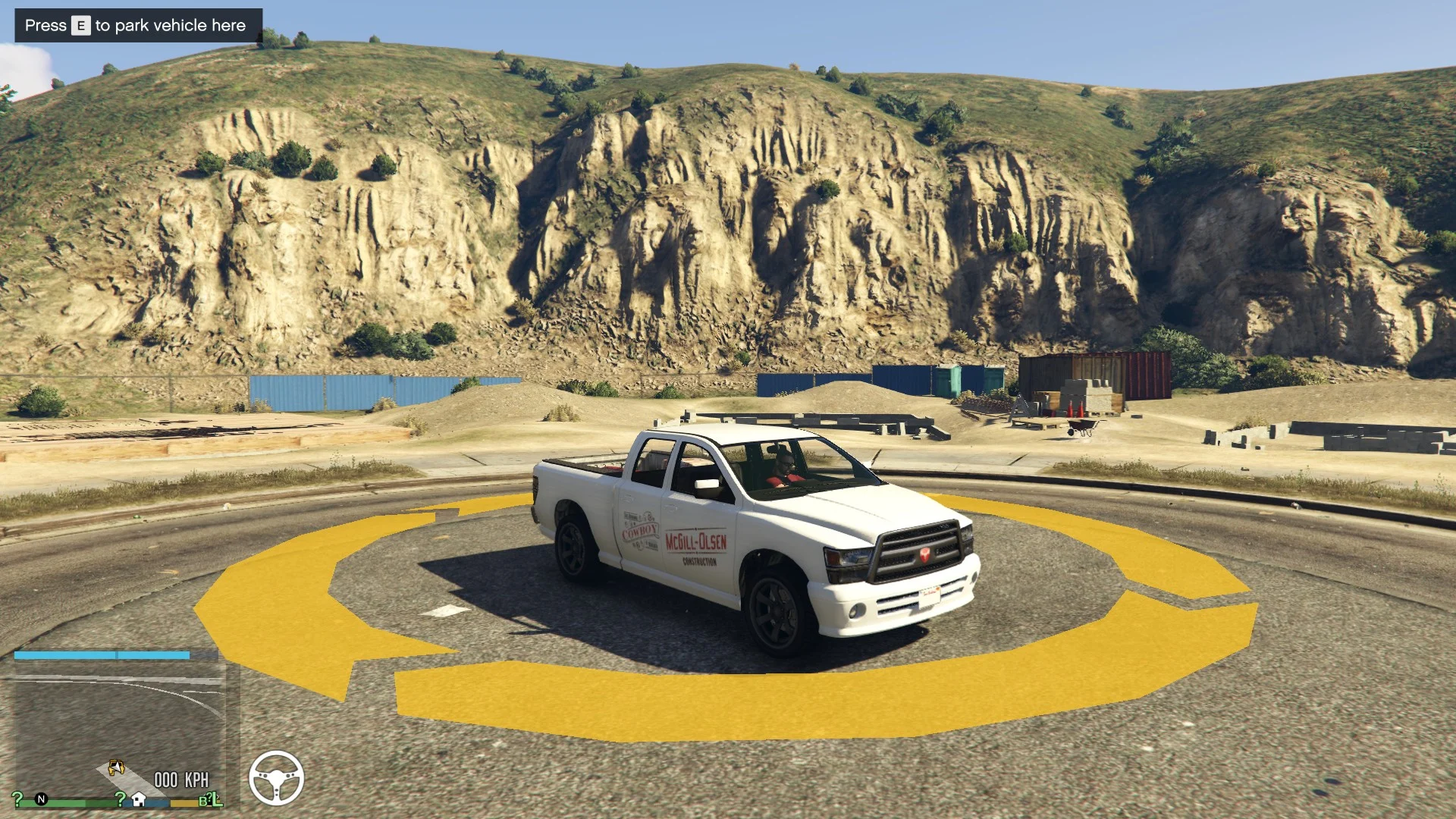
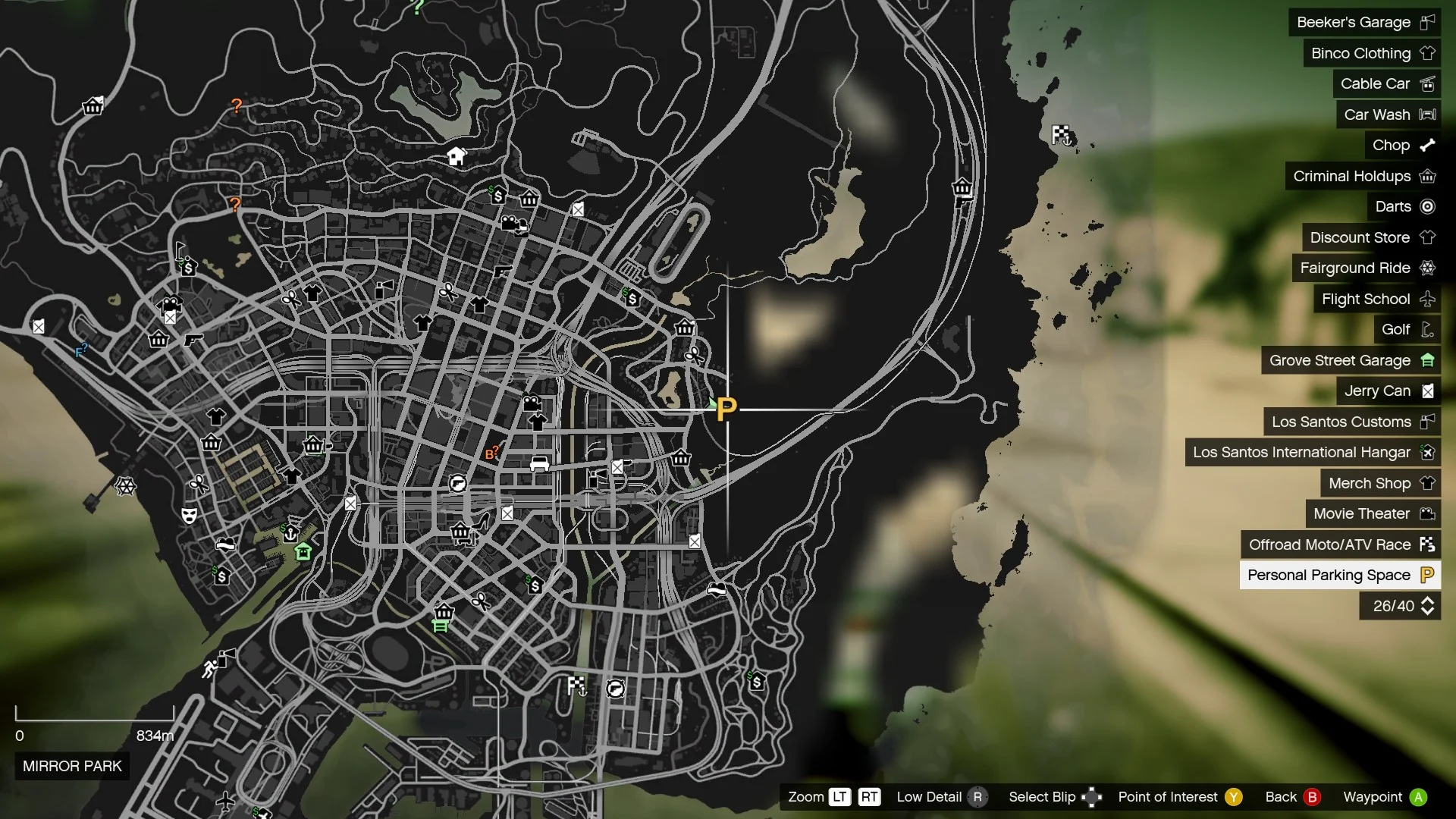
When you load the game there will be a yellow “P” blip on the minimap. This is your parking space. At the first start there’s a default white vehicle on your parking place. In order to change it you don’t have to drive the default car away from the parking space – you can just bring your new ride close enough and when a message appears on the top left corner of your screen you just need to press a button it tells you. When you park your new vehicle it will disappear for a moment and then respawn again. Now it’ll be here until you change it. But your previous car will also be backed up. To restore the previous car, enter this cheatcode: vehback
– To start parking location editor mode: Press “Rt + Rb + arrowDown” at once on XBOX gamepad or press “LSHIFT + Z” on the keyboard while sitting in a vehicle.
– While in loc editor mode, press handbrake to save a new parking location (and also your current vehicle) or press horn or drive away to exit loc editor mode.
– To park a vehicle on existing parking space go to the “P” blip and when a message on the top left corner appears, press Context button.
– To restore previously saved vehicle press TILDE key (or SHIFT + TILDE if it doesn’t work) on a keyboard and type this cheat: vehback
– To turn on/off the parking marker, press TILDE key (or SHIFT + TILDE if it doesn’t work) on a keyboard and type this cheat: marktog (The option will be saved in .INI file)
NOTE: “TILDE” key is “~” on your keyboard.
NOTE: All your vehicle, backup and marker setting data will be saved in “PersonalParkingSpace.ini” file in GTAV/scripts folder (Mod will create this file at the first start).
NOTE: This mod comes in a source code file format “.CS” so you can edit it with a notepad in case you want to change something (key bindings or marker color for example).
<strong>Changelog:</strong>
2.0c
-Compiled the script so it is now compatible with the ScriptHookVDotNet.Nightly builds. It has fixed the issue at the startup where nightly builds of SHVDN refused to compile the .cs file. Nothing has been change besides that – it is still 2.0 version but compiled.
-Updated the included ReadMe file.
2.0
-Added the ability to have separate parking places for each of the 5 characters (Franklin, Michael, Trevor, MP Female, MP Male, any other character)
-Fixed an issue due to which the wheels were not saved after parking the vehicle.
Credits:
DJ-LEXX – Author
Alexander Blade – ScriptHookV
crosire – ScriptHookVDotNet
Download mod
| File | File size |
|---|---|
 PersonalParkingSpace
 | 13 KB |
![Open the parking barrier and Added parking barrier [YMAP] 2.0](https://gta5mod.net/wp-content/uploads/2022/10/Open-the-parking-barrier-and-Added-parking-barrier-150x150.jpg "Open the parking barrier and Added parking barrier [YMAP] 2.0")
![[ DEV ] Space Shuttle ATLANTIS With Real Cockpit](https://gta5mod.net/wp-content/uploads/2019/09/Space-Shuttle-ATLANTIS-With-Real-Cockpit.png "[ DEV ] Space Shuttle ATLANTIS With Real Cockpit")
![MP GUCCI SPACE SNAKE PRINT HOODIE [Fivem Ready] 1.0](https://gta5mod.net/wp-content/uploads/2020/09/MP-GUCCI-SPACE-SNAKE-PRINT-HOODIE-150x150.png "MP GUCCI SPACE SNAKE PRINT HOODIE [Fivem Ready] 1.0")
