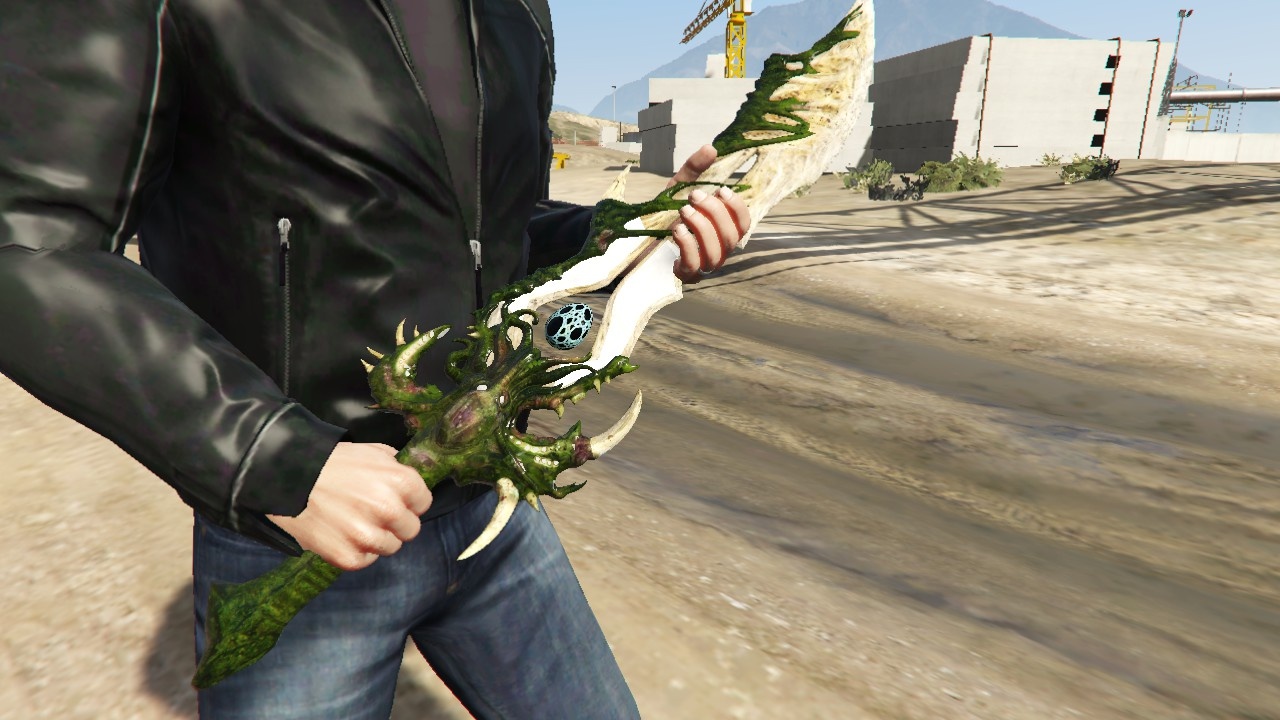
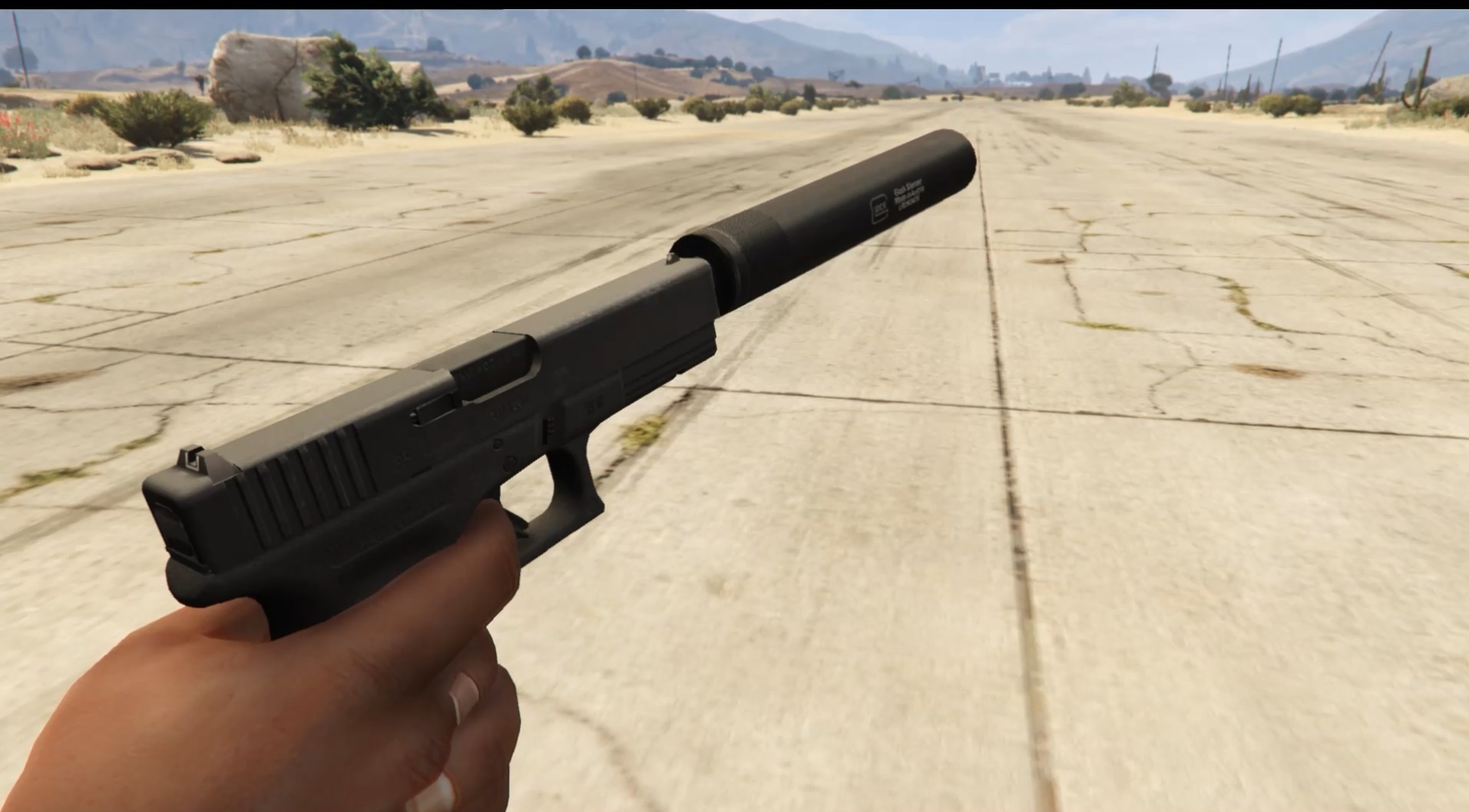
![FPS BOOST for low-end pc-s [With and without shadows] 1.0](https://gta5mod.net/wp-content/uploads/2022/06/FPS-BOOST-for-low-end-pc-s-1024x599.png)
![FPS BOOST for low-end pc-s [With and without shadows] 1.0](https://gta5mod.net/wp-content/uploads/2022/06/FPS-BOOST-for-low-end-pc-s.png)
![FPS BOOST for low-end pc-s [With and without shadows] 1.0](https://gta5mod.net/wp-content/uploads/2022/06/FPS-BOOST-for-low-end-pc-s2.webp)
Installation:
First go to My documents/Rockstar Games/GTA V
Then copy the last line of your settings.xml for me it is VideoCardDescriptionRadeon RX 580 Series/VideoCardDescription
Then replace your settings.xml with mine
Open it with notepad
Scroll down until the last lines
Replace my VideoCardDescription with yours
Done.
Credits:
Norbi46547
Download mod
| File | File size |
|---|---|
 fpsboost
 | 5 MB |
![GTA V High Priority Launcher [FPS Boost - CPU Usage & RAM Optimizer] 1.7](https://gta5mod.net/wp-content/uploads/2019/08/GTA-V-High-Priority-Launcher.png "GTA V High Priority Launcher [FPS Boost - CPU Usage & RAM Optimizer] 1.7")