
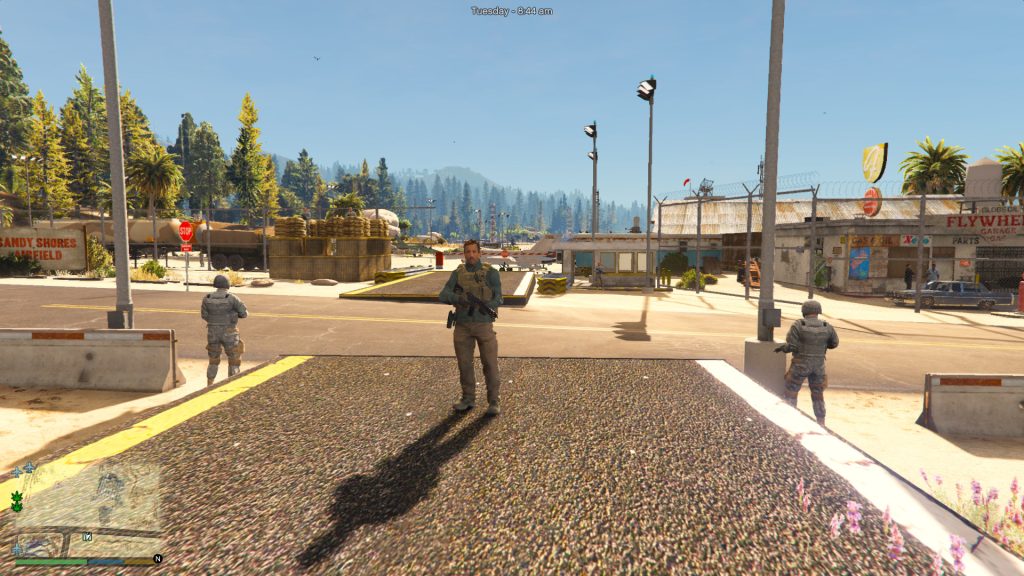
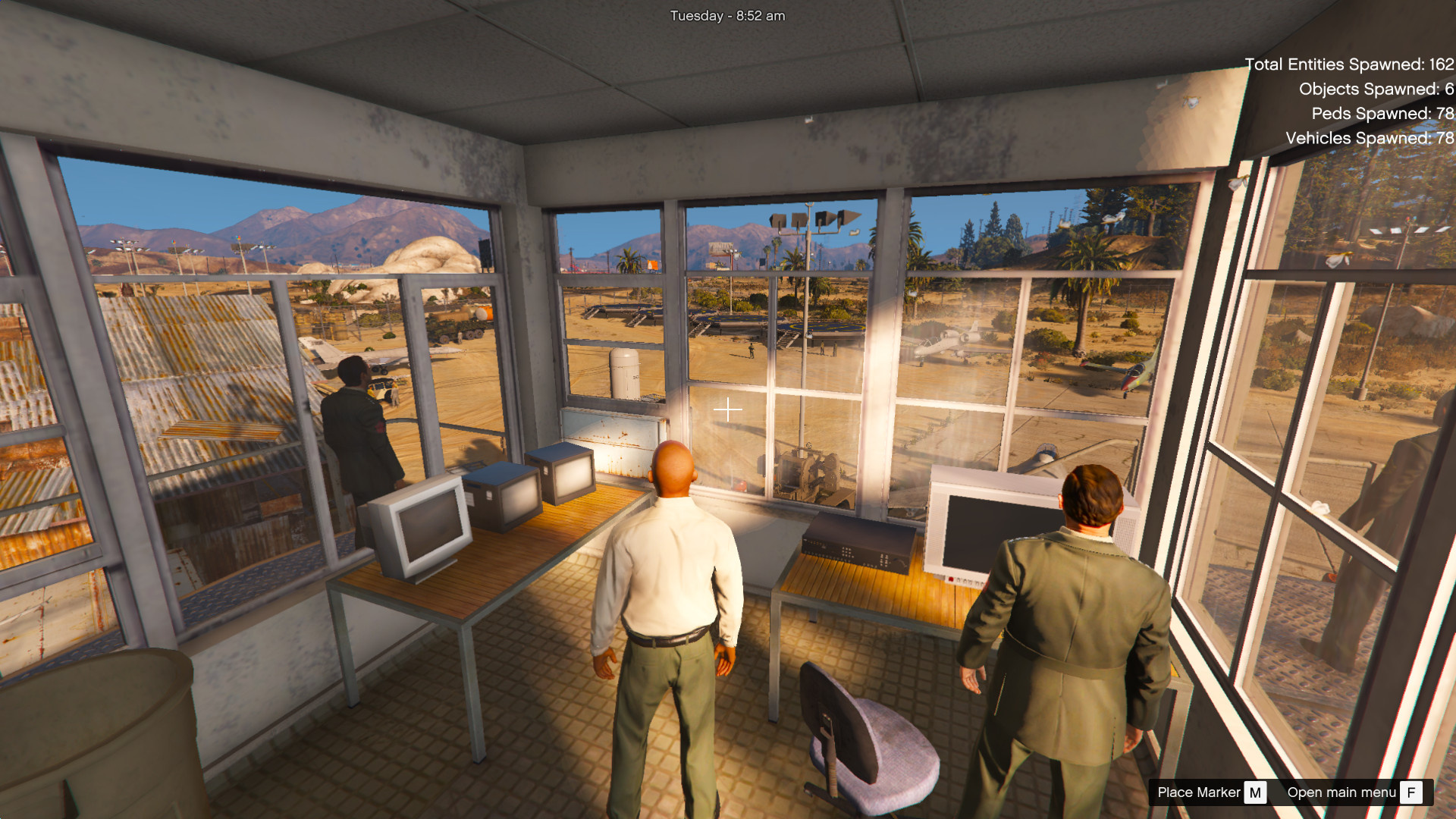
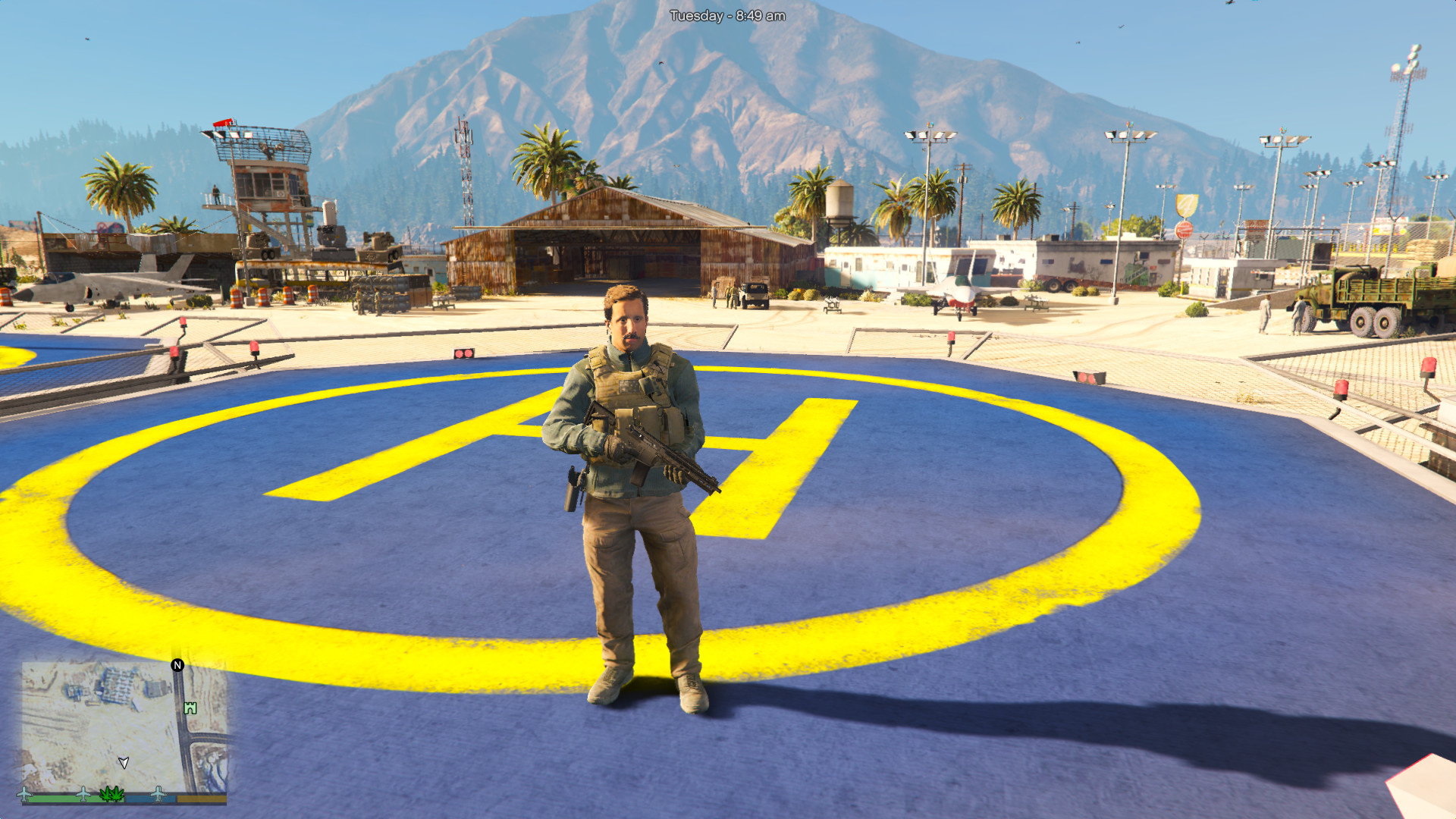
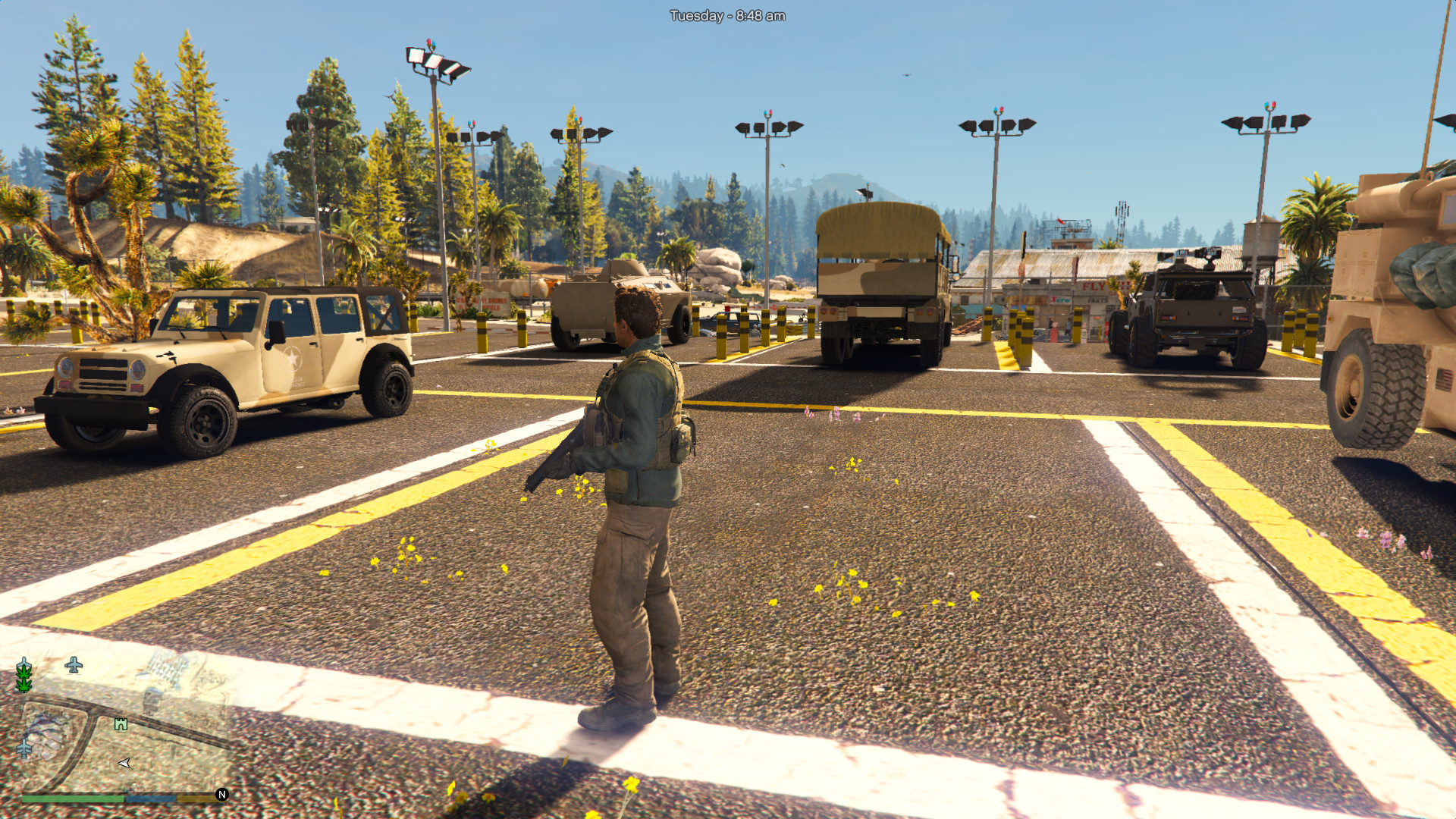
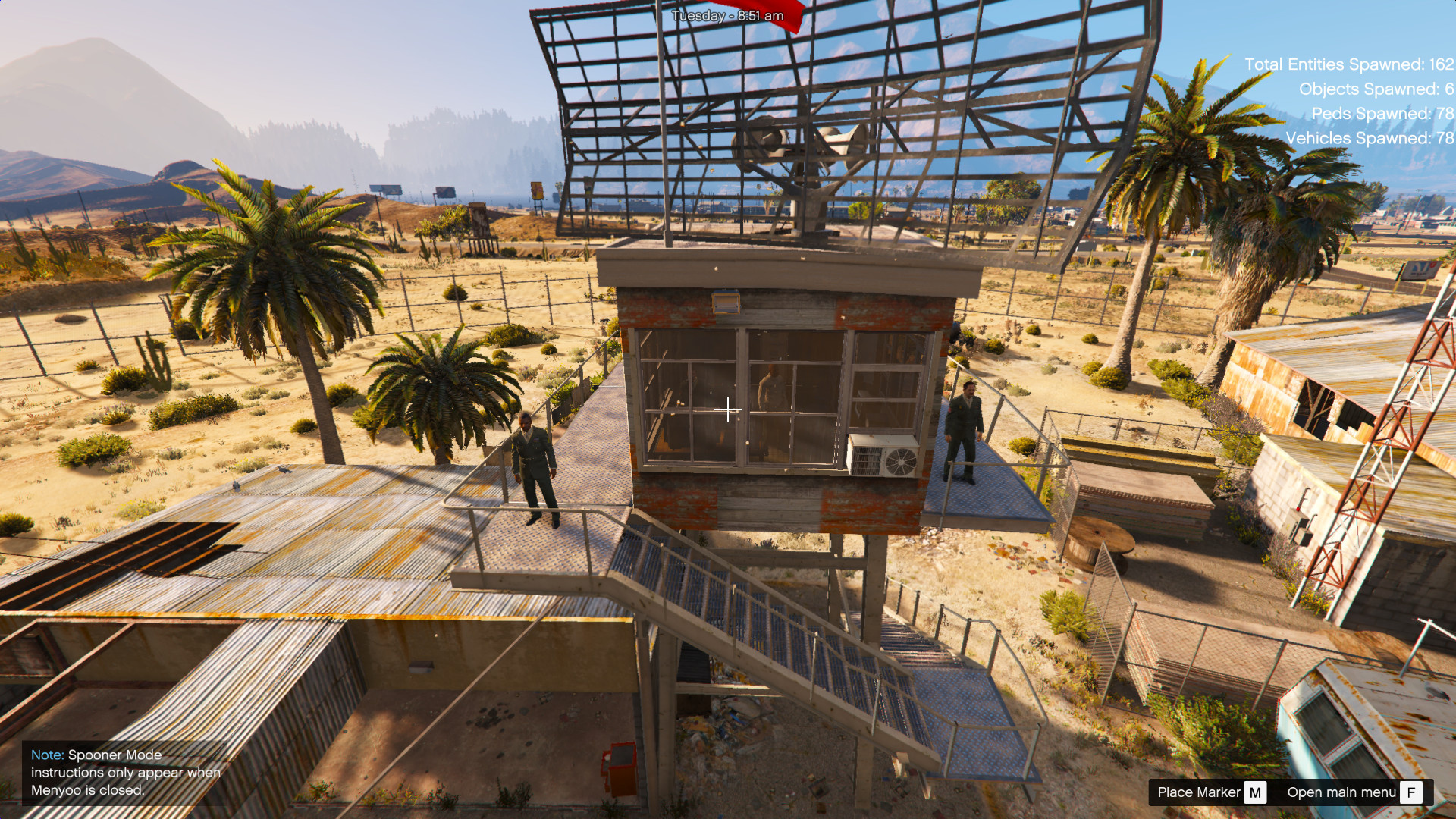
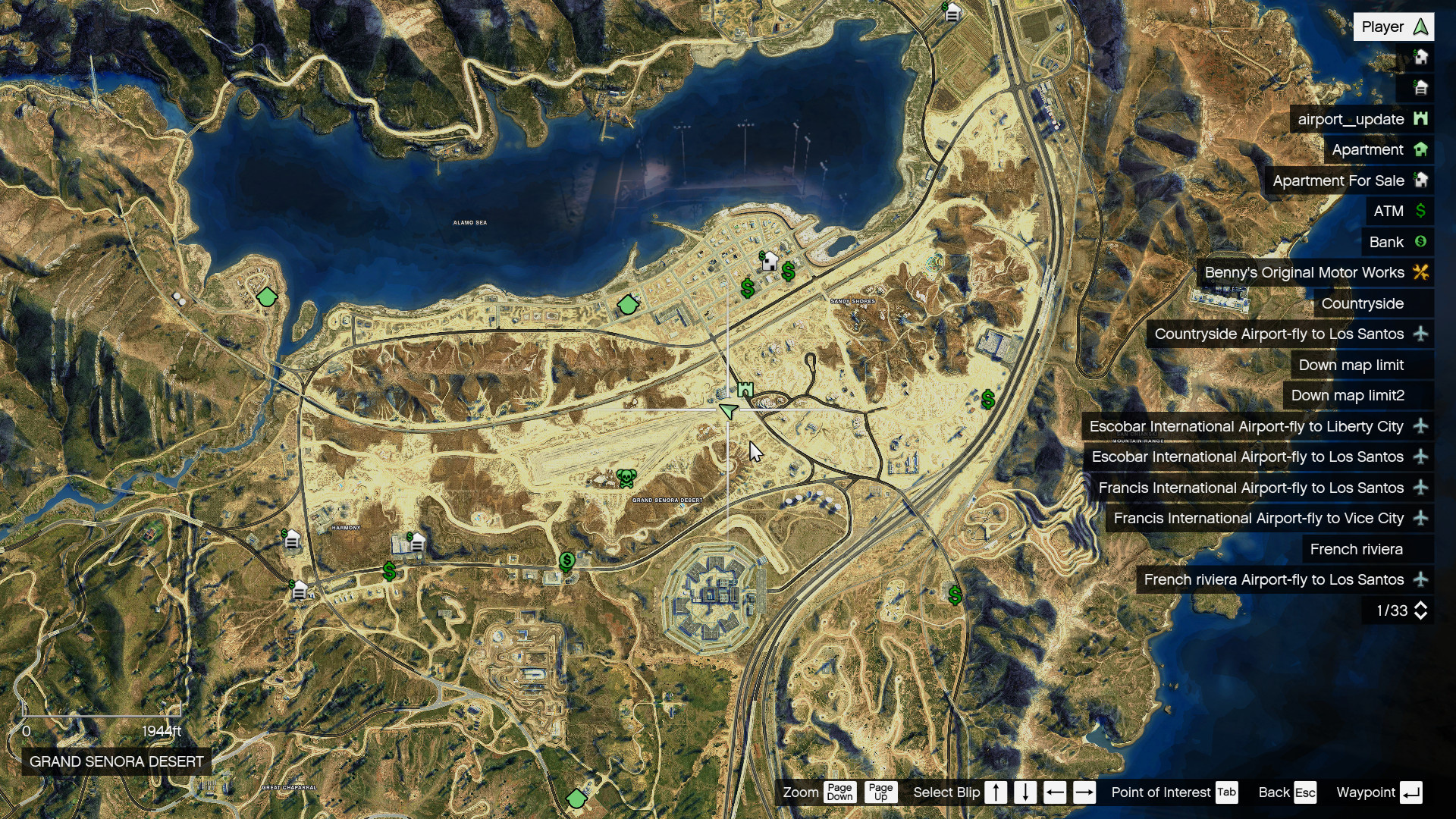
REQUIREMENTS:
OpenIV or Codewalker RPF Explorer
custom_maps DLC
Download and install:
ScriptHook,
ScriptHook V.NET
and MENYOO
and Map Builder VERY IMPORTANT.
Installation SINGLEPLAYER:
A – Extract the YMAP from the folder and set it on your desktop
B – Open OpenIV, install it if you dont have it already
C – [Make sure you go into edit mode!!]
D – Click update> x64> dlcpacks> custom_maps>dlc.rpf> x64> levels> gta5> citye> maps> custom_maps.rpf
E – Then take the YMAP and drag & drop it into OpenIV then its in!
Installation Car and Npc
I have put the instructions in the read me file
Credits:
thaytubervn
Download mod
| File | File size |
|---|---|
 airport_update
 | 7 MB |

![No Static Aircraft at Francis International Airport [YMAP] 1.0](https://gta5mod.net/wp-content/uploads/2020/07/No-Static-Aircraft-at-Francis-International-Airport2-150x150.jpg "No Static Aircraft at Francis International Airport [YMAP] 1.0")
![Kart Race Track | Airport [YMAP / FiveM] 1.1](https://gta5mod.net/wp-content/uploads/2021/03/Kart-Race-Track-150x150.png "Kart Race Track | Airport [YMAP / FiveM] 1.1")
![Francis International Airport (FIA) | Static Planes Removed [YMAP] 1.0](https://gta5mod.net/wp-content/uploads/2021/10/Francis-International-Airport-150x150.webp "Francis International Airport (FIA) | Static Planes Removed [YMAP] 1.0")
![Francis International Airport (FIA) | Static Planes Removed [YMAP] 1.0](https://gta5mod.net/wp-content/uploads/2022/03/Francis-International-Airport-150x150.jpg "Francis International Airport (FIA) | Static Planes Removed [YMAP] 1.0")
