
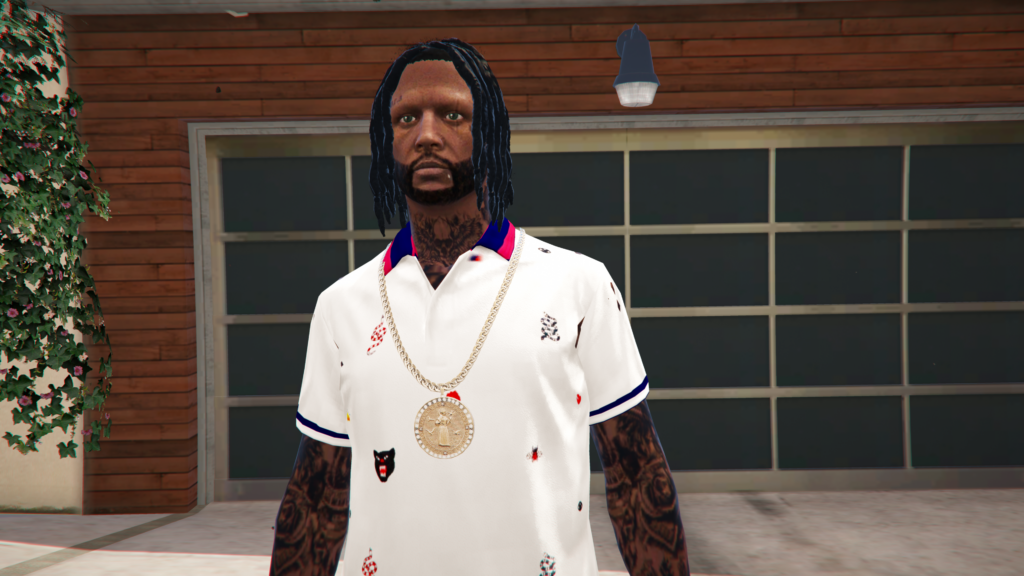

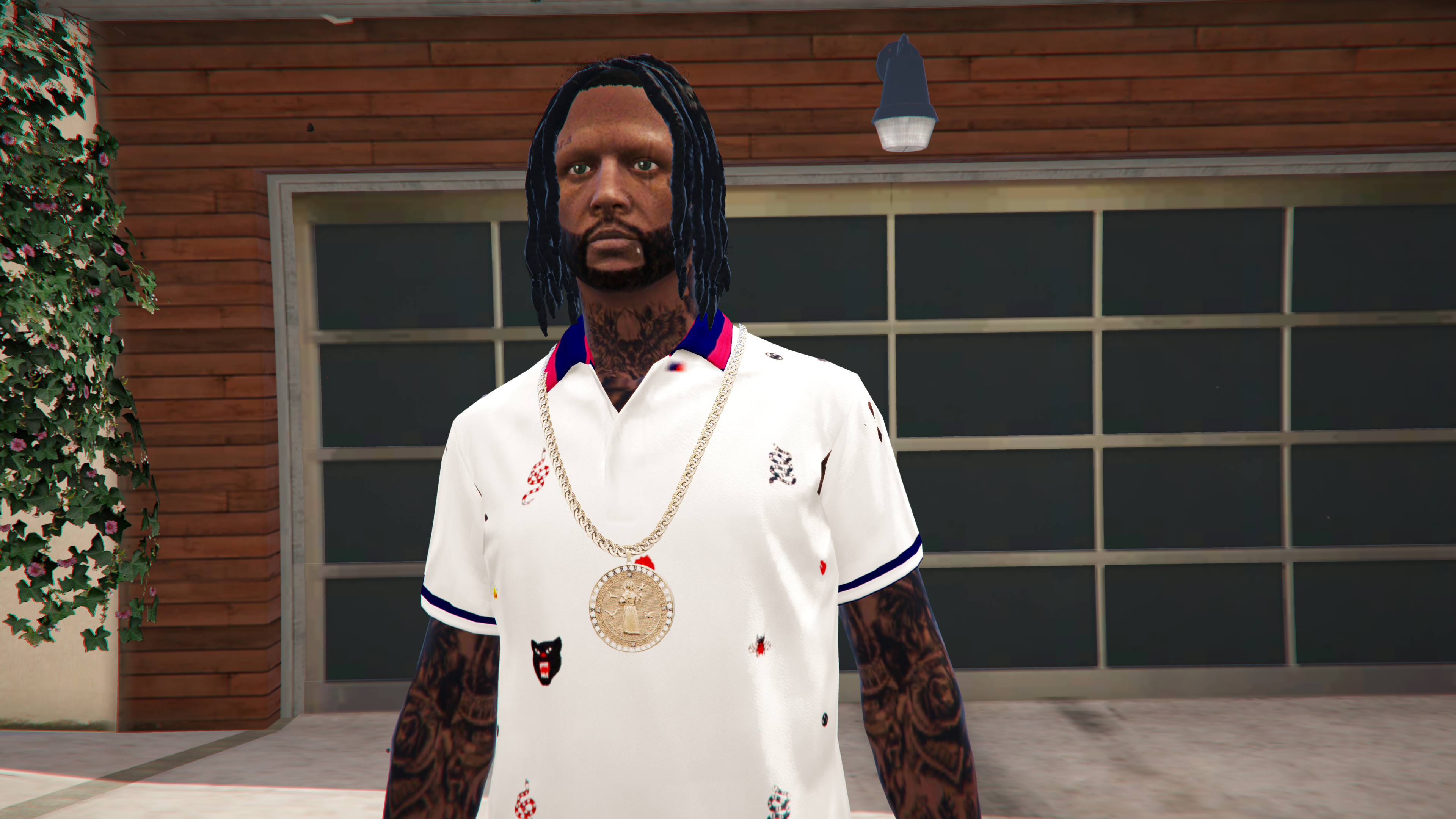

This is a dlc pack for MP male (Body parts/Clothing/Props)
Instead of copying multiple dlcpacks to your mods folder,
you can now add all MP male addons in one folder!
How to install MP Female Addon Folder :
(Same installation)
Installing
1. Place “MPMaleAddon” folder here:
Grand Theft Auto V\mods\update\x64\dlcpacks
2. Open “Open IV” and go here:
update\update.rpf\common\data (Copy to mods folder)
3. Then select “dlclist.xml”, right click and select “Edit”
Add this line:
<Item>dlcpacks:/MPMaleAddon/</Item>
Save and close.
<How to use>
1. After you have downloaded your clothing mods/body parts (from whatever website)
you want to install, follow the instructions provided with those downloads.
2. When you see this path below in some instructions for example:
(mods\update\x64\dlcpacks\mpgunrunning\dlc.rpf\x64\models\cdimages\mpgunrunning_male.rpf\mp_m_freemode_01_mp_m_gunrunning_01)
You want to look for the last archive or .RPF in that line, which is (mpgunrunning_male.rpf)
3. Open “Open IV” and go here:
mods\update\x64\dlcpacks\MPMaleAddon\dlc.rpf\x64
Now locate that same .RPF and place your files in there right places.
4. Keep in mind all clothing/body parts/props will have different paths where they go,
just follow the example in #2 on how to find the correct .RPF your files go into.
(SUGGESTED FOR EXPERIENCED MODDERS BELOW, IF YOU DONT KNOW WHAT YOUR DOING, LEAVE IT ALONE)
<How to Add .RPF>
1. Open “Open IV” and go here:
mods\update\x64\dlcpacks\MPMaleAddon\dlc.rpf\x64
2. Make sure “Edit Mode” is on. Right Click on a clear area in Open IV, and select “New”, then select “RPF Archive”.
Name the .RPF and click “OK”.
(If the archive you are creating has a folder inside, then open your new .RPF and
select the tan folder next to the green cross at the top to create new folder, then name the folder, then click “OK”).
3. Next go here:
mods\update\x64\dlcpacks\MPMaleAddon\dlc.rpf\
Select “content.xml”, right click then select “Edit”.
Scroll down til you see the last item line like this:
<Item>
<filename>dlc_MPMaleAddon:/%PLATFORM%/YOUR ARCHIVE HERE.rpf</filename>
<fileType>RPF_FILE</fileType>
<disabled value=”true”/>
<persistent value=”true”/>
<overlay value=”true”/>
</Item>
Copy the line above (from top item to bottom item)
Then place that below the last item in “content.xml”.
Make sure to change “YOUR ARCHIVE HERE” to whatever your archive name is.
4. Scroll down til you see a item line like this:
<Item>dlc_MPMaleAddon:/%PLATFORM%/YOUR ARCHIVE HERE.rpf</Item>
Copy the line above, then place that below the last item line in “content.xml”.
Make sure to change “YOUR ARCHIVE HERE” to whatever your archive name is.
5. Click Save and close.
Credits:
Games & Graphics aka Skeeze415
Download mod
| File | File size |
|---|---|
 MP MALE FOLDER
 | 106 KB |
![Add-On/Replace Base Folder [Vehicles | Weapons | Textures] v8.0 (All-In-One)](https://gta5mod.net/wp-content/uploads/2019/08/Replace-Base-Folder.jpg "Add-On/Replace Base Folder [Vehicles | Weapons | Textures] v8.0 (All-In-One)")


![[EMFsp] Easy Mod Folder for SP Player Mods 1.2](https://gta5mod.net/wp-content/uploads/2019/08/Easy-Mod-Folder-for-SP-Player-Mods-1.2.png "[EMFsp] Easy Mod Folder for SP Player Mods 1.2")
