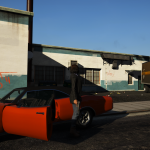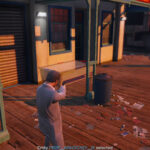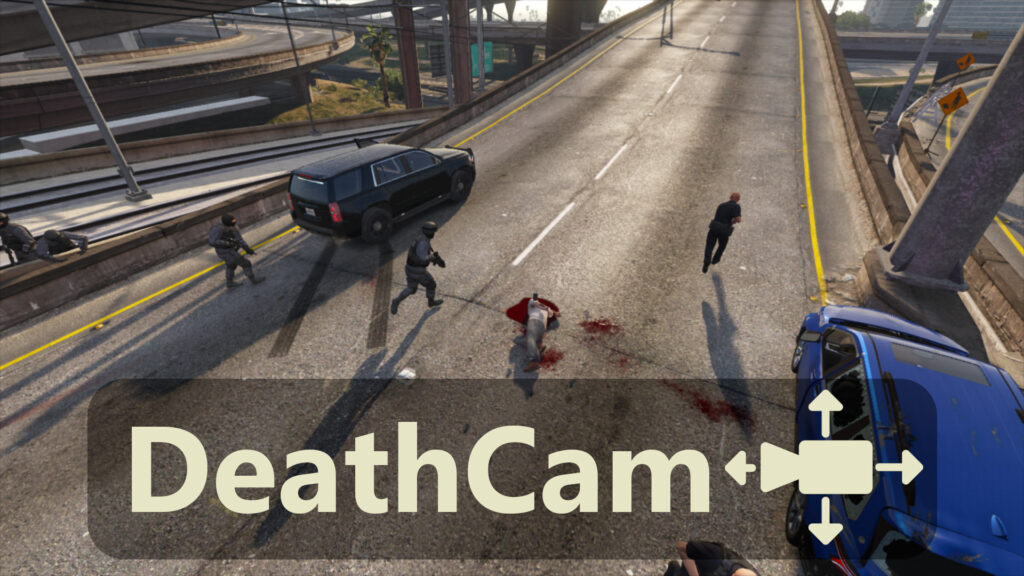
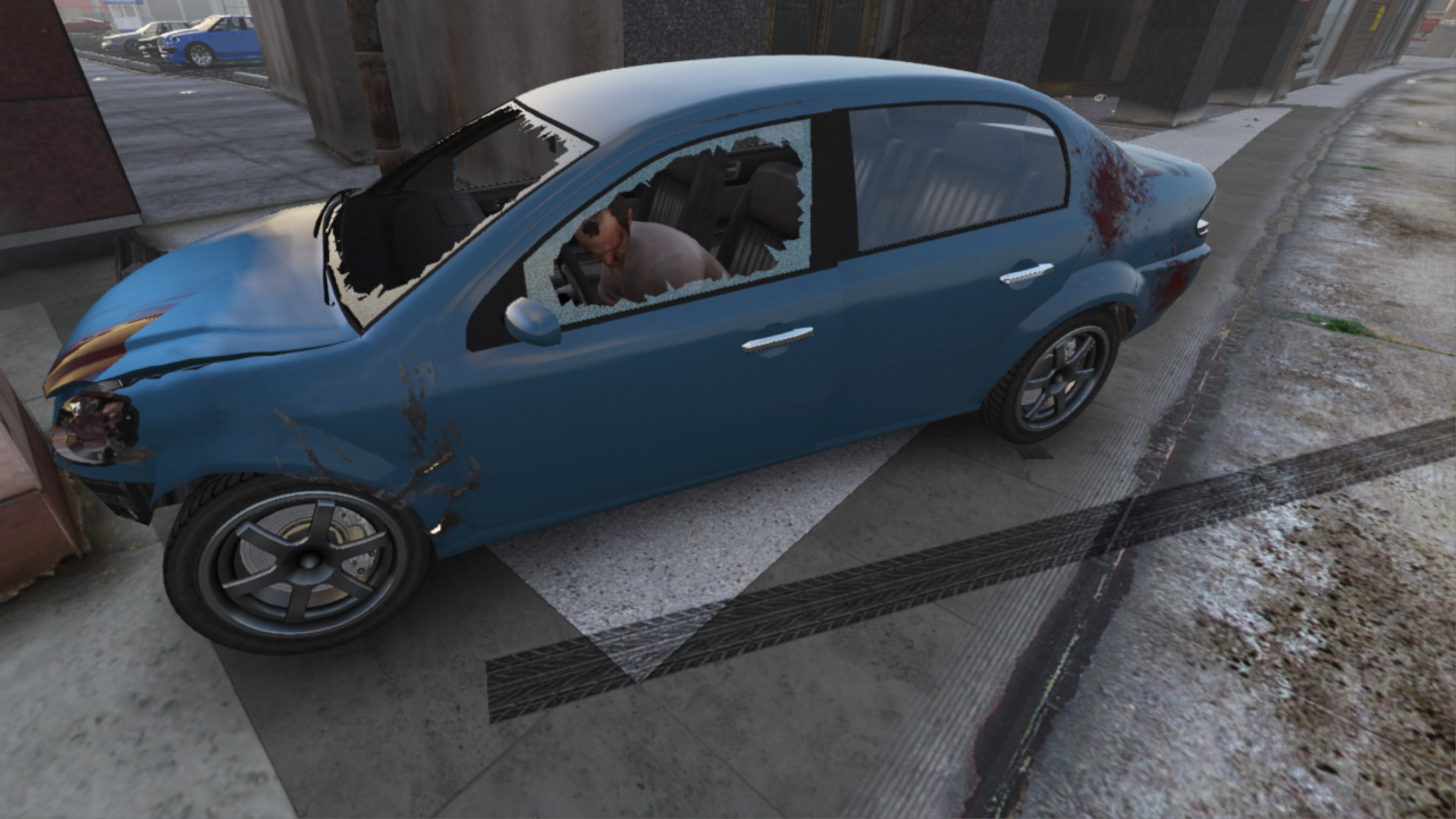

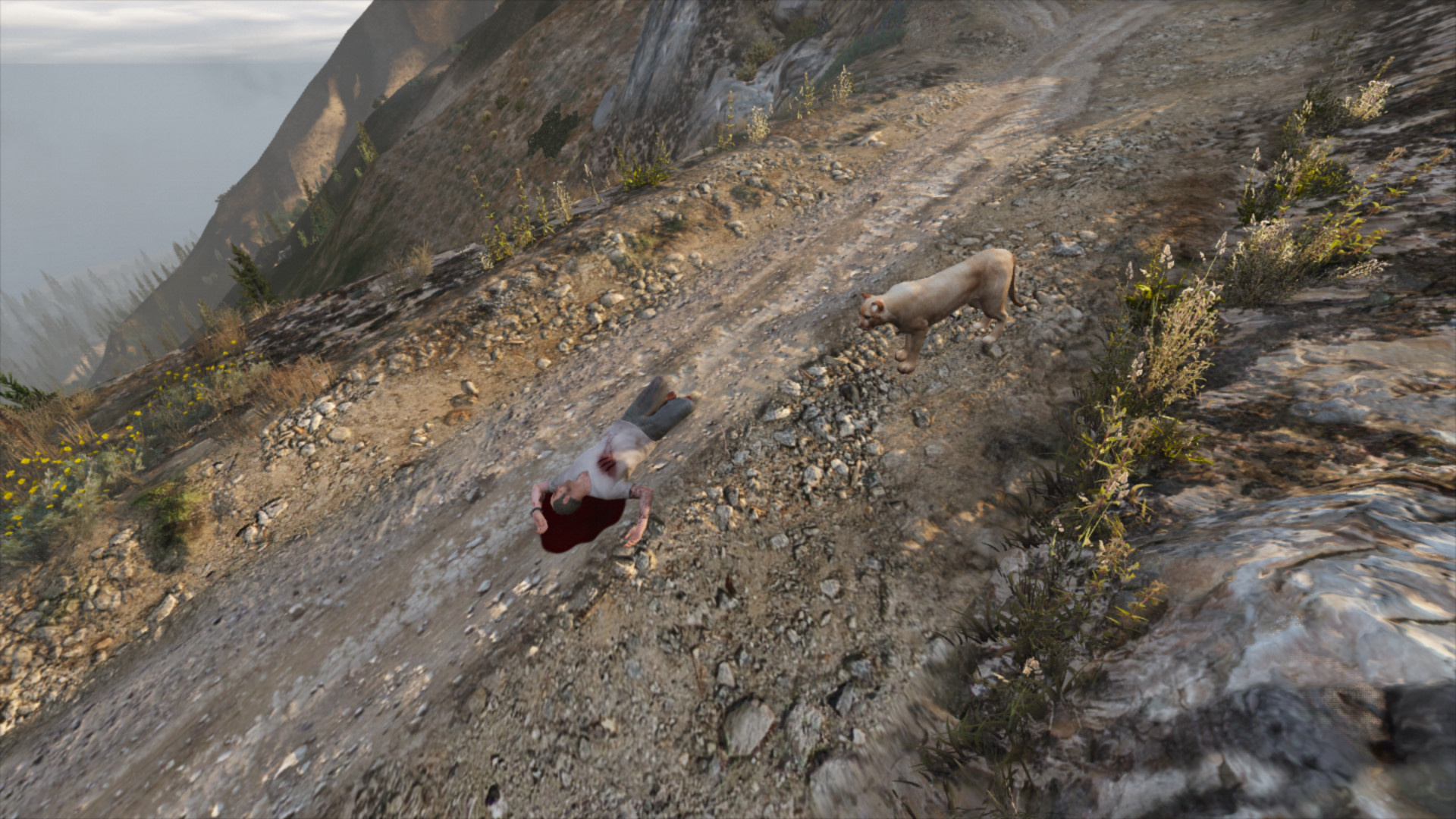
This plugin lets you observe what happens around you after your character dies. It disables the auto-respawn system and lets you move the camera freely for as long as you like. It also removes the black and white filter.
Installation:
Simply extract the ‘DeathCam.dll’ file into the “plugins/” folder.
How it works:
After your character dies, you can move the camera around with the arrow keys and mouse. You can also zoom in and out with the scroll wheel.
Press Space to reappear.
Changelog:
0.1.6 (Current) :
– Added support for respawning in place (can be configured in the .ini file). *[Requested by @Michael21107]*
– Improved controller support:
– Adjusted the speed factor of the camera’s rotation,
– Updated the “increase camera’s movement speed” control: Shift (keyboard)/Attack (controller),
– Added a “decrease camera’s movement speed” control: Ctrl (keyboard)/Aim (controller),
– Improved plugin unloading behavior.
0.1.5 (Current) :
– Added a config file :
– HideWastedMessage: to hide the “Wasted” message
– CameraShake: to enable/disable camera shake
– Added detection of Menyoo. If detected, a warning is displayed (conflict).
– Added English/French translations.
0.1.4 (Current) :
– Replaced the movement speed control with “Stealth Mode” (instead of “Sprint,” which wasn’t detected properly)
0.1.3 (Current) :
– Improved camera transition when the player dies, the new camera takes the positon of the gameplay camera.
– Improved camera speed control : pressing the Sprint control slowly increase the speed. When the control is not pressed, the speed does back down.
– Improved controller support : the FOV can be adjusted with the Phone Up/down controls. The speed can be increased with the Sprint control.
– Added an Update Check system for future versions.
0.1.2 (Current) : Added support for death during missions
0.1.1 : Added controller support (partial)
Credits:
SSStuart
Download mod
| File | File size |
|---|---|
 DeathCam_v0.1.6
 | 12 KB |