
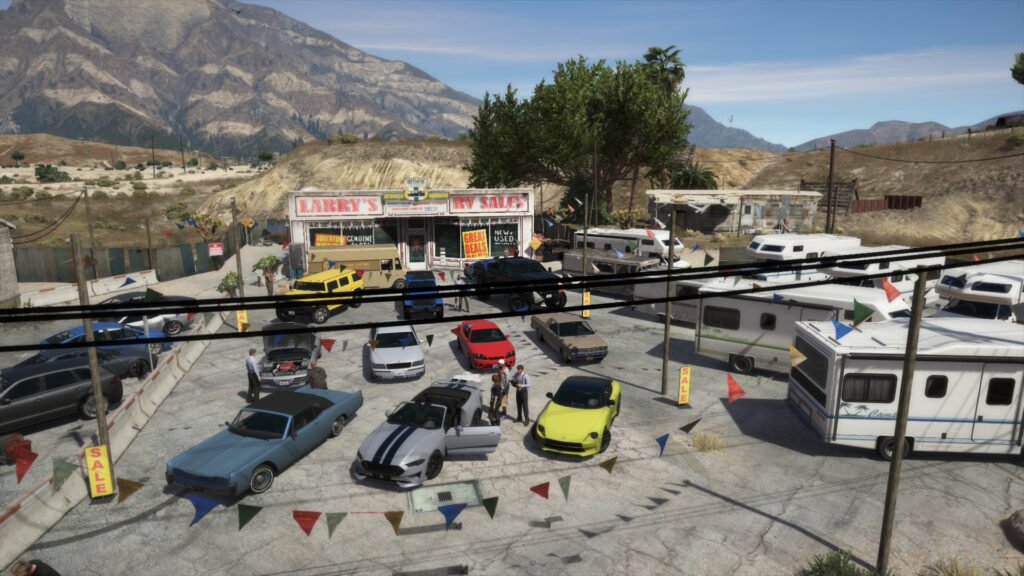


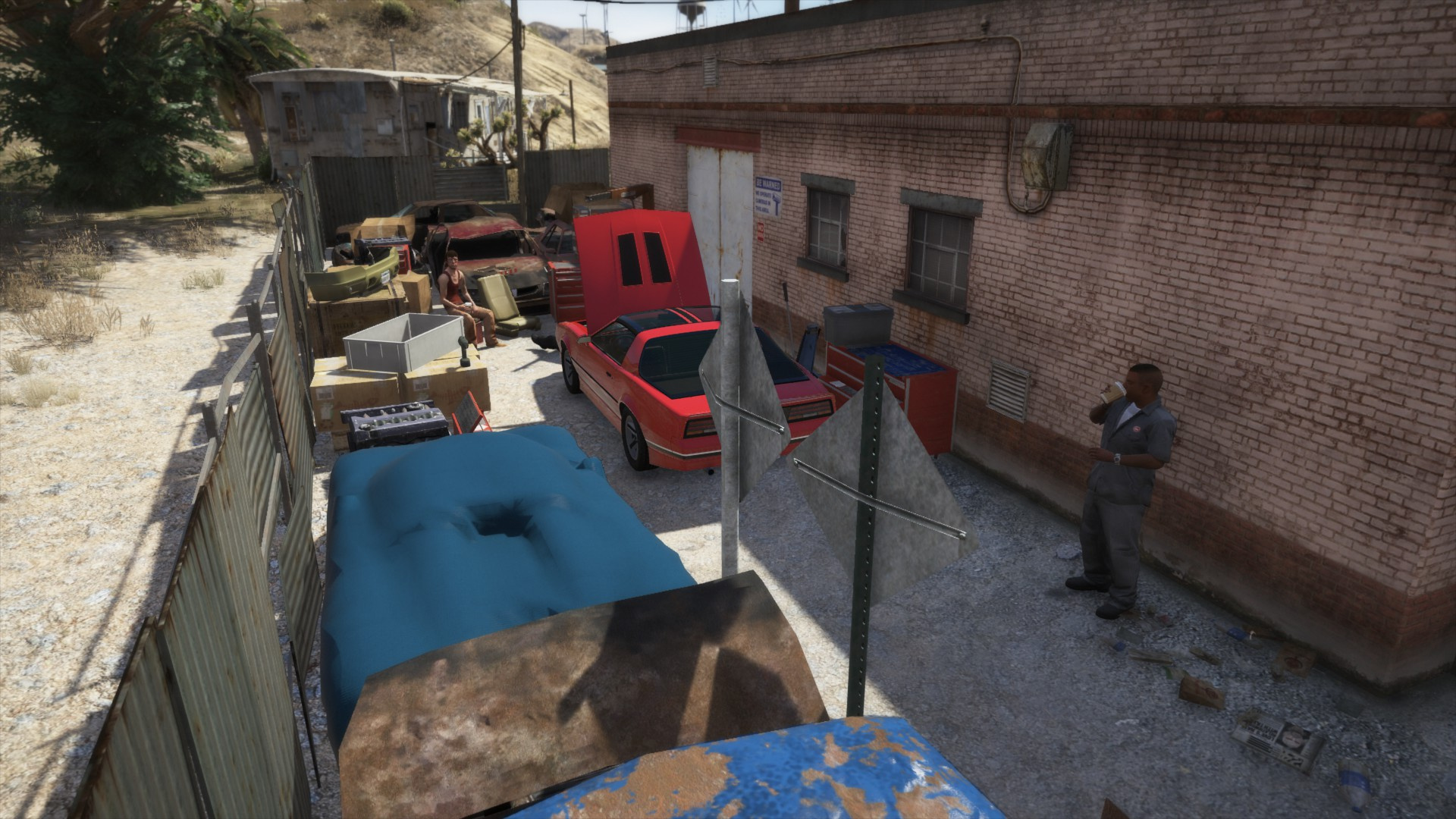

Requirements:
– map editor– “im not going to teatch you how to install map editor”
1- create a new folder named “scenario”
2- drag and drop the “Larry car dealer.xml ” located in ziped folder you have installed, in your “scnario” file
3- Open GTA 5
4- Open your map editor
5- Select the option “Load Map”
6- Now select the option “File Chooser…”
7- Now find “scenario” file and select it
8- And now select “Larry car dealer”
9- Now use the photo in zip file to find the scenario
10- that all i hope you have nice game.
Some cars in the images are not inclued in this file only the RVs
-IF YOU FIND ERROR IN MY SCENARIO JUST AD AN COMMENTARY IN MY 5 MOD COMMENTARY BOX, THANKS-
Credits:
Simao16
Download mod
| File | File size |
|---|---|
 Larrys auto dealer
 | 164 KB |
![Larry's RV Sales [Menyoo] 1.0](https://gta5mod.net/wp-content/uploads/2021/08/RV-Sales4-150x150.webp "Larry's RV Sales [Menyoo] 1.0")

![Map Decorations (Car dealer, Eclipse) [YMAP] 2.0](https://gta5mod.net/wp-content/uploads/2020/06/Map-Decorations-150x150.png "Map Decorations (Car dealer, Eclipse) [YMAP] 2.0")
