
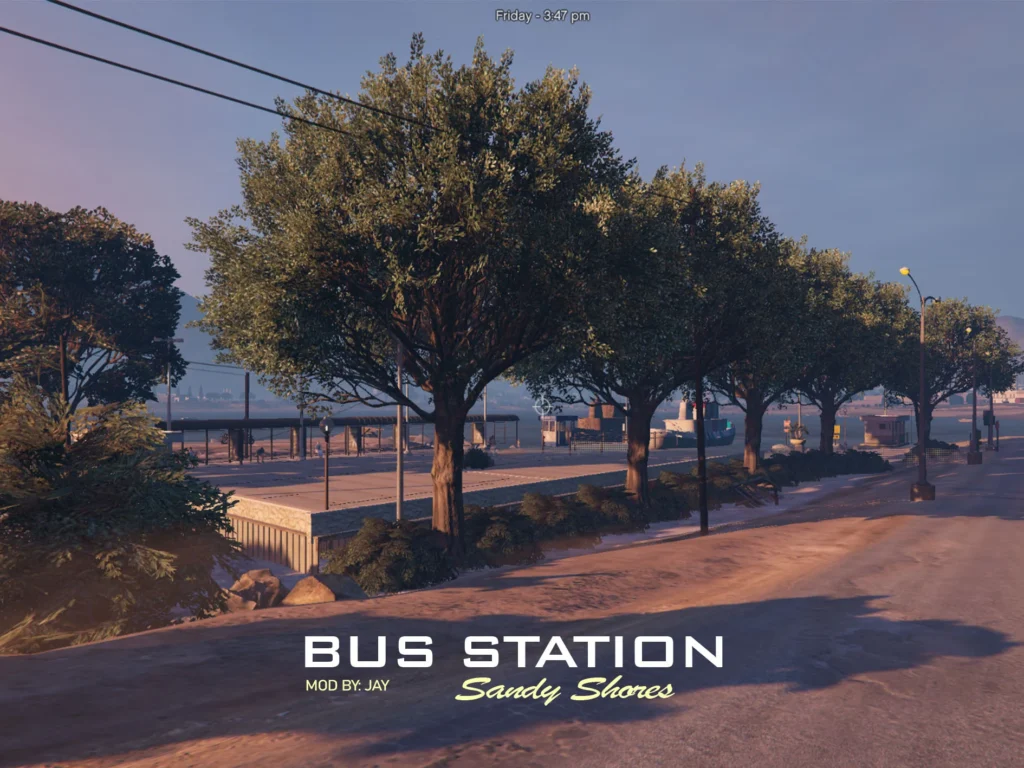

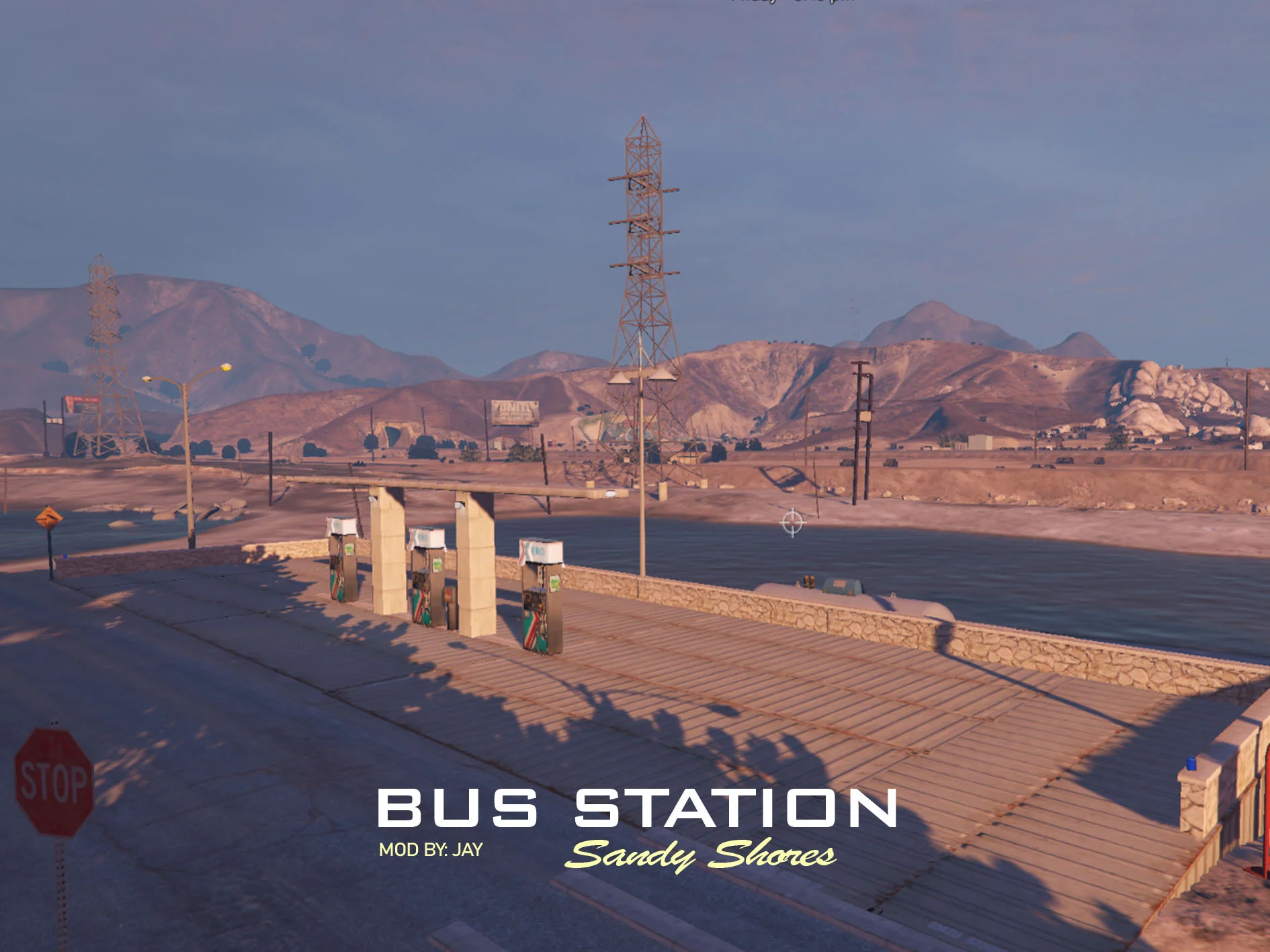
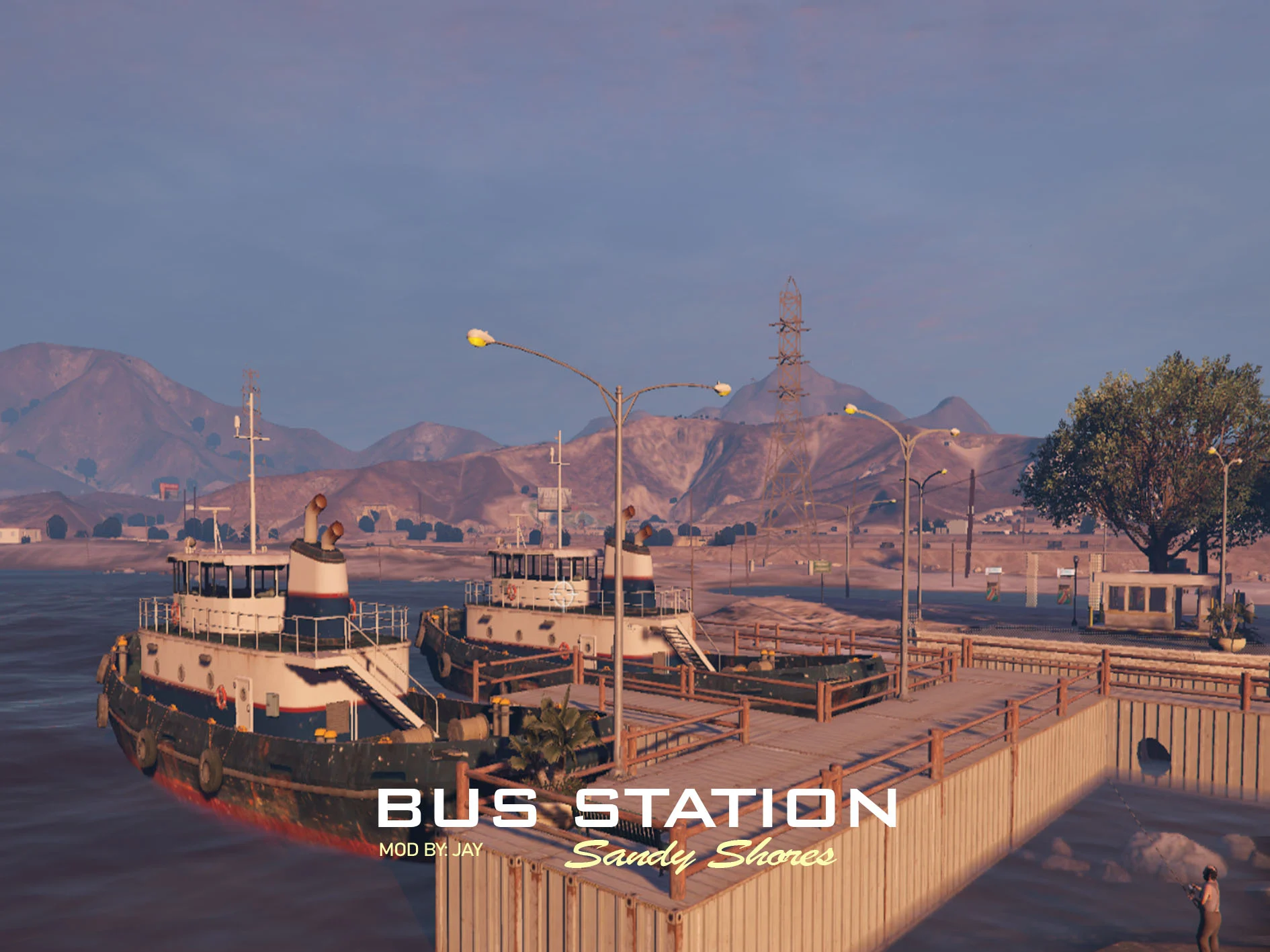
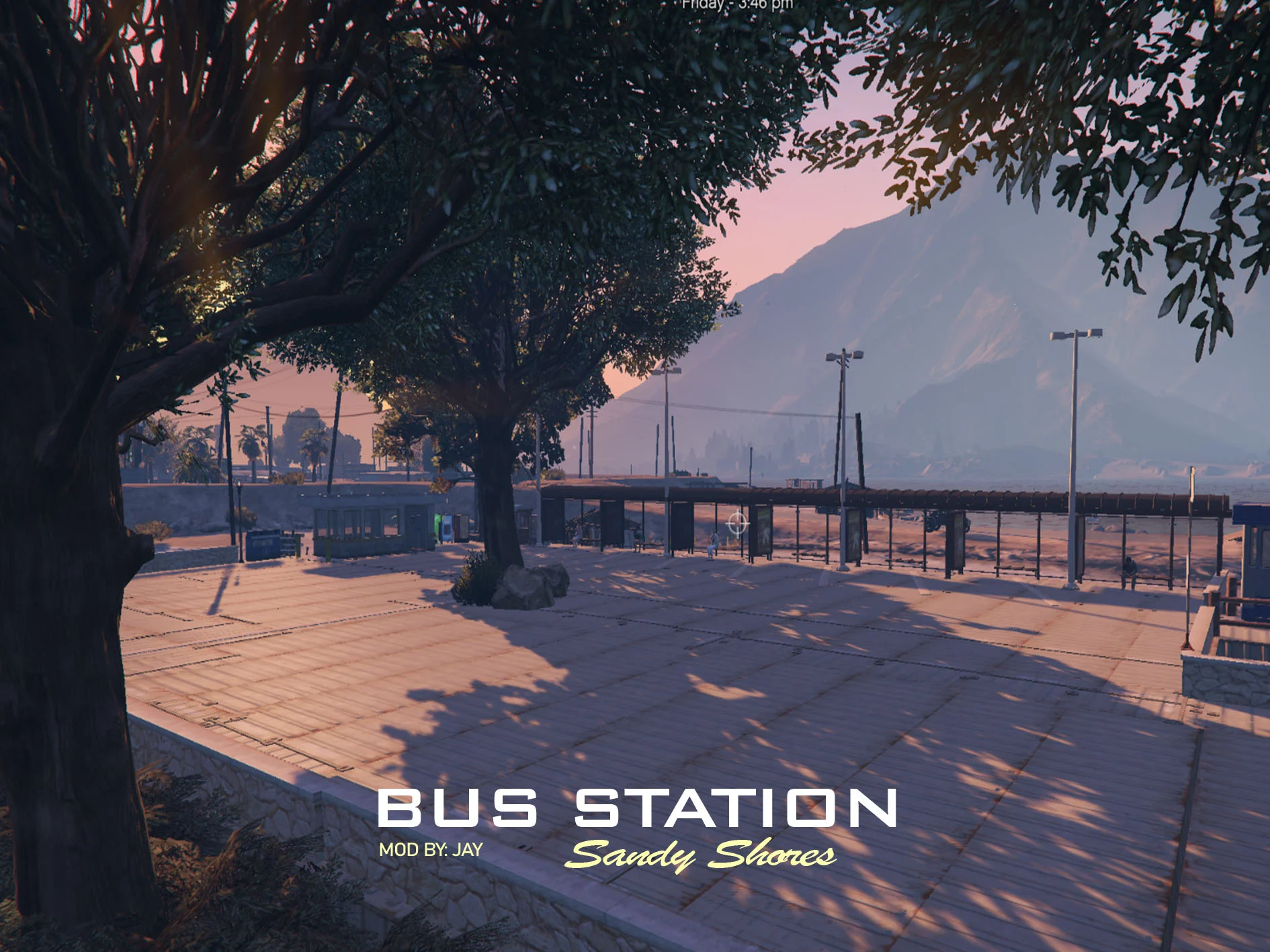
YOU MUST HAVE MAP EDITOR!
if you don’t know how, watch this [ccto]
How to install?
– Copy “Bus Station.xml” to your GTA V file directory.
– Open the photo named “location”.
– Remember the location.
– Open your GTA V.
– Open your Map Editor (shift + F7 or F7), Click “Load Map” then find “Bus Station.xml” then click.
– Wait for it to Load all objects (seen at the bottom right)
– Go to location and enjoy the map!
Credits:
louie_jay
Download mod
| File | File size |
|---|---|
 BUS STATION AT SANDY SHORES BY JAY
 | 3 MB |
![Sandy Shores Bus Stops [YMAP] 1.0](https://gta5mod.net/wp-content/uploads/2020/11/Sandy-Shores-Bus-Stops-150x150.jpg "Sandy Shores Bus Stops [YMAP] 1.0")
![Sandy Shores Updated Gas Station [Menyoo] 1.0](https://gta5mod.net/wp-content/uploads/2021/08/Sandy-Shores-Updated-Gas-Station-150x150.png "Sandy Shores Updated Gas Station [Menyoo] 1.0")
![Sandy Shores Gas Station Upgrades [YMAP] finale](https://gta5mod.net/wp-content/uploads/2021/09/Sandy-Shores-Gas-Station-150x150.webp "Sandy Shores Gas Station Upgrades [YMAP] finale")
![Sandy Shores Old Gas Station [YMAP] 1.0](https://gta5mod.net/wp-content/uploads/2021/11/Sandy-Shores-Old-Gas-Station-150x150.webp "Sandy Shores Old Gas Station [YMAP] 1.0")
