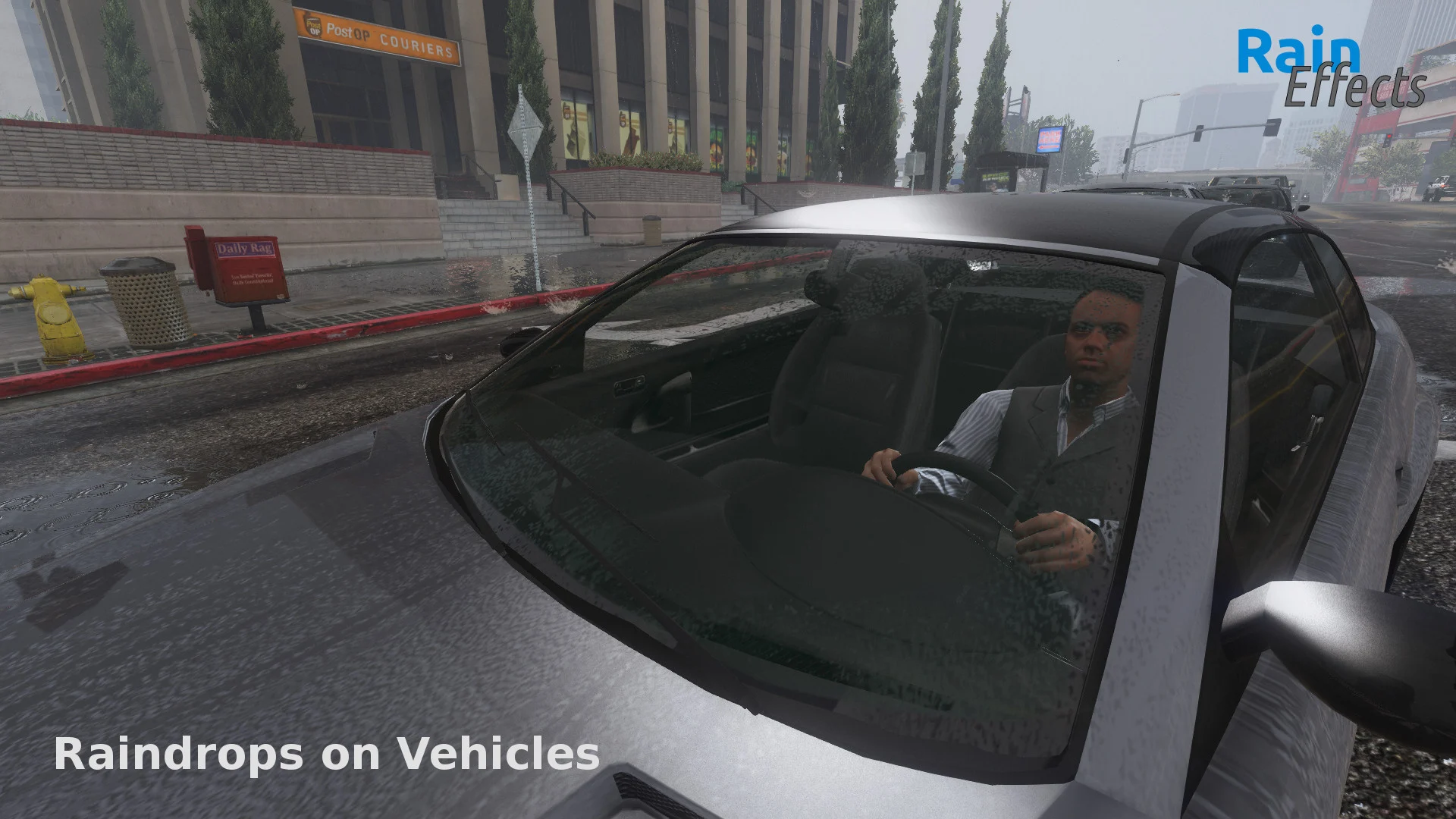
NOTICE: This mod does not work on all modded vehicles, because some of them use their own dirt maps. You can still make this mod work on those vehicles by finding the vehicles dirt texture (usually in the vehicles ytd file) and replacing it with the raindrop texture found in the vehshare.ytd provided with this download.
To make use of the menu, you need NativeUI installed into the scripts folder!
Default Hotkey for Settings Menu: F5
Many of you already know Per_zeus’ raindrop texture mod. But to enjoy the texture you had to manually set your car dirty (i.e. by trainer). Also your car became wet when you drove over dirt, which did not look really realistic.
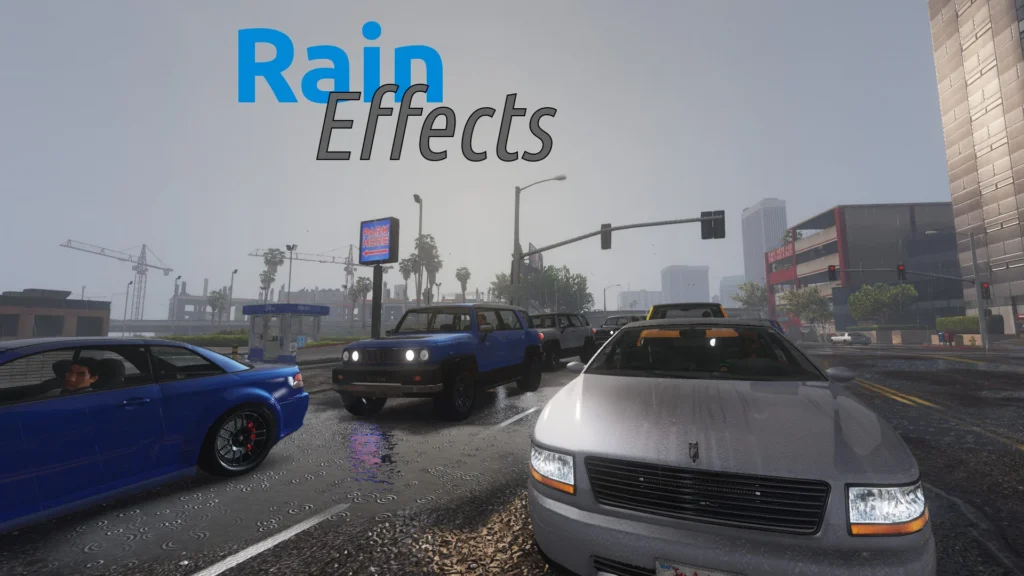
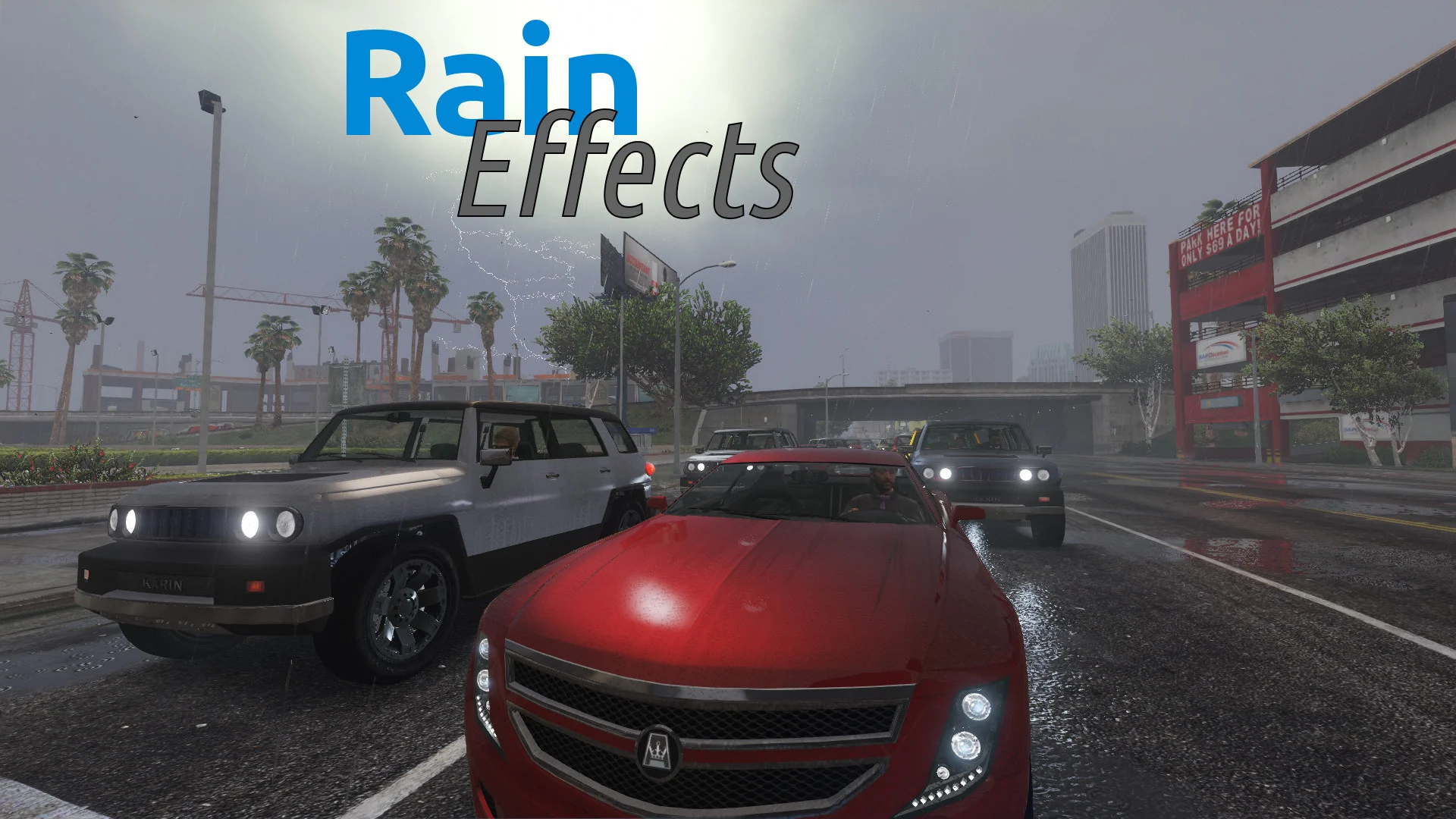
With this little script the cars will only get wet when it makes sense…
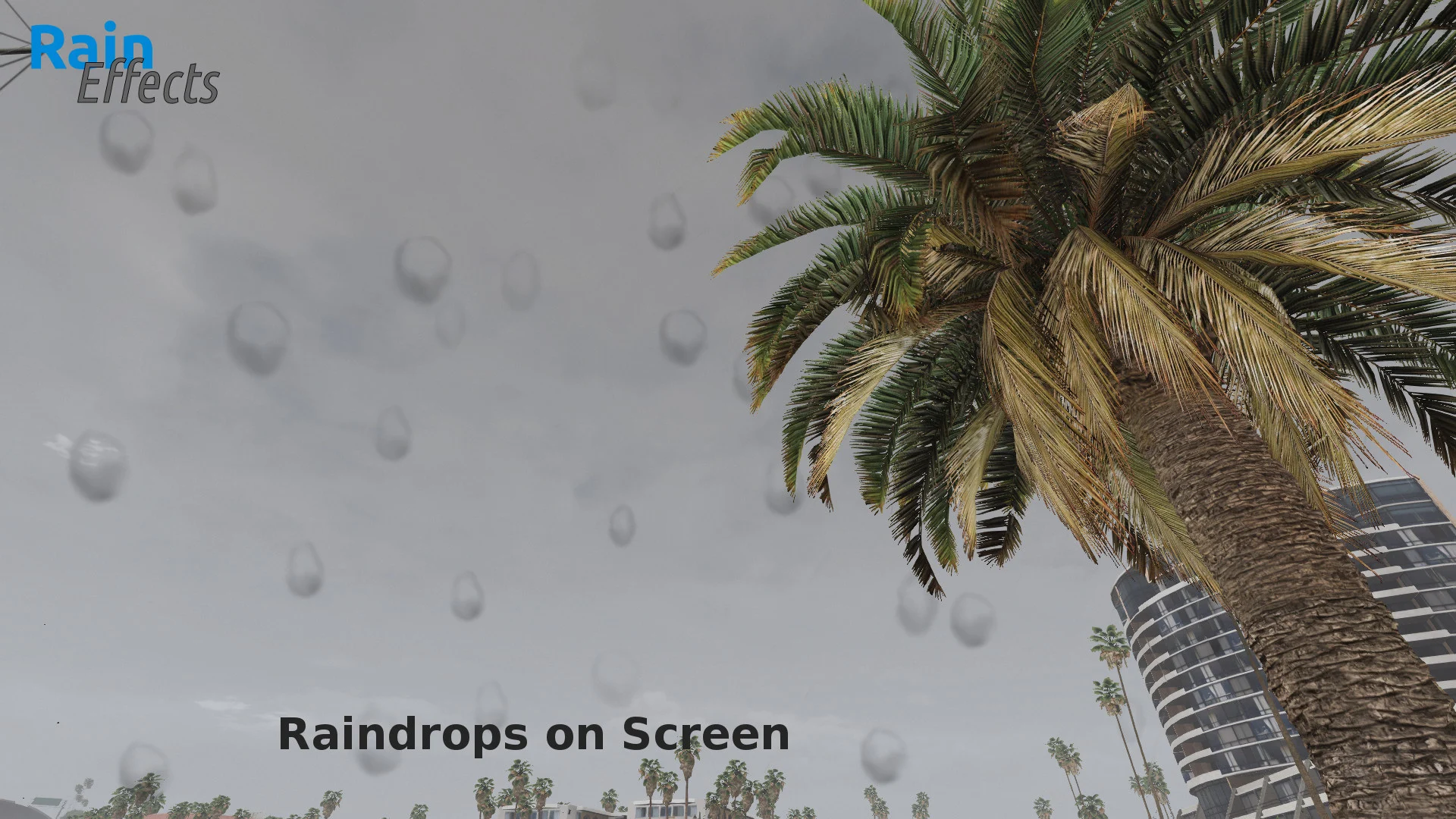
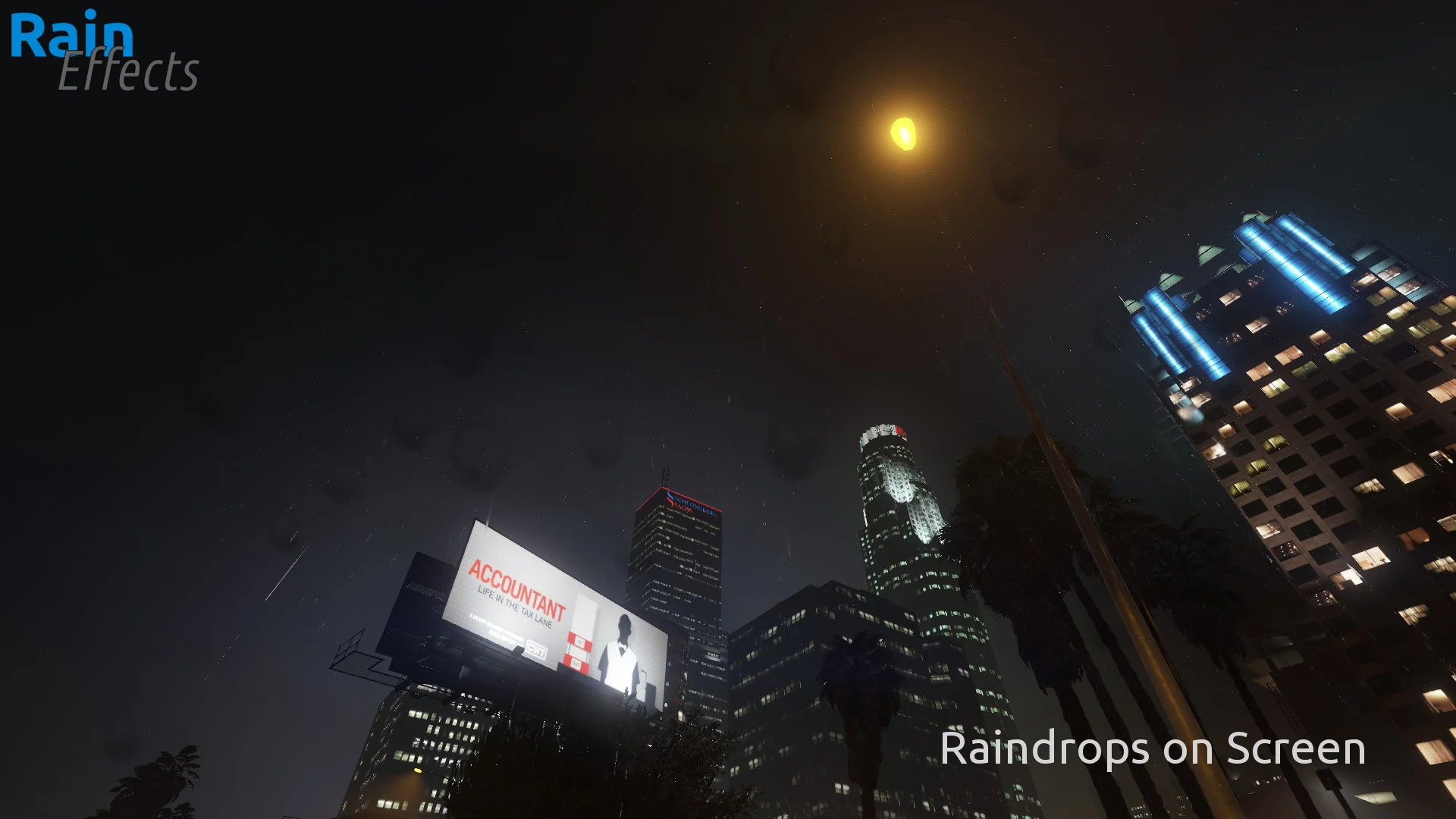
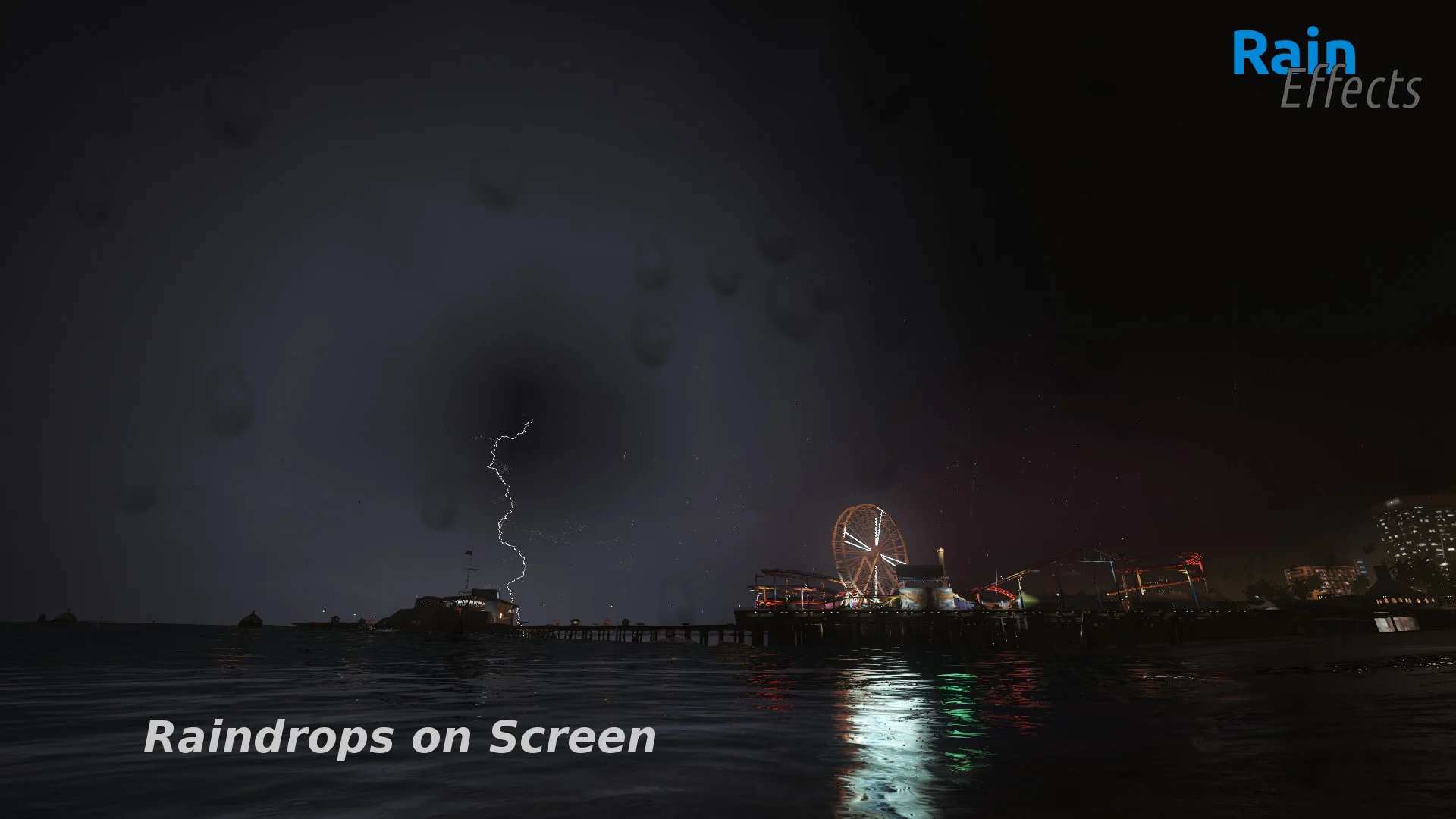
Once it is raining all cars will slowly become wet, and when the rain is over, the raindrops on the cars will slowly disappear/dry again… You can also enable the Raindrops on Screen effect though the settings menu (F5) which makes the raindrops fall on your gameplay camera!
Please use the mod folder method for this mod! (this also simplyfies uninstalling as you do not need a backup for the modded rpf archives, but simply need to remove x64e.rpf from the mod folder & remove the raindrops folder from the scripts folder)
Install OpenIV -> open with administrator rights -> Go to “tools” -> Click on “ASI manager” -> Install OpenIV.asi.
This will allow you to use the mods folder and thus prevent GTA5 from having conflicts with modded rpf archives. Have fun!
Credits:
uPrizZ
Download mod
| File | File size |
|---|---|
 Rain Effects v1.5
 | 10 MB |

![[Chainsaw man Script] MK1 Baraka SFX for Chainsaw man script 1.0](https://gta5mod.net/wp-content/uploads/2024/05/MK1-Baraka-SFX-for-Chainsaw-man-script-1.0-150x150.jpg "[Chainsaw man Script] MK1 Baraka SFX for Chainsaw man script V1.2")