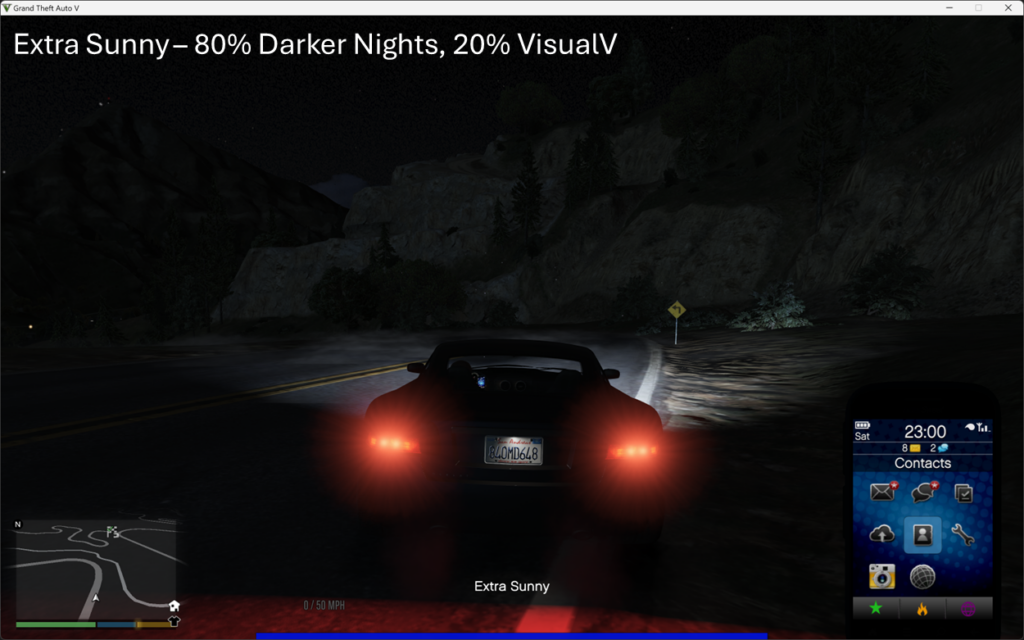
VisualV Darker Nights mods for Grand Theft Auto V | v1.70.1
Features:
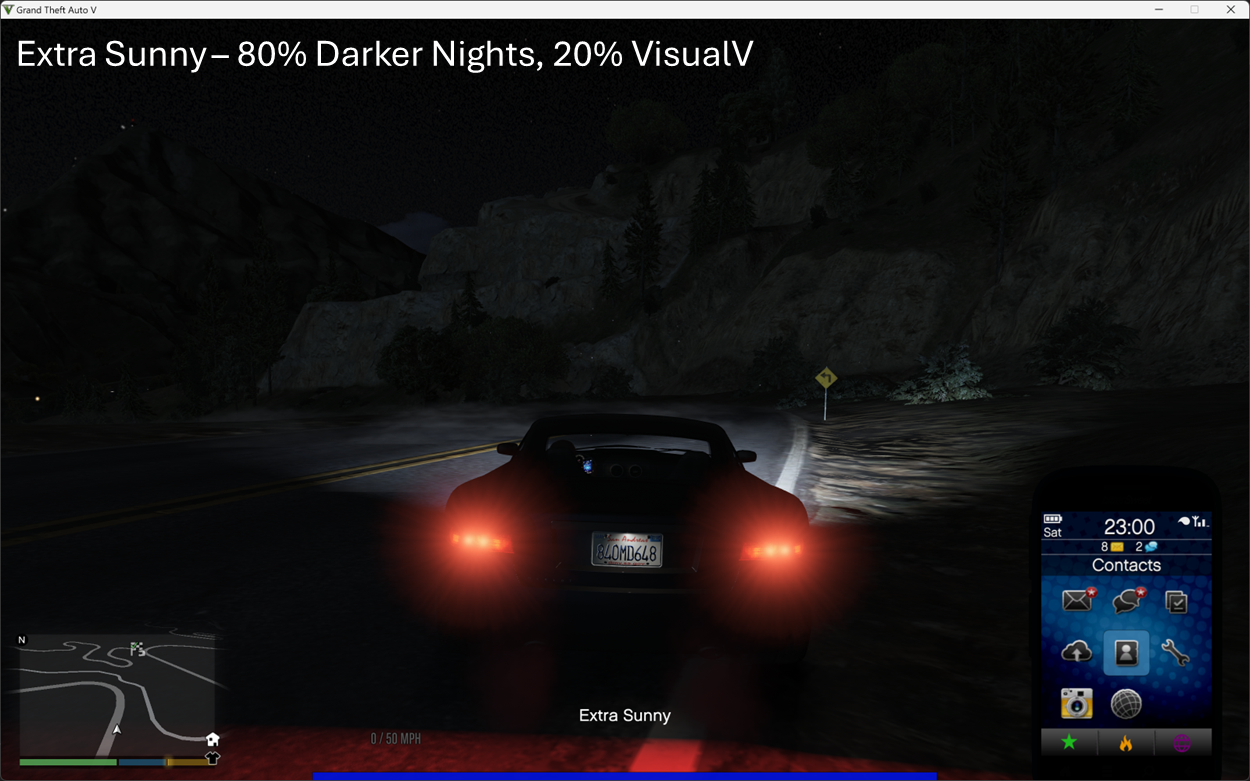
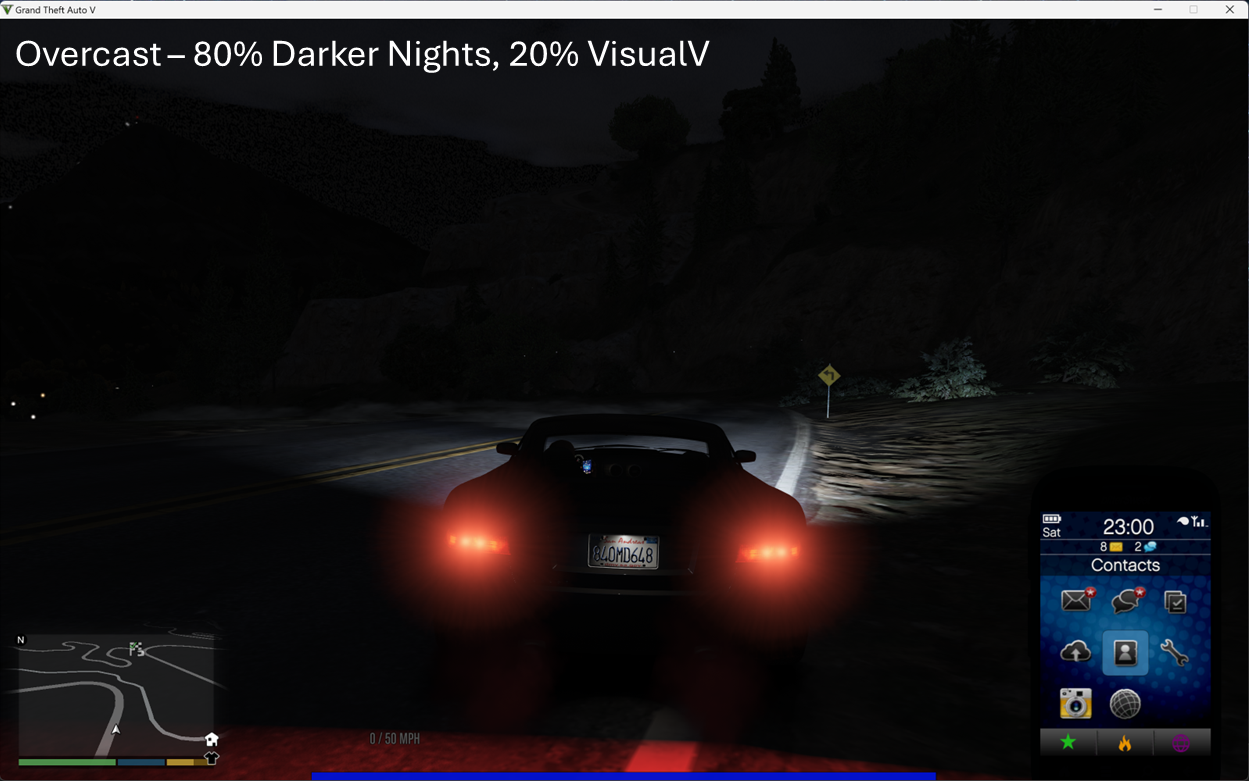
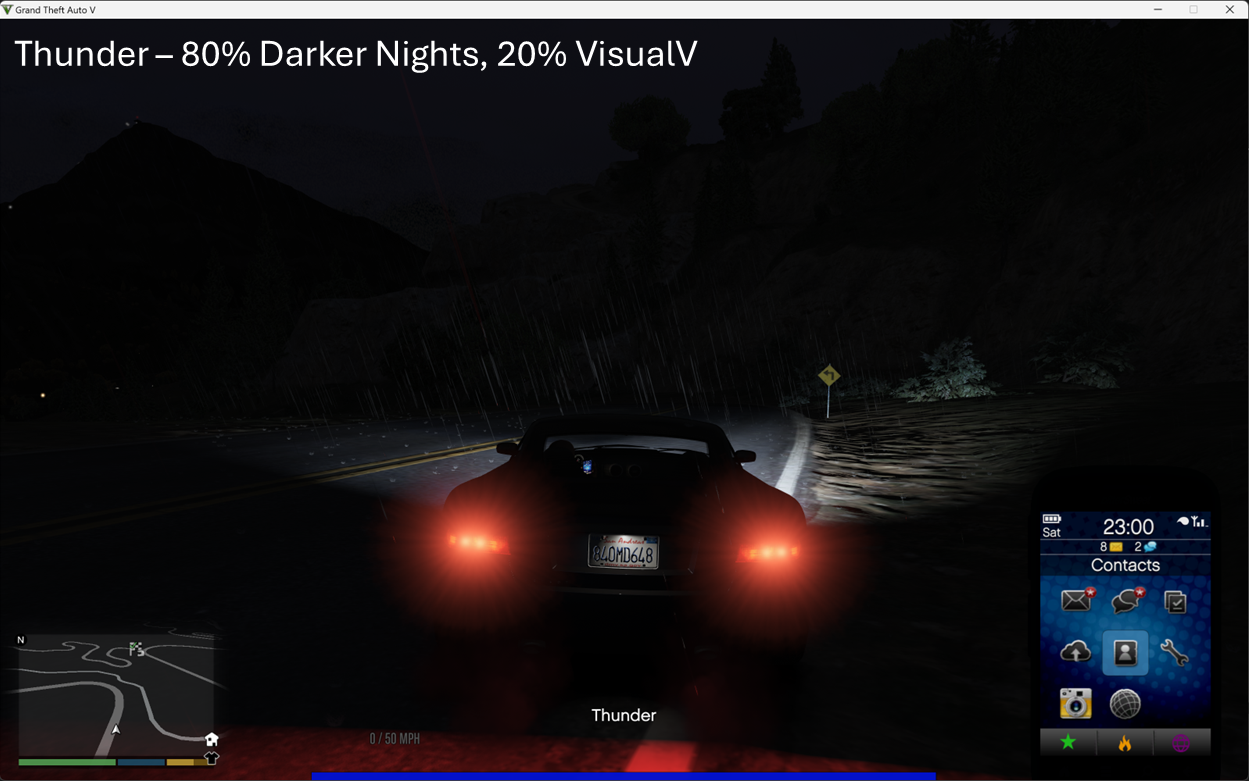
+ Makes beautiful dark nights based on VisualV and Darker Nights
+ Wide range of darker settings (-40% to 80%) between VisualV and Darker Nights.
+ Tested on GTA V 1.70.1 (except for the brighter versions).
Installation:
1. Always make backup first!
2. Download VisualV.
3. Extract VisualV.oiv separately (NOT install by OpenIV) and copy their timecycle .xml files in update/update.rpf/common/data/timecycles to mods/update/update.rpf/common/data/timecycles.
+ This is because we use VisualV as a base, and certain weather are not modified by Darker Nights.
3. Drop all (10 .xml) files located in /composed/% into mods/update/update.rpf/common/data/timecycles.
+ Darker Nights modified these files, but I have toned down the darkness.
+ Recommended settings: 80% darker-nights – 20% visualv.
Uninstallation: (Reverting to vanilla values)
1. Download VisualV.
2. Extract Original files.oiv separately (NOT install by OpenIV) and copy their timecycle .xml files in update/update.rpf/common/data/timecycles to mods/update/update.rpf/common/data/timecycles.
Credits:
votrinhan88
Download mod
| File | File size |
|---|---|
 visualv-darker-nights-v1.70.1
 | 1 MB |
![Opium Nights Hotel Interior [Menyoo / MapBuilder] 1.0](https://gta5mod.net/wp-content/uploads/2021/02/Opium-Nights-Hotel-Interior-150x150.jpg "Opium Nights Hotel Interior [Menyoo / MapBuilder] 1.1")