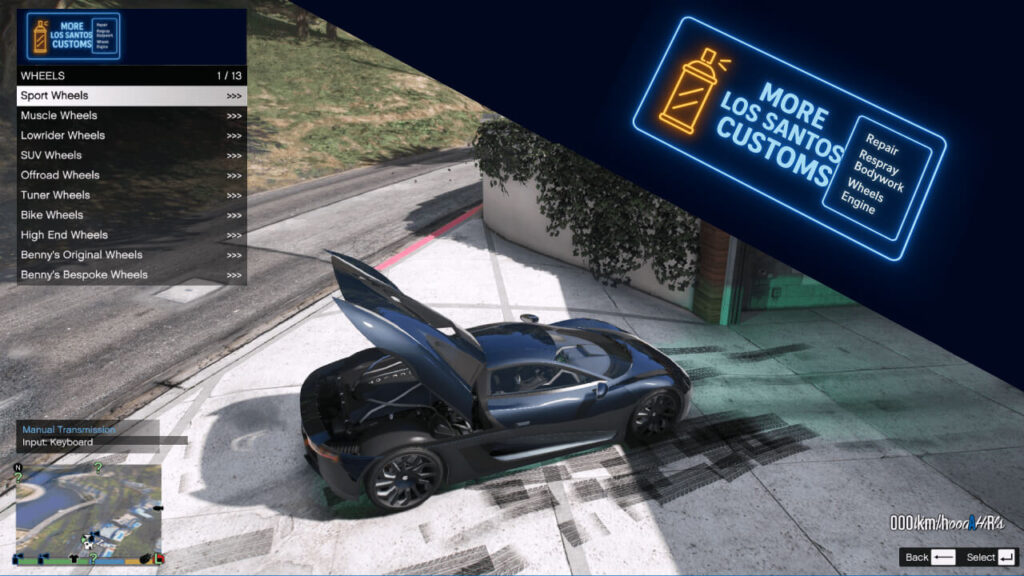
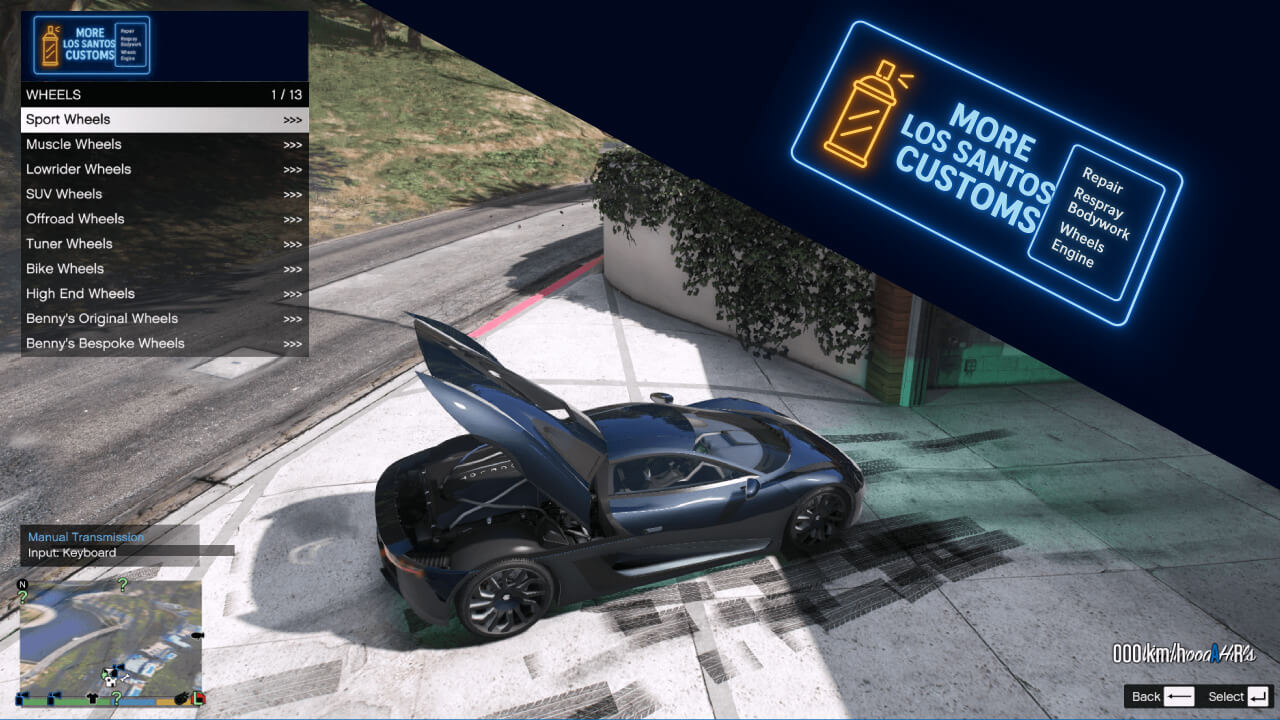
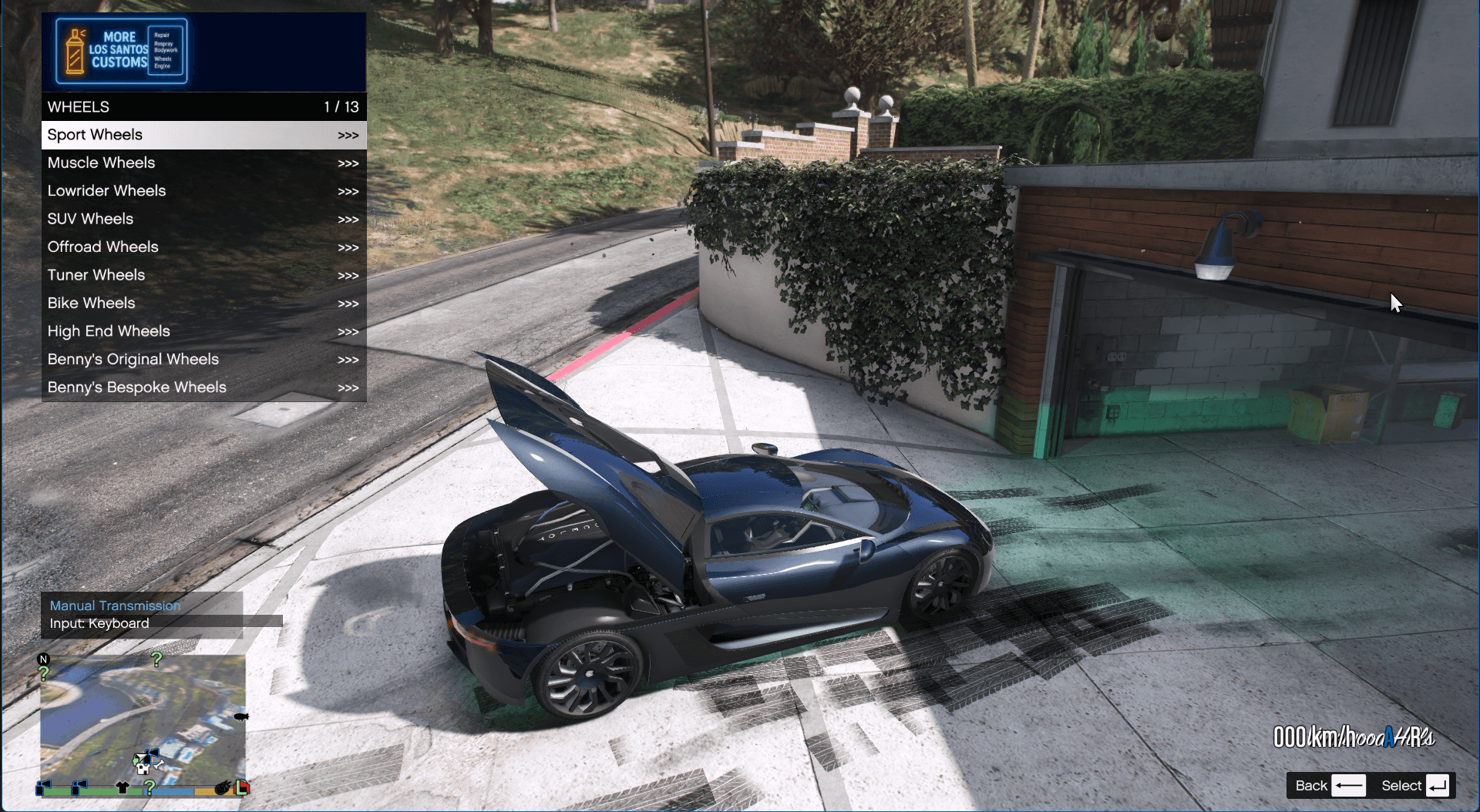
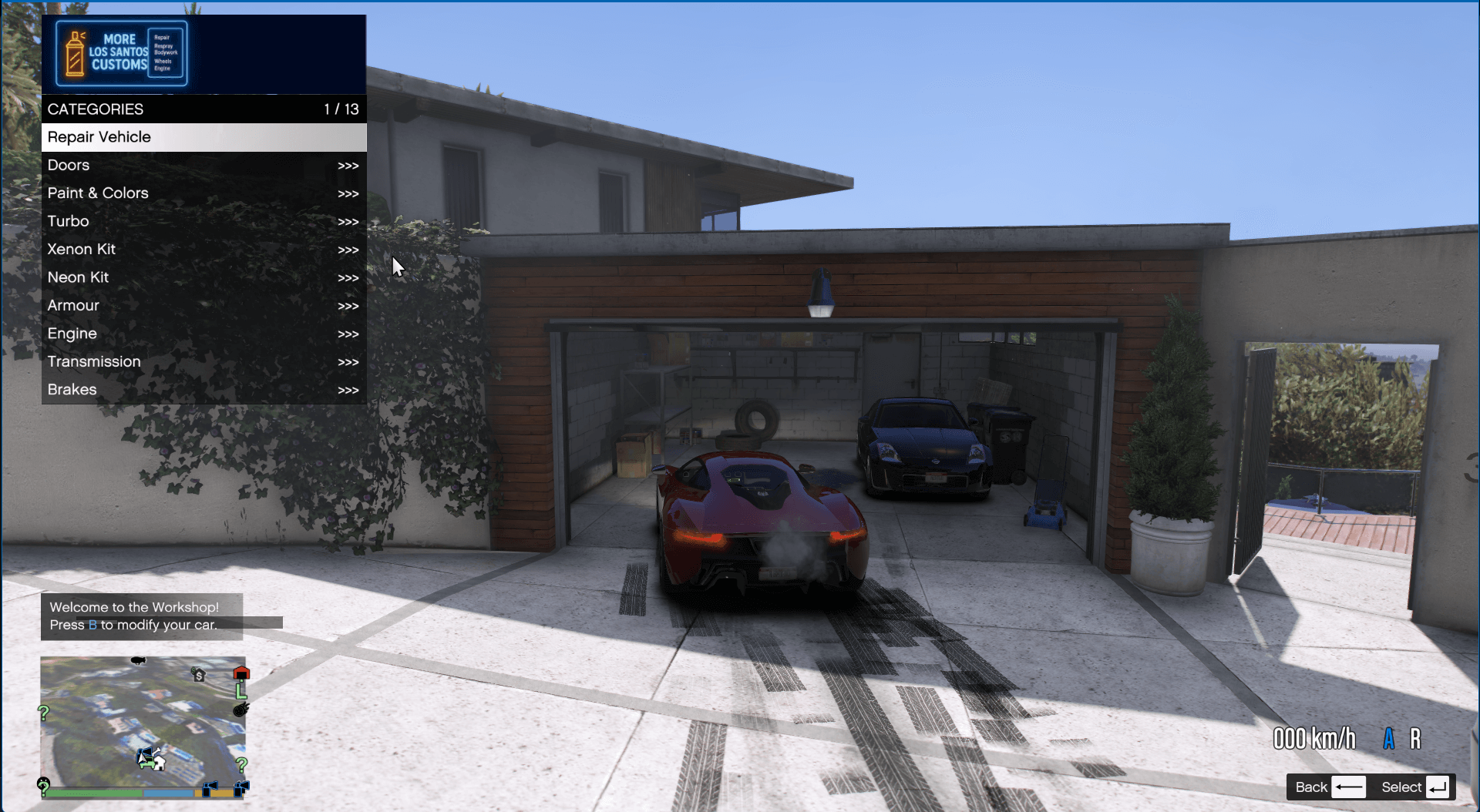
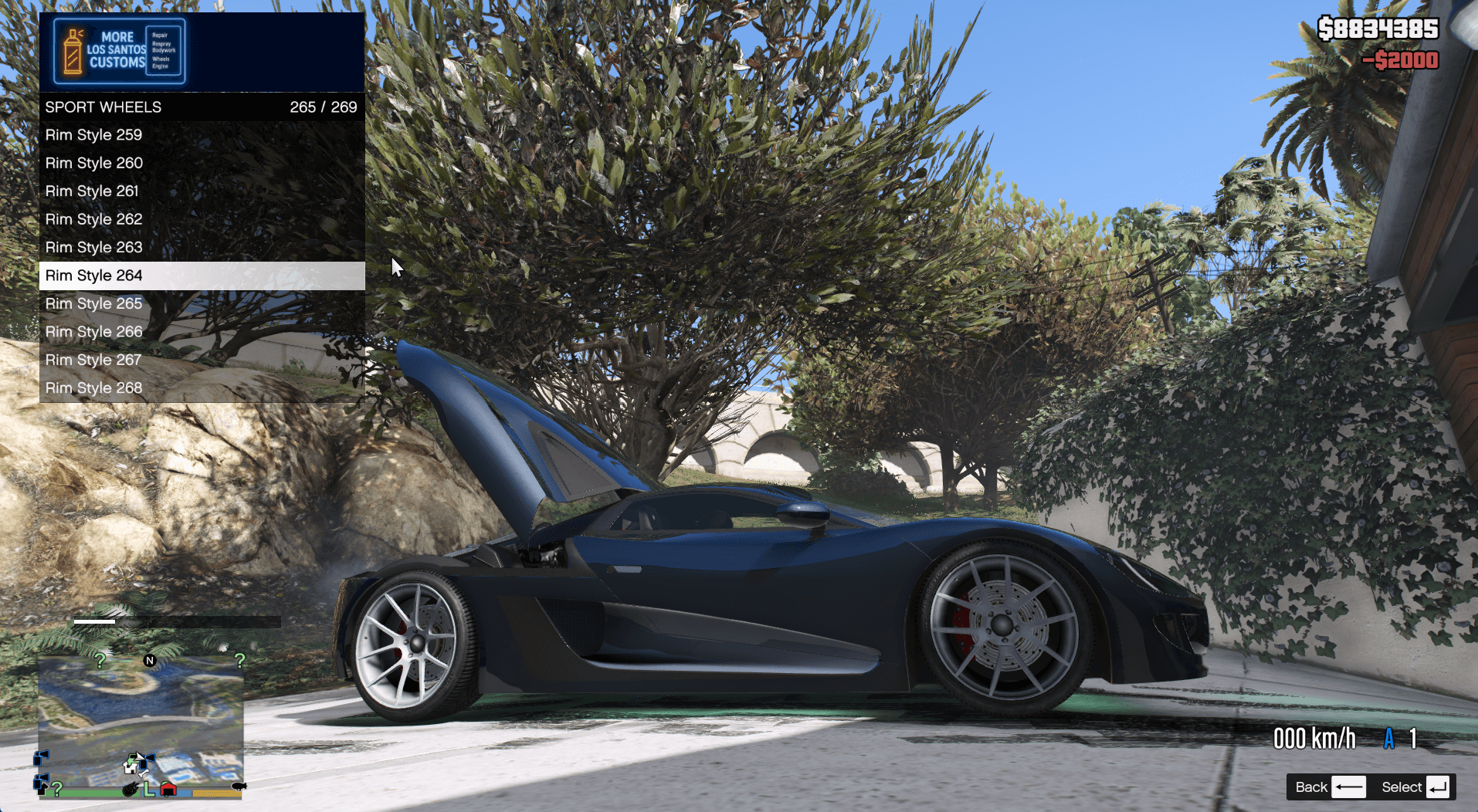
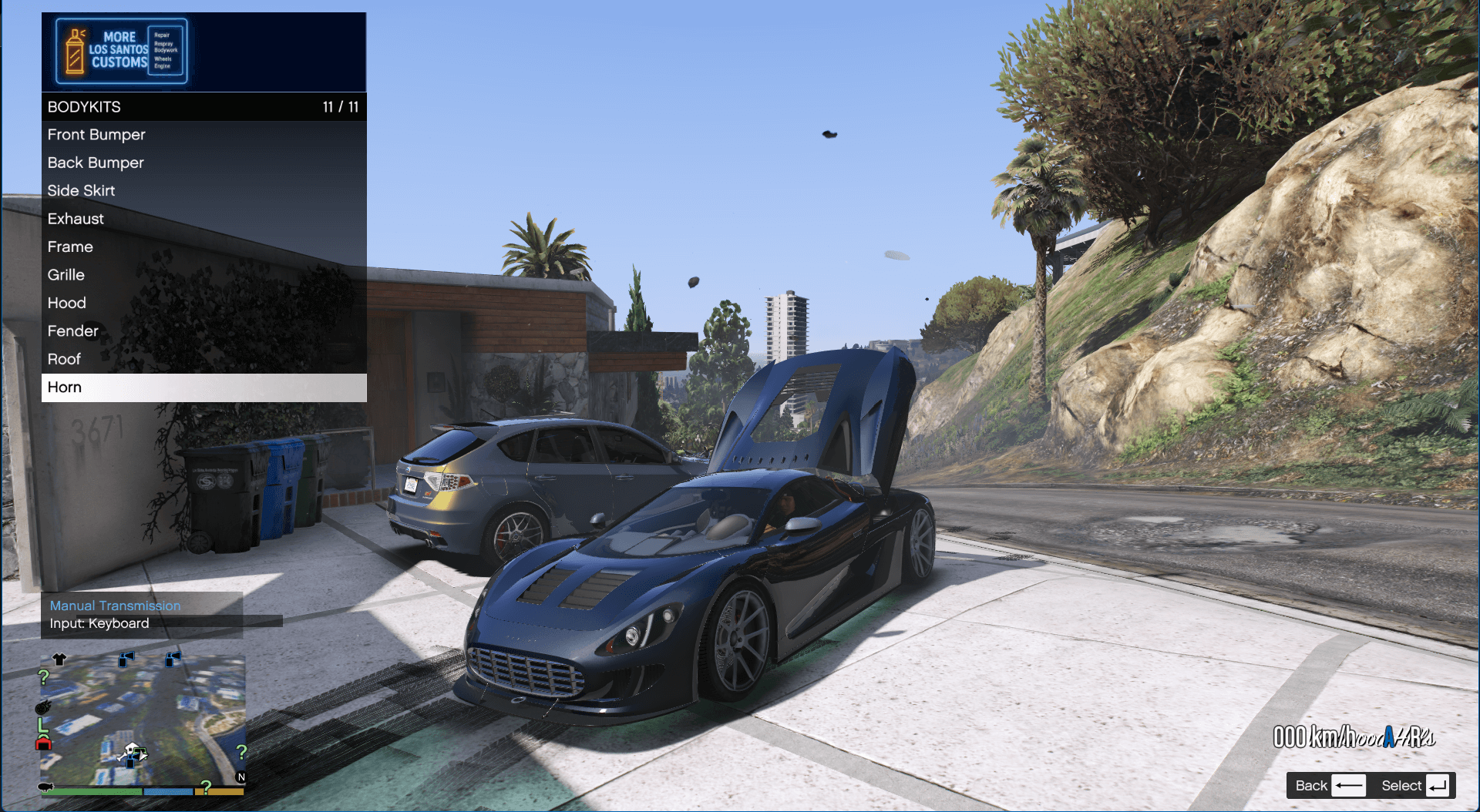
Tired of always going to Los Santos Customs to repair or modify your car. Don’t worry!
This script solves that problem by allowing you to create custom upgrade locations anywhere across the map.
IMPORTANT
You MUST add morelossantos.ytd to:
Grand Theft Auto V\mods\update\update.rpf\x64\data\cdimages\scaleform_generic_2.rpf
or the banner won’t load.
Restart GTA V after editing config_ls2.ini to apply blip changes
UpgradeZone sections must increment properly (1, 2, 3…)
Requirements
GTA V (v1.0.877.1 or later)
OpenIV
ScriptHookV
LemonUI
Installation
Add morelossantos.ytd to:
update\update.rpf\x64\data\cdimages\scaleform_generic_2.rpf using OpenIV
Create a scripts folder in your GTA V directory if it doesn’t exist
Place all files (except the YTD) in the scripts folder
Optional: Place find_coordinates.dll and coordinates.ini in the same folder
Usage
Shops are marked on your map with a custom Los Santos Customs icon (default: blue)
Drive to a shop and press your configured key (default: E) to open the upgrade menu
Press T to log your current location to location.log (used to add new shops)
Adding New Locations
Open config_ls2.ini
Add a new section like [UpgradeZone4], [UpgradeZone5], etc.
Use coordinates from location.log
Ensure zone numbers are in order (1, 2, 3…)
Customizing Shop Icons
Edit the [Blip] section in config_ls2.ini
Sprite options: losantoscustoms, garage, carwash, autoshop
Color options:
white, red, green, blue, yellow, whitenotpure, yellow2, greydark, redlight, purple, orange, greendark,
bluelight, bluedark, grey, yellowdark, pink, greylight, blue3, blue4, green2, yellow4, yellow5, white2,
yellow6, blue5, red4, reddark, blue6, bluedark2, reddark2, menuyellow, blue7
Change Name: Set the Name under [Blip] to change the shop name (applies to all)
Features
Add or remove custom upgrade shops across the map
Dynamic performance upgrades (better than vanilla LSC)
Optional in-game currency cost for upgrades
Grouped menus for bodywork, paint, and wheels
Multiple color options for paint, neon, wheels, and more
Improved wheel and bodykit submenu logic
Changelog:
V2.1
Removed error message when entering shops
Updated the menu banner to use new More Los Santos Customs artwork
Changing the wheel color no longer affects the vehicle paint
Fixed bug where wheel colors needed multiple clicks to apply
Resolved blip loading issues (note: reloading scripts may cause duplicate icons)
Fixed repair logic for slightly damaged cars
Adjusted repair pricing for better balance
Fixed menu title display when opening/closing doors
Recreated the “Paint & Colors” submenu with a better layout
Added support for primary, secondary, wheel, tint, neon, and headlight colors
Added color categories: Metallic, Matte, Metal, Chrome, and Pearlescent
Fixed incorrect upgrade titles after installation (Turbo, Xenon, Neon, etc.)
Added Xenon/Neon verification before color options appear
Recreated Wheels submenu for easier navigation and more rim styles
Fixed bodykits submenu showing unsupported mods
Minor performance optimizations and bug fixes
Improved dynamic key display for notifications when entering shops
Added config support for coordinates script (coordinates.ini)
V2
Updated the menu banner to use new More Los Santos Customs artwork
Changing the wheel color no longer affects the vehicle paint
Fixed bug where wheel colors needed multiple clicks to apply
Resolved blip loading issues (note: reloading scripts may cause duplicate icons)
Fixed repair logic for slightly damaged cars
Adjusted repair pricing for better balance
Fixed menu title display when opening/closing doors
Recreated the “Paint & Colors” submenu with a better layout
Added support for primary, secondary, wheel, tint, neon, and headlight colors
Added color categories: Metallic, Matte, Metal, Chrome, and Pearlescent
Fixed incorrect upgrade titles after installation (Turbo, Xenon, Neon, etc.)
Added Xenon/Neon verification before color options appear
Recreated Wheels submenu for easier navigation and more rim styles
Fixed bodykits submenu showing unsupported mods
Minor performance optimizations and bug fixes
Improved dynamic key display for notifications when entering shops
Added config support for coordinates script (coordinates.ini)
Credits:
Casarm

![MP Los Santos Customs Clothes [SP / FiveM] ] 1.0](https://gta5mod.net/wp-content/uploads/2020/10/MP-Los-Santos-Customs-Clothes2-150x150.jpg "MP Los Santos Customs Clothes [SP / FiveM] ] 1.0")
![Los Santos Customs ATM [SP / FiveM] 1.0](https://gta5mod.net/wp-content/uploads/2021/01/Los-Santos-Customs-ATM-150x150.jpg "Los Santos Customs ATM [SP / FiveM] 1.0")