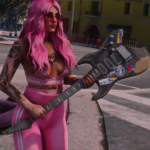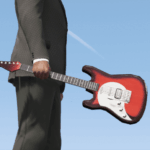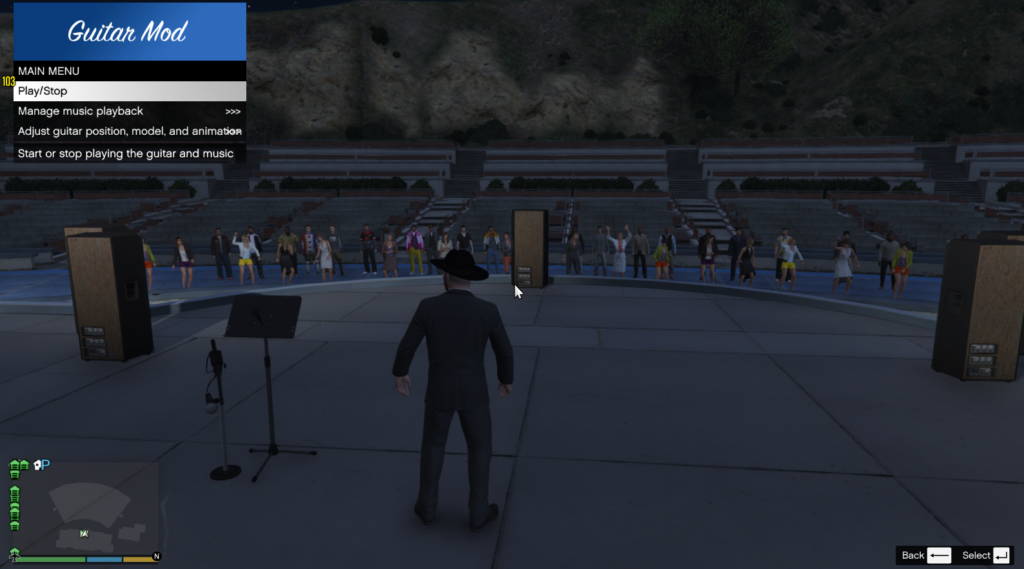
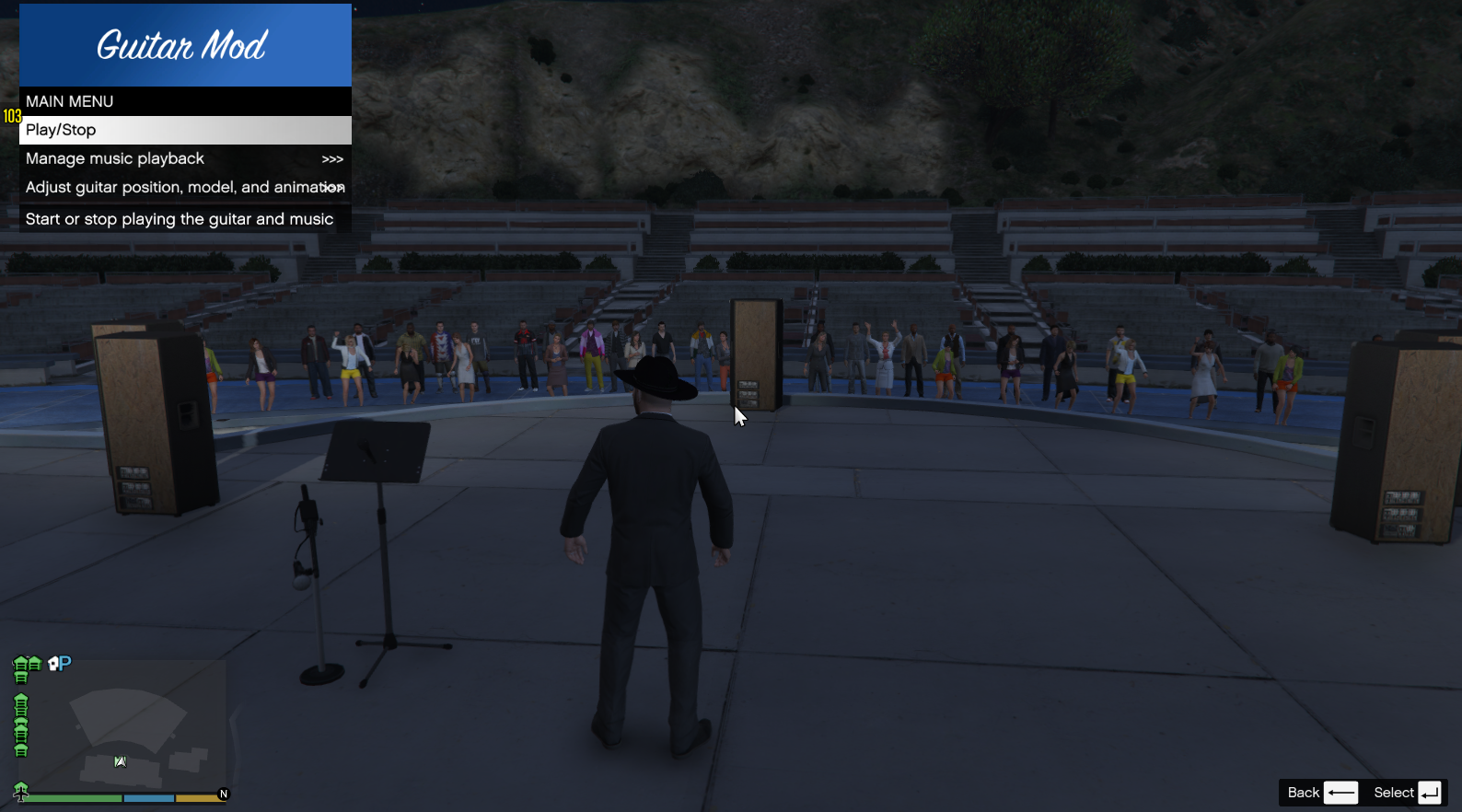
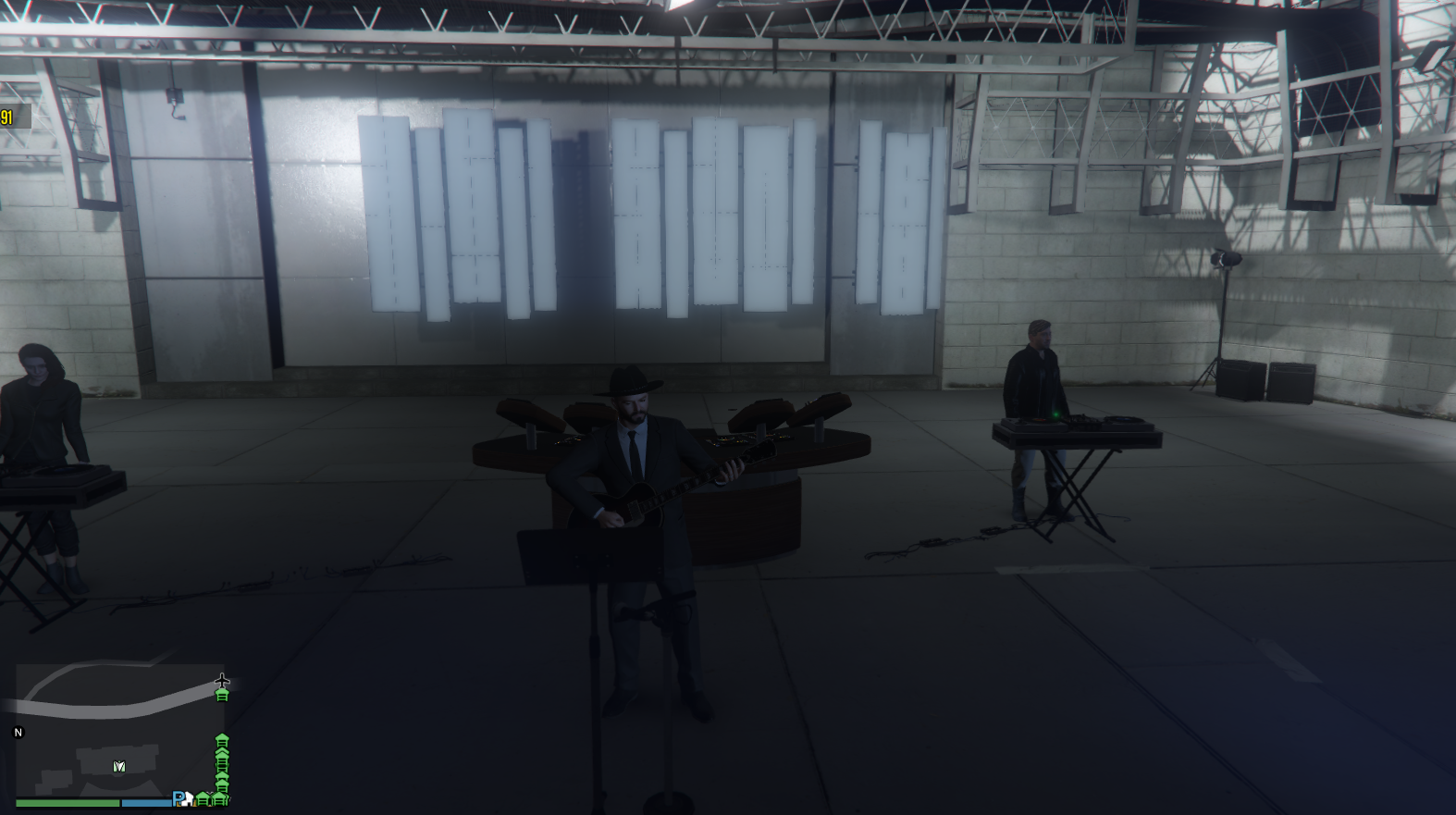
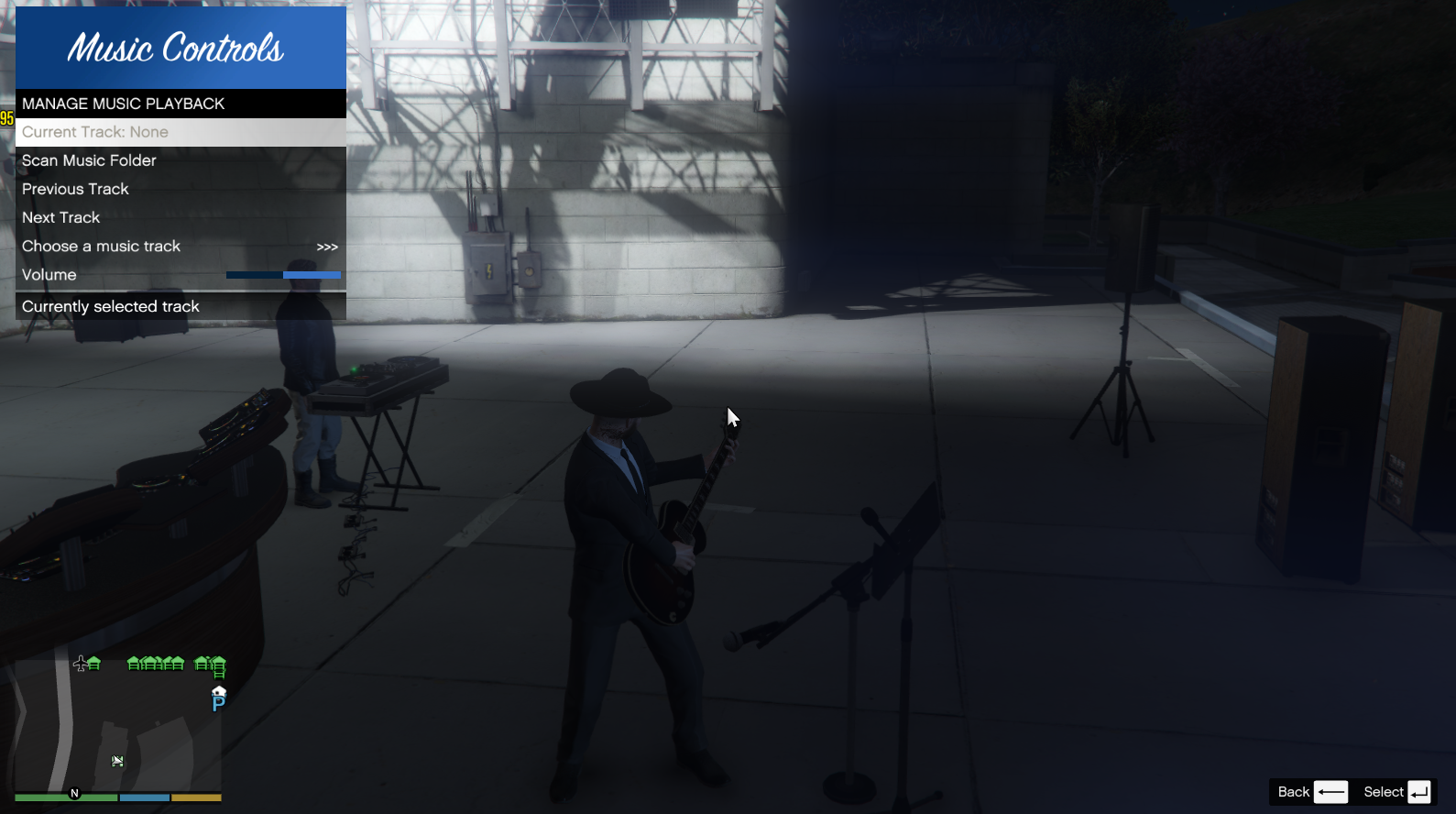
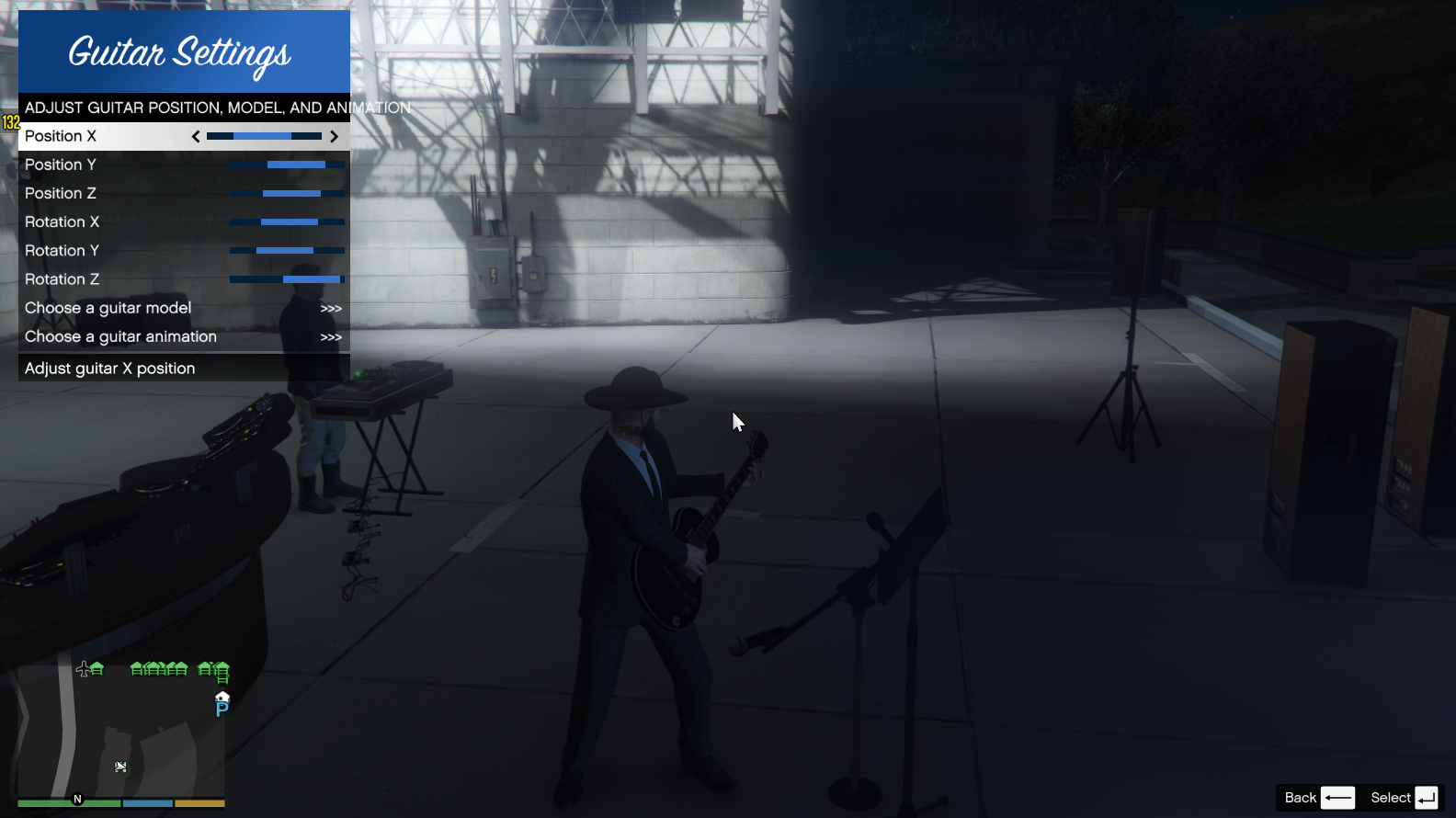
You can play any custom mp3 song you place in Scripts/Music on the guitar.
You can add and load a new mp3 file while the game is open.
Controls:
Use the key ” Ctrl-G ” to open the menu.
You can also stop playing the guitar with the “G” button when the menu is closed.
Feautures:
– Play on guitar any custom mp3 format song.
– Change playing Animation in Menu.
– Different guitar models
Bugs:
The guitar playing animation stops when you open a door in an interior. To fix this, simply press the “play/stop” button in the menu once.
How to install:
Drop all folders and files in scripts folder to your ” Grand Theft Auto V/Scripts/ ”
Make sure you put the song in this folder: ” Scripts/Music ”
REQUIREMENTS:
Make sure you have .NET Framework 4.8 or higher
Latest update for ScriptHookV
Latest update for ScriptHookVDotNet
NAudio.dll (in archive)
LemonUI.SHVDN3.dll (in archive)
Changelog:
1.6
-Added the option to change the menu toggle key in Guitar.ini
-Added the option to disable the Ctrl key requirement using True or False in Guitar.ini
Credits:
Hossein_e3
Download mod
| File | File size |
|---|---|
 PlayGuitar
 | 3 MB |