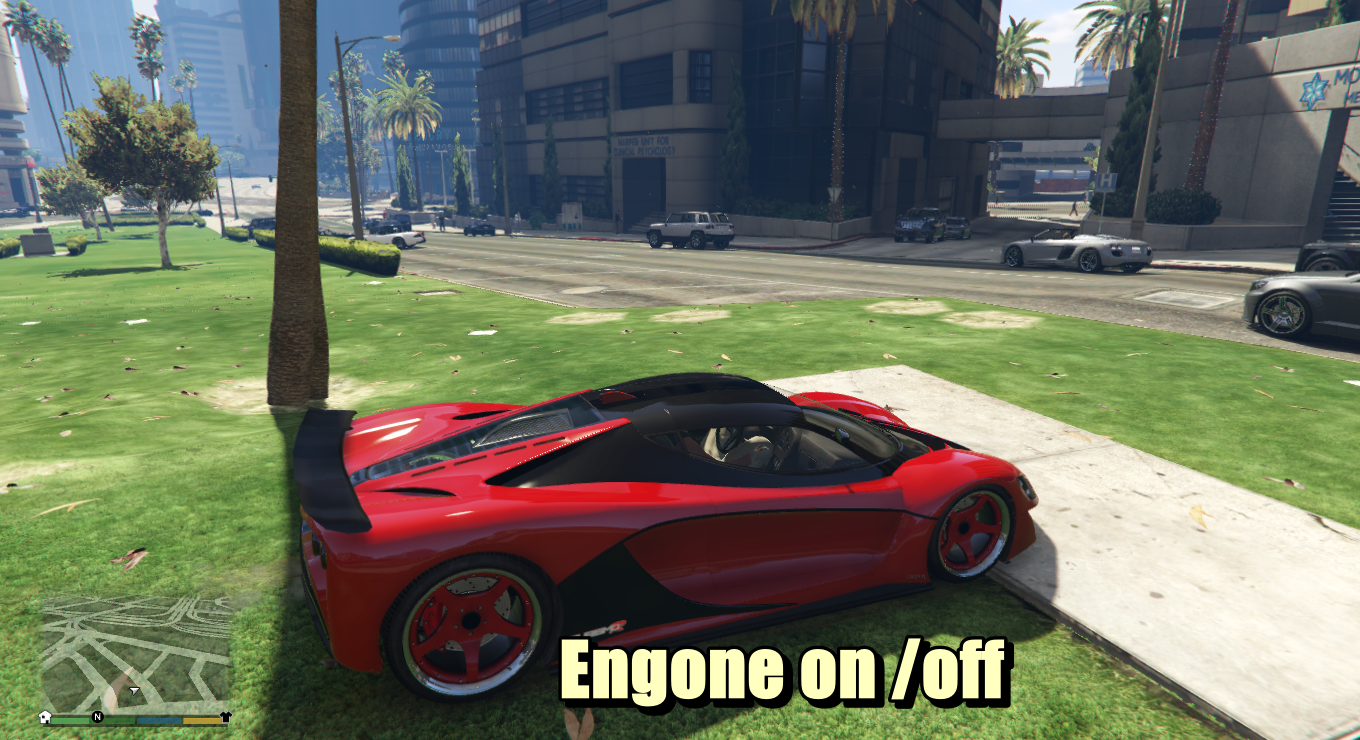
Vehicle Door Control – GTA V
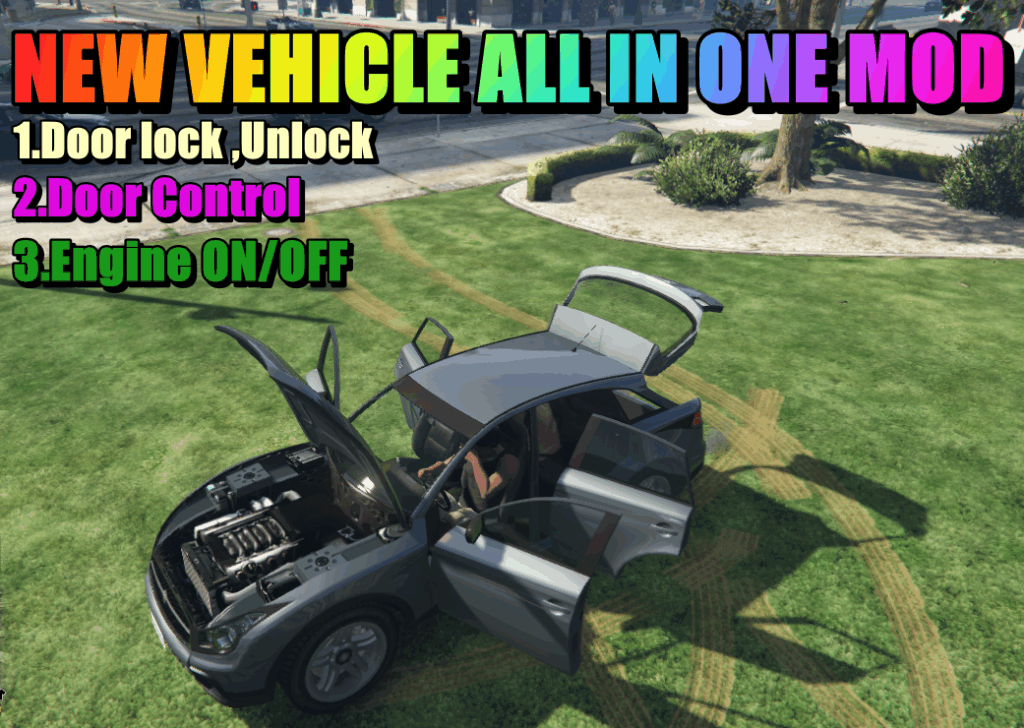
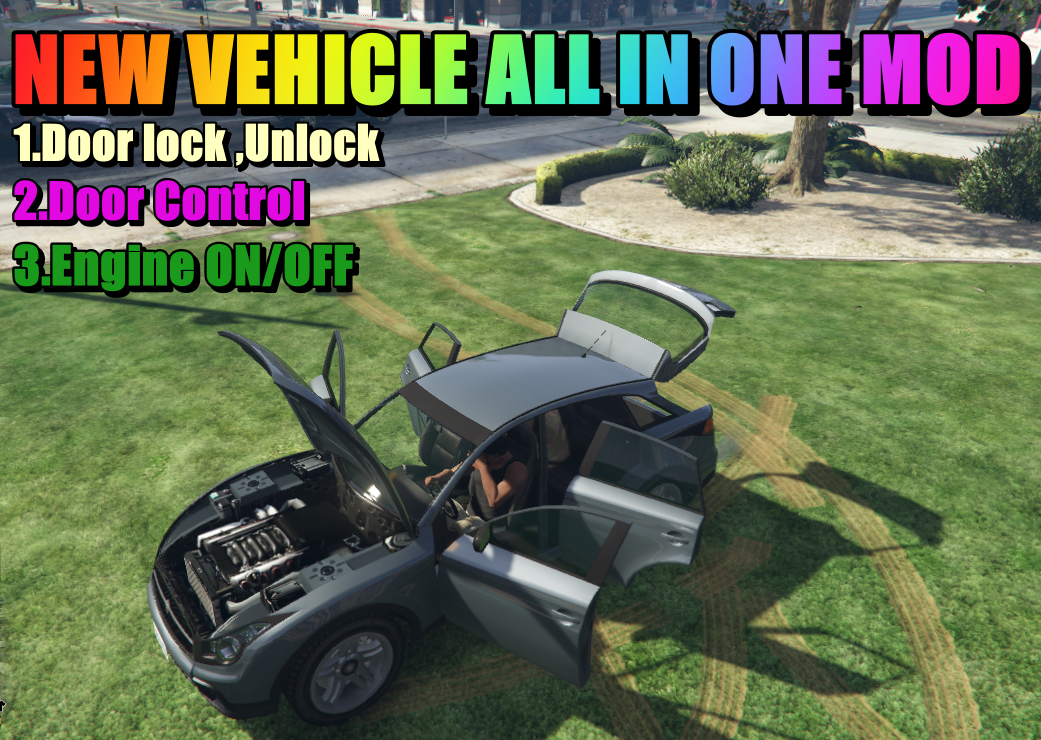
This simple script lets you open and close vehicle doors individually using your keyboard’s Numpad. Works with any vehicle that supports those doors.
🔧 How to Use:
Approach or enter any vehicle.
Press:
NumPad7 – Driver Door
NumPad9 – Front Passenger Door
NumPad1 – Rear Left Door (if available)
NumPad3 – Rear Right Door (if available)
NumPad8 – Bonnet (Hood)
NumPad2 – Trunk (Boot)
💡 Tip: If a door doesn’t open, the vehicle probably doesn’t have it (e.g., motorbikes or 2-door cars).
🔐 GTA V Script – Vehicle Lock/Unlock with N Key
🎮 Description:
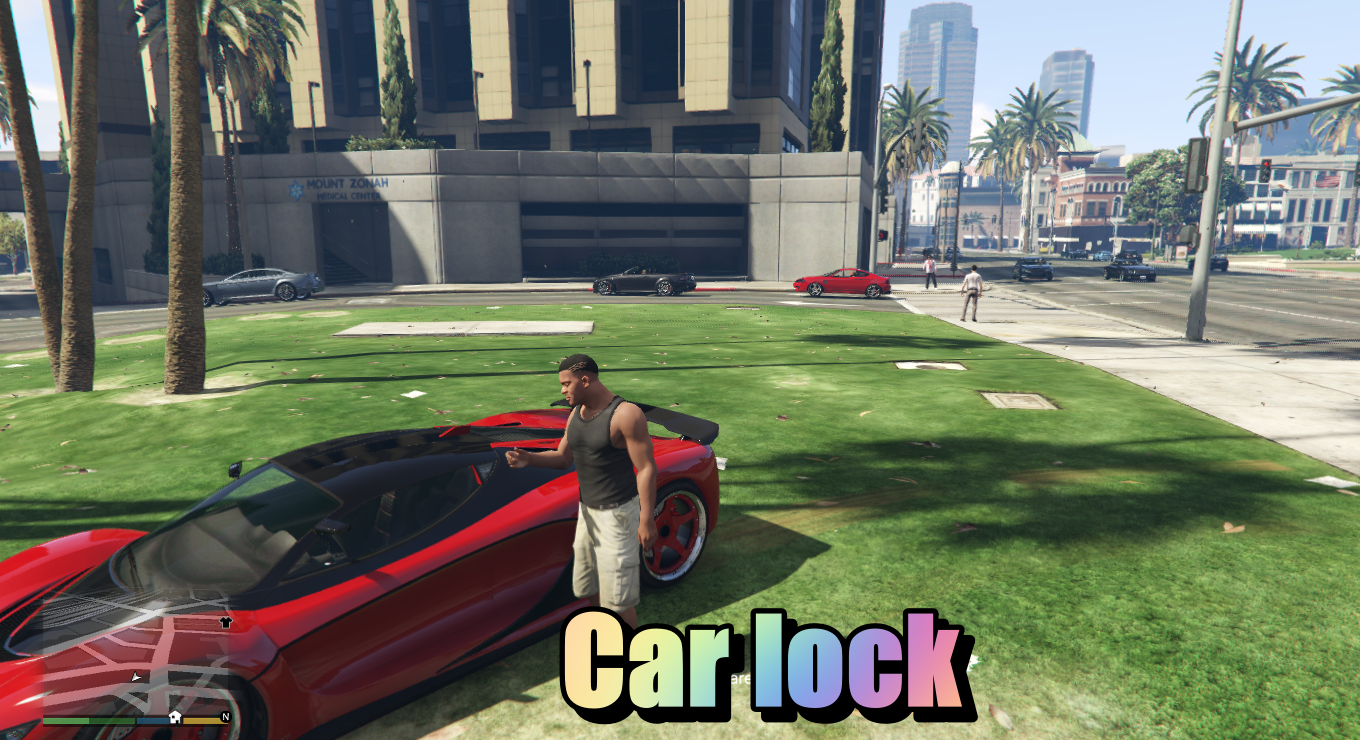
This script allows players to lock and unlock the nearest or last used vehicle by pressing the N key, just like using a remote key fob in real life.
It’s a simple and immersive feature to enhance realism in GTA V, complete with optional animation and sound support.
🔑 Controls:
Press N: Toggle lock status of the last entered vehicle if the player is on foot.
🔒 If the vehicle is unlocked → it becomes locked
🔓 If it’s locked → it becomes unlocked
Can be enhanced with:
✅ Key fob animation (e.g., remote click animation)
✅ Car lock/unlock sounds (via custom .awc or NAudio)
📦 Features:
Works only when on foot (prevents accidental use while driving)
Locks or unlocks all vehicle doors
🔧 GTA V Script – Vehicle Lock/Unlock & Engine On (Key: N)
🎮 Description:
This script allows you to lock/unlock your vehicle when on foot, and start your engine (but not stop it) when inside the vehicle. It enhances immersion with a key fob animation for both actions.
🔑 Controls:
On Foot (Not in Vehicle):
Press N → Lock or unlock your last used vehicle
🔒 Lock if unlocked
🔓 Unlock if locked
Affects all doors
Inside Vehicle (Driver Seat):
Press N → Start the engine
If the engine is off, it will start with an animation
If the engine is already running, pressing N again does nothing
Engine cannot be turned off
✨ Features:
Optional: supports realistic animations and audio
Compatible with SHVDN3 (ScriptHookVDotNet v3)
🗂 Installation:
Install ScriptHookV and ScriptHookVDotNet 3
Place the .dll and .ini into your GTA V/scripts/ folder
(Optional) Place enginehotkey.ini in the same folder to customize key bindings
Changelog:
🔁 v1.3
🆕 Added Nitrous Purge (car wash system with 5-second spray)
🔁 v1.2
– 🔧 .ini config file support added for keybind customization
– 🆕 Changelog indicators added
– 🛰️ Updated descriptions and minor fixes
✅ Version 1.1:
Added Neon Toggle support with B key.
Minor optimizations for SHVDN 3.7.0-nightly compatibility.
Credits:
RoarDihanGaming
Download mod
| File | File size |
|---|---|
 vehrealbyroarcrew
 | 18 KB |
![Add-On/Replace Base Folder [Vehicles | Weapons | Textures] v8.0 (All-In-One)](https://gta5mod.net/wp-content/uploads/2019/08/Replace-Base-Folder.jpg "Add-On/Replace Base Folder [Vehicles | Weapons | Textures] v8.0 (All-In-One)")
![Pack Retro Policía Federal Preventiva México [ELS |ADD-ON | REPLACE] Models and Paint (ALL IN ONE)](https://gta5mod.net/wp-content/uploads/2019/12/Pack-Retro-Policía-Federal-150x150.png "Pack Retro Policía Federal Preventiva México [ELS |ADD-ON | REPLACE] Models and Paint (ALL IN ONE)")