
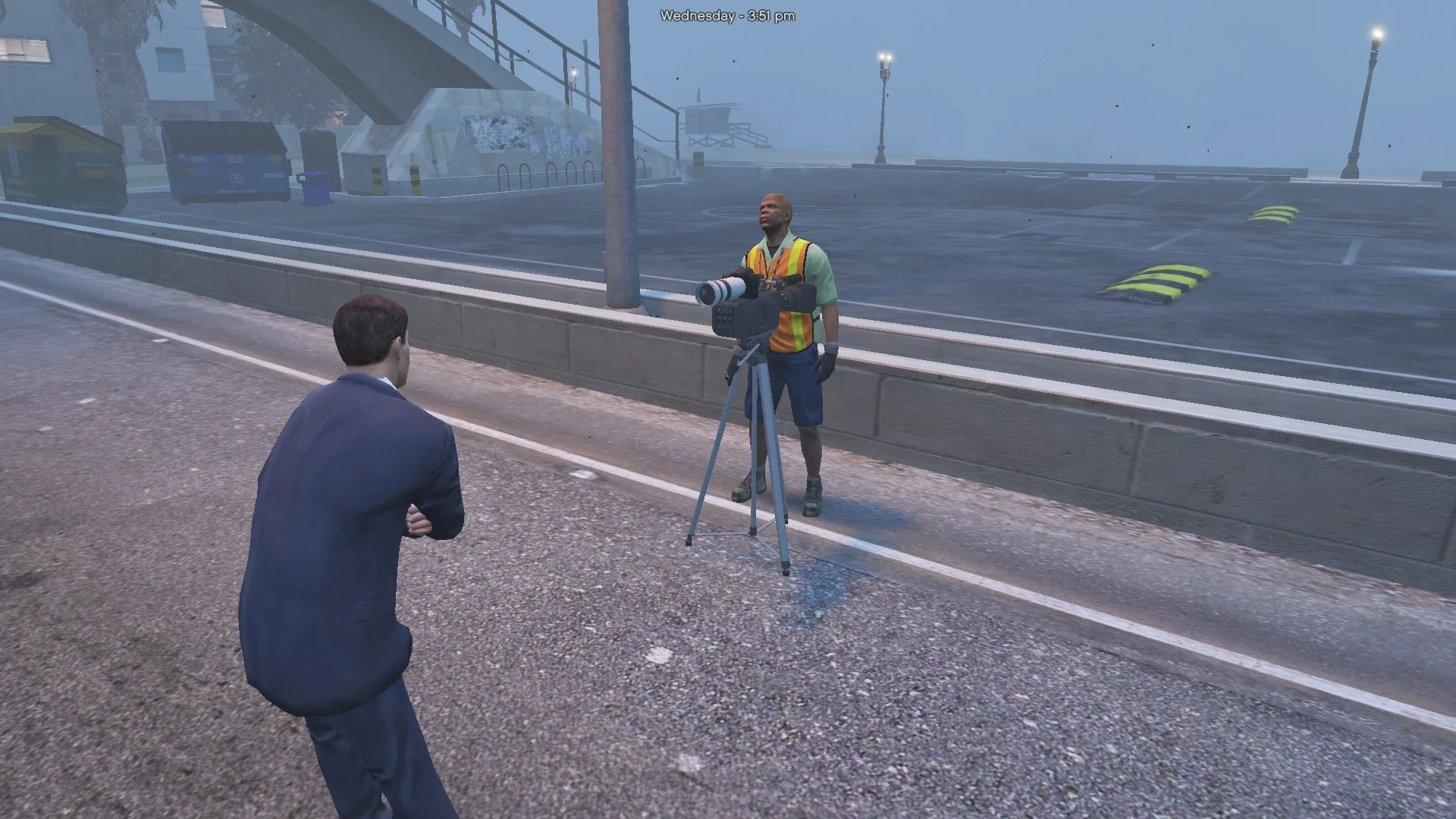
My Menyoo Mod Installation
REQUIREMENTS:
– GTA V installed.
– Menyoo PC installed
HOW TO INSTALL:
1) Make sure Menyoo is installed correctly.
If you don’t have it yet, download it and follow the instructions on the download page.
2) Find your GTA V main folder.
Open the ‘menyooStuff’ folder inside it.
3) Open the ‘Spooner’ folder.
4) Copy my .xml file(s) from this mod into the ‘Spooner’ folder.
Example:
Grand Theft Auto V
└── menyooStuff
└── Spooner
└── MyModName.xml
5) Launch GTA V.
6) Press F8 twice to open Menyoo.
7) Go to:
Object Spooner > Manage Saved Files
8) Find ‘CAR CRASH.xml’ (or whatever the file is called)
and select ‘Load Placements’.
Credits:
UnknownM0dd3r
Download mod
| File | File size |
|---|---|
 Car crash
 | 53 KB |