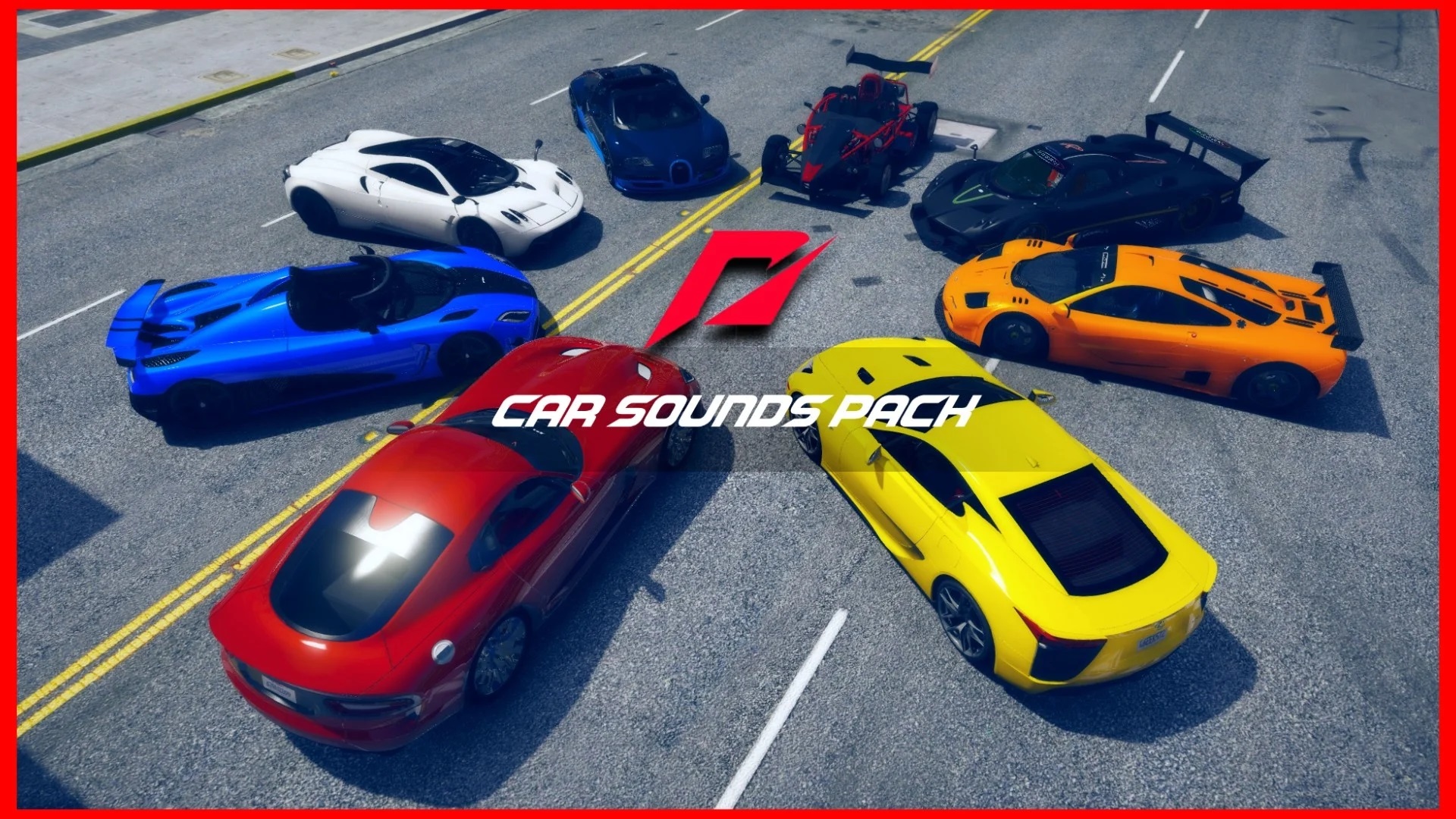
Welcome to The Ultimate Need for Speed Car Sounds Pack. Here’s how to install the sounds.
v1.1 – Removed some unnecessary stuff
– Added the Nissan Skyline GT-R R34 Engine Sound
Requirements: Open IV
1. Open Open IV.
2. Go into the Ultimate Need for Speed Car Sounds Pack folder.
3. Click on a Need for Speed game, and then click on a car sound.
4. Look at Step 1.
5. Look at Step 2 and Step 3.
6. Drag the .oac file into Open IV (Look at Step 4).
7. Go to the car you want the engine sound on mods/update/x64/dlcpacks.
8. Look at Steps 6 and 7.
Credits:
PlanetThrill
Download mod
| File | File size |
|---|---|
 The Ultimate Need for Speed Car Sounds Pack
 | 283 MB |
![Need For Speed Classic's Pack [Add-On | Tuning] V1.0](https://gta5mod.net/wp-content/uploads/2022/09/Need-For-Speed-Classic-150x150.jpg "Need For Speed Classic's Pack [Add-On | Tuning] V1.1")


![Ford Crown Victoria (CVPI) Need For Speed Hot Pursuit (SCPD) [Add-On | Unlocked | ELS] V1.2](https://gta5mod.net/wp-content/uploads/2025/04/Ford-Crown-Victoria-150x150.webp "Ford Crown Victoria (CVPI) Need For Speed Hot Pursuit (SCPD) [Add-On | Unlocked | ELS] V1.2")