Core Conversion Features
FiveM to Single Player Converter – Transform FiveM resources into standalone Story Mode DLC & MP packs
Smart Auto-Detection – Automatically identifies Maps, MLOs, Vehicles, and other content types
Multi-Vehicle Pack Support – Detects and merges multiple vehicles into single optimized DLC packs
Map & MLO Conversion – Convert buildings, interiors, and world objects with Addon DLC or MP Map support
Vehicle Conversion – Convert cars, bikes, boats, and aircraft with automatic meta file merging
DLC Management Tools
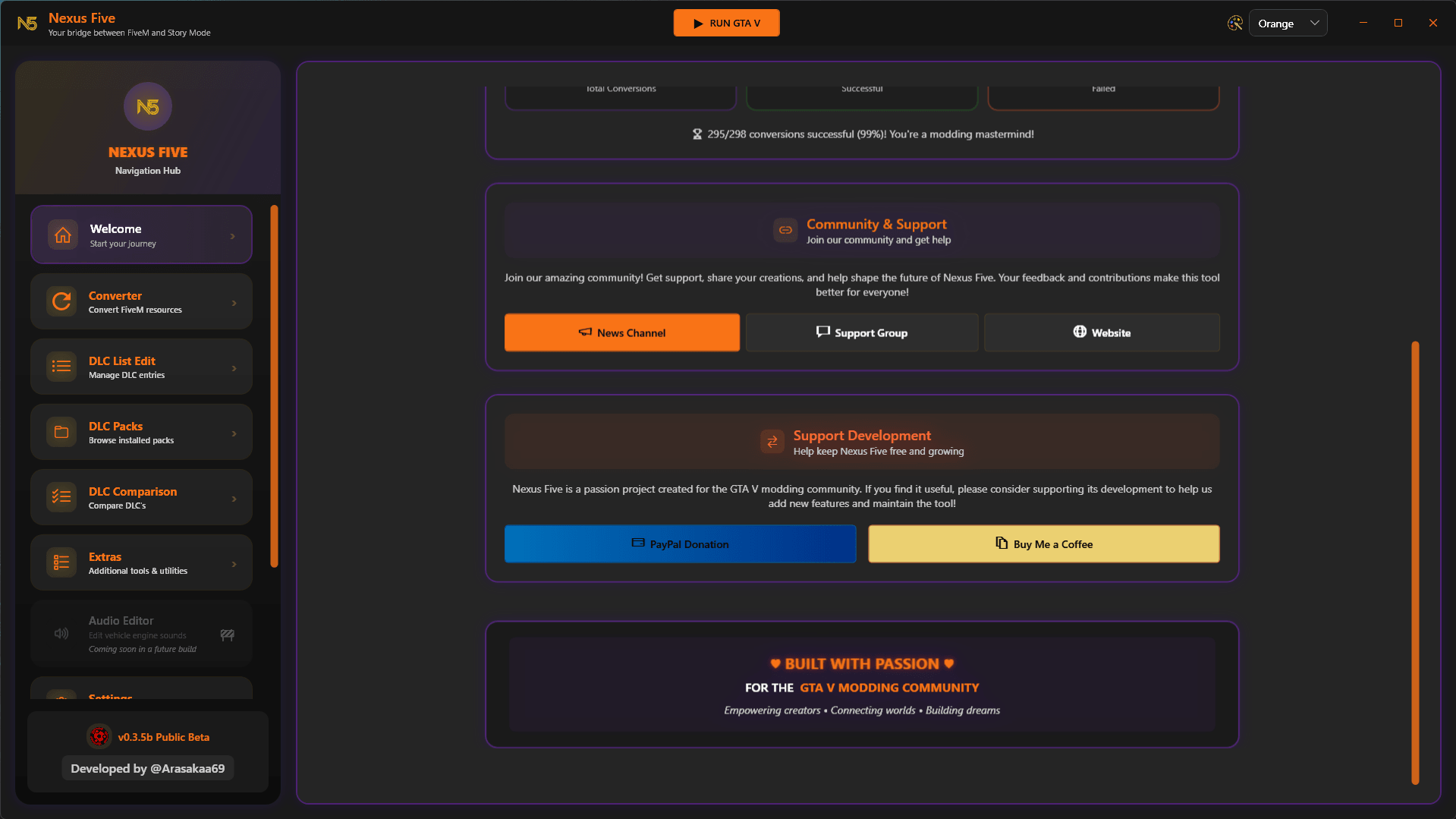
DLC List Editor – Visual editor for dlclist.xml with search, add, edit, and remove functionality
DLC Packs Browser – Browse and manage your DLC pack hierarchy with file explorer integration
DLC Comparison Tool – Compare different DLC packs and analyze their contents (enable-disable them as needed)
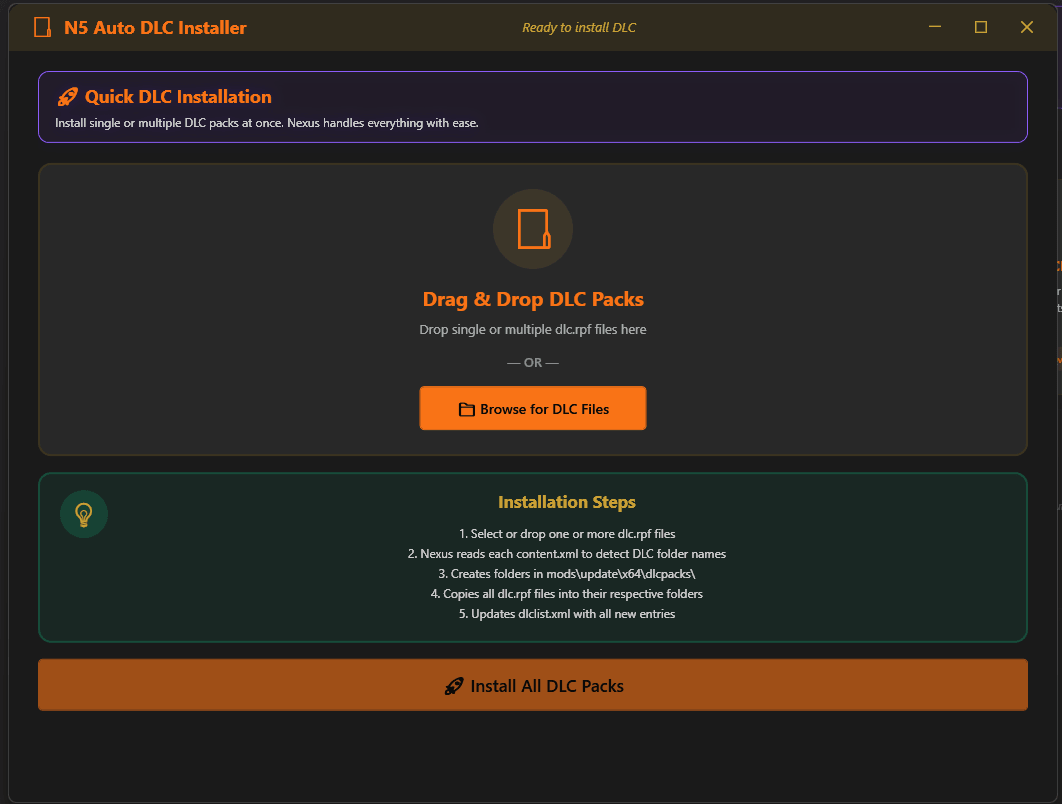
Batch DLC Installer – Install multiple DLC packs at once with drag-and-drop support
Batch DLC Cleanup – Remove multiple DLC packs and update dlclist.xml automatically
Advanced Tools
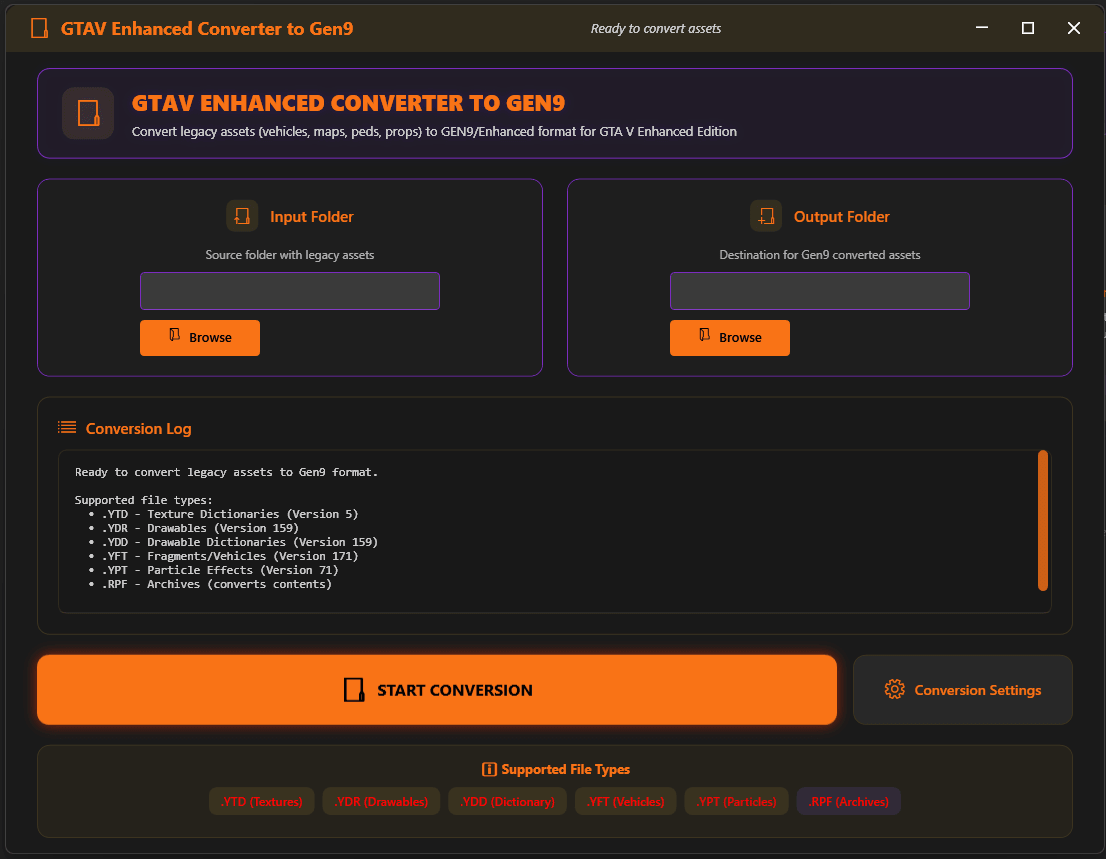
GTAV Enhanced Converter – Convert legacy assets to Gen9/Enhanced format (YTD, YDR, YDD, YFT, YPT, RPF files)
Timecycle Editor – Browse and edit timecycle XML files
AddonSpawner List Generator – Auto-generate UserDLC list files for AddonSpawner mod by ikt (available on 5mods aswell)
User Interface & Experience
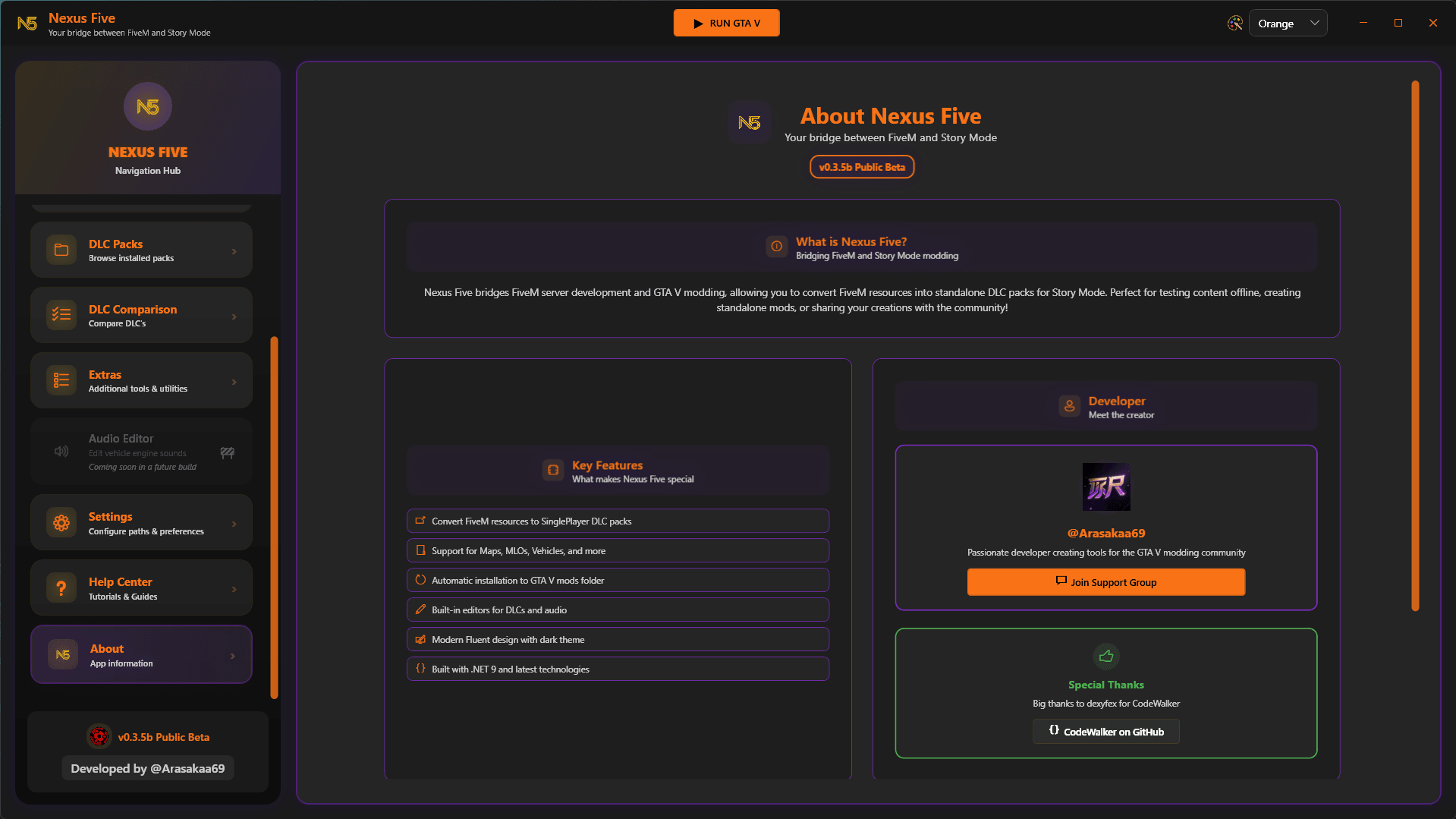
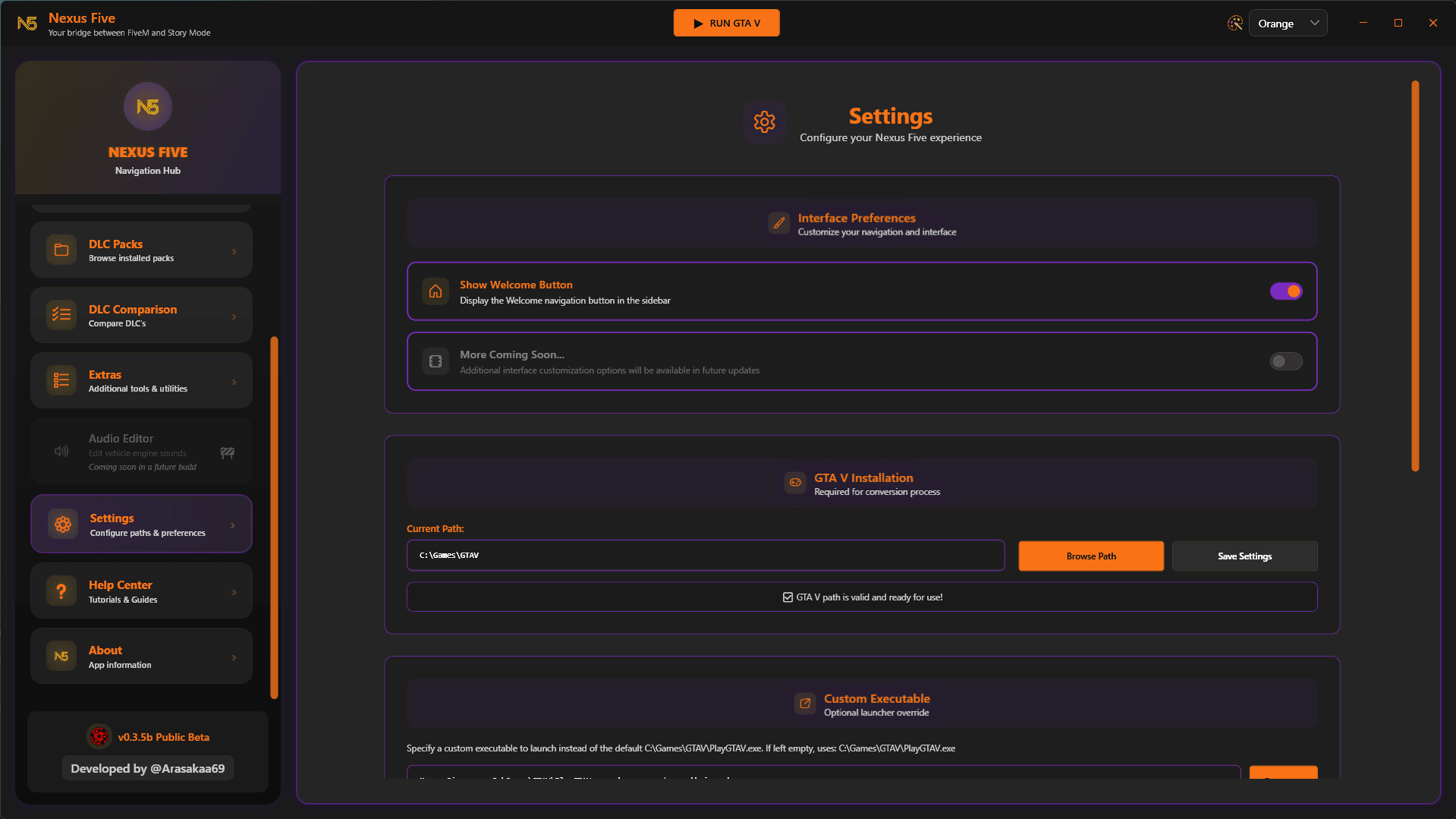
Modern Fluent UI – Dark theme with golden accents and multiple color themes (Golden, Blue, Green, Red, Orange, Purple, Pink, Teal)
One-Click GTA V Launch – Quick launch button for GTA V with custom executable support
Built-in Help System – Tutorials, FAQ, and community support integration
Advanced Settings – Configure paths, defaults, and interface preferences
Progress Tracking – Real-time conversion progress with detailed logging
Search & Filter – Live search functionality across DLC entries and packs
Context Menus – Right-click options for quick actions throughout the interface
Future Plans
Many more is planned especially for Enhanced and FiveM players aswell Thanks for your support and feedback!
Changelog:
v0.3.6 Beta Build
Fixed Auto AddonSpawner List Generation – Multi-Vehicle Pack Fix
Fixed AddonSpawner .list file generation for multi-vehicle packs, which previously only worked for single vehicles and DLC merge operations. The list now correctly filters out tuning parts (wheels, bumpers, spoilers, etc.) and only includes main vehicle spawn names. Added a confirmation section in the auto-installation completion dialog that shows the created .list file path with an “Open .list” button for quick access. All tuning parts remain properly included in the DLC conversion files – they’re just excluded from the spawn list as intended.
Credits:
ARASAKA
Download mod
| File | File size |
|---|---|
 Nexus Five - v0.3.6 Beta Build
 | 68 MB |