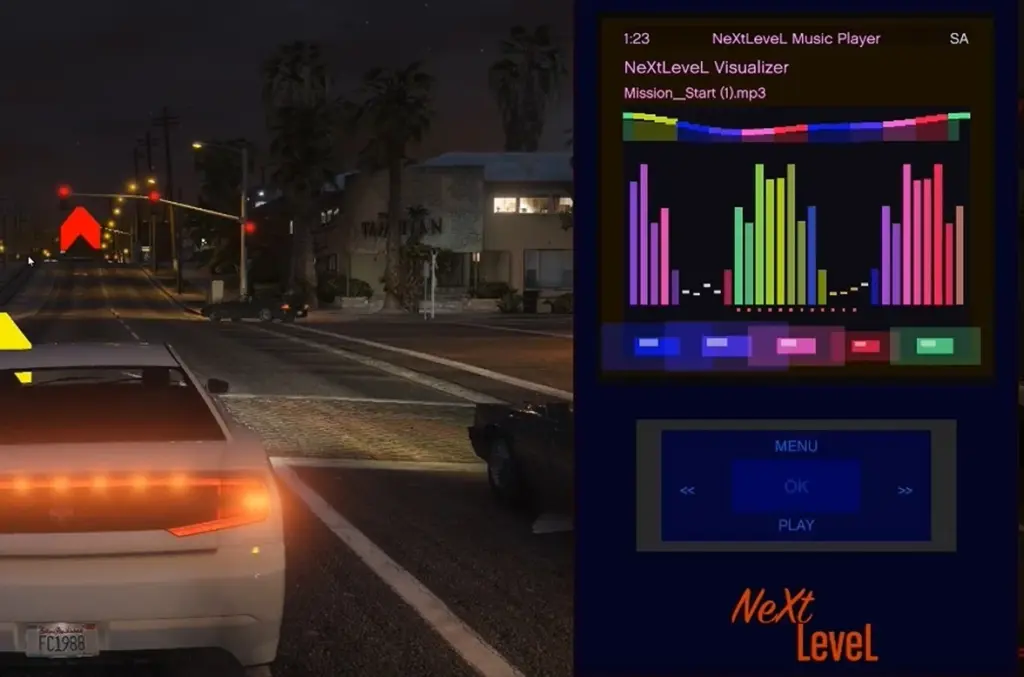
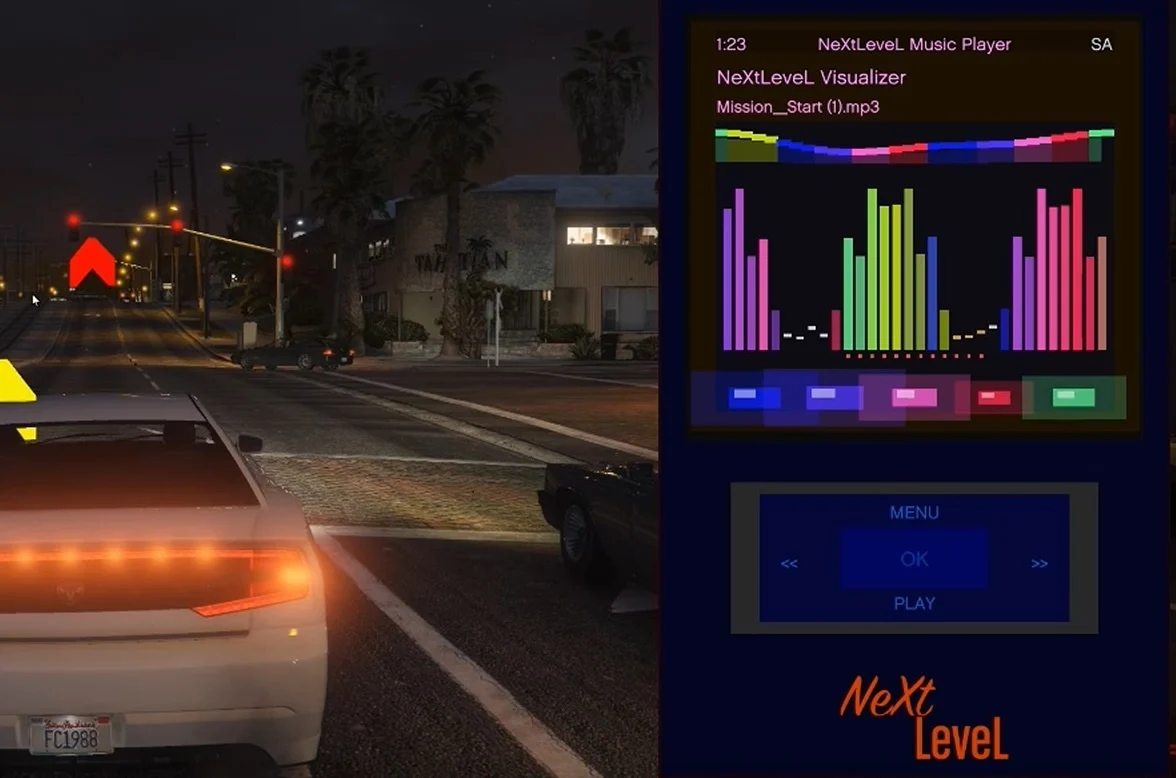
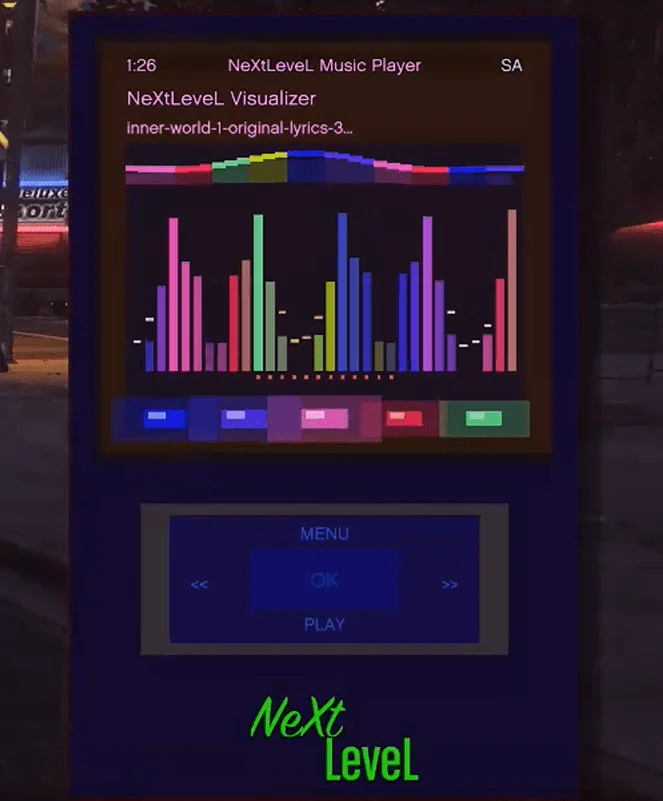
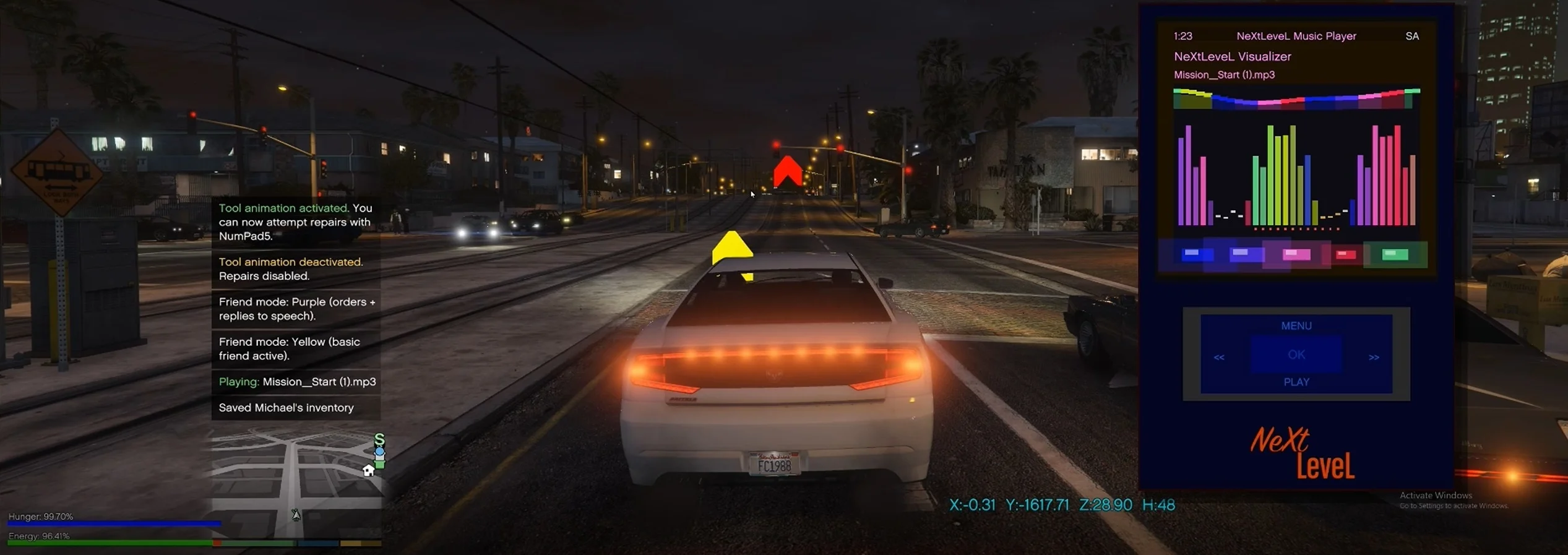
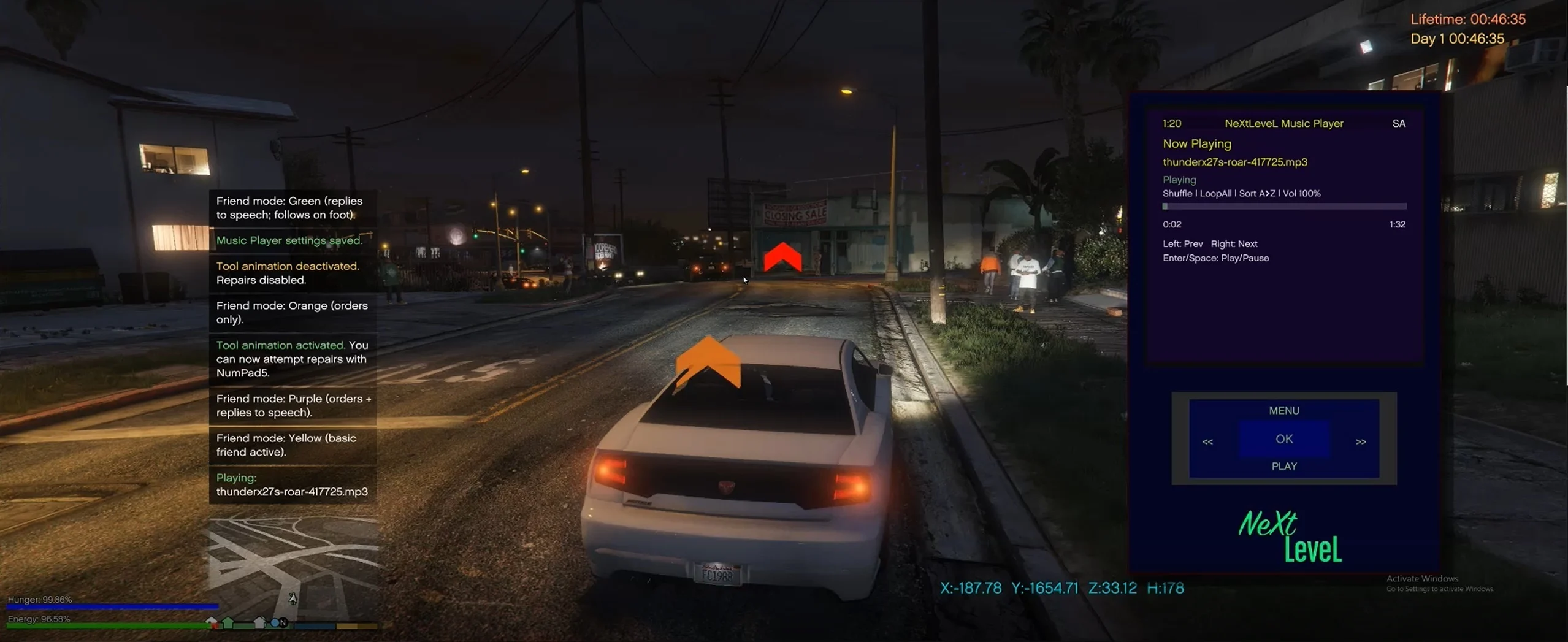
NeXtLeveL Music Player is a music player mod for GTA V that lets you play your own music files in-game, featuring playlists, a visualizer and themes.
1. How to Use:
Copy ALL files into your Grand Theft Auto V/scripts folder, including all Naudio files, and extra .dll’s
Then Place your music files (.mp3 or .wav) in:
GTA V\scripts\NeXtLeveLMusicPlayer\Music\ – ( You will need to create the 2 folders sorry )
(You can use subfolders to organize.)
2. Open/Close the Player:
– In-game, press Shift + F7.
3. Basic Controls:
– Enter / NumPad 5: Select.
– Arrow Keys: Move up/down/left/right.
– Backspace: Back / Close player.
– Space: Play / Pause music.
4. Play Music:
Go to Library → choose Folders or All Songs → pick a track → press Enter to play.
While playing, use:
– Left Arrow: Previous track.
– Right Arrow: Next track.
– Space or Enter: Pause/Play.
5. Make Playlists:
Go to Playlists → Create New Playlist → type a name → press Enter.
To add songs: find a track in Library, press the + (Plus) key, and choose your playlist.
6. Change Settings:
In Settings, you can
– Adjust Volume or Brightness.
– Change Theme Colors (background, text, accent).
– Set Playback Mode (Normal, Loop, Shuffle).
Save Settings when done.
7. Visualizer:
Select Aurora Visualizer from the main menu to see bars and colors move with the music. Controls here are the same as Now Playing.
Quick Controls Reference:
– Shift + F7 → Open/Close player
– Enter → Select
– Backspace → Back
– Space → Play/Pause
– (Plus) + key → Add song to playlist
– Arrow keys → Navigate or change tracks
Changelog:
Ver 1.1,
includes the folders you need, so you dont need to create them anymore, and sample music.
Credits:
ebeneezer82
Download mod
| File | File size |
|---|---|
 NeXt LeveL Music Player
 | 117 MB |
![Driver's Paradise Remastered [Single Player | FiveM] Single Player](https://gta5mod.net/wp-content/uploads/2021/03/Paradise-Remastered-150x150.jpg "Driver's Paradise Remastered [Single Player | FiveM] Single Player")