
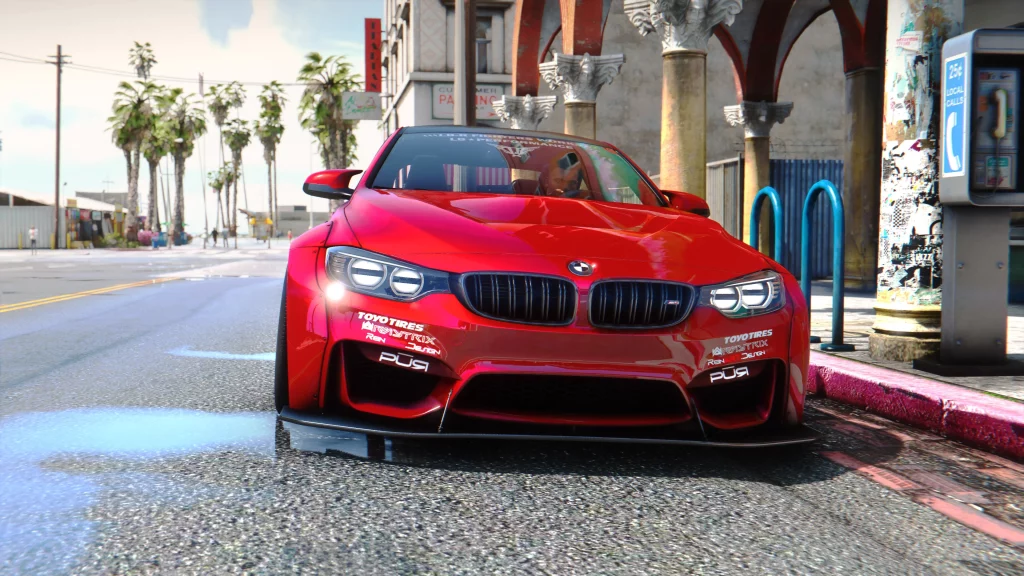
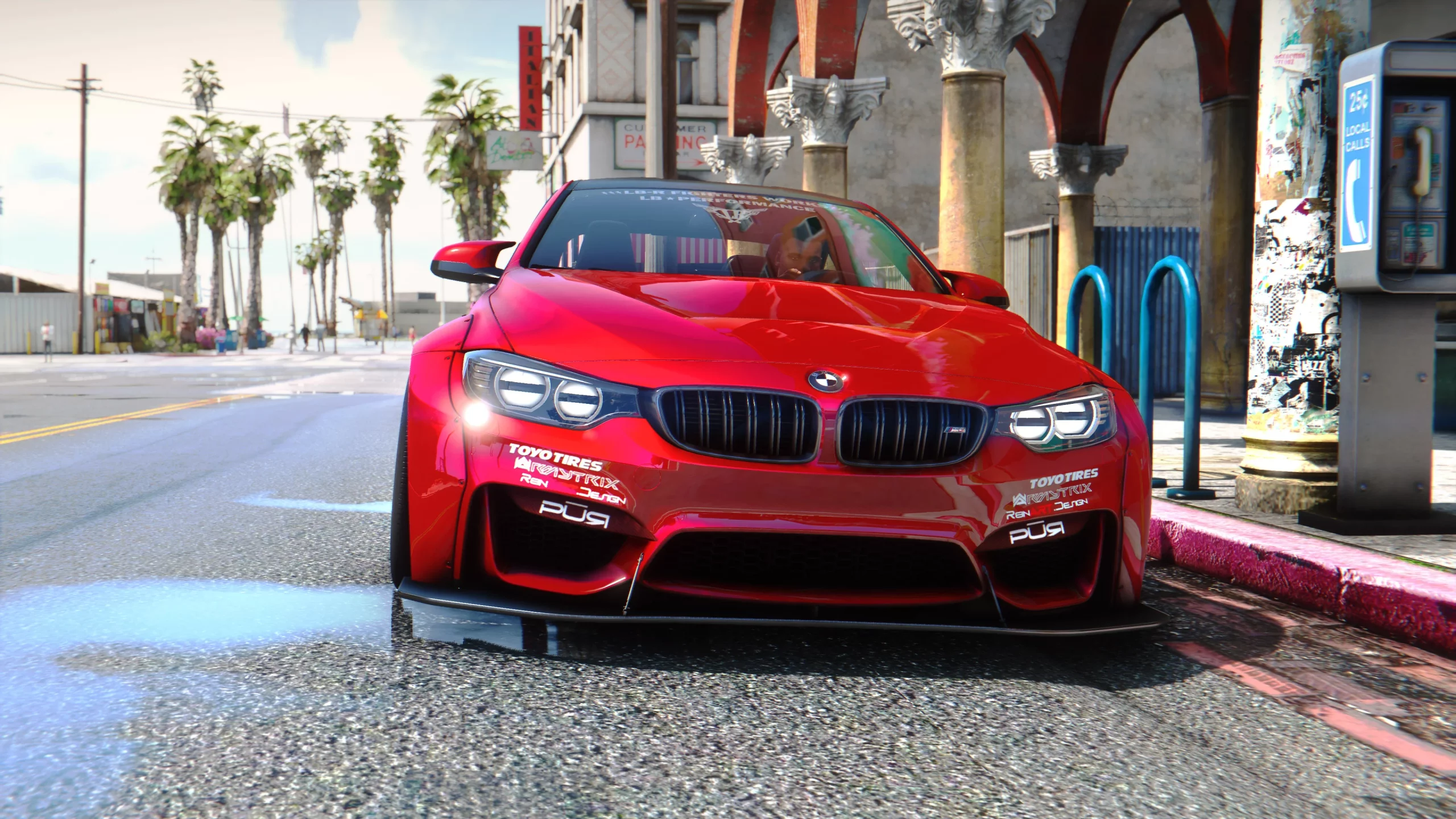
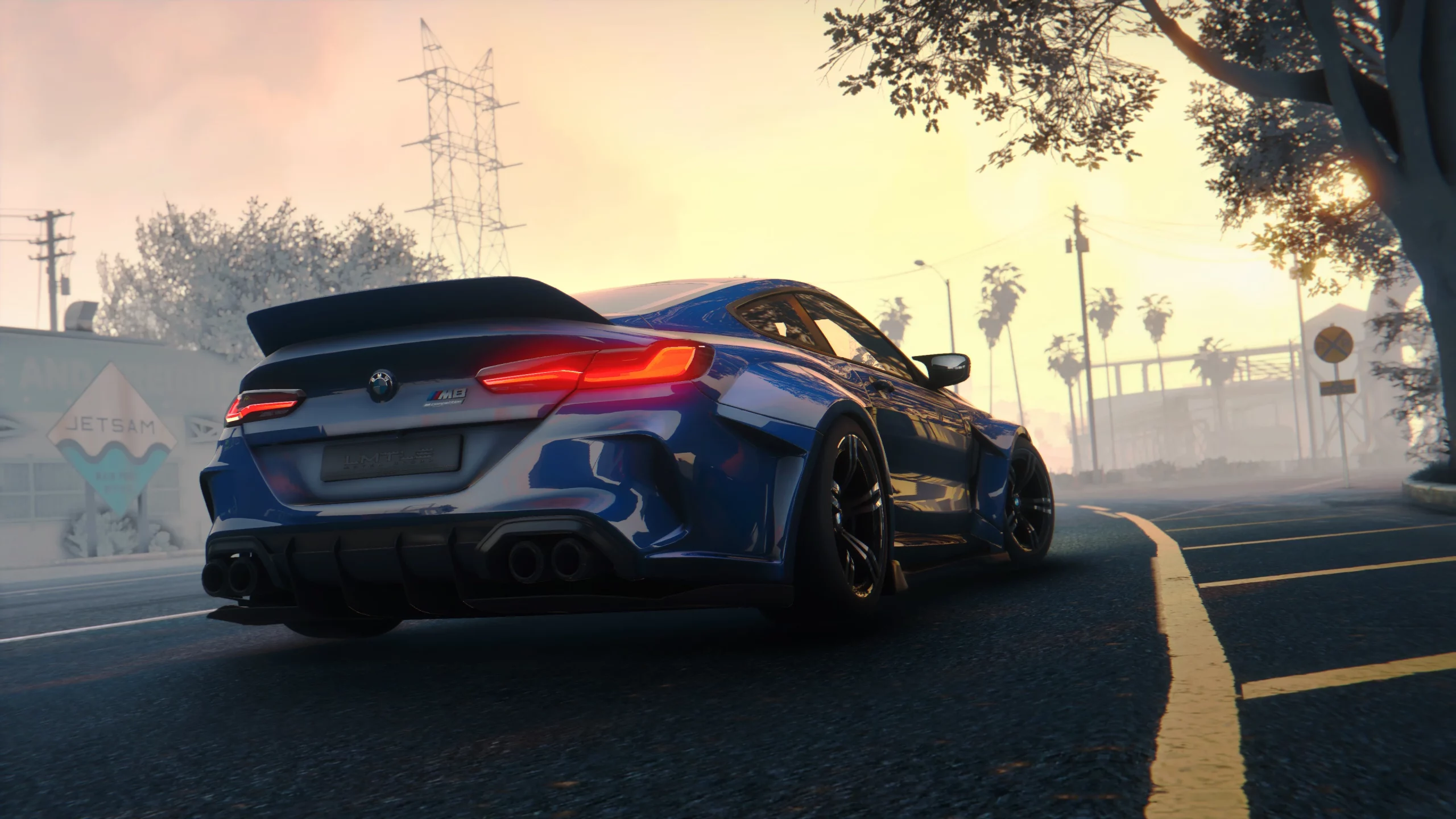
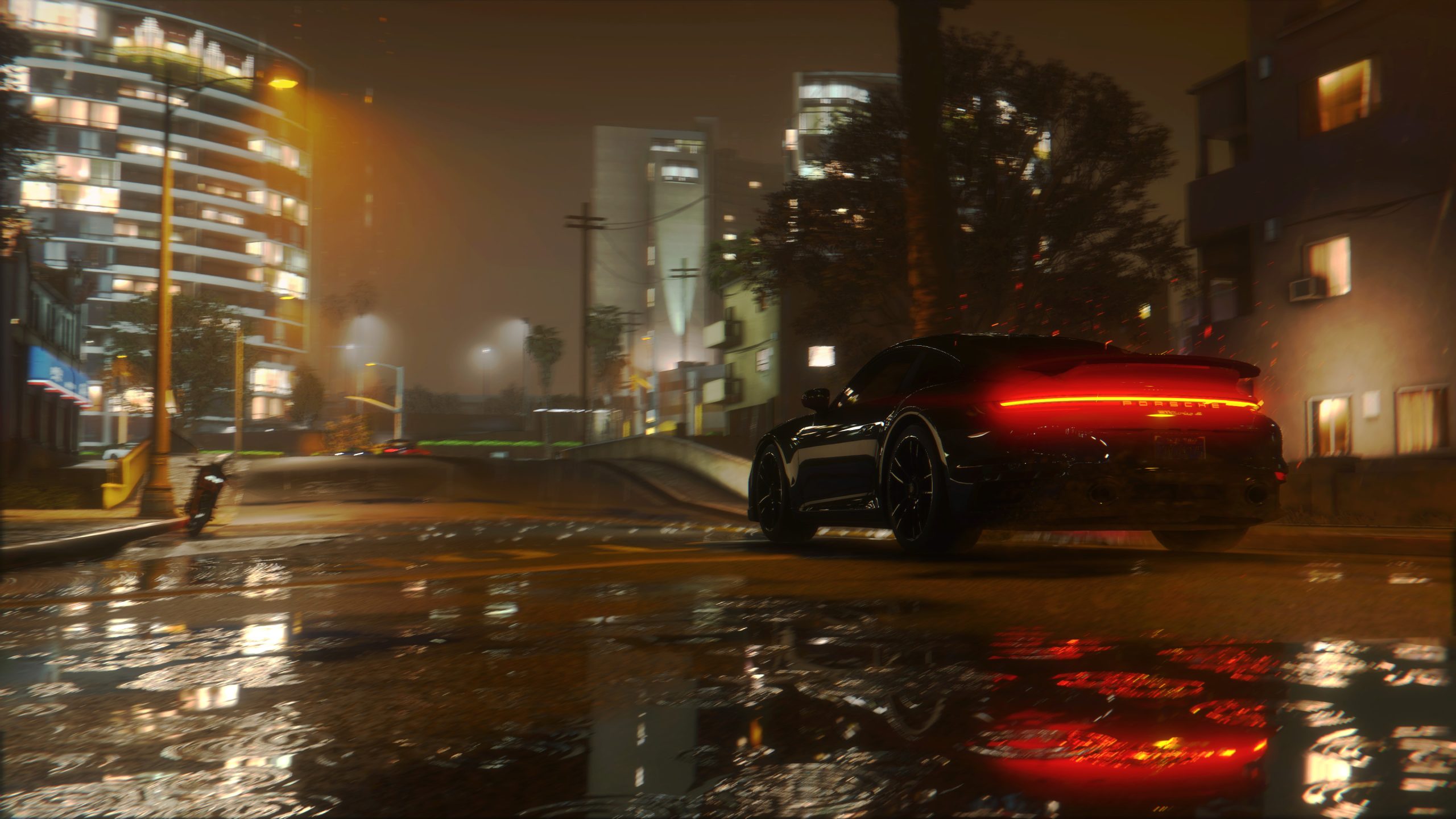
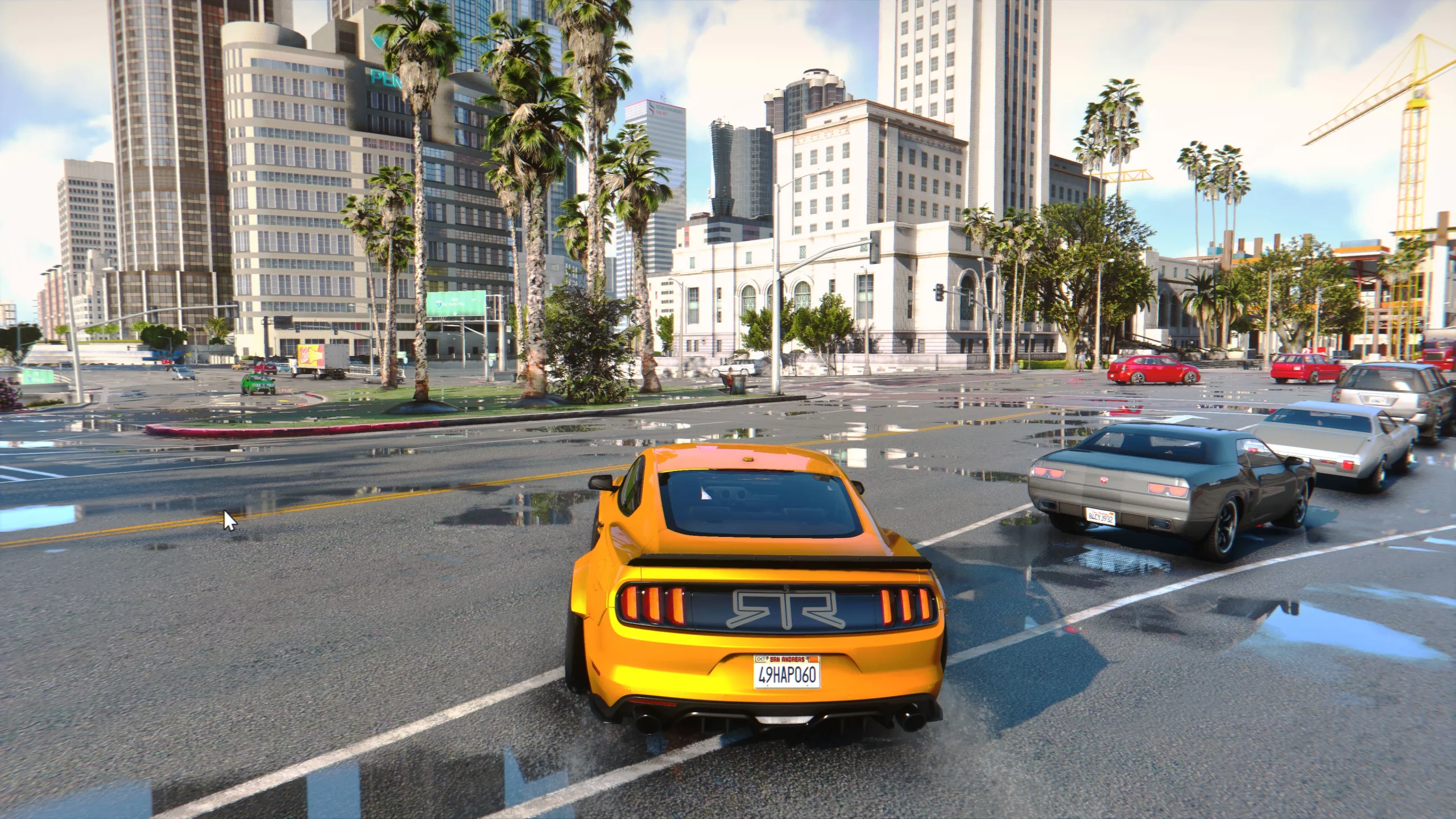
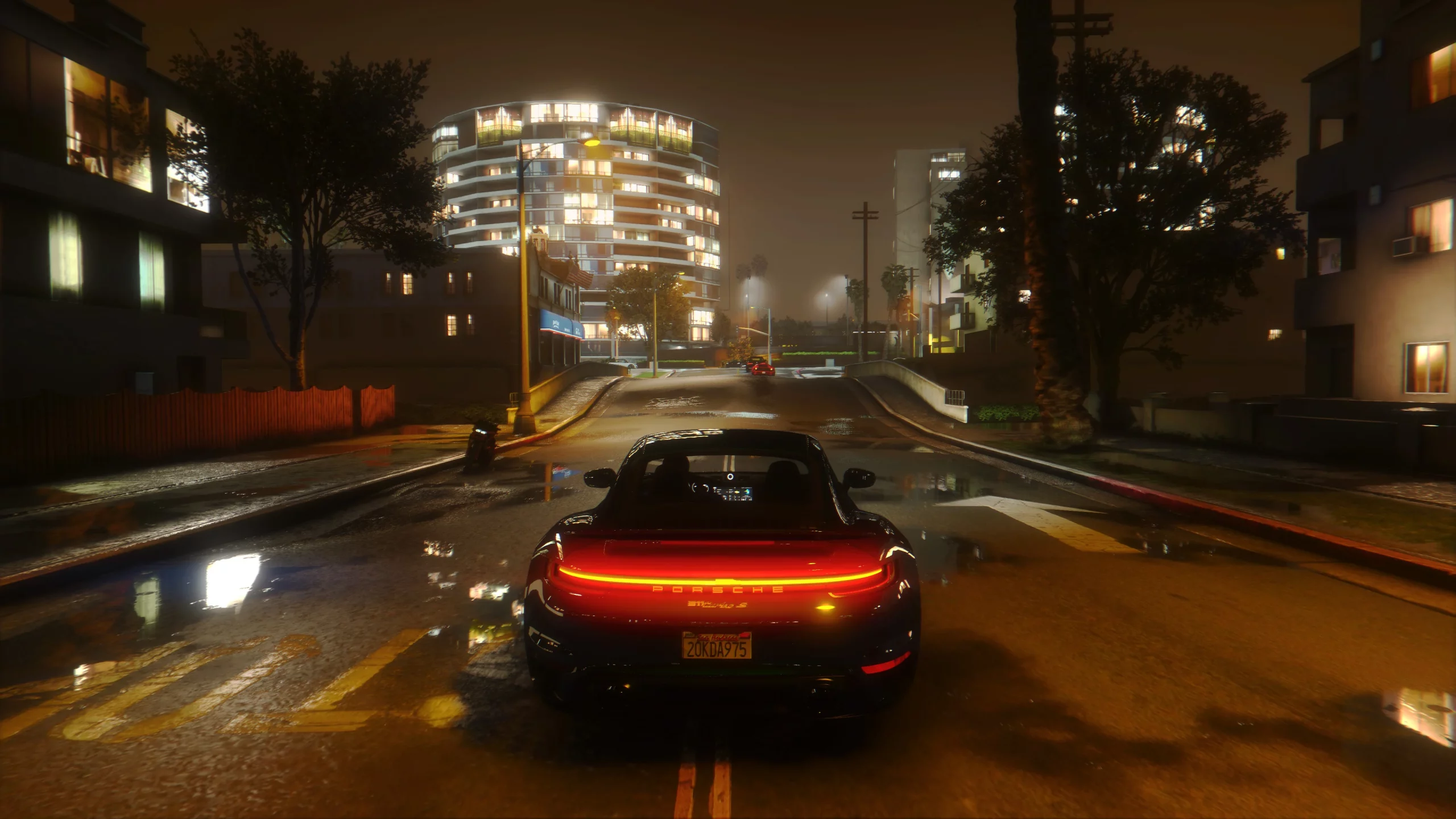
This is combined graphic mod which includes end, reshade, timecycle modifyed and some other file changes.
Install:
1. Using OpenlV install VisualV.
2. Using OpenlV install Awesomekills graphics.oiv package
3. Install Reshade (installer in archive)
4. Copy all files from “GTAV main folder” to your gta main folder with replace.
5. Launch the game, in game press “Home”, reshade menu will opens,
then press continue -> continue -> continue -> finish, then click to DefaultPreset (on the top of Reshade window), the list will come out and select preset you need.
To change preset press “Home” again and change preset.
Included reshade presets list:
1080p gameplay
2160p gameplay
1080p screenshots
2160p screenshots
Uninstall:
Delete mods folder, dxgi.dll and d3d11.dll
Changelog:
Update January 2023 changelog:
-Color changes
-Better reflections
-Sky, ligthing, bloom improvements
-Night time ligthing improvements
Update February 2022 changelog:
-Color, bloom and reflections improvements
-Improved SSAO
-Improved ambient and fog effects
-Other minor changes
If you have trubles with install check README.
Installation video tutorial if you have troubles:
Also i release RT version of this mod.
You can check it here: https://www.patreon.com/awesomekills
Credits:
Awesomekills
Download mod
| File | File size |
|---|---|
 Awesomekills_Graphics_01.2023
 | 18 MB |
![January jacket peregrine [SP / FiveM] 1.0](https://gta5mod.net/wp-content/uploads/2020/10/january-jacket-peregrine3-150x150.png "January jacket peregrine [SP / FiveM] 1.0")
![Franklin-Crazy graphics T-shirts [5K]](https://gta5mod.net/wp-content/uploads/2022/02/Franklin-Crazy-graphics-T-shirts-150x150.webp "Franklin-Crazy graphics T-shirts [5K]")

this broken my whole game..